Skip to Main Content
Sam's Club
Sam's Club
All Departments
All Services
Customer reviews for SAMSUNG 60" Class DU6900 Series UHD 4K Smart TV for
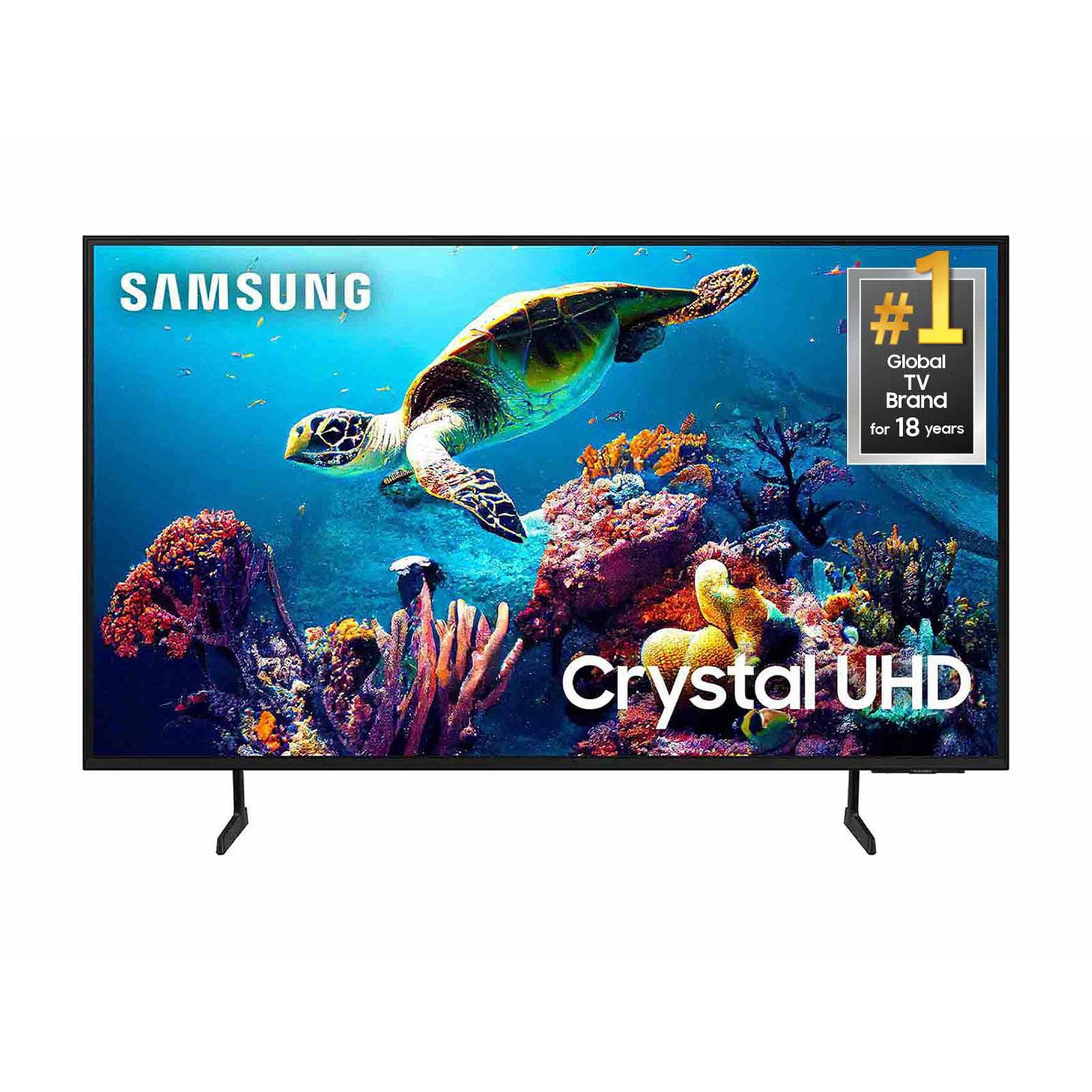
SAMSUNG 60" Class DU6900 Series UHD 4K Smart TV
4.4 out of 5 stars
stars
2,031 ratings2,009 reviews
  1. 5 stars68% (1,380)
  2. 4 stars16% (331)
  3. 3 stars7% (142)
  4. 2 stars4% (77)
  5. 1 star5% (101)

Member photos

  • +508 images
Sort by |
Showing 1,781-1,790 of 2,009 reviews
Feb 6, 2025
Reviewer name: Hookem
5 out of 5 stars
5 out of 5 stars review

Great features

Love all the features that Samsung put into their TVs

Review from Samsung US
Helpful?2944RFFI236513954163060
Mar 23, 2025
Reviewer name: Samsung
5 out of 5 stars
5 out of 5 stars review

Samsung

Very happy with my product, very nice, simple to work with.

Review from Samsung US
Helpful?2944RFFI236513954163060
Feb 5, 2025
Reviewer name: Goodwood
5 out of 5 stars
5 out of 5 stars review

Great tv

Very satisfied with my new samsung tv wish I would have bought a bigger one but over all great buy

Review from Samsung US
Helpful?2944RFFI236513954163060
Feb 5, 2025
Reviewer name: Fanta
5 out of 5 stars
5 out of 5 stars review

Easy to navigate and use.

Have had it about 2 months. Excellent product. No problems.

Review from Samsung US
Helpful?2944RFFI236513954163060
Feb 5, 2025
Reviewer name: Denn
5 out of 5 stars
5 out of 5 stars review

Nice TV

Beautiful picture, a little difficult to figure out all the settings but it's a great tv

Review from Samsung US
Helpful?2944RFFI236513954163060
Feb 8, 2025
Reviewer name: No nickname
5 out of 5 stars
5 out of 5 stars review

Like having Samsung Tv Plus with the tv.

I bought the tv just before Christmas. Its bigger then what I had.

Review from Samsung US
Helpful?2944RFFI236513954163060
Mar 5, 2025
Reviewer name: Tony
5 out of 5 stars
5 out of 5 stars review

Good Product

I'm really happy with my TV , Samsung make it easy to enjoy

Review from Samsung US
Helpful?2944RFFI236513954163060
Feb 5, 2025
Reviewer name: Cinnamonbun
5 out of 5 stars
5 out of 5 stars review

Nice features

Works great second smart TV we bought love it had last one 12 years.

Review from Samsung US
Helpful?2944RFFI236513954163060
Mar 16, 2025
Reviewer name: Moon25
3 out of 5 stars
3 out of 5 stars review

Nice but could use a few features.

It has a good picture but could use a better home screen, more apps (like VNC) and voice control.

Review from Samsung US
Helpful?2944RFFI236513954163060
reply from Samsung Brand Ambassador

Moon25, Thank you for taking the time to provide feedback on your DU6900 TV. Please know that your feedback will be shared with our internal product teams. We take pride in our products and are sorry to hear that your experience was not up to our high standards. While the DU6900 does not have voice assistants built in, it is compatible with Alexa. You can connect them to your existing Alexa device to ask them to turn on your TV, change channels, control volume, and more. Our DU8000 TV Series and above offer voice command and built-in voice assistants. If there’s anything we can ever help with, please call us at 1-800-SAMSUNG, 8 AM - 12 AM EST, seven days a week. Or visit us on the Samsung website and click on the ‘Support’ link for: 1) LiveChat 2) Manuals, Software, & Warranty Info ~ Samsung Pro

Mar 7, 2025
Reviewer name: Artie
1 out of 5 stars
1 out of 5 stars review

Remote is cheap!

The Remote is cheap and will not work! The sound is stuck on MUTE!

Review from Samsung US
Helpful?2944RFFI236513954163060
reply from Samsung Brand Ambassador

Artie, Thank you for taking the time to provide feedback on your DU6900 TV. Please know that your feedback will be shared with our internal product teams. We take pride in our products and are sorry to hear that your experience was not up to our high standards. Please try the following troubleshooting steps: First, please remove the batteries from your remote, and then hold the Power button for eight seconds to reset the remote. Then, reinsert the batteries and try to use the remote again. Next, check if the remote is sending an IR signal. Take either a digital camera or use the camera on your phone or tablet. Point the remote at the camera, and then press and hold the Power button on the remote. As you hold the button down, look at the camera's screen. If the remote is sending an IR signal, you will see a colored light coming from the remote control. If you do not see the IR light, replace the batteries with fresh ones and try again. If you still do not see the IR light, then replace the remote. You can also take advantage of the remote control function within the SmartThings app. I hope these tips help you enjoy your new product. You can contact us for further help at 1-800-SAMSUNG, 8 AM - 12 AM EST, seven days a week. Our LiveChat agents are also available by clicking on the ‘Support’ link on our website. ~ Samsung Pro