Skip to Main Content
Sams Club
Sams Club
Customer reviews for SAMSUNG 60" Class DU6900 Series UHD 4K Smart TV for
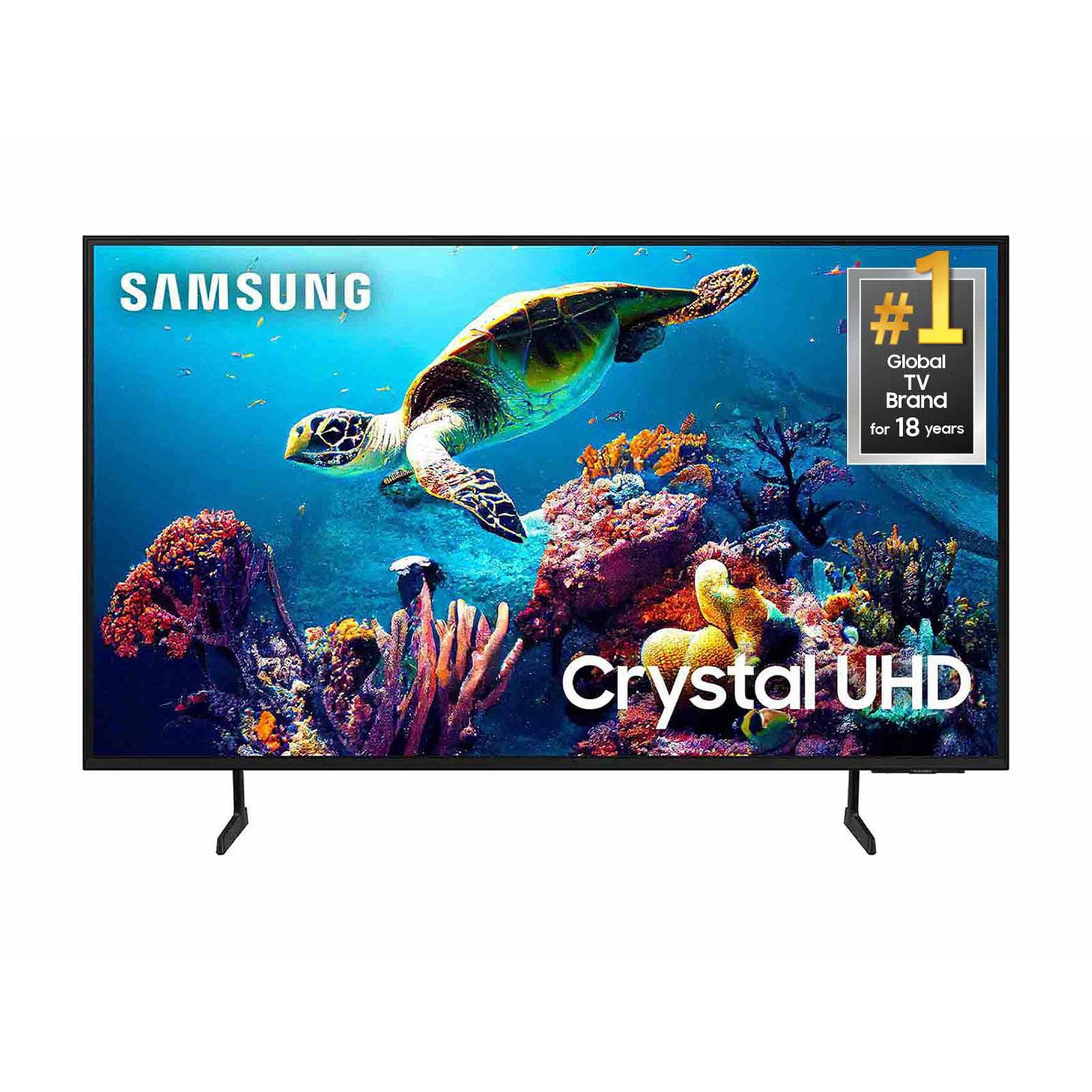
SAMSUNG 60" Class DU6900 Series UHD 4K Smart TV
4.4 out of 5 stars
stars2,026 ratings2,004 reviews
  1. 5 stars68% (1,372)
  2. 4 stars16% (330)
  3. 3 stars7% (145)
  4. 2 stars4% (77)
  5. 1 star5% (102)
Write a review

Customer photos

  • +505 images
Sort by |
Showing 1,511-1,520 of 2,026 reviews
Nov 19, 2024
None
2 out of 5 stars review

Poor Review

I've been very discouraged with this tv. If it wasn't so large, I would have thrown it out the window! The directions, which were practically none, were not very helpful! How could you send so few details?? I had to figure out everything by myself. Very time consuming! I had to call for assistance, at least 3 times, So, no not happy with it. The color is great . And maybe if there was more info included, Iwouldn't be so frustrated. But I certainly wouldn't recommend it to anyone!!

Review from Samsung US
Helpful?2944RFFI236513954163060
reply from Samsung Brand Ambassador

Hello, Thank you for taking the time to provide feedback on your DU6900 TV. Please know that your feedback will be shared with our internal product teams. We take pride in our products and are sorry to hear that your experience was not up to our high standards. If there’s anything we can ever help with, please call us at 1-800-SAMSUNG, 8 AM - 12 AM EST, seven days a week. Or visit us on the Samsung website and click on the ‘Support’ link for: 1) LiveChat 2) Manuals, Software, & Warranty Info ~ Samsung Pro

Dec 4, 2024
old man
1 out of 5 stars review

NOT HAPPY

The tv works great, but I,m old school, I want a tv that I turn on, select a channel and watch a show I don,t like that I have to go through 450 channels to find the one I want. last night I wanted to watch the news after the show I was watching. the news was half over befor I could find it.

Review from Samsung US
Helpful?2944RFFI236513954163060
reply from Samsung Brand Ambassador

old man, Samsung TV Plus can be disabled, which removes the channels from your default guide. Should you want to disable TV Plus, follow the steps below: 1) Navigate to the Samsung TV Plus app and press and hold the enter or select button on the remote. This will bring up two options. ‘Move’ and ‘Remove.’ 2) Navigate to ‘Remove’ and select. This option brings up the ability to remove the app icon or disable the service. 3) Navigate to ‘Disable’ and select. This will remove the service from the launcher bar and the channels from the TV Guide. Alternatively, you can leave TV Plus enabled and utilize the Autorun Last App feature to automatically start the last app you used once the TV is turned on. To enable this feature, follow the steps below: 1) Navigate to Settings > All Settings> General > Smart Features > Autorun Smart Hub 2) Enable the Autorun Smart Hub feature 3) Navigate to Settings > General > Smart Features > Autorun Last App 4) Enable the Autorun Last App feature If you need further assistance, we would be happy to help! Please feel free to contact Samsung Support at 1-800-SAMSUNG, available from 8 AM to 12 AM EST, seven days a week. You can also chat with us on Samsung.com for immediate assistance. ~Samsung Pro

Dec 27, 2024
karinavanwing
5 out of 5 stars review

This TV does it ALL

[This review was collected as part of a promotion.] This TV is used in our bedroom and is on almost 24/7 as I am a SAHM. It is so easy to navigate and customize! Sound quality is extremely good for just being the tv speaker- we often only keep it on volume 10-it's that loud! Picture is phenomenal! This is our 3rd Samsung TV and we will never own another! We love our Samsung Smart TVs! The one downside- there is no “Siri” or “talk to type” feature! When you go to search something it comes up with a little blurb saying “Ask to search for -blank-“, so I'm unsure if it does have that feature and I'm just unable to figure out how to use it! Lol

Review from Samsung US
Helpful?2944RFFI236513954163060
Apr 19, 2025
AweSam
5 out of 5 stars review

Sweet TV

This TV is sweet! Love the color quality and ease of set up!

Review from Samsung US
Helpful?2944RFFI236513954163060
Apr 19, 2025
Meme
2 out of 5 stars review

It's okay

It's okay the volume is low. I really don't like the t.v.

Review from Samsung US
Helpful?2944RFFI236513954163060
reply from Samsung Brand Ambassador

Meme, Thank you for sharing your experience with low volume. There are several volume features you can adjust, which may improve your audio experience. 1) Auto Volume automatically adjusts the sound to a certain level when changing channels or switching to another external input. Go to Settings > All Settings> Sound > Expert Settings > Auto Volume. 2) Adaptive Sound automatically adjusts to a specific volume level while watching TV. The TV analyzes your volume usage history by time period to automatically adjust the volume when you use an app or switch to an external input source. Go to Settings> All Settings> Sound> Sound Mode> Adaptive Sound. 3) Several Sound Modes are likewise available to meet your personal preferences: Home > Settings > All Settings> Sound > Sound Mode. Also, some sources have their own volume control, which might need to be set higher. Please check the volume control of the external device (cable box or satellite box, DVD, Blu-ray, etc.) connected to your TV. Also, check the cable connection between an external device and the TV and then try the cable connection again. If you need further assistance, we would be happy to help! Please feel free to contact Samsung Support at 1-800-SAMSUNG, available from 8 AM to 12 AM EST, seven days a week. You can also chat with us on Samsung.com for immediate assistance. ~Samsung Pro

Apr 19, 2025
Sassy
5 out of 5 stars review

Samsung has great picture quality

Excellent picture quality. And the bigger screen is the bomb!

Review from Samsung US
Helpful?2944RFFI236513954163060
Apr 20, 2025
Richard
4 out of 5 stars review

Frame tv

I bought An 85” Samsung Frame tv.. The mat screen is better than any other tv I've had in the past

Review from Samsung US
Helpful?2944RFFI236513954163060
Apr 19, 2025
Renee
5 out of 5 stars review

Great value

Love it! Great sound and picture quality. Great price! Samsung is awesome!

Review from Samsung US
Helpful?2944RFFI236513954163060
Apr 20, 2025
Kate
5 out of 5 stars review

Great Investment

Samsung is the only brand I love. Great investment.

Review from Samsung US
Helpful?2944RFFI236513954163060
Apr 19, 2025
Sassy14slb
5 out of 5 stars review

Happy TV Watcher

The picture is amazing! The color is wonderful! Almost like watching real life thru a window.

Review from Samsung US
Helpful?2944RFFI236513954163060