Skip to Main Content
Sam's Club
Sam's Club
All Departments
All Services
Customer reviews for SAMSUNG 60" Class DU6900 Series UHD 4K Smart TV for
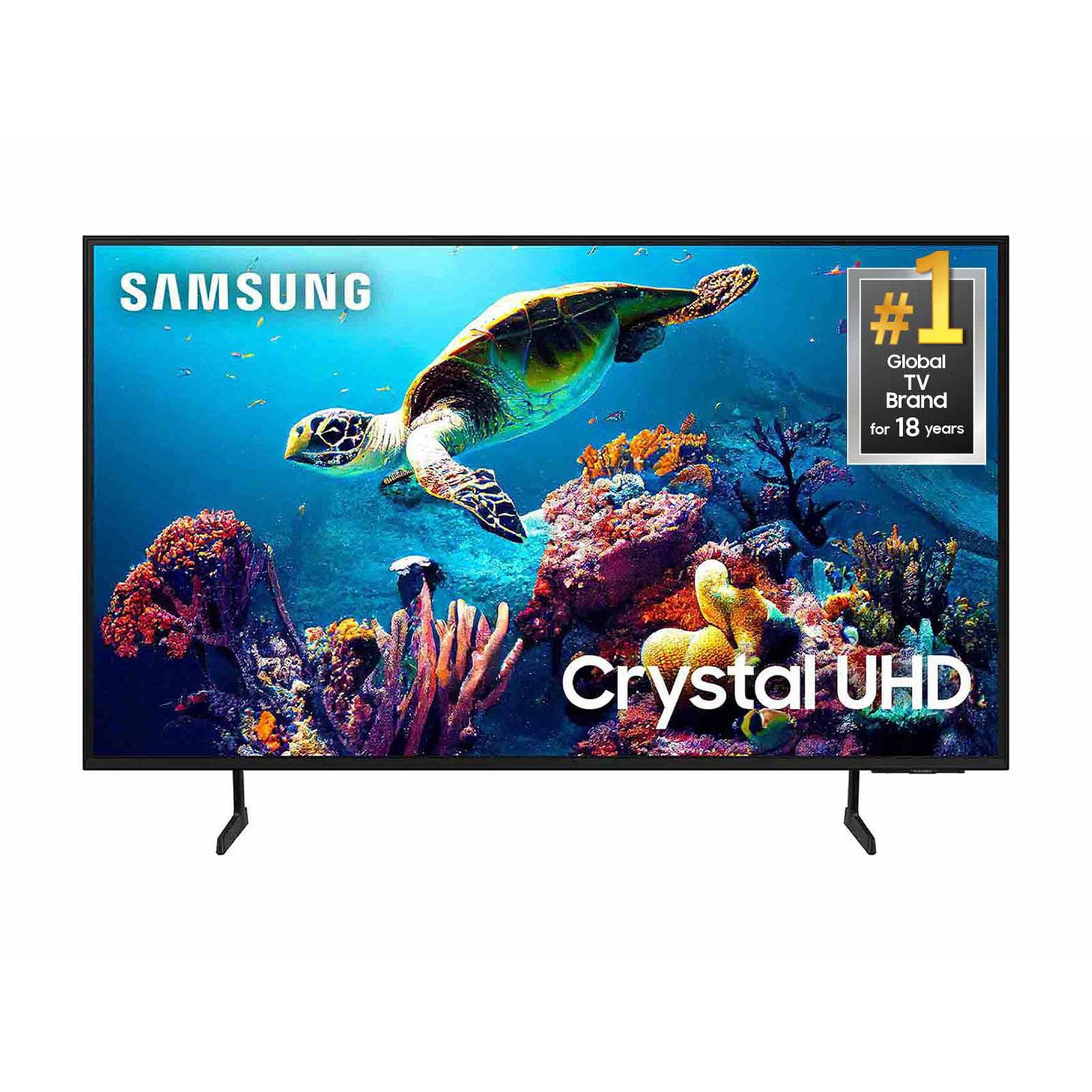
SAMSUNG 60" Class DU6900 Series UHD 4K Smart TV
4.4 out of 5 stars
stars
2,031 ratings2,009 reviews
  1. 5 stars68% (1,380)
  2. 4 stars16% (331)
  3. 3 stars7% (142)
  4. 2 stars4% (77)
  5. 1 star5% (101)

Member photos

  • +508 images
Sort by |
Showing 1,331-1,340 of 2,009 reviews
Mar 8, 2025
Reviewer name: Ginny
3 out of 5 stars
3 out of 5 stars review

Great picture quality

The t.v. itself is great. We are older people used to scrolling t v. Stations so we are having difficulty with this new type of format

Review from Samsung US
Helpful?2944RFFI236513954163060
reply from Samsung Brand Ambassador

Ginny, Thank you for choosing Samsung and for your feedback on the DU6900 TV. We understand sometimes there is a learning curve when you get a new TV! This is why we created step-by-step guides, to make it easier for you. To learn about your TV go to https://www.samsung.com/us/support/answer/ANS00062199/. We are also always available and happy to help you with any questions you may have. You can call us at 1-800-SAMSUNG, 8 AM - 12 AM EST, seven days a week. Our LiveChat agents are also available by clicking on the ‘Support’ link on our website. ~Samsung Pro

Feb 6, 2025
Reviewer name: love to watch
5 out of 5 stars
5 out of 5 stars review

great tv

I am very happy with my new tv. I only wish that is came a manuel book on how to navagate the remote control .

Review from Samsung US
Helpful?2944RFFI236513954163060
Mar 26, 2025
Reviewer name: Jay0230
3 out of 5 stars
3 out of 5 stars review

The TV great

[This review was collected as part of a promotion.] TV great bit I have to keep resting about every hour due to the apps freezing up

Review from Samsung US
Helpful?2944RFFI236513954163060
reply from Samsung Brand Ambassador

Jay0230, Thank you for letting us know about the issues you are having with apps freezing on your DU6900 TV. First, let's ensure you are running the latest Firmware Update. You can check this by going to Home > Menu > Settings > Support > Software Update. You may also want to further optimize performance with the self-diagnostic tool, which checks memory, frees up unused cached memory, and closes background apps. Go to: Home > Menu > Settings > Support > Device Care > Start Device Care. Next, I recommend ensuring your favorite apps are up to date by going to “Apps” on your Smart TV and selecting “Settings” from the top right corner. Next, select the desired app and select "Update," if available. If the issue persists or if there is no Update available, we will try deleting and reinstalling the app. To do so, navigate to “Apps” on your Smart TV and select “Settings” from the top right corner. Next, select the app. Finally, select Delete, and select Delete again to confirm. Then we will reinstall the app by returning to “Apps” on your Smart TV and selecting “Settings” from the top right corner. Click on the app and then select “Reinstall.” If you need further assistance, we would be happy to help! Please feel free to contact Samsung Support at 1-800-SAMSUNG, available from 8 AM to 12 AM EST, seven days a week. You can also chat with us on Samsung.com for immediate assistance. ~Samsung Pro

Mar 20, 2025
Reviewer name: Samsunguser
4 out of 5 stars
4 out of 5 stars review

This is a smart TV
[This review was collected as part of a promotion.] Because this is a smart TV you can access the web directly from the TV.

Review from Samsung US
Helpful?2944RFFI236513954163060
Mar 20, 2025
Reviewer name: Babies4Me
4 out of 5 stars
4 out of 5 stars review

Great TV Review
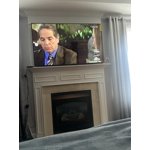
[This review was collected as part of a promotion.] I really love this TV! I do need a better stereo sound instead of purchasing a sound bar

Review from Samsung US
Helpful?2944RFFI236513954163060
Mar 30, 2025
Reviewer name: Mandie
5 out of 5 stars
5 out of 5 stars review

This tv amazing

[This review was collected as part of a promotion.] Love this tv clear and enjoying it so so much it's great

Review from Samsung US
Helpful?2944RFFI236513954163060
Mar 20, 2025
Reviewer name: BillLee
5 out of 5 stars
5 out of 5 stars review

I now have two!

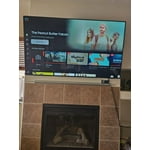
[This review was collected as part of a promotion.] I love my first Crystal UHD in my game room so much, I bought another for my hearth room!

Review from Samsung US
Helpful?2944RFFI236513954163060
Feb 5, 2025
Reviewer name: Doris and James
3 out of 5 stars
3 out of 5 stars review

App

Need to make a app so you can download it on phone in case you lose the remote and use the phone to Operate your TV

Review from Samsung US
Helpful?2944RFFI236513954163060
reply from Samsung Brand Ambassador

Hello, You can use the SmartThings app on your smartphone to control this TV, and from your TV, you can take control of your connected devices with SmartThings on your screen, which monitors and configures other smart devices in your home. If you need additional assistance, feel free to reach out! You can call us at 1-800-SAMSUNG, 8 AM - 12 AM EST, seven days a week. Our LiveChat agents are also available by clicking on the ‘Support’ link on our website. ~ Samsung Pro

Mar 20, 2025
Reviewer name: Love2shopSamsung
5 out of 5 stars
5 out of 5 stars review

Love it always like Samsung my first choice

[This review was collected as part of a promotion.] ❤️✔️👍Great Quality Love it always like Samsung my first choice

Review from Samsung US
Helpful?2944RFFI236513954163060
Mar 21, 2025
Reviewer name: Enjoylife1
4 out of 5 stars
4 out of 5 stars review

Samsung TV

[This review was collected as part of a promotion.] Like it's so much about a second one with 5 month.

Review from Samsung US
Helpful?2944RFFI236513954163060