Skip to Main Content
Sams Club
Sams Club
Customer reviews for SAMSUNG 60" Class DU6900 Series UHD 4K Smart TV for
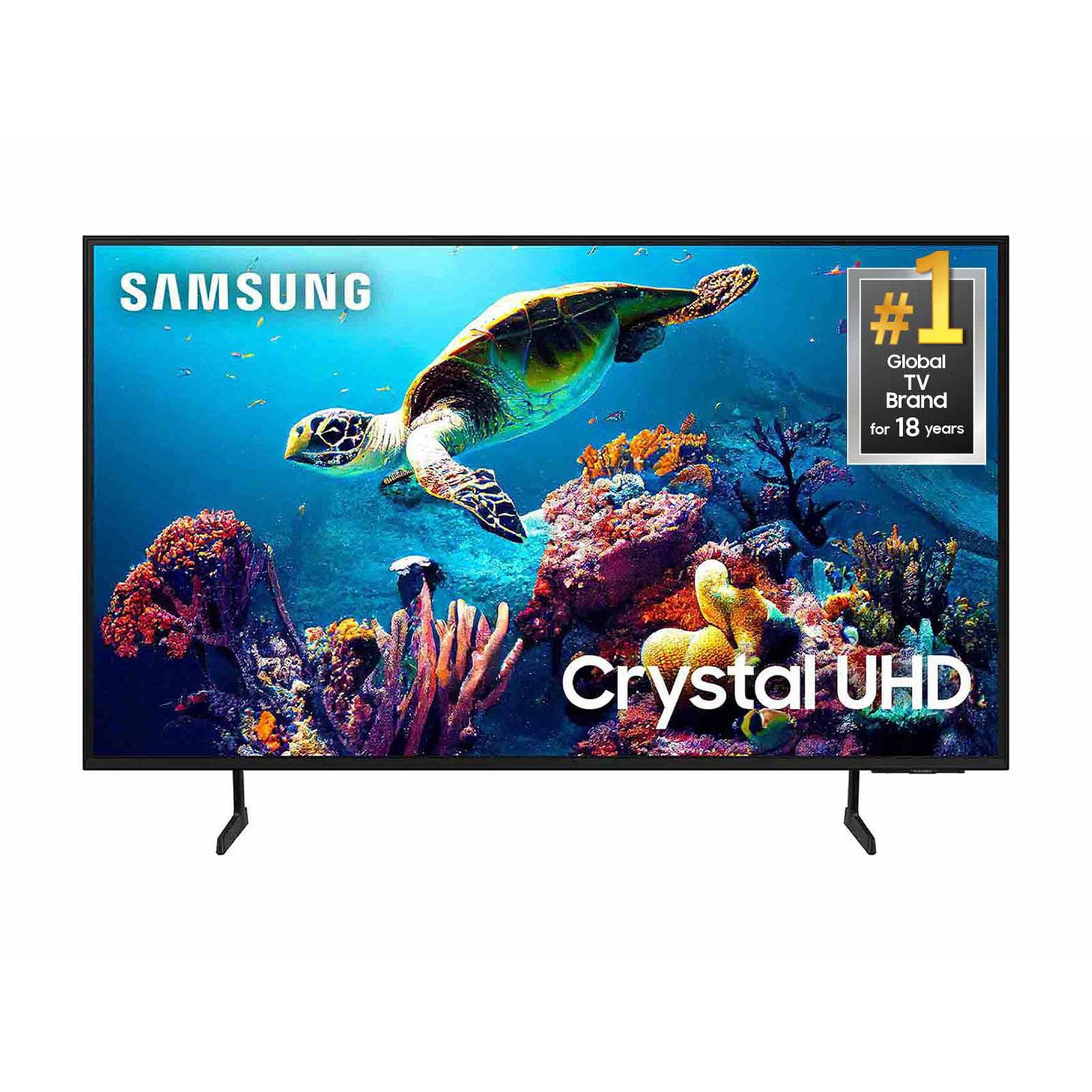
SAMSUNG 60" Class DU6900 Series UHD 4K Smart TV
4.4 out of 5 stars
stars2,026 ratings2,004 reviews
  1. 5 stars68% (1,372)
  2. 4 stars16% (330)
  3. 3 stars7% (145)
  4. 2 stars4% (77)
  5. 1 star5% (102)
Write a review

Customer photos

  • +505 images
Sort by |
Showing 1,171-1,180 of 2,004 reviews
Jan 8, 2025
Patricia
5 out of 5 stars review

poor quality audio - not same as my prior Sony

I am very pleased with the picture quality but cannot say the same for the audio - will probably have to purchase a sound bar or something to increase quality of the audio

Review from Samsung US
Helpful?2944RFFI236513954163060
Oct 9, 2024
SamsungGig
5 out of 5 stars review

Better than expected

[This review was collected as part of a promotion.] I loved the picture quality. TV sound output is decent for a 12" x 18" livingroom. I would recommend this set for any mood of room. Hope you would enjoy it as I do.

Review from Samsung US
Helpful?2944RFFI236513954163060
Nov 18, 2024
Lovetv
5 out of 5 stars review

Stunning TV

[This review was collected as part of a promotion.] This TV is amazing.. It was very easy to set up and as we only stream it wasn't hard to get all the apps set up. We splurged and it was worth it!!

Review from Samsung US
Helpful?2944RFFI236513954163060
Dec 27, 2024
Kiowa475
5 out of 5 stars review

I love how clear . And loud it is

[This review was collected as part of a promotion.] I use it for movies . Netflix, Hulu. Disney YouTube,etc gaming. It is super nice and makes everything easy to use and find things on your settings you have questions about .

Review from Samsung US
Helpful?2944RFFI236513954163060
Dec 21, 2024
Mommyof2
5 out of 5 stars review

Vivid picture, beautiful sound

[This review was collected as part of a promotion.] Used for my teenage gamer son, he absolutely loves this TV, major upgrade for the ultimate gaming experience. 100/10 recommend

Review from Samsung US
Helpful?2944RFFI236513954163060
Dec 26, 2024
Carlosisherebro
4 out of 5 stars review

THIS PRODUCT AND PRICE AMAZING

[This review was collected as part of a promotion.] So easy to use . The set up so fast . Apps are amazing . Especially that xbox app . My kids love it so much

Review from Samsung US
Helpful?2944RFFI236513954163060
Oct 22, 2024
RLCCL
5 out of 5 stars review

Great Buy! Pretty happy

Great price and beautiful TV. updated remote control, and crisp color, can't complain. I have a frame TV and two other Samsung TVs and this is the great value and the performance is pretty competitive .

Review from Samsung US
Helpful?2944RFFI236513954163060
Dec 29, 2024
HappyShopper64
5 out of 5 stars review

Great features

[This review was collected as part of a promotion.] I love the tv. This was the tv I wanted when I was getting a new one. I do have cable but also stream. I've watched movies and the screen is amazing. Love it!

Review from Samsung US
Helpful?2944RFFI236513954163060
Nov 18, 2024
Like2tronics
3 out of 5 stars review

Picture quality

[This review was collected as part of a promotion.] The quality of the picture fine. It was very difficult to get the right level of brightness/ darkness on the picture. Could never get it to the right brightness

Review from Samsung US
Helpful?2944RFFI236513954163060
reply from Samsung Brand Ambassador

Like2tronics, We appreciate you sharing your experience with the DU6900 TV. Your feedback regarding image brightness is essential to us and will be shared with our internal teams. If the image you’re seeing isn’t to your liking, there are several picture settings you may want to adjust. Go to Home > left direction button > Settings > All Settings > Picture > Picture Mode and select the mode that best fits your usage: 1. Standard: Is the default mode suitable for general viewing environments 2. Dynamic: Makes the picture brighter and clearer in bright viewing environments 3. Eco: Provided to save energy 4. Movie: Suitable for watching TV or movies in a dark room 5. Filmmaker Mode: Provides source content just as the creators intended. If the image is defined as Filmmaker Mode, it’ll automatically switch to Filmmaker Mode while watching. You can also fine-tune your picture with expert settings such as brightness, contrast, sharpness and more (All Settings > Picture > Expert Settings). For further assistance with settings adjustments, please contact Samsung Customer Support. You can call us at 1-800-SAMSUNG, 8 AM - 12 AM EST, seven days a week. Our LiveChat agents are also available by clicking on the ‘Support’ link on our website. ~ Samsung Pro

Dec 24, 2024
James
5 out of 5 stars review

The sound, the picture, the set up are awesome!

We could not be more pleased…this is an awesome smart television…..and a true bargain! We absolutely love it. In a word this product is “EXCELLENT” in every way.

Review from Samsung US
Helpful?2944RFFI236513954163060