Skip to Main Content
Sam's Club
Sam's Club
All Departments
All Services
Customer reviews for SAMSUNG 60" Class DU6900 Series UHD 4K Smart TV for
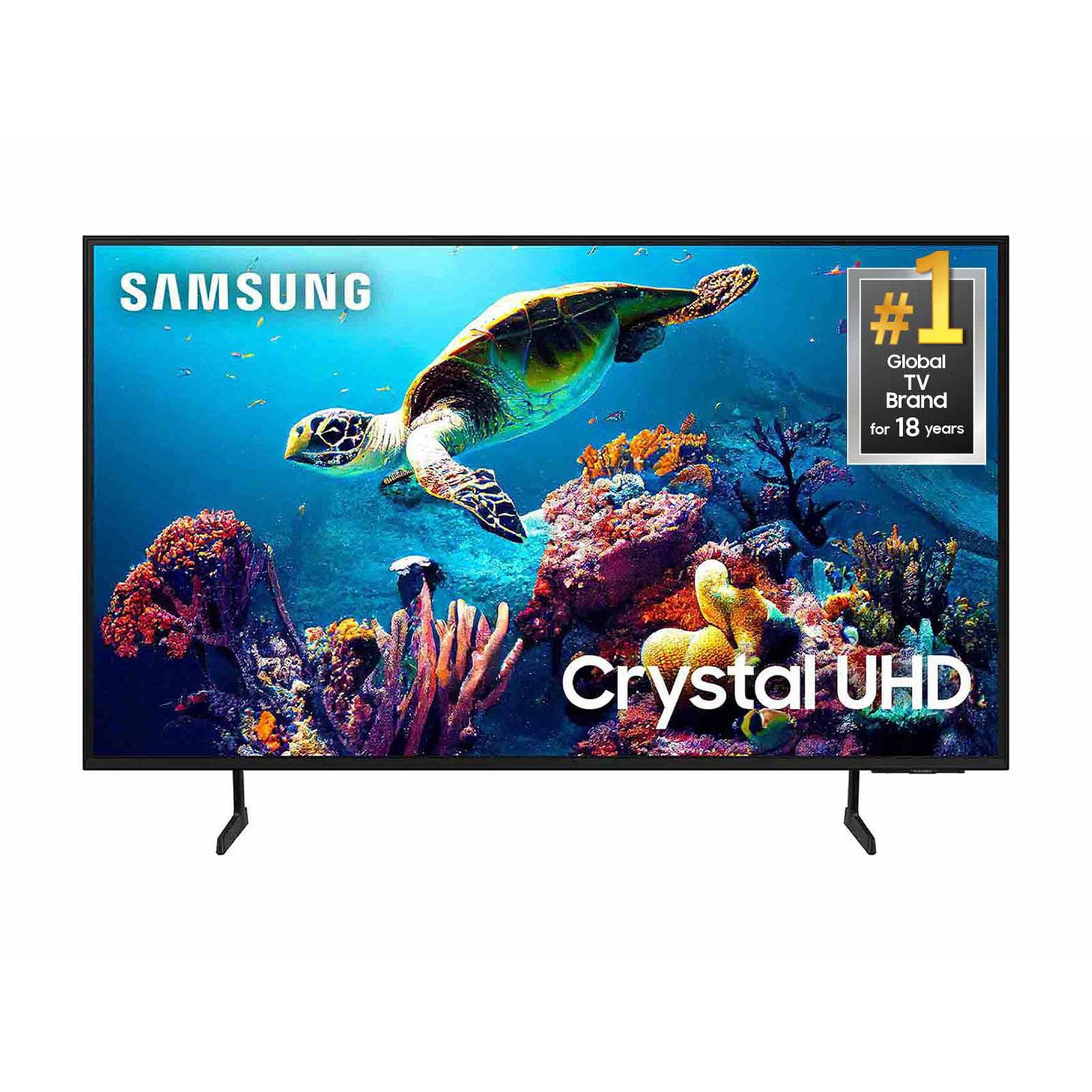
SAMSUNG 60" Class DU6900 Series UHD 4K Smart TV
4.4 out of 5 stars
stars
2,031 ratings2,009 reviews
  1. 5 stars68% (1,380)
  2. 4 stars16% (331)
  3. 3 stars7% (142)
  4. 2 stars4% (77)
  5. 1 star5% (101)

Member photos

  • +508 images
Sort by |
Showing 1,091-1,100 of 2,009 reviews
Sep 16, 2024
Reviewer name: Kbull22
5 out of 5 stars
5 out of 5 stars review

This screen is amazing.

[This review was collected as part of a promotion.] The colors are vivid and bright. You feel like who have the whole spectrum of the rainbow at your fingertips. If you enjoy a crisp picture and excellent sound look no fruther.

Review from Samsung US
Helpful?2944RFFI236513954163060
Dec 21, 2024
Reviewer name: Mommyof2
5 out of 5 stars
5 out of 5 stars review

Vivid picture, beautiful sound

[This review was collected as part of a promotion.] Used for my teenage gamer son, he absolutely loves this TV, major upgrade for the ultimate gaming experience. 100/10 recommend

Review from Samsung US
Helpful?2944RFFI236513954163060
Dec 28, 2024
Reviewer name: Rojaed8
5 out of 5 stars
5 out of 5 stars review

Love how the colors are enhanced

[This review was collected as part of a promotion.] We had a VIZIO TV and as soon as we upgraded to our new Samsung TV, we can tell the difference right away. The color brightness and performance are just outstanding.

Review from Samsung US
Helpful?2944RFFI236513954163060
Dec 24, 2024
Reviewer name: MsLovechild
5 out of 5 stars
5 out of 5 stars review

We love this TV!

[This review was collected as part of a promotion.] The picture is great. We use t this for everything. We stream everything. When we get new gaming systems we use them on this TV first.

Review from Samsung US
Helpful?2944RFFI236513954163060
Feb 20, 2025
Reviewer name: MK707
4 out of 5 stars
4 out of 5 stars review

Nice TV difficult remote

I really like the TV. It has a great picture, easy to use menu. The only downside is the remote is difficult to use. I kept the remote from an older model and use that.

Review from Samsung US
Helpful?2944RFFI236513954163060
Nov 18, 2024
Reviewer name: BreezyB
5 out of 5 stars
5 out of 5 stars review

The Smartest Smart Tv Ever

[This review was collected as part of a promotion.] I love the Samsung Plus app and how you can see all of your apps and your shows you commonly watch in one place.

Review from Samsung US
Helpful?2944RFFI236513954163060
Dec 12, 2024
Reviewer name: Abc123
4 out of 5 stars
4 out of 5 stars review

Heavier than it looks

[This review was collected as part of a promotion.] Just threw it out dropped it rearranging for Christmas broke the screen. Trash guy was helpful. We'll that was expensive 600 to fix that's almost half of what I paid

Review from Samsung US
Helpful?2944RFFI236513954163060
Nov 15, 2024
Reviewer name: Miss Meliss
2 out of 5 stars
2 out of 5 stars review

Not what I expected
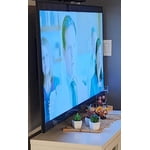
I may have been expecting too much with the UHD and Crystal. From an angle it is washed out and the colors are not as vibrant. We have tried adjusting it but stll not happy with the picture.

Review from Samsung US
Helpful?2944RFFI236513954163060
reply from Samsung Brand Ambassador

Miss Meliss, We appreciate you sharing your experience with the DU6900 TV. Your feedback regarding image quality is essential to us and will be shared with our internal teams. Please try adjusting the below image settings to improve your picture. Go to Home > Settings > All Settings > Picture > Picture Mode and select the mode that best fits your usage: 1) Standard: Default mode suitable for general viewing environments. 2) Natural: Reduces eye strain for a comfortable viewing experience. 3) Movie: Most suitable for watching TV or movies in a dark room. 4) Dynamic: Makes the picture brighter and clearer in bright viewing environments. 5) Filmmaker Mode: You can watch the source content (e.g., movie) as it is. If the image is defined as Filmmaker Mode, it will automatically switch to Filmmaker Mode while watching. You can also go to Settings > All Settings> Picture > Expert Settings > to manually fine-tune your image. If you need more help, Samsung is here for you. Call us at 1-800-SAMSUNG, 8 AM - 12 AM EST, seven days a week. Our LiveChat agents are also available by clicking on the ‘Support’ link on our website. ~ Samsung Pro

Nov 25, 2024
Reviewer name: CheffyD
5 out of 5 stars
5 out of 5 stars review

Best TV i have ever purchased

[This review was collected as part of a promotion.] The picture on the display is honestly almost like virtual reality lol honestly though worth every penny

Review from Samsung US
Helpful?2944RFFI236513954163060
Feb 11, 2025
Reviewer name: Grapesnocone
4 out of 5 stars
4 out of 5 stars review

Great TV but connection problem

We love our Samsung TVs. Our only problem with this one was that we couldn't get it to connect to the wifi so now it is plugged in via ethernet cable. I tried other devices and they had no problems connecting.

Review from Samsung US
Helpful?2944RFFI236513954163060