Skip to Main Content
Sam's Club
Sam's Club
All Departments
All Services
Customer reviews for SAMSUNG 77" Class S90 Series OLED 4K Smart TV for
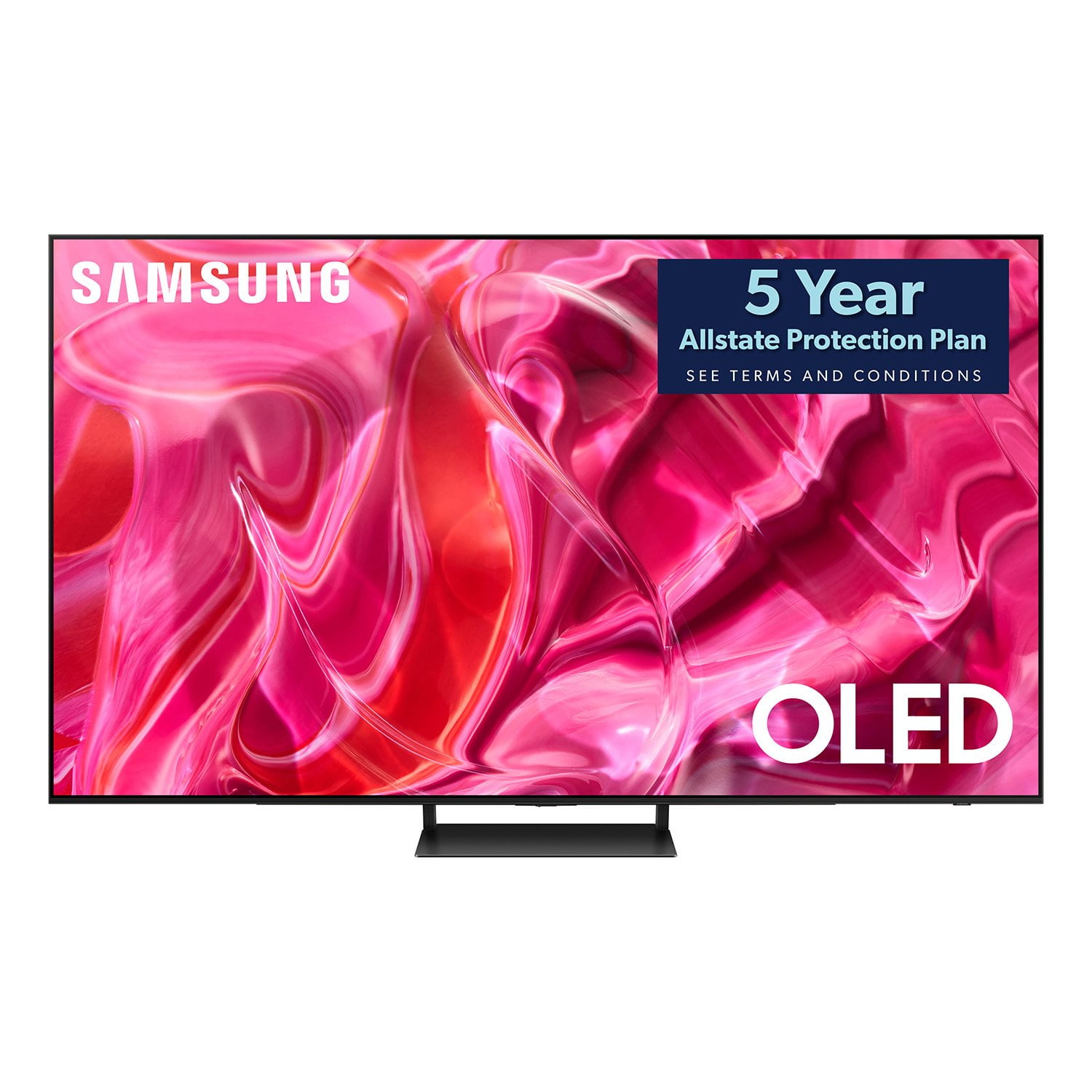
SAMSUNG 77" Class S90 Series OLED 4K Smart TV
4.3 out of 5 stars
stars
89 ratings80 reviews
  1. 5 stars62% (55)
  2. 4 stars24% (21)
  3. 3 stars6% (5)
  4. 2 stars3% (3)
  5. 1 star6% (5)

Member photos

  • +12 images
Sort by |
Showing 61-70 of 80 reviews
May 24, 2024
Reviewer name: Dwrigh84
5 out of 5 stars
5 out of 5 stars review

Never Going to a Movie Theater Again!

[This review was collected as part of a promotion.] I also own a S90CD 65" OLED. The picture is so amazing on these TVs that I had to go out and buy the 77" S90CD for my basement. I paired this with the Q990C surround system. I re-watched a ton of movies I loved, and I noticed details I had never seen before. Deep space, or any black scenes for that matter, are amazing. The stars and details pop off of the screen. I sit about 10' from the TV and it's perfect for movie viewing. I also use this TV for gaming on a PS5 and a Switch. It feels like you're in the game. I thought it'd be too big for gaming, but it's perfect. I can't wait for football season now! The picture on this TV makes you feel like you're in the middle of everything. I love it!

Review from Samsung US
Helpful?7AR1GVLFOSV413951464167
Jan 8, 2024
Reviewer name: Mr Zurkon
5 out of 5 stars
5 out of 5 stars review

Stunning image, easy to navigate,

I've been blown away by this TV. Not sure if it's because it's my first OLED or not but WOW! Sharp, bright, amazing color and contrast. Mt PS5 has not looked better in action. I already had a Samsung Q990 soundbar so the pairing was instant and the sound as always outstanding. I find the menus easy to navigate and the solar remote is a nice touch. Only complaint is that there are too many unnecessary apps installed and one of them causes issues when watching over the air channels. Once deleting it the issues were fixed but it's still a nuisance. There were plenty of other apps installed that I deleted as well, but that's just me. Other than that, I am extremely happy with this TV.

Review from Samsung US
Helpful?7AR1GVLFOSV413951464167
Sep 7, 2023
Reviewer name: becky
4 out of 5 stars
4 out of 5 stars review

picture

hard to set up. no clear instructions tions will not hold sound bar every 5 minutes you have to reprogram to sound bar. volume control is substandard. picture is great.

Review from Samsung US
Helpful?7AR1GVLFOSV413951464167
reply from Samsung Brand Ambassador

Hi becky, We appreciate you sharing your experience with your S90CD TV. To assist you in learning the various features, functions, and settings of your TV and remote, you can download your TV's User Manual, e-Manual, Remote Control Leaflet, and Quick Setup Guide on Samsung's website under Support (top right corner) > Manuals & Software > TVs & Home Theater. From there, you can select the S90CD under OLED TVs. The e-Manual and Remote Guide are also embedded into the TV itself under Menu > Settings > Support. To ensure you have the latest connectivity enhancements, please be sure your TV is running the latest firmware update. You can check this by going to: Home > Menu > Settings > Support > Software Update. If you're still experiencing connectivity issues, please give us the opportunity to gather additional information from you to further assist. You can reach Samsung Support at 1-800-SAMSUNG, 8AM - 12AM EST, 7 days a week. Or visit us on the Samsung website and click on the ‘Support’ link for: • LiveChat • Manuals, Software, & Warranty Info ~ Samsung Specialist

Mar 25, 2024
Reviewer name: Gladigot
5 out of 5 stars
5 out of 5 stars review

65 inch Oled tv
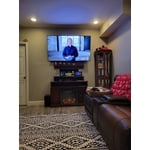
[This review was collected as part of a promotion.] Very easy to set up. Great color and sound. I added a sound bar and they sync easily together. I would purchase this tv and sound board again

Review from Samsung US
Helpful?7AR1GVLFOSV413951464167
Jan 20, 2024
Reviewer name: Graype
4 out of 5 stars
4 out of 5 stars review

not totally happy

This is my second TV, the support for the Samsung is suspect. My new S90CD freezes when watching over the Antennae and when streaming TV. Everyone points the finger at the other, TV or internet, I am running 300 mbps and it still freezes

Review from Samsung US
Helpful?7AR1GVLFOSV413951464167
reply from Samsung Specialist

Graype, We appreciate your feedback on the response time, and for optimal performance, we ask that you please ensure you've got the latest firmware version installed on your S90CD TV. You can check this by going to: Home > Menu > Settings > Support > Software Update. You may also want to further optimize performance with the self-diagnostic tool, which checks memory, frees up unused cached memory, and closes background apps. Go to: Home > Menu > Settings > Support > Device Care > Start Device Care I hope these tips help you enjoy your new product. You can always contact us for further help at 1-800-SAMSUNG, 8AM - 12AM EST, 7 days a week. Our LiveChat agents are also available by clicking on the ‘Support’ link on our website. ~ Samsung Specialist

Aug 16, 2023
Reviewer name: Tv98
2 out of 5 stars
2 out of 5 stars review

Eh

I wish I would have got something different to tell the truth. It is certainly not very easy to figure out. It should definitely have better audio out features

Review from Samsung US
Helpful?7AR1GVLFOSV413951464167
reply from Samsung Brand Ambassador

Tv98, I'm sorry to hear you're not fully satisfied with Samsung's S90CD OLED. So we can better understand the issues you’re experiencing and provide you with troubleshooting assistance, please reach out to Samsung Customer Support at 1-800-SAMSUNG, 8AM - 12AM EST, 7 days a week. Our LiveChat agents are also available by clicking on the ‘Support’ link on our website. We hope to hear form you soon. ~ Samsung Specialist

Jul 30, 2024
Reviewer name: DrGonzo
5 out of 5 stars
5 out of 5 stars review

Wowsers!!!

[This review was collected as part of a promotion.] Flawless picture. Sounds better than most modern TVs. Q-Symphony though makes it superb. I'm in love with this thing.

Review from Samsung US
Helpful?7AR1GVLFOSV413951464167
Jun 27, 2024
Reviewer name: Hippoposthumous
4 out of 5 stars
4 out of 5 stars review

Grwt picture, game bar annoyance
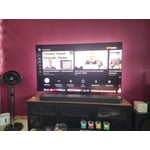
[This review was collected as part of a promotion.] Excellent screen, great performance but the game bar is annoying. There is no way to turn it off, and I frequently go between games and TV, so it's always popping up.

Review from Samsung US
Helpful?7AR1GVLFOSV413951464167
reply from Samsung Specialist

Hippoposthumous, Thank you for sharing your experience with Samsung's S90C. Here are some things you can try if your Samsung TV keeps launching Quick Settings: Disable Autorun Smart Hub. This will prevent Smart Hub from automatically running when you turn on your TV: - Press the Home button on your remote - Navigate to Settings > General > Smart Features > Disable Autorun Smart Hub Optimize your TV's performance by checking for firmware updates (Support > Software) & clearing cache. Go to Settings > Support > Device Care > Start Device Care I hope this tip helps. Should you have questions, please call us at 1-800-SAMSUNG, 8AM - 12AM EST, 7 days a week. LiveChat with an agent as well as manuals, software, and warranty info can be found at the ‘Support’ link on our Samsung website. ~ Samsung Specialist

May 2, 2024
Reviewer name: MB2323
5 out of 5 stars
5 out of 5 stars review

Amazing TV

[This review was collected as part of a promotion.] This TV is a game changer , the picture quality is top notch. Absolutely perfect for streaming and Gaming. I am shocked how thin a This 65" TV is!!!!

Review from Samsung US
Helpful?7AR1GVLFOSV413951464167
Aug 14, 2023
Reviewer name: Ron Y
4 out of 5 stars
4 out of 5 stars review

Great picture but no universal remote

1) great picture. 2) universal remote doesn't work with xfinity box. :-( 3) i'm using the fixed stand and the screen is tilting slightly backwards - the top of the screen sits 1/2" short of vertical from the bottom of the screen. doh?!

Review from Samsung US
Helpful?7AR1GVLFOSV413951464167
reply from Samsung Brand Ambassador

Ron Y, We appreciate your review of Samsung's S90CD OLED. Please give us the opportunity to further investigate your feedback regarding the stand, as well as provide you with troubleshooting to set up your remote. You can reach Samsung Support at 1-800-SAMSUNG, 8AM - 12AM EST, 7 days a week. Our LiveChat agents are also available by clicking on the ‘Support’ link on our website. We're looking forward to hearing from you. ~ Samsung Specialist