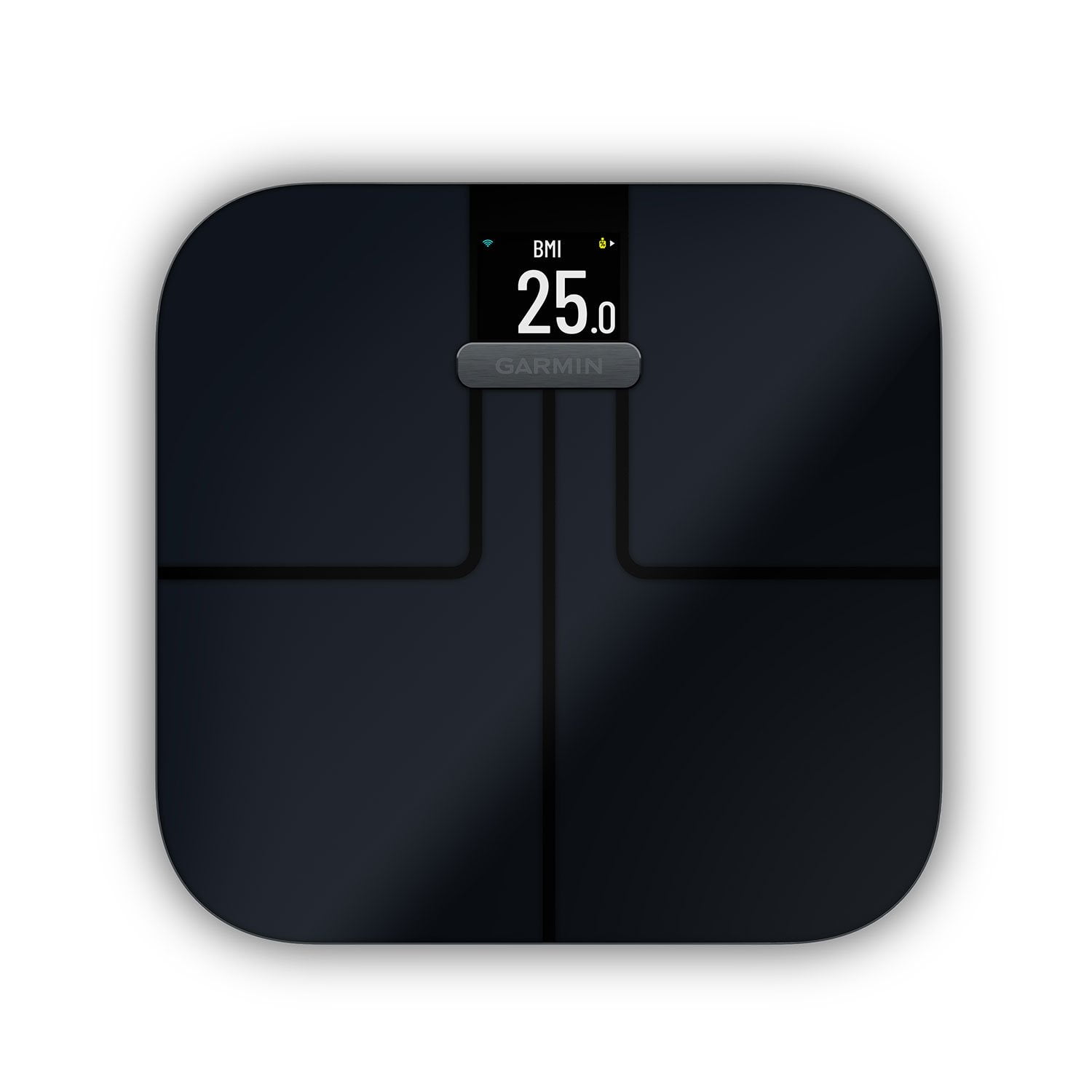
I bought the S2 scale in 2025 to replace a standard scale that my wife and I had been complaining about for a number of years. I was excited to have this S2 communicate with our garmin connect (both wife and I use garmin watches and use connect). Out of the box, this scale (we bought black) was beautifully designed. Looked great in our bathroom, and kind of reflected the light blue on our walls, so it looks cool, and we were very happy with that. Set up seemed easy with the connect app that we were already used to. I did the set up, then invited my wife to the scale via connect app. Wife accepted the invite and followed the set up on her connect app. She then showed up on my list of users to the S2 in my connect. When I weighed in, no issue. My initials showed up as expected. Wife weighed in, and there was no initials, nor did the weight upload to connect. We tried to tap through the list of users, but the S2 didn't do anything when tapped. On that note, the scale doesn't easily wake up by tapping. I found that moving the scale on the floor so it vibrates immediately wakes it up. I even accidentally woke it up when my foot slipped on the floor a few feet away from the scale and caused vibration. However, when I try to tap (hard) I get nothing. I now just stand on it for a second and hop off, then it turns on. With my wife's weight not being recorded on connect, I knew something was not right about the set up. I removed her from the scale users on my connect and tried over. No luck. I even went through the reset process and changed batteries, but no results. I did that a few times, then finally thought I'd try the following... 1) I took my wife's garmin watch, my garmin watch, and both of our phones into the bathroom near the scale. I figured, maybe with bluetooth set up, proximity would help. 2) With my wife removed as a user, I reinvited her to the S2 on my connect app and used her phone to accept and set her up on her connect app. I got on the scale to make sure it was awake and noticed that it had an icon of the scale and the connect app on the screen. This was the first time I had seen that icon process occur on the S2. I waited for that to finish, weighed myself (with no issues as usual), then had my wife get naked and weigh in (she didn't need to be naked, but I told her it was important for the scale to work, lol). Bingo, her initials popped up after weigh in, and it uploaded to her connect app. We've had zero issues since and the scale is awesome. I don't know if the other measurements (like body fat, etc.) are accurate or not, but if they are like most of these devices, S2 is probably at least directionally consistent, so I think I could count on it showing the right percentage decreases/increases. Been very happy with this scale once we got through the bumps of getting the scale to set up properly. I read other reviews and saw that others have had this same issue. Maybe there was something to having all my devices near the scale during set up.

 Customer reviews for Garmin Index™ S2 Smart Scale, Black for