Skip to Main Content
Sams Club
Sams Club
Customer reviews for Garmin DriveCam 76 GPS Dash Cam, 7in. for
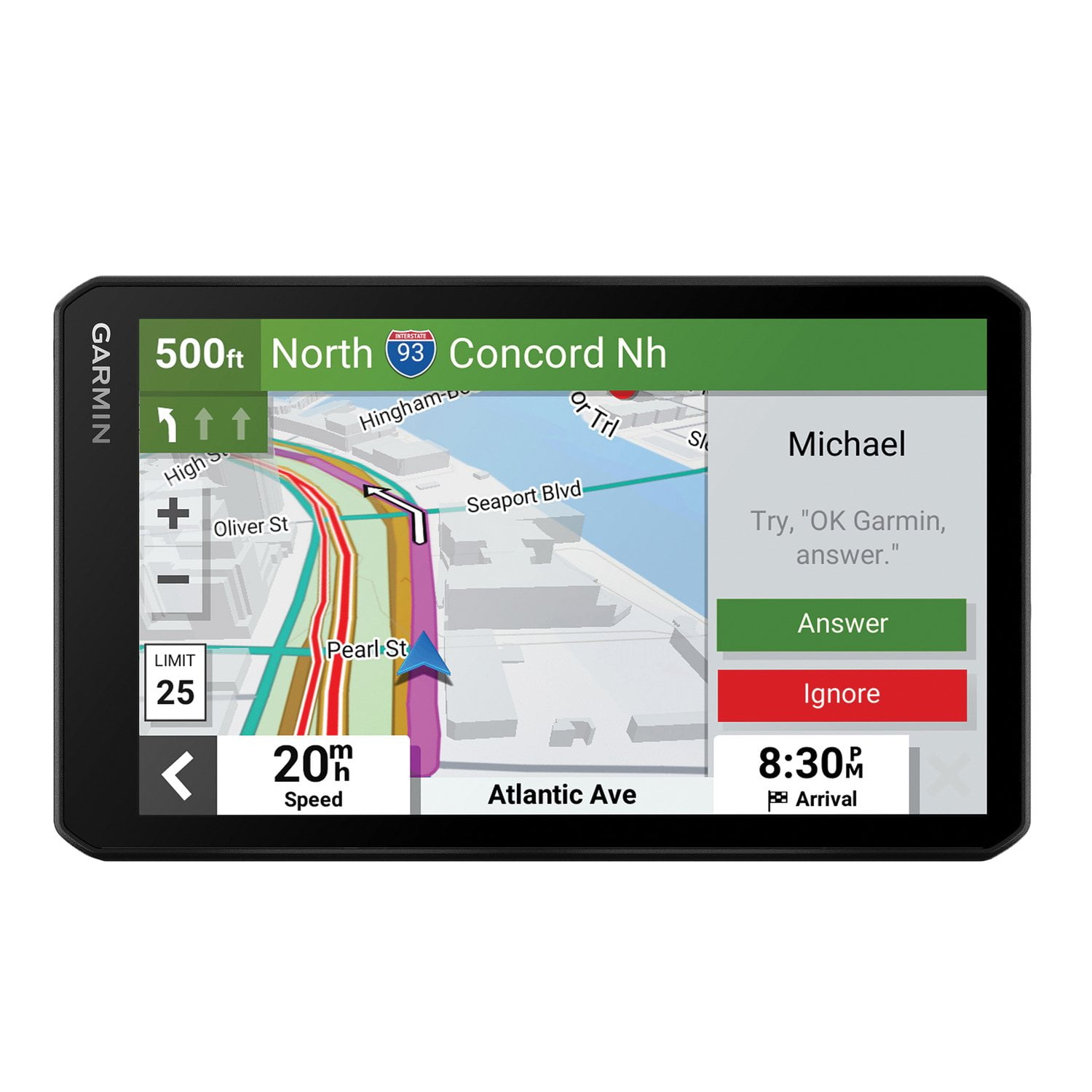
Garmin DriveCam 76 GPS Dash Cam, 7in.
Sort by |
Showing 21-30 of 120 reviews
May 13, 2026
Mike Bub
5 out of 5 stars review

checked it out and returned unused did not like the mounting system

Review from Garmin
Helpful?3R7D8LAC7FC013915916923
Jul 16, 2024
Granola
5 out of 5 stars review

Verified Purchase

Top Notch

Seems to do everything it says it will do.

Helpful?3R7D8LAC7FC013915916923
Mar 30, 2024
timothy
5 out of 5 stars review

Verified Purchase

bought 2

works great in both vehicles

Review from walmart.com
Helpful?3R7D8LAC7FC013915916923
Apr 21, 2026
HemiCharger06
1 out of 5 stars review

Drivecam76

The BC 50, disconnect after setting the left and right guidance.

Review from Garmin
Helpful?3R7D8LAC7FC013915916923
Dec 21, 2024
Thomas
1 out of 5 stars review

Verified Purchase

Went back to the old one. Waist of money

typical to much junk for the money. It's in the closet...

Review from walmart.com
Helpful?3R7D8LAC7FC013915916923
Nov 9, 2024
WalmartCustomer
1 out of 5 stars review

Verified Purchase

It is a gift for Christmas So I don’t know how to answer!

Review from walmart.com
Helpful?3R7D8LAC7FC013915916923
reply from GarminProductExpert

If you've experienced an issue prompting your 1 Star review of the product, please reach out to us at product.support@garmin.com so we may assist.

Mar 5, 2026
Himself
5 out of 5 stars review

Nice GPS!

I bought this 3 weeks ago. I like it complete array of features. I'm still learning about it. I've found anything that I think needs improvement.

Review from Garmin
Helpful?3R7D8LAC7FC013915916923
Nov 6, 2025
DanA-Selah-WA
5 out of 5 stars review

Easy to use

Very user friendly with lots of good information displayed - in addition to the route directions. Simple to update to always have current maps.

Review from Garmin
Helpful?3R7D8LAC7FC013915916923
Sep 18, 2025
BobAcker
4 out of 5 stars review

Great features

Seems to get a little quirky in this warm weather, I miss the drop down warning for school zones also no tracking of past routes.

Review from Garmin
Helpful?3R7D8LAC7FC013915916923
reply from Care

We appreciate the review! The operating temperature for the DriveCam 76 is from -20° to 55°C (from -4° to 131°F). If you're experiencing odd behavior outside these temperatures, then it may be beneficial to move the position of the device to an area that receives less direct sunlight. An alternate mounting solution may be helpful in this regard. With regard to the school zone alerts, the DashCam 76 has a Driver Alert feature that will play a tone and display the speed limit (if available) for an upcoming school or school zone. You can find and either enable or disable these Driver Alerts by selecting Settings (the gear icon) > Driver Assistance > Driver Alerts, and then select or clear the checkbox next to each alert. Lastly, you may need to enable the Travel History feature on your device. You can do so by selecting Settings > Device > Travel History. Doing so will allow your device to store a record of the places you go, view your trip log, use the Trip History feature, and use myTrends suggested routes. If you have any questions. Garmin Support is always happy to help! You can reach us at 1-800-800-1020 Monday-Friday, 7am-7pm Central (Closed weekends and holidays).

Sep 12, 2025
GOB69
5 out of 5 stars review

Still learning the differences of the DriveCam 76

It's been a while since I bought a new Garmin GPS. So still getting used to this new one. Love the size and the DriveCam feature, ask me again in 6 months for an update.

Review from Garmin
Helpful?3R7D8LAC7FC013915916923