Skip to Main Content
Sam's Club
Sam's Club
Customer reviews for SAMSUNG 70” Class Q60D Series QLED Smart TV for
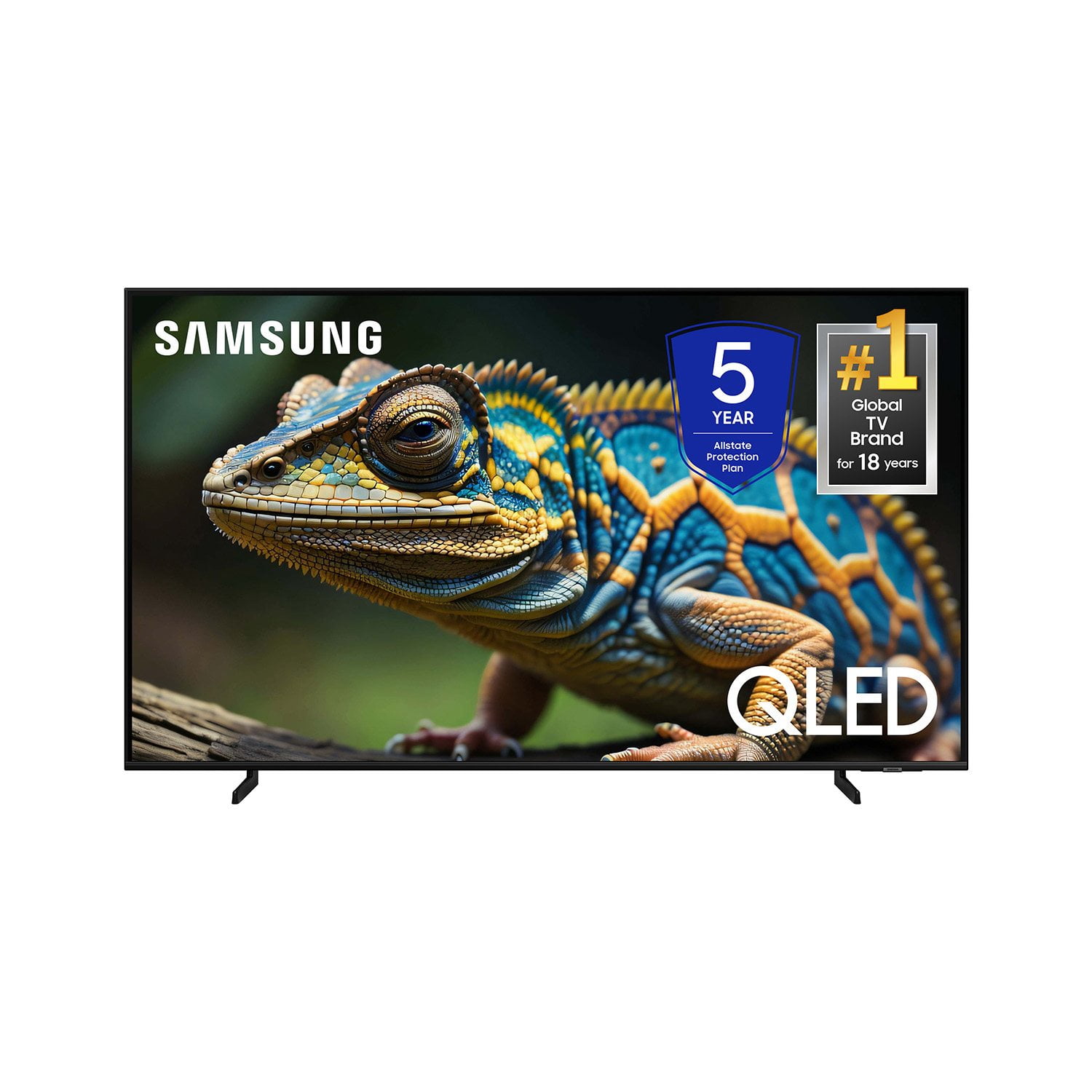
SAMSUNG 70” Class Q60D Series QLED Smart TV
4.4 out of 5 stars
stars701 ratings694 reviews
  1. 5 stars70% (492)
  2. 4 stars15% (108)
  3. 3 stars5% (36)
  4. 2 stars4% (28)
  5. 1 star5% (37)

Member photos

  • +120 images
Sort by |
Showing 311-320 of 694 reviews
Feb 7, 2025
Rere
4 out of 5 stars review

Issue setting up apps
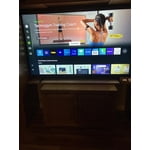
I recently purchased this tv. I found it difficult to set up and it is not easy trying to add apps to my list. The tv comes with a few apps already set up but then you need to find the rest yourself. I still don’t understand the smart things app.

Review from Samsung US
Helpful?1EEO1IUOE2NN13900012337
Mar 8, 2025
Ssuvaga
1 out of 5 stars review

Complaint

I bought a TV two weeks ago and it is very complicate to sign up to use the TV. And, also it is very complicate to install a simple antenna. I will not bay another Samsung TV again.

Review from Samsung US
Helpful?1EEO1IUOE2NN13900012337
reply from Samsung Specialist

Ssuvaga, We appreciate you sharing your user experience. To assist in learning the various functions, please know you can download the Q60D TV's User Manual, e-Manual, Remote Control Leaflet, and Quick Setup Guide on Samsung's website under Support > Manuals & Software > TVs & Home Theater. You can search for and select the Q60D TV to download the guides you would like. The e-Manual and Remote Guide are both also embedded into your TV itself under Menu > Settings > Support > Open e-Manual. If you need more help, Samsung is here for you. Please call us at 1-800-SAMSUNG, 8AM - 12AM EST, 7 days a week. Our LiveChat agents are also available by clicking on the ‘Support’ link on our website. ~ Samsung Specialist

Mar 27, 2025
Rondew
4 out of 5 stars review

Vibrantly slow mode!

The color is vibrant but I notice that when we’re watching a sporting game it’s like the pixels can’t keep up with it and sometimes it shows the players with no legs! I’m sure it’s probably in the settings, just not sure how to set it up!

Review from Samsung US
Helpful?1EEO1IUOE2NN13900012337
Feb 6, 2025
Cindy
5 out of 5 stars review

Love my new TV

I bought this TV back in October 2024 and it is the perfect size for the space. It was so easy to set up and I love the variety of programs to chose from on Samsung TV Plus.

Review from Samsung US
Helpful?1EEO1IUOE2NN13900012337
May 31, 2024
Liveningroom
5 out of 5 stars review

This product has amazing color and definition
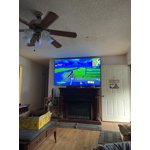
[This review was collected as part of a promotion.] Love the picture is awesome the color of games and movies are amazing the apps are is to download and operate

Review from Samsung US
Helpful?1EEO1IUOE2NN13900012337
Mar 10, 2025
jamie
2 out of 5 stars review

DISAPPOINTING‼️ COLOR ADJUSTMENT A MAJOR PROBLEM

DISAPPOINTED 😞 ‼️‼️‼️. Very hard to get good complexion color, especially live broadcast. Color dissolves with cloud-like color if tv viewed from side. expected much. Old Vizio had much better color. Sorry I bought.

Review from Samsung US
Helpful?1EEO1IUOE2NN13900012337
reply from Samsung Specialist

jamie, We appreciate your thoughts on the picture quality of Samsung’s Q60D TV. If the image you’re seeing isn’t to your liking, there are several picture settings you may want to adjust. Go to Home > left direction button > Settings > All Settings > Picture > Picture Mode ...and select the mode that best fits your usage: 1. Standard: Is the default mode suitable for general viewing environments 2. Dynamic: Makes the picture brighter and clearer in bright viewing environments 3. Eco: Provided to save energy 4. Movie: Suitable for watching TV or movies in a dark room 5. Filmmaker Mode: Provides source content just as the creators intended. If the image is defined as Filmmaker Mode, it’ll automatically switch to Filmmaker Mode while watching. You can also fine-tune your picture with expert settings such as brightness, contrast, sharpness and more (All Settings > Picture > Expert Settings). For further assistance with settings adjustments, please contact Samsung Customer Support at 1-800-SAMSUNG, 8AM - 12AM EST, 7 days a week. Or visit us on the Samsung website and click on the ‘Support’ link for: • LiveChat • Manuals, Software, & Warranty Info ~ Samsung Specialist

Oct 11, 2024
Lovemyhusband2def
5 out of 5 stars review

Great television

[This review was collected as part of a promotion.] I use my television for streaming, or YouTube for exercise subscription. The pictuIre is clear and the sounds.

Review from Samsung US
Helpful?1EEO1IUOE2NN13900012337
Oct 3, 2024
samsung
5 out of 5 stars review

I refuse to buy another tv

[This review was collected as part of a promotion.] This t v works amazing, it integrate perfectly with all my other devices, and for gaming it's a must

Review from Samsung US
Helpful?1EEO1IUOE2NN13900012337
Dec 7, 2024
Viklove8
4 out of 5 stars review

The best ever

[This review was collected as part of a promotion.] Such a nice TV very nice quality and really worth the price. Samsung really did a great job on this TV and my family love it.

Review from Samsung US
Helpful?1EEO1IUOE2NN13900012337
Feb 6, 2025
Slowpoke
5 out of 5 stars review

Easy setup

I bought this two weeks. My son-in-law set it up. I tell ya, if your getting older and your eyes are not as good as they used to be. You need one of these.

Review from Samsung US
Helpful?1EEO1IUOE2NN13900012337