
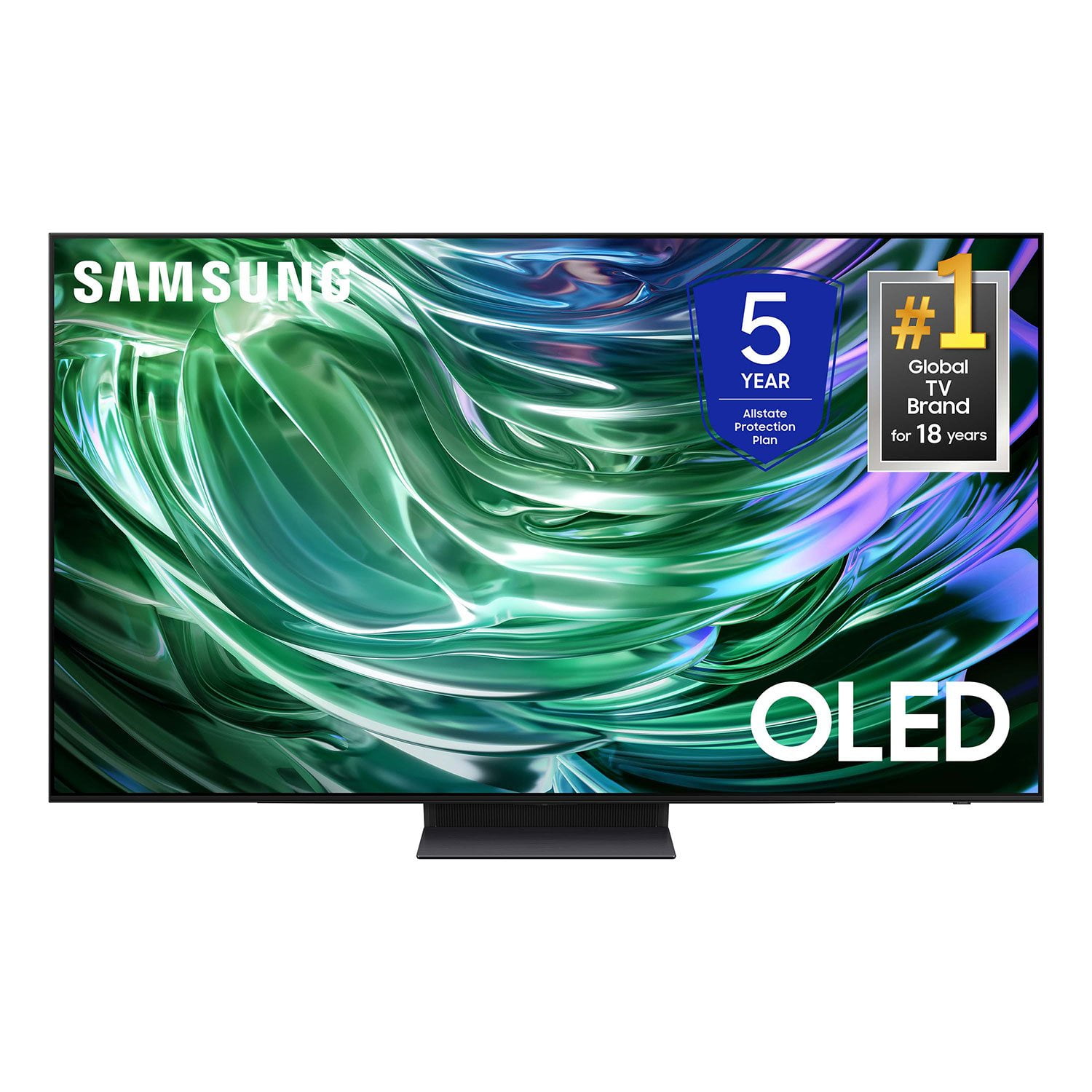
 Customer reviews for SAMSUNG 77" Class S90D Series 4K OLED Smart TV for
Member photos



 +107 images
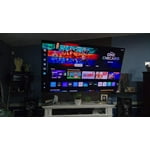
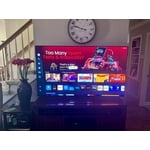
The man of the house wanted a bigger TV.
[This review was collected as part of a promotion.] We mostly stream -- watching movies and shows. Nature shows are really beautiful on the big TV. I admit I resisted for a long time as we've always hidden the TV in a cabinet. Now it is out for all to see. Hoping to add a frame at some point (great option if you care to provide.) Was easier to set up and start to use than I expected. I especially appreciate the rechargeable remote--no more searching for tiny batteries. We are also impressed with the sound quality. We also watch news but find I prefer chaos on smaller screens. Just me I bet.
It is what it is
A couple months into this purchase and have mixed feelings. Picture quality is excellent and after a day or two playing with the menu got the color and brightness about where it works for me. Although better than my previous Samsung, the sound quality is still quite poor without using a soundbar. One feature that I despise is when you first turn it on...I want to turn on my TV, not an app center that shows every app along with suggested channels or movies for 20 seconds...It's my TV, don't make me see all of this every time I hit the power button, I can find the apps on my own "IF" I want one. The remote is small and cheap and comes with no instructions as to what symbol, if any, does what. The TVs menu is equally confusing and it's very easy to find yourself lost with a 20 minute search to get back home. Basically, It is what I expected but didn't really want. It's a nice TV but I wasn't looking for something that needed extensive navigation
Elsquid, While your TV may currently default to Samsung’s TV Plus app, please know you can choose what your TV does when you turn it on by going to Menu > Settings > All Settings > General & Privacy > Start Screen Option 1) Enabling Start with Smart Hub Home automatically launches Smart Hub when the TV is turned on. Navigate to this option to enable or disable the feature. 2) If Autorun Last App is set to on, the last used app is automatically run when you turn on the TV. You can turn this function on or off by pressing the Select button in the current menu. You can also customize your Home screen by installing, removing or adding your favorite apps to the Home screen. Here's how: Downloading Apps 1. From the Home screen, press left on the remote. 2. Navigate to and select Search. 3. Using the search bar, enter the content or app you’d like to find. 4. Navigate to and select the app you’d like to install, then select Install. To assist in learning the various functions, please know you can download your TV's User Manual, e-Manual, Remote Control Leaflet, and Quick Setup Guide on Samsung's website under Support > Manuals & Software > TVs & Home Theater. You can search for and select the S90DD TV to download the guides you would like. The e-Manual and Remote Guide are both also embedded into your TV itself under Menu > Settings > Support > Open e-Manual. If you need more help, Samsung is here for you. Please call us at 1-800-SAMSUNG, 8AM - 12AM EST, 7 days a week. Our LiveChat agents are also available by clicking on the ‘Support’ link on our website. ~ Samsung Specialist
Samsung OLED
[This review was collected as part of a promotion.] This Is By Far The Best OLED TV Out There. Picture Crispy Clear Sound Super Nice. Was Planning On Getting The LG . But After Comparing These Two. Samsung Kicks Butt. I Highly Recommend It. Go For It You'll See
Samsung OLED 77" non reflective TV
[This review was collected as part of a promotion.] Fantastic TV.. We watch sports and action packed movies on our 77" Samsung OLED non reflective TV. We can watch it with the sun, bright lights and zero i mean zero reflection and clarity. It feels like you're in the TV. Highly recommend Samsung products.
The greatest feature is the apps.
[This review was collected as part of a promotion.] Works great with Disney + and Amazon Prime Video. Not so great with Verizon FiOS regular channels and some of the Samsung TV Plus channels and most of the Air channels - clarity, picture quality and color are off. Unable to adjust the picture settings.
UyonReGo, We appreciate you taking the time to let us know about your experience with your TV. So that we can better troubleshoot this issue and provide steps towards a solution, please contact Samsung Support at 1-800-SAMSUNG, 8AM - 12AM EST, 7 days a week. Or visit us on the Samsung website and click on the ‘Support’ link for: • LiveChat • Manuals, Software, & Warranty Info ~ Samsung Specialist
My Samsung OLED
[This review was collected as part of a promotion.] I just love this TV. After a shaky start, while trying to get closed captioning to work, (which had nothing to do with the TV and more to do with DirecTV), I finally settled in for some prime viewing. I'm still getting used to the remote and at times have problems hitting the correct button. But overall I'm thrilled with the picture, colors, etc. This TV is the same size as my last Samsung TV, 55'. But, it seems much bigger.
Why didn't we buy it sooner
[This review was collected as part of a promotion.] I wish we had bought this TV sooner. The picture quality and features are exceptional. As a long standing Samsung customer, another good purchase. The remote, we are still getting use it. It's so fast and responsive, we are extra careful.
TV is great but setup was a bear!
The TV itself is excellent and I bought it at a good price because it was an open box unit, but completely intact in the box with all parts and protective film. I would have given it 5 stars except that during setup it was nearly impossible to make the HDMI connections and the Optical cable connection for the sound bar was also very difficult. Maybe this is why it was an open box return. After struggling for nearly an hour with the HDMIs I tried connecting different HDMI cables and while still difficult I was able to get them in. I wiggled them in the ports to possibly open them up just slightly. Then I tried the actual cables again and it worked! During on-screen setup I was unable to get the TV to recognize the Roku unit. It kept trying to connect me to the Roku Channel. In frustration I pulled the Roku's HDMI and USB cables out and then reconnected. This brought up a new set up screen on the TV for a new device. It wasn't smooth, but it worked and now the TV and all connected devices work fine.
Power supply went bad
It went completely black with no power after 3 months of light usage. Very controlled environment sitting on a table against the wall and only adults using it, or near it. Repaired thru the warranty where they replaced a large circuit board for power. Working again so far.
Budman,<br /><br />We appreciate you sharing your experience you went through to have your S90DD TV serviced, but I hope your TV is now performing as expected.<br /> <br />Samsung is committed to providing the best possible product experience, quality, and value, and your feedback will be shared with our product and customer care teams. <br /><br />If there’s anything we can do to further improve your experience, please know we’re here to help at 1-800-SAMSUNG, 8AM - 12AM EST, 7 days a week. Our LiveChat agents are also available by clicking on the ‘Support’ link on our website.<br /><br />~ Samsung Specialist
An exercise in frustration
I left LG for Samsung because the picture quality and sound processing were vastly, and I mean VASTLY, better on the S90D. However, I have had this TV for a couple of months and I can say that without a doubt, I regret buying Samsung. Using the TizenOS UI is dreadful. It is overflowing with Recommended, Just For You, Popular Now, Trending, New Games, You Might Have Missed, etcetera... etcetera... Using the TV is maddening. There is no "app store" like you are used to on every other TV or media streamer. There is a search for anything and everything except what you want, though. You can't disable any of the intrusive and forced recommendations/channels/services. You can't change the homescreen to another launcher either. You are held hostage to this appalling excuse of a UI. I literally only want to use one app and one other input. There is a setting to "remember last used app" but it never seems to remember it and consistently tries to go to the Antenna input. I don't have an antenna connected. Disabling internet access doesn't get rid of the recommendations, it just removes the thumbnails. You can try using an Nvidia Shield or AppleTV, but that kind of defeats the purpose of buying these new "smart tv's". The only thing I can think of is that Samsung loves their paying vendors and has a intense, contemptuous hatred of the end user and wants to subjugate them to a torturous experience.
Paul,<br /><br />We appreciate you sharing your user experience. To assist in learning the various functions, please know you can download your TV's User Manual, e-Manual, Remote Control Leaflet, and Quick Setup Guide on Samsung's website under Support > Manuals & Software > TVs & Home Theater. You can search for and select the S90DD TV to download the guides you would like. <br /><br />The e-Manual and Remote Guide are both also embedded into your TV itself under Menu > Settings > Support.<br /><br />If you need more help, Samsung is here for you. Please call us at 1-800-SAMSUNG, 8AM - 12AM EST, 7 days a week. Our LiveChat agents are also available by clicking on the ‘Support’ link on our website.<br /><br />~ Samsung Specialist