Skip to Main Content
Sam's Club
Sam's Club
All Departments
All Services
Customer reviews for SAMSUNG 30"-100" The Freestyle Gen 2 with Gaming Hub, FHD HDR Smart Portable Projector - SP-LFF3CLAXXZA for
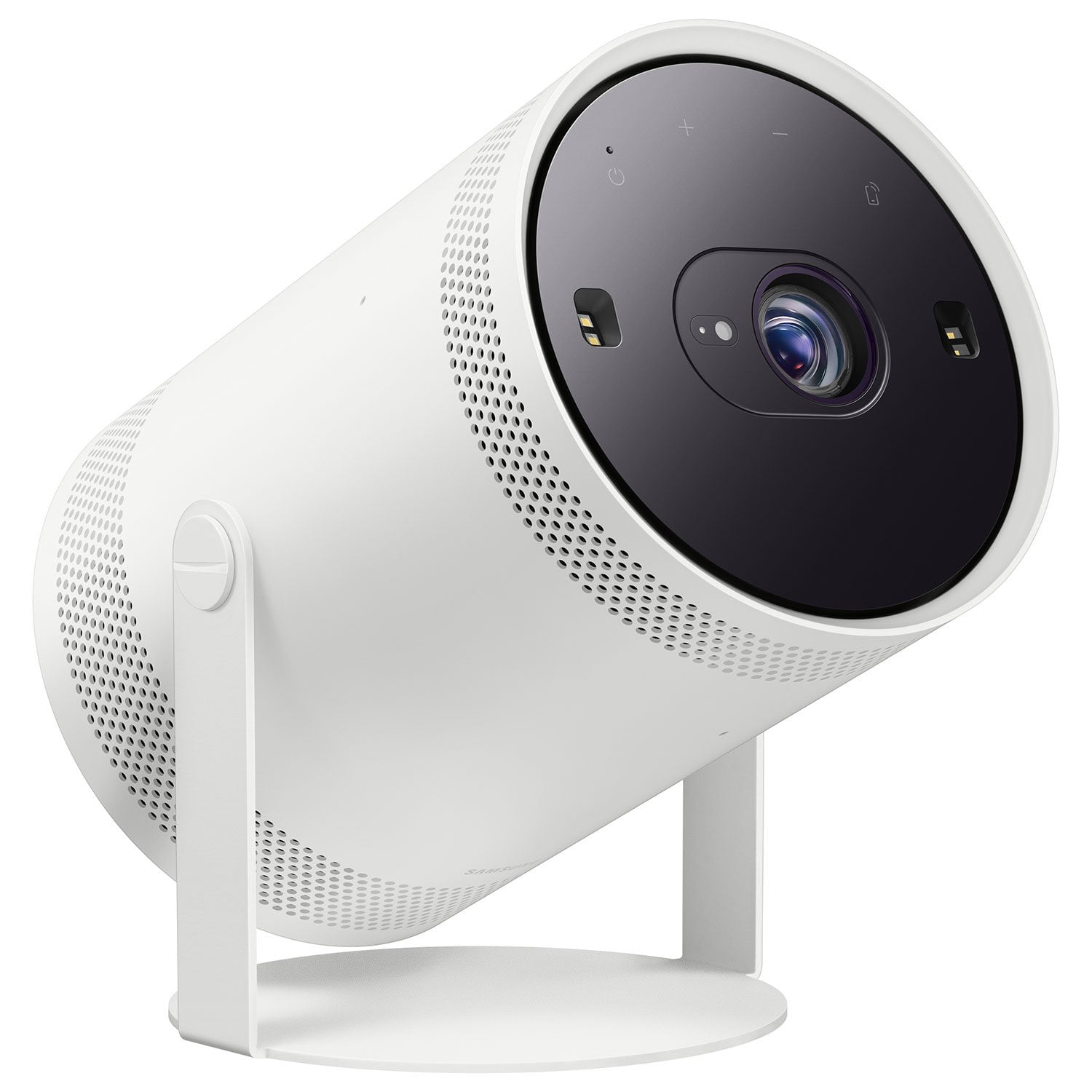
SAMSUNG 30"-100" The Freestyle Gen 2 with Gaming Hub, FHD HDR Smart Portable Projector - SP-LFF3CLAXXZA
4.4 out of 5 stars
stars
424 ratings421 reviews
  1. 5 stars69% (293)
  2. 4 stars19% (80)
  3. 3 stars4% (17)
  4. 2 stars3% (12)
  5. 1 star5% (22)

Member photos

  • +105 images
Sort by |
Showing 321-330 of 421 reviews
May 5, 2025
Reviewer name: Corald
5 out of 5 stars
5 out of 5 stars review

I love my free style and cant wait to get another!

[This review was collected as part of a promotion.] I absolutely love mt free style tv, but Im a samsung girl, always have been. I love the customization festures ans how easy it is to use their products.

Review from Samsung US
Helpful?1N6RHOQ5A48X13890663970
Mar 20, 2024
Reviewer name: Docer15
5 out of 5 stars
5 out of 5 stars review

Wonderful portable projector

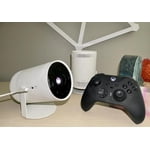
[This review was collected as part of a promotion.] I bought this as I travel and absolutely love it. Have watched countless movies wherever we go so fun and easy to use. I even can play all my Xbox games

Review from Samsung US
Helpful?1N6RHOQ5A48X13890663970
Aug 23, 2025
Reviewer name: Aries420
3 out of 5 stars
3 out of 5 stars review

I'd say it's okay I guess

[This review was collected as part of a promotion.] In general it's mid. It's good if you have a good spot for it to be but if you don't have a good spot or don't use it often. It collects dust and is just Mid in my personal opinion.

Review from Samsung US
Helpful?1N6RHOQ5A48X13890663970
reply from Samsung Specialist

Aries420, Thank you for sharing your thoughts on The Freestyle 2nd Gen - we'll be sure to pass this along to our internal teams. If you have any questions or need help, we’re always here. Call 1-800-SAMSUNG from 8AM - 12AM EST, seven days a week, or connect with a LiveChat agent anytime by selecting ‘Support’ on our website. ~ Samsung Specialist

Jan 1, 2025
Reviewer name: Bugami
5 out of 5 stars
5 out of 5 stars review

Great picture and features

[This review was collected as part of a promotion.] Great for gaming my son really enjoyed it. Whole family thoroughly enjoyed streaming movies on appliance

Review from Samsung US
Helpful?1N6RHOQ5A48X13890663970
Sep 25, 2023
Reviewer name: Sweets
5 out of 5 stars
5 out of 5 stars review

It's amazing. My kids use it every day.

It's amazing. My kids use it every day. I also bought and used 1G, but this version has upgraded many functions. Storage capacity has increased and function operation has been accelerated.

Review from Samsung US
Helpful?1N6RHOQ5A48X13890663970
Oct 11, 2023
Reviewer name: Benbelman
5 out of 5 stars
5 out of 5 stars review

Easy set up and great user experience!
[This review was collected as part of a promotion.] The Samsung freestyle is great! The smart tv menu gives you a lot of options. The projectors turns on quickly and you can definitely tell the difference with the upgraded ram. 10/10 recommend.

Review from The Insiders
Helpful?1N6RHOQ5A48X13890663970
Nov 15, 2024
Reviewer name: Angel1012
5 out of 5 stars
5 out of 5 stars review

Portable on the go
[This review was collected as part of a promotion.] On the go anywhere worldwide and enjoy our nation's services we pay at all times.A must have and stress free and it's the free like this freeworld.

Review from Samsung US
Helpful?1N6RHOQ5A48X13890663970
Apr 20, 2025
Reviewer name: JustinS
2 out of 5 stars
2 out of 5 stars review

Brightness is super weak

[This review was collected as part of a promotion.] Can only use really if its pitch black out. We bought it to use on our deck and were pretty disappointed for the price. There are better options on the market for the money.

Review from Samsung US
Helpful?1N6RHOQ5A48X13890663970
reply from Samsung Specialist

JustinS, We appreciate your feedback on the brightness level. If the image is too dim, try adjusting Picture Mode, Contrast, Brightness, or Sharpness settings. Go to Home > Menu > Settings > All Settings > Picture > Picture Mode ...and select the mode that best fits your usage: Dynamic: Makes the picture brighter and clearer in bright viewing environments. Standard: Is the default mode suitable for general viewing environments Movie: Is suitable for watching Projector or movies in a dark room. You can also manually fine tune your image under Expert Settings. Go to: Home > Menu > Settings > All Settings > Picture > Expert Settings I hope this tip helps. Should you have questions, please call us at 1-800-SAMSUNG, 8AM - 12AM EST, 7 days a week. LiveChat with an agent as well as manuals, software, and warranty info can be found at the ‘Support’ link on our Samsung website. ~ Samsung Specialist

Jul 4, 2025
Reviewer name: Projector
4 out of 5 stars
4 out of 5 stars review

A little bit higher than I wanted to pay and price

[This review was collected as part of a promotion.] I love it reminds me of when I was a kid my grandfather had a projector in basement and hung from the ceiling except this is compact very good for the cost and being Samsung

Review from Samsung US
Helpful?1N6RHOQ5A48X13890663970
Aug 25, 2025
Reviewer name: Jr2589
5 out of 5 stars
5 out of 5 stars review

Perfect Device

[This review was collected as part of a promotion.] I really love my new addition. Especially how the installation was seamless and it works perfectly with all of my devices. The resolution is great.

Review from Samsung US
Helpful?1N6RHOQ5A48X13890663970