Skip to Main Content
Sams Club
Sams Club
Customer reviews for SAMSUNG 65” Class Q72D Series QLED Smart TV for
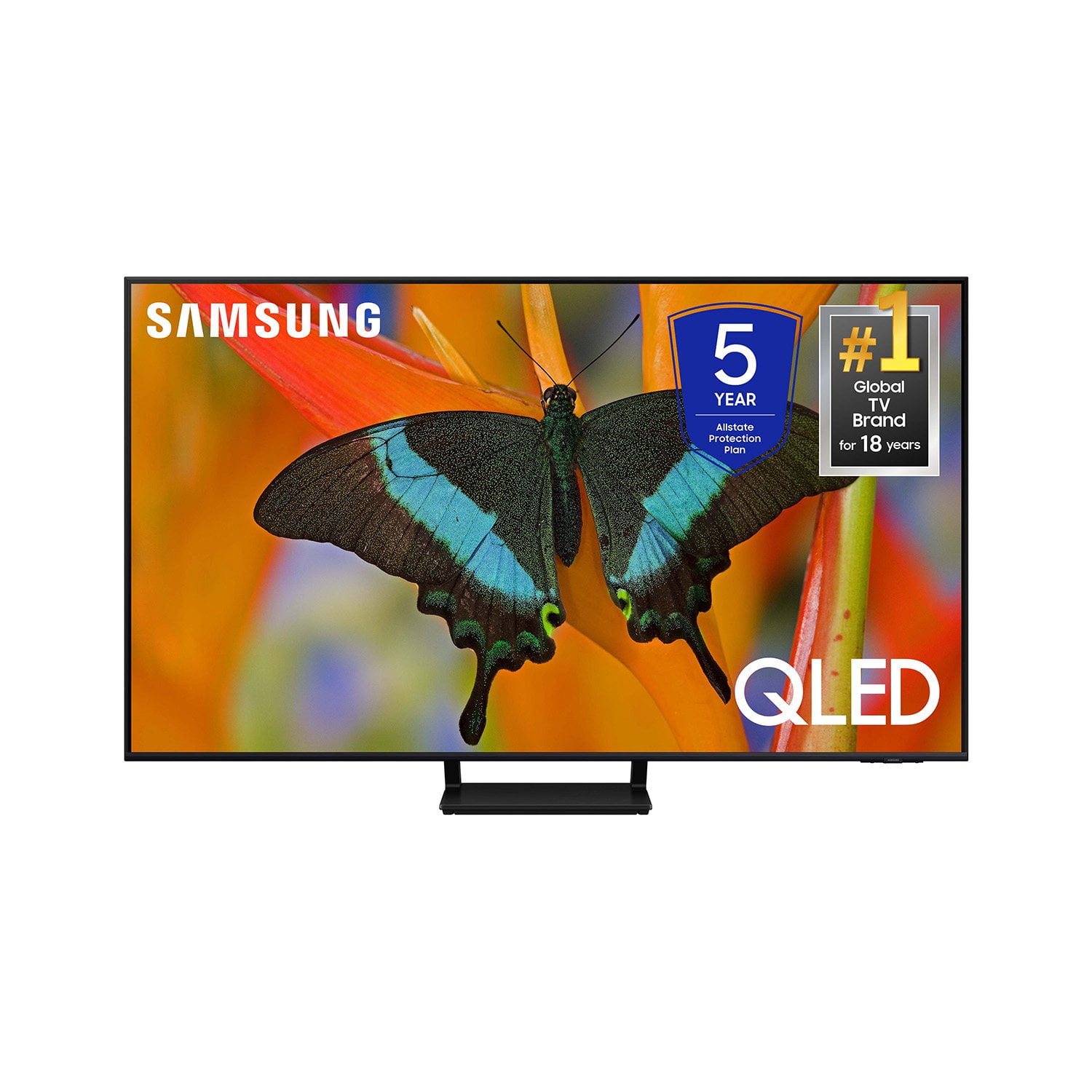
SAMSUNG 65” Class Q72D Series QLED Smart TV
4.6 out of 5 stars
stars274 ratings274 reviews
  1. 5 stars77% (212)
  2. 4 stars14% (39)
  3. 3 stars4% (12)
  4. 2 stars1% (3)
  5. 1 star3% (8)

Member photos

  • +84 images
Sort by |
Showing 141-150 of 274 reviews
Mar 20, 2025
Don1234
5 out of 5 stars review

Great picture!

[This review was collected as part of a promotion.] This Samsung has a real life looking picture. I love the lighted remote feature. Setup was easy to do.

Review from Samsung US
Helpful?0S8WA20FT3TX13889911831
Mar 21, 2025
Hank01
3 out of 5 stars review

Love the 65 in size for viewing

[This review was collected as part of a promotion.] 65 in tv is perfect for the space in my living and dining area..remote and TV seems user friendly and easy to navigate...so far, no problems.

Review from Samsung US
Helpful?0S8WA20FT3TX13889911831
reply from Samsung Specialist

Hank01, Thanks for taking a moment to review Samsung’s Q72DD TV. If you’re experiencing specific issues which caused you to give this a 3-star rating, please know Samsung Customer Support is here to help. You can always reach us at 1-800-SAMSUNG, 8AM - 12AM EST, 7 days a week. Our LiveChat agents are also available by clicking on the ‘Support’ link on our website. ~ Samsung Specialist

Mar 21, 2025
WatchBB
5 out of 5 stars review

Great view from here!

[This review was collected as part of a promotion.] The is an experience of epic proportions! Crisp colors and excellent lighting from every angle. Just loving watching March Madness!!!

Review from Samsung US
Helpful?0S8WA20FT3TX13889911831
Mar 20, 2025
Stevedollinger
5 out of 5 stars review

Big screen

[This review was collected as part of a promotion.] I bought this TV a couple of months ago. Since then I have hung it on the wall. My wife tells me that if feels like a movie theater in our home. Thank you Samsung for an incredible product

Review from Samsung US
Helpful?0S8WA20FT3TX13889911831
Mar 6, 2025
Dallas
1 out of 5 stars review

Horrible

I recently purchased a 85 inch tv. Within weeks white spots appeared on the screen . The tv was still under warranty so they replaced the panel. The white images came back worst tv I ever purchased

Review from Samsung US
Helpful?0S8WA20FT3TX13889911831
reply from Samsung Specialist

Dallas, Thank you for bringing your concerns to our attention. Please try reaching out to us again so we can further diagnose your issue and provide assistance. Please contact Samsung Support at 1-800-SAMSUNG, 8AM - 12AM EST, 7 days a week. Our LiveChat agents are also available by clicking on the ‘Support’ link on our website. ~ Samsung Specialist

Mar 20, 2025
Swayy320600
5 out of 5 stars review

The tv that keeps on giving

[This review was collected as part of a promotion.] Great picture, love the remote and being rechargeable. Also like the game pass feature where you don't need an Xbox to play games right off tv.

Review from Samsung US
Helpful?0S8WA20FT3TX13889911831
Mar 20, 2025
shop2drop
3 out of 5 stars review

NIce size, pic not as sharp/bright as I hoped

[This review was collected as part of a promotion.] i thought when watching certain programs, the picture would be much sharper/brighter, A little disappointed.

Review from Samsung US
Helpful?0S8WA20FT3TX13889911831
reply from Samsung Specialist

shop2drop, We appreciate your thoughts on the picture quality of Samsung’s Q72DD TV. If the image you’re seeing isn’t to your liking, there are several picture settings you may want to adjust. Go to Home > left direction button > Settings > All Settings > Picture > Picture Mode ...and select the mode that best fits your usage: 1. Standard: Is the default mode suitable for general viewing environments 2. Dynamic: Makes the picture brighter and clearer in bright viewing environments 3. Eco: Provided to save energy 4. Movie: Suitable for watching TV or movies in a dark room 5. Filmmaker Mode: Provides source content just as the creators intended. If the image is defined as Filmmaker Mode, it’ll automatically switch to Filmmaker Mode while watching. You can also fine-tune your picture with expert settings such as brightness, contrast, sharpness and more (All Settings > Picture > Expert Settings). For further assistance with settings adjustments, please contact Samsung Customer Support at 1-800-SAMSUNG, 8AM - 12AM EST, 7 days a week. Or visit us on the Samsung website and click on the ‘Support’ link for: • LiveChat • Manuals, Software, & Warranty Info ~ Samsung Specialist

Feb 20, 2025
PeteVox
4 out of 5 stars review

Great picture

New 65" smart Samsung for Christmas. Great picture. Sound is weak and garbled. Remote is too small-can't read it. Why don't you paint them bright colors so you can find them???

Review from Samsung US
Helpful?0S8WA20FT3TX13889911831
Mar 20, 2025
TUT1970
5 out of 5 stars review

NEW 75 BEDROOM TV

[This review was collected as part of a promotion.] We needed a bigger TV in the Master BR, (she did) this actually turned out great. The TV is amazing, so much available on the programing, apps and tuning capabilities. Perfect for our needs.

Review from Samsung US
Helpful?0S8WA20FT3TX13889911831
Mar 21, 2025
IHike2
5 out of 5 stars review

Best TV Yet

[This review was collected as part of a promotion.] This is by far the best tv that we have purchased, the colors are great and it has lots of features that we did not have on our old tv, It was also easy to mount on our wall.

Review from Samsung US
Helpful?0S8WA20FT3TX13889911831