Skip to Main Content
Sam's Club
Sam's Club
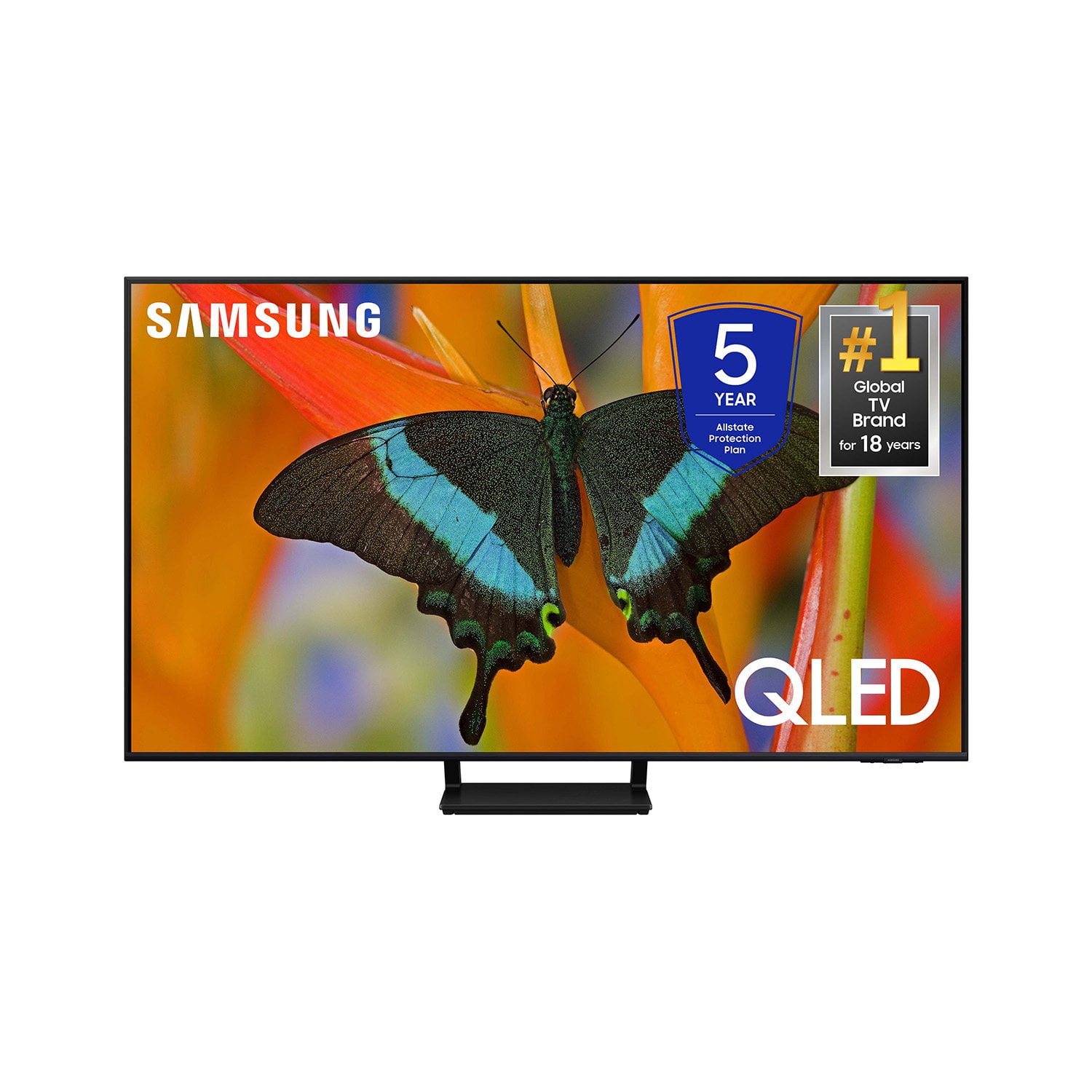
Customer reviews for SAMSUNG 65” Class Q72D Series QLED Smart TV for
SAMSUNG 65” Class Q72D Series QLED Smart TV
4.6 out of 5 stars
stars273 ratings273 reviews
  1. 5 stars78% (212)
  2. 4 stars14% (39)
  3. 3 stars4% (11)
  4. 2 stars1% (3)
  5. 1 star3% (8)

Member photos

  • +84 images
Sort by |
Showing 1-10 of 273 reviews
Jul 20, 2024
BDBrown
5 out of 5 stars review

Best TV I've ever ownd

[This review was collected as part of a promotion.] I love my Samsung QLED TV! By far my most favorite TV I've ever owned. The picture is so clear, I don't even have to wear my glasses or sit close to the the TV in order to be able to make out whats on the screen. The sound quality is second to none. The user interface is really user friendly and easy to navigate. You can't go wrong with a Samsung TV, top of the line quality at an affordable price.

Review from Samsung US
Helpful?0S8WA20FT3TX13889911831
Jun 5, 2025
Jill
5 out of 5 stars review

I only buy Samsung TVs. … they cannot be beat!

I only buy Samsung TVs and have done for as long I knew they were available. I bought one and found the picture and overall quality way beyond any I had ever used. I have 3 properties and between them I have 13 Samsung Televisions ranging from 44 to 85 Inches. Sounds impossible but it's true. I won't buy any other brand … you shouldn't either … Samsung TVs cannot be beat!

Review from Samsung US
Helpful?0S8WA20FT3TX13889911831
Jul 2, 2024
FDLshop
5 out of 5 stars review

Great Picture quality

[This review was collected as part of a promotion.] I love my new TV, as the remote is small and so easy to operate, plus the quality of the picture is wonderful, I feel like I am at the movie theatre. I have all Samsung appliances, and am so happy the quality of all the products.

Review from Samsung US
Helpful?0S8WA20FT3TX13889911831
Jul 6, 2024
Mayaloyola
5 out of 5 stars review

Great product

[This review was collected as part of a promotion.] Great futures big tv great to connect.love my new tv

Review from Samsung US
Helpful?0S8WA20FT3TX13889911831
Jun 12, 2024
Justafan
5 out of 5 stars review

This product is absolutely great

[This review was collected as part of a promotion.] Is the best TV I've ever owned, picture is great, sound quality is awesome.. Just over all worth every penny.. Thank you Samsung for doing it again!!!

Review from Samsung US
Helpful?0S8WA20FT3TX13889911831
Aug 9, 2024
Gel916
5 out of 5 stars review

Great picture

[This review was collected as part of a promotion.] My last Samsung TV lasted almost 15 years so I decided to replace with the newer model. This one was on sale met my qualifications and has a wonderful picture. It will not disappoint. Great value, great features, and the Samsung quality.

Review from Samsung US
Helpful?0S8WA20FT3TX13889911831
Jul 22, 2024
Techguru
5 out of 5 stars review

Excellent Features

[This review was collected as part of a promotion.] As a tech enthusiast who recently upgraded to the Samsung 75-inch QLED TV, I can confidently say it's been a fantastic addition to my living room. From the moment I unboxed it, the TV's sleek design caught my eye. The ultra-thin bezels make the screen feel even more expansive, and the minimalist stand adds a touch of elegance without drawing attention away from the display. The picture quality is where this TV truly shines. The colors are incredibly vibrant, and the level of detail in 4K content is stunning. Watching nature documentaries feels like looking through a window into another world. The HDR performance is equally impressive, with bright highlights and deep, inky blacks that add a real sense of depth to scenes. The TV handles motion very well. I'm an avid sports fan, and the clarity during fast-paced action is superb—no blurring or ghosting, just smooth, lifelike movement. Gaming on this TV is also a treat. The low input lag and high refresh rate make for a responsive and immersive experience, whether I'm playing the latest AAA title or a fast-paced shooter. Navigating the Tizen OS is a breeze. The interface is intuitive, and the range of available apps covers all my streaming needs. I appreciate the integration with smart home devices; controlling the TV with voice commands through Alexa has been a surprisingly handy feature. While the built-in speakers are serviceable, I did notice a significant improvement when I paired the TV with a soundbar.

Review from Samsung US
Helpful?0S8WA20FT3TX13889911831
May 23, 2026
The Man
3 out of 5 stars review

1 year review

[This review was collected as part of a promotion.] The picture is ok, but the blacks are so dark that there is no picture there and if you adjust the contrast the whole picture washes out. What really bothers me is the back button takes you home not the last Channel, and when you go to a channel you have to watch multiple pop ups before you can listen and watch. One other problem is AI, I have it off, but sometimes it cuts the volume and says listening. That needs to be fixed. I have had this TV for about a year.

Review from Samsung US
Helpful?0S8WA20FT3TX13889911831
Nov 23, 2024
Jerritv
3 out of 5 stars review

Picture quality great

[This review was collected as part of a promotion.] I only use this for tv shows on antenna and Samsung plus. The picture is great especially for special effects in movies. There are a few problems. The grid is slow to appear at times. The the show content is incorrect many times and the volume fluctuates when auto is off.

Review from Samsung US
Helpful?0S8WA20FT3TX13889911831
reply from Samsung Specialist

Jerritv, Thank you for sharing your experience with volume fluctuations. Please try the following which may help resolve this: 1. Turn off the Sound Sensor switch by using the button at the bottom of the TV, beneath the Samsung logo. With the TV on, you can push the button to the left to turn the sound sensor on or to the right to turn it off. 2. Try disabling some of the TV's intelligent functions, as these will automatically analyze and adjust your sound which may cause your volume to fluctuate. Go to Settings > All Settings > General & Privacy > Intelligent Mode Settings and select Intelligent Mode to turn off all the functions or select each option to turn it off. 3. Please also make sure your TV’s firmware is updated. You can check this by going to: Menu > Settings > Support > Software Update. I hope these tips help. If you need further assistance, please reach out to Samsung Support at 1-800-SAMSUNG, 8AM - 12AM EST, 7 days a week. Or visit us on the Samsung website and click on the ‘Support’ link for: • LiveChat • Manuals, Software, & Warranty Info ~ Samsung Specialist

Jun 6, 2025
captcrag
3 out of 5 stars review

Doesn't work with Sonos

TV has great picture - downside is with a Sonos soundbar all of the numbers disappear on the volume control

Review from Samsung US
Helpful?0S8WA20FT3TX13889911831