Join Now
Skip to Main Content
Sam's Club
Sam's Club
All Departments
All Services
Customer reviews for SAMSUNG 60" Class Q60B-Series QLED 4K Smart TV - QN60Q60BDFXZA for
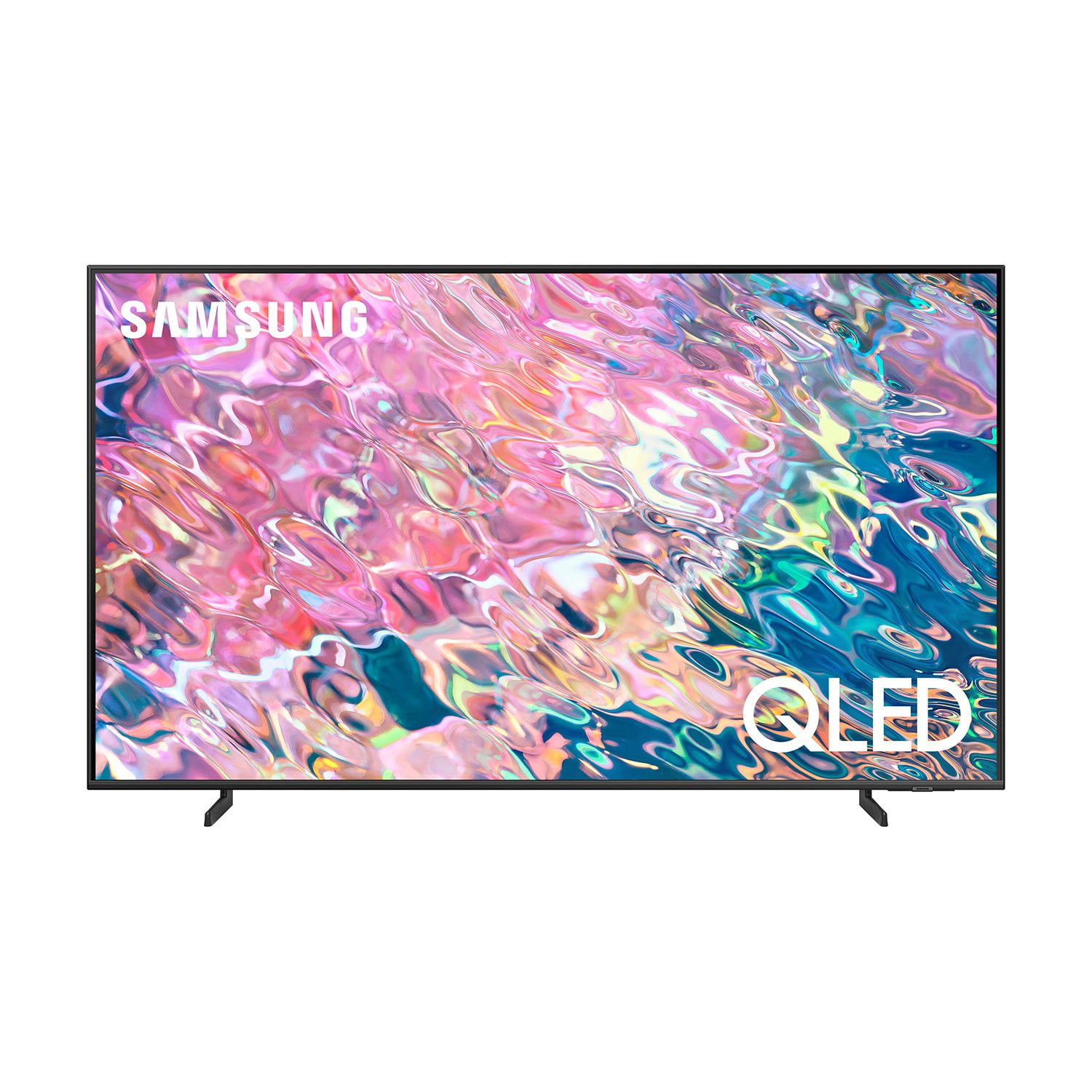
SAMSUNG 60" Class Q60B-Series QLED 4K Smart TV - QN60Q60BDFXZA
4.6 out of 5 stars
stars
1,193 ratings1,158 reviews
  1. 5 stars78% (932)
  2. 4 stars15% (174)
  3. 3 stars3% (35)
  4. 2 stars1% (13)
  5. 1 star3% (39)
Sort by |
Showing 461-470 of 1,158 reviews
Oct 16, 2022
Reviewer name: Samsung4ever
5 out of 5 stars
5 out of 5 stars review

Best TV ever

Awesome TV, features and outstanding color. The menu was very intuitive, a pleasure to use and the size of the remote and its ability to recharge itself is fantastic. This TV brought a whole new Gaming Experience into my home. After reading several articles on the technology that make up this TV, it was clear that this TV was a winner.

Review from Samsung US
Helpful?6SAN7SCSYVEO13886713723
Oct 5, 2022
Reviewer name: FastFrank
5 out of 5 stars
5 out of 5 stars review

Great features on Bright tv.

[This review was collected as part of a promotion.] I use this TV for my private viewing time. I love that the TV automatically knows which source I have turned on and displays that on screen. I mainly watch movies and the screen is the brightest and clearest of any TV I have ever owned. Also. the included SamsungTV plus is awesome. I use it a lot and I love it. Thank You.

Review from Samsung US
Helpful?6SAN7SCSYVEO13886713723
Oct 25, 2022
Reviewer name: jsailer
5 out of 5 stars
5 out of 5 stars review

All around great

[This review was collected as part of a promotion.] It was worth spending a bit more money on a good TV. It's very intuitive to use when it comes switching between apps and gaming systems. The sound and picture is great. My only issue is I wish the navigation buttons on the remote were bigger.

Review from Samsung US
Helpful?6SAN7SCSYVEO13886713723
Sep 26, 2022
Reviewer name: Chuck125
5 out of 5 stars
5 out of 5 stars review

Great picture.

[This review was collected as part of a promotion.] This TV has a fantastic picture, still getting used to the remote control. The remote is a bit different from what I was used to. It's starting to get a bit more intuitive after some use. The sound is OK, I'm considering adding a sound bar to beef up the sound. I would purchase again.

Review from Samsung US
Helpful?6SAN7SCSYVEO13886713723
Oct 25, 2022
Reviewer name: JustKidding
5 out of 5 stars
5 out of 5 stars review

Future of TV BOX

[This review was collected as part of a promotion.] Samsung did a great job to make it simple and carefully handle TV during unboxing. It is delicate TV so taking out of box is important step. The strip on both side of TV protected the screen during handling. It was easy to follow the direction for set up. One wish list is I hope TV company can come up with the way to disassemble TV box to store. tV box is too big and taking lots of space.

Review from Samsung US
Helpful?6SAN7SCSYVEO13886713723
Oct 5, 2022
Reviewer name: Avidtvwatcher
5 out of 5 stars
5 out of 5 stars review

The best picture on a TV that I have ever owned.

[This review was collected as part of a promotion.] It is in my master bedroom, I find myself in there more now, just to watch this TV. My wife and sit in bed and watch this TV , more than we do in the living room we're I have a bigger TV, but not as good a picture quality.

Review from Samsung US
Helpful?6SAN7SCSYVEO13886713723
Oct 5, 2022
Reviewer name: Snehal
5 out of 5 stars
5 out of 5 stars review

Best QLED 4k TV in price range

[This review was collected as part of a promotion.] I have used this TV for nearly 10 months now. The remote comes with solar charger and its very easy to use. Samsung User interface is very user friendly It also has direct shortcut buttons for Netflix and Prime. Keep it in bright room or dark it performs very good in either of the case

Review from Samsung US
Helpful?6SAN7SCSYVEO13886713723
Aug 23, 2022
Reviewer name: Sharon
5 out of 5 stars
5 out of 5 stars review

I love the internet connectivity of a Smart TV

[This review was collected as part of a promotion.] I love to binge watch a series and I can easily do that with a Samsung smart TV. I work long hours so I am not always available to see live TV. But I love to watch movies when I choose the time. Its easy to add apps. My last TV was, I kid you not, a 19 inch analog. You gotta know I'm happy with my Samsung.

Review from Samsung US
Helpful?6SAN7SCSYVEO13886713723
Oct 5, 2022
Reviewer name: Theelf
5 out of 5 stars
5 out of 5 stars review

Great TV always worth it

[This review was collected as part of a promotion.] I love how when I turn on something say the ultra 4k player it switches automatically I don't have to select anything, the picture is unbelievable. This is my third Samsung video display equipment I have bought always delighted with the results.

Review from Samsung US
Helpful?6SAN7SCSYVEO13886713723
Jul 27, 2022
Reviewer name: bumpkinsrus
4 out of 5 stars
4 out of 5 stars review

Large clear imaging

[This review was collected as part of a promotion.] We use our Samsung TV almost exclusively for streaming, using Roku device. Have also viewed a couple of videotapes and DVDs to see how they look on this TV. Overall we are very pleased with this TV. A quibble we have with it is: the plasma TV this replaced seemed to have better clarity of fast motion, such as action sports and car racing. Tried using the programmed in Samsung streaming service on this TV, but there is constant buffering when trying to view movies. Has to be Samsung problem because never have this problem with Roku, and speedtest shows constant 300+MBS.

Review from Samsung US
Helpful?6SAN7SCSYVEO13886713723
reply from Samsung Brand Ambassador

Hi there, We appreciate your feedback on your Q60B TV’s picture when watching fast motion. For optimal motion image performance, you may want to adjust the picture clarity setting by going to: Menu > Settings > All Settings > Picture > Expert Settings > Picture Clarity Settings - Off: Picture Clarity Settings will always be off - Auto: Picture Clarity Settings will automatically activate and deactivate based on the type of program being watched - Custom: Allows custom adjustments and settings to be used. By selecting the Custom option, you can access these advanced settings for Judder Reduction, LED Clear Motion, and Noise Reduction. Buffering when streaming content online is related to your internet connection speed. Buffering may occur on your Samsung Smart TV while streaming video content over the internet. Buffering usually occurs when your internet connection provided by your ISP cannot supply data fast enough for the playback device. We suggest you try the following: 1) Use 5G Wi-Fi if possible 2) Try wired LAN if available 3) Try repositioning the router so there are no obstacles between your TV and the router 4) Please be sure you have the latest firmware update which enhances network connectivity. Should your issue persist, you may want to contact your ISP to check or increase your internet speed. If there’s anything we can further help with, please call us at 1-800-SAMSUNG, 8AM - 12AM EST, 7 days a week. Our LiveChat agents are also available by clicking on the ‘Support’ link on our website. ~ Samsung Specialist