Join Now
Skip to Main Content
Sam's Club
Sam's Club
All Departments
All Services
Customer reviews for SAMSUNG 60" Class Q60B-Series QLED 4K Smart TV - QN60Q60BDFXZA for
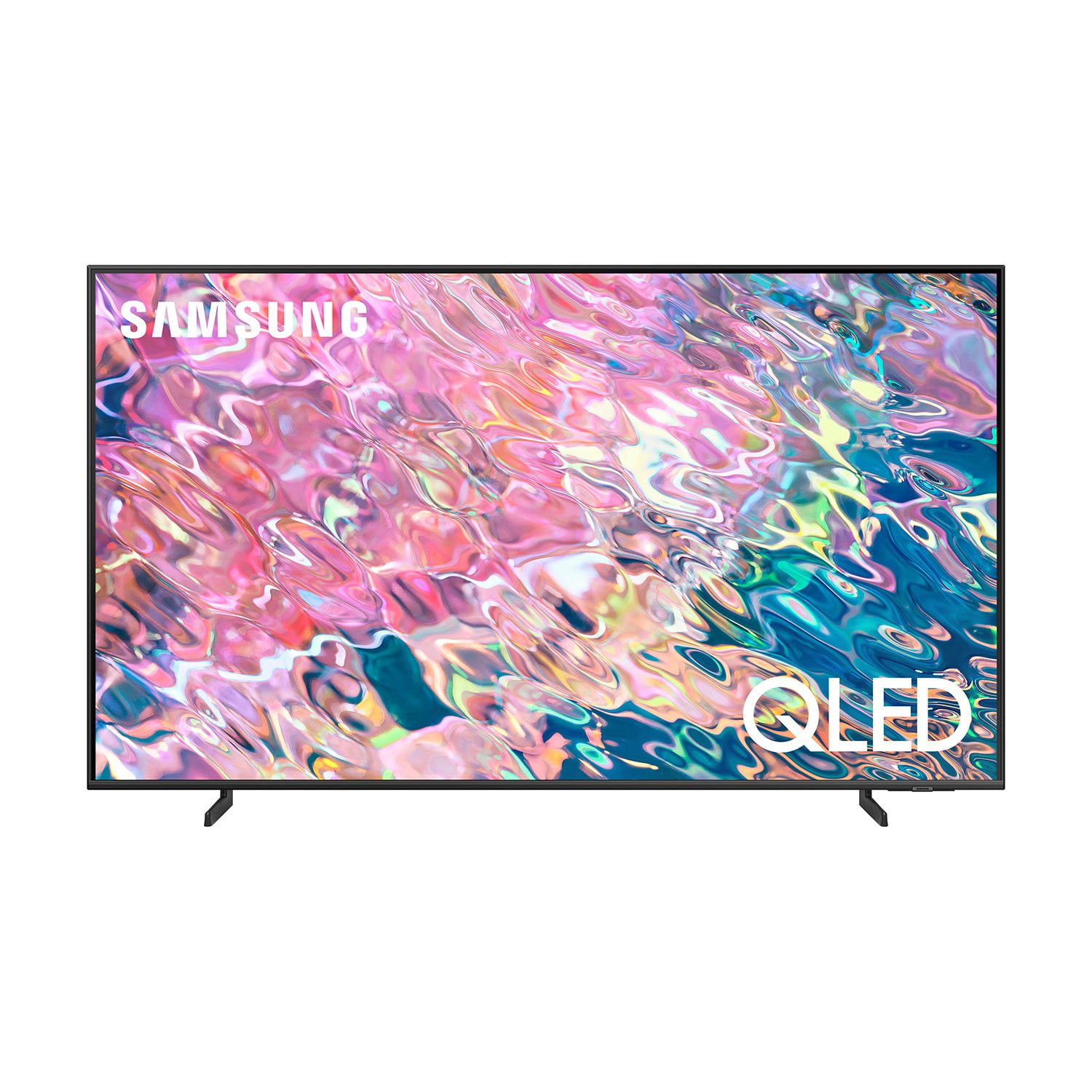
SAMSUNG 60" Class Q60B-Series QLED 4K Smart TV - QN60Q60BDFXZA
4.6 out of 5 stars
stars
1,193 ratings1,158 reviews
  1. 5 stars78% (932)
  2. 4 stars15% (174)
  3. 3 stars3% (35)
  4. 2 stars1% (13)
  5. 1 star3% (39)
Sort by |
Showing 451-460 of 1,158 reviews
Jun 14, 2022
Reviewer name: Spishack
5 out of 5 stars
5 out of 5 stars review

Great for xbox series x

[This review was collected as part of a promotion.] I've used several brands, such as vizio m series and hisense lg7. This one has been super solid and doesnt drop audio like the hisense. The overall build quality was much better, as the vizio actually had a space between the frame and screen.

Review from Samsung US
Helpful?6SAN7SCSYVEO13886713723
Oct 26, 2022
Reviewer name: Love2Love
5 out of 5 stars
5 out of 5 stars review

Clear Sound and Picture

[This review was collected as part of a promotion.] This is easily the best tv I've ever purchased. The clarity of the sound and images make for a most relaxing and enjoyable experience for family and friends. I definitely recommend it to others, and I'd love to buy another for my master's bedroom. I don't I will ever buy another brand.

Review from Samsung US
Helpful?6SAN7SCSYVEO13886713723
Oct 5, 2022
Reviewer name: FCodyR
3 out of 5 stars
3 out of 5 stars review

Weird picture sometimes

[This review was collected as part of a promotion.] Good for tv. Not good for movies or sports. During scenes that move fast, it is blurry. I've seen other reviews that talk about the frame rate. Change your settings. Trust the reviews. Also it's hard to connect to WiFi most of the time when all other devices connect instantly

Review from Samsung US
Helpful?6SAN7SCSYVEO13886713723
reply from Samsung Brand Ambassador

FCodyR, We appreciate your feedback on your Q60B TV’s picture when watching fast motion. For optimal motion image performance, you may want to adjust the picture clarity setting by going to: Menu > Settings > All Settings > Picture > Expert Settings > Picture Clarity Settings - Off: Picture Clarity Settings will always be off - Auto: Picture Clarity Settings will automatically activate and deactivate based on the type of program being watched - Custom: Allows custom adjustments and settings to be used. By selecting the Custom option, you can access these advanced settings for Judder Reduction, LED Clear Motion, and Noise Reduction. You might also want to go through these steps to check your network connection: 1) Minimize interference by not using or turning off wireless devices. Also, verify that there are no obstacles between the TV and the modem or access point. (Wi-Fi strength can be decreased by appliances, cordless phones, stone walls/fireplaces, etc.) 2) If the wireless connection fails, connect the TV to the access point via a LAN cable. If the TV can connect to the Internet normally via the wired connection, there might be a problem with the access point. In this case, try using a different access point. 3) Perform a network test to check if there is a network problem. Press the Home button on your remote. Navigate to Settings > Support > Device Care > Self Diagnosis> Smart Hub Connection Test 4) Try a cold reboot of your TV by pressing and holding the power button for 5+ seconds until the TV turns off and on again. 5) Please also be sure you have the latest firmware update. You may want to enable automatic updates for convenience. Select Settings > Support > Software Update, then select Auto Update. For further assistance or service, please contact us at 1-800-SAMSUNG, 8AM - 12AM EST, 7 days a week. Our LiveChat agents are also available by clicking on the ‘Support’ link on our website. ~ Samsung Specialist

Jul 25, 2022
Reviewer name: PerfectForGames
5 out of 5 stars
5 out of 5 stars review

excellent gaming

[This review was collected as part of a promotion.] I use this as my computer monitor along with my Asus powered Nvidia 2060 graphics card and I must say the quality of gaming with the game settings all maxed out really changes games I have played in the past. The detail is absolutely mind blowing with the tvs clarity.

Review from Samsung US
Helpful?6SAN7SCSYVEO13886713723
Oct 5, 2022
Reviewer name: BhaPat
4 out of 5 stars
4 out of 5 stars review

Great TV for the price for premium range

[This review was collected as part of a promotion.] Have great picture quality and brightness. Could be better at getting more black/dark pixels but other wise it's awsome. Great sound to add with theatre system, but with micro lag when you have both speaker system on.

Review from Samsung US
Helpful?6SAN7SCSYVEO13886713723
Jul 23, 2022
Reviewer name: Bearby
5 out of 5 stars
5 out of 5 stars review

The TV for everything!

[This review was collected as part of a promotion.] This TV is one in a million. The screen size, clarity and weight are one to behold. While hanging in my living room, this TV is the center of everything. I can seamlessly switch between video games, my shows and every app with no problem. Easily connect your phone and you now have a large computer. Party time? Perfect for music and games. Backlight is perfect, not too dark and not so bright. All around a great TV

Review from Samsung US
Helpful?6SAN7SCSYVEO13886713723
Oct 22, 2022
Reviewer name: Brandon
4 out of 5 stars
4 out of 5 stars review

It's definitely an good first upgrade

[This review was collected as part of a promotion.] The Sq60a QLED TV was my first jump into 4k tvs and I definitely don't regret it. It gets reasonably bright and loud although it's color does wash out if you're not looking at it Head on. It's definitely takes care of my worries of the screen ever breaking because of its QLED feature unlike with OLED as those have unpredictable life span. Very good overall but wished samsung would make better more adaptable software than tizen(The software on the Sq60)

Review from Samsung US
Helpful?6SAN7SCSYVEO13886713723
Jun 5, 2022
Reviewer name: Anonymous
4 out of 5 stars
4 out of 5 stars review

This TV is great

[This review was collected as part of a promotion.] Okay so for starters I own many samsung products and my previous samsung TV I owned for many years almost 10 it was a 1080p TV and it was crystal clear,but after awhile I saw that tvs started to make leaps and bounds better tech so I decided to finally upgrade l,also because I needed a 4k tv. Fast forward I own the TV now and I must say I'm quite happy with this TV even for a somewhat entry level TV the color difference was substantial,I was quite impressed also how much brighter it was overall I'd give this TV a 8.5 out of 10. The main reason I wouldn't give it a perfect score or almost perfecr score was just the black levels in the TV,but then again it is an entry level TV I still gotta take that in account though anyways great TV.

Review from Samsung US
Helpful?6SAN7SCSYVEO13886713723
Jul 27, 2022
Reviewer name: gerrbear
4 out of 5 stars
4 out of 5 stars review

nice looking tv

[This review was collected as part of a promotion.] The picture is great. The only complaint is the memory gets full and buffers while streaming. other than that I'm pretty happy with the TV. the only improvement besides the memory would be a better remote, the remote is too small.

Review from Samsung US
Helpful?6SAN7SCSYVEO13886713723
Oct 25, 2022
Reviewer name: JudoStud
4 out of 5 stars
4 out of 5 stars review

Q60! Great TV!

[This review was collected as part of a promotion.] Got this TV to replace a Samsung UHD TV that now serves as my underdeck TV. The Q60 is a nice improvement over this TV with awesome pic for the price. If you are looking for a great picture, but don't want to spend the money on an OLED, this is the TV for you.

Review from Samsung US
Helpful?6SAN7SCSYVEO13886713723