Join Now
Skip to Main Content
Sam's Club
Sam's Club
All Departments
All Services
Customer reviews for SAMSUNG 60" Class Q60B-Series QLED 4K Smart TV - QN60Q60BDFXZA for
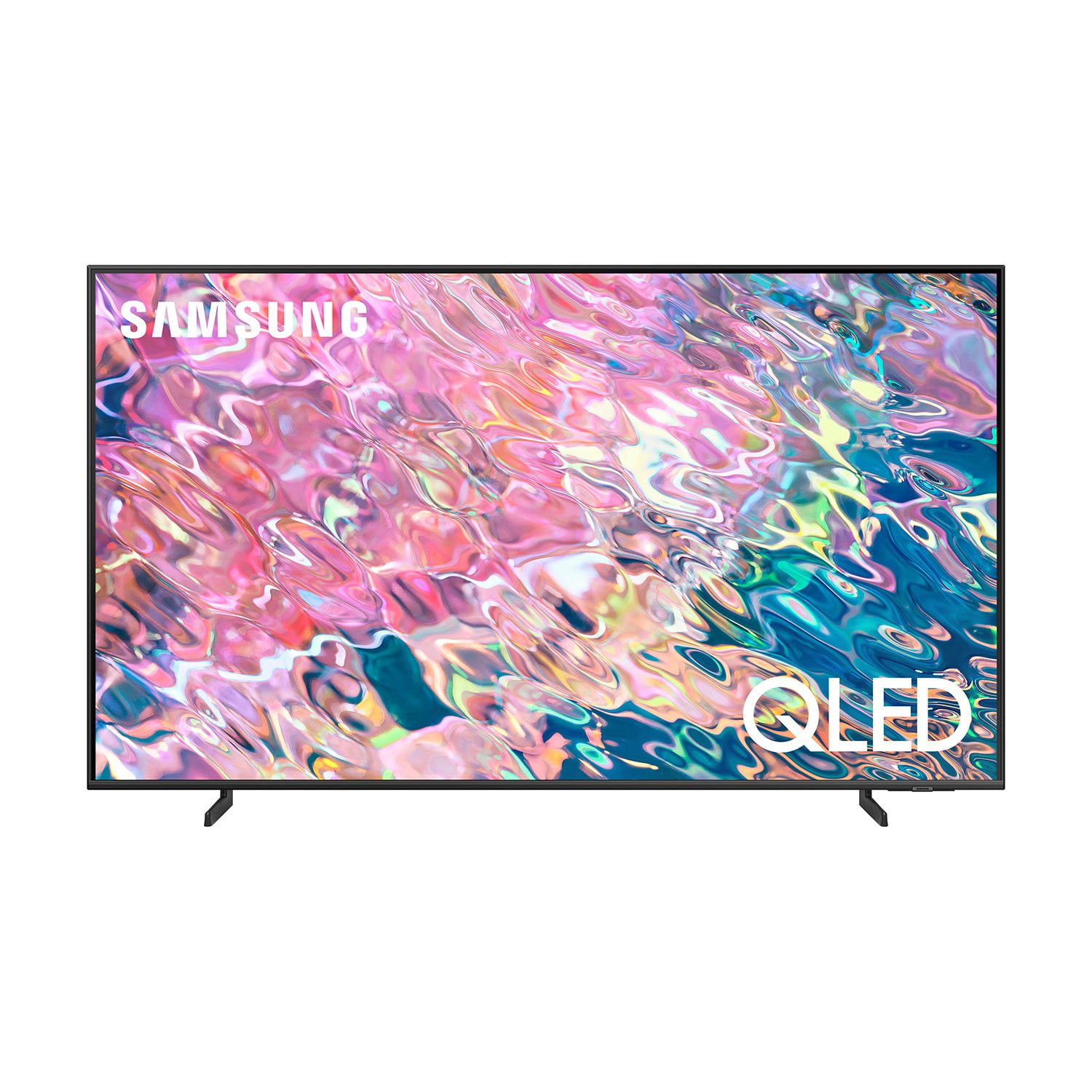
SAMSUNG 60" Class Q60B-Series QLED 4K Smart TV - QN60Q60BDFXZA
4.6 out of 5 stars
stars
1,193 ratings1,158 reviews
  1. 5 stars78% (932)
  2. 4 stars15% (174)
  3. 3 stars3% (35)
  4. 2 stars1% (13)
  5. 1 star3% (39)
Sort by |
Showing 281-290 of 1,158 reviews
Oct 5, 2022
Reviewer name: SoldonSamsung
5 out of 5 stars
5 out of 5 stars review

QLED Experience

[This review was collected as part of a promotion.] We watch lots of movies and sports. The Samsung QLED isn't just watching TV, it's an experience! We get to experience the details on screen that weren't clear on our regular LED TV. We're going to buy another one!

Review from Samsung US
Helpful?6SAN7SCSYVEO13886713723
May 23, 2022
Reviewer name: Mikey8247
5 out of 5 stars
5 out of 5 stars review

A Tv made for senior citizens

[This review was collected as part of a promotion.] As senior citizens, we look for clear ,concise pictures .A TV that is easy to program , and easy access to close captioning if needed. Samsung for us! Samsung tv Plus service is a big free bonus ….over 200 channels now! We are the proud owners of four Samsung TVs! Thank you for making our lives much easier!

Review from Samsung US
Helpful?6SAN7SCSYVEO13886713723
Jun 13, 2022
Reviewer name: Lizabee
5 out of 5 stars
5 out of 5 stars review

The picture quality is phenomenal!

[This review was collected as part of a promotion.] I use my Samsung TV for streaming and video games. The picture quality is incredible, buffering times are minimal and when they do happen they're very quick to go away. I also love that I can control my TV with my phone and tablet. It makes everything streamline and easier to use!

Review from Samsung US
Helpful?6SAN7SCSYVEO13886713723
Jul 27, 2022
Reviewer name: Shamrocker44
5 out of 5 stars
5 out of 5 stars review

Features and Clarity

[This review was collected as part of a promotion.] I use my TV for gaming and for watching movies. Gaming mode makes gaming amazing and movies couldn't look better. The OS is smoothe and doesn't crash. Love that the OS doesn't have any adds unlike some other big brands. And of course the interface between my Samsung Galaxy S20FE and Samsung Galaxy book is completely unparalleled to all other manufacturers.

Review from Samsung US
Helpful?6SAN7SCSYVEO13886713723
Jan 14, 2024
Reviewer name: Frankee68
1 out of 5 stars
1 out of 5 stars review

Remote is terrible

I bought this Samsung TV to replace my older 60" Samsung TV. Picture clarity is beautiful. The remote is horrible. Half of the time it doesn't work and even when it is working it's a nightmare to use. I'll be getting an Amazon fire stick remote and if I can I'll disable the smart portion of the TV. Last Samsung TV I'll purchase.

Review from Samsung US
Helpful?6SAN7SCSYVEO13886713723
Aug 23, 2022
Reviewer name: Taresa
5 out of 5 stars
5 out of 5 stars review

Variety of apps, Technology, and easy to navigate

[This review was collected as part of a promotion.] Wasn't sure about this tv when my husband brought it home. Seemed more than we needed. But as we continue to evolve with technology, this tv is already ahead of the curve. Has everything I didn't know I needed at the time. I love it.

Review from Samsung US
Helpful?6SAN7SCSYVEO13886713723
Oct 25, 2022
Reviewer name: Bottomfish
5 out of 5 stars
5 out of 5 stars review

New game room TV

[This review was collected as part of a promotion.] Still getting the TV set up but so far so good. The picture is great. No problems with edge lighting like I have read from others. Connecting to apps, the internet, my satellite provider etc. is all good. A little disappointed that the HDMI ports cannot be utilized for audio out. Have to get the optical cable to have audio out to my receiver. Other than that so far so good. Very happy and it looks great on our wall. Once we switch to streaming and get off of satellite all cables will be hidden and it will look amazingly clean.

Review from Samsung US
Helpful?6SAN7SCSYVEO13886713723
Oct 30, 2022
Reviewer name: islandgal87
4 out of 5 stars
4 out of 5 stars review

This tv is great!

[This review was collected as part of a promotion.] I use my tv everyday to watch my favorite shows and to watch movies as well. It's connected to my Samsung phone the S22 Ultra and I'm a tech person so I control the tv from my phone most times if I'm not using the remote control.

Review from Samsung US
Helpful?6SAN7SCSYVEO13886713723
May 23, 2022
Reviewer name: Lovethetv
5 out of 5 stars
5 out of 5 stars review

This product had a good and clear picture

[This review was collected as part of a promotion.] I like the samsung that we have it's huge and very clear the screen we don't need to go to movie theater to watch.we had Samsung 60 inches feel like im in a theater already the sound is verygood the color is very bright alot of channels that u can choose.

Review from Samsung US
Helpful?6SAN7SCSYVEO13886713723
Oct 25, 2022
Reviewer name: Love2watch
4 out of 5 stars
4 out of 5 stars review

Great for the price

[This review was collected as part of a promotion.] For what I paid this is an awesome deal. The picture is great, lots of streaming apps and Home Screen is customizable. Only 2 downfalls is that the network connection will randomly drop occasionally and no compatible voice remote. If you want a great large size smart tv on a budget this is what you want.

Review from Samsung US
Helpful?6SAN7SCSYVEO13886713723
reply from Samsung Brand Ambassador

Love2watch, We appreciate your feedback on the remote functionality, as well as the network connectivity on your Q60BD TV. This may be caused by a network issue. You might want to go through these steps to check your network connection: 1) Minimize interference by not using or turning off wireless devices. Also, verify that there are no obstacles between the TV and the modem or access point. (Wi-Fi strength can be decreased by appliances, cordless phones, stone walls/fireplaces, etc.) 2) If the wireless connection fails, connect the TV to the access point via a LAN cable. If the TV can connect to the Internet normally via the wired connection, there might be a problem with the access point. In this case, try using a different access point. 3) Perform a network test to check if there is a network problem. Press the Home button on your remote. Navigate to Settings > Support > Device Care > Self Diagnosis> Smart Hub Connection Test 4) Try a cold reboot of your TV by pressing and holding the power button for 5+ seconds until the TV turns off and on again. 5) Please also be sure you have the latest firmware update. You may want to enable automatic updates for convenience. Select Settings > Support > Software Update, then select Auto Update. For further assistance or service, please contact us at 1-800-SAMSUNG, 8AM - 12AM EST, 7 days a week. Or visit us on the Samsung website and click on the ‘Support’ link for: • LiveChat • Manuals, Software, & Warranty Info ~ Samsung Specialist