Skip to Main Content
Sam's Club
Sam's Club
All Departments
All Services
Customer reviews for SAMSUNG 60" Class Q60B-Series QLED 4K Smart TV - QN60Q60BDFXZA for
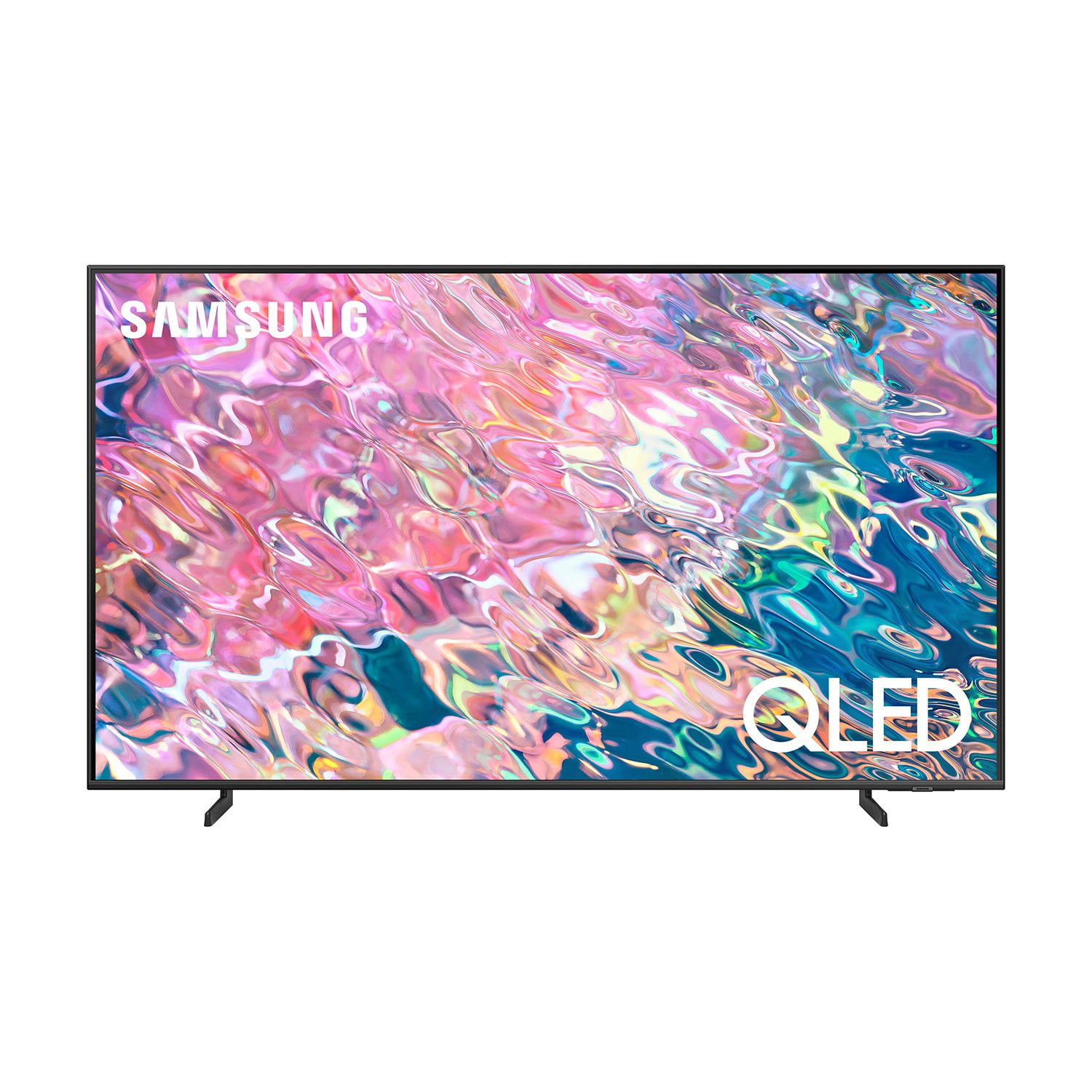
SAMSUNG 60" Class Q60B-Series QLED 4K Smart TV - QN60Q60BDFXZA
4.6 out of 5 stars
stars
1,193 ratings1,158 reviews
  1. 5 stars78% (932)
  2. 4 stars15% (174)
  3. 3 stars3% (35)
  4. 2 stars1% (13)
  5. 1 star3% (39)
Sort by |
Showing 1,091-1,100 of 1,158 reviews
Oct 16, 2022
Reviewer name: BillHsomething
4 out of 5 stars
4 out of 5 stars review

Pretty good TV

[This review was collected as part of a promotion.] Great, except can't move or delete Samsung TV Plus on the home menu. Fix this issue for a five-star review.

Review from Samsung US
Helpful?6SAN7SCSYVEO13886713723
reply from Samsung Brand Ambassador

BillHsomething, I'm sorry to hear you're having difficulties moving apps on your Q60B TV's Media Home screen. Please know you can customize your Media Home by removing or adding your favorite apps to the Home Screen. Here's how: 1. From Media Home, select List Edit (at the end of the APPS list) 2. Click the app you’d like to uninstall and press the down directional button on the remote. 3. From here, you can choose to Delete, Add to Home, Lock, Move, Reinstall, or View Details about the app selected. Additionally, while your TV may currently default to the TV Plus app, please also know you can choose what your TV does when you turn it on by going to Menu > Settings > All Settings > General & Privacy > Start Screen Option > Autorun Smart Hub 1) Enabling Autorun Smart Hub automatically launches the Smart Hub when the TV is turned on. Navigate to this option to enable or disable the feature. 2) If Autorun Last App is set to on, the last used app is automatically run when you turn on the TV. You can turn this function on or off by pressing the Select button in the current menu. If we can help with anything else, please call us at 1-800-SAMSUNG, 8AM - 12AM EST, 7 days a week. LiveChat with an agent as well as manuals, software, and warranty info can be found at the ‘Support’ link on our Samsung website. ~ Samsung Specialist

Mar 16, 2024
Reviewer name: Pepe
4 out of 5 stars
4 out of 5 stars review

Performance

I have a question how do I enable 120hz cause the game bar shows that vrr is disable

Review from Samsung US
Helpful?6SAN7SCSYVEO13886713723
Sep 27, 2023
Reviewer name: Frank G
5 out of 5 stars
5 out of 5 stars review

Excellent product, we are enjoying the experience

Very nice definition great picture and very reliable product

Review from Samsung Canada
Helpful?6SAN7SCSYVEO13886713723
Sep 27, 2023
Reviewer name: kimmie87
5 out of 5 stars
5 out of 5 stars review

Great features- accessibility

I'm happy that there are accessible with ASL (American sign language)

Review from Samsung Canada
Helpful?6SAN7SCSYVEO13886713723
Jun 24, 2023
Reviewer name: Mangotango
4 out of 5 stars
4 out of 5 stars review

Good size

Bought a few months ago and it it very useful and high quality.

Review from Samsung Canada
Helpful?6SAN7SCSYVEO13886713723
Oct 3, 2023
Reviewer name: Shirko
5 out of 5 stars
5 out of 5 stars review

QLED 4K Smart TV Q60B

I purchased this TV for my office 6 months ago, and I've been very pleased with it so far!

Review from Samsung Canada
Helpful?6SAN7SCSYVEO13886713723
reply from Samsung Support Team

Hello, thank you for your review and feedback. We will pass your comments along to our store staff and hope you visit us again someday soon.

May 31, 2024
Reviewer name: Raghav bali
5 out of 5 stars
5 out of 5 stars review

Good product

Its worth the money you pay. Really good screen quality

Review from Samsung Canada
Helpful?6SAN7SCSYVEO13886713723
Sep 27, 2023
Reviewer name: Zaan123
3 out of 5 stars
3 out of 5 stars review

Good for the price!!

I bought this a couple of months ago and it is good for the price!!

Review from Samsung Canada
Helpful?6SAN7SCSYVEO13886713723
Jun 2, 2024
Reviewer name: Anonymous
5 out of 5 stars
5 out of 5 stars review

Excellent features all my apps so easy to use

I purchase my tv and just love it. Would recommend this model to my family and friends

Review from Samsung Canada
Helpful?6SAN7SCSYVEO13886713723
Jun 1, 2024
Reviewer name: H Simon
1 out of 5 stars
1 out of 5 stars review

Yellow screen

Tv hasn't been used that much. Part of the left side of the screen has turned yellow.

Review from Samsung Canada
Helpful?6SAN7SCSYVEO13886713723