Join Now
Skip to Main Content
Sam's Club
Sam's Club
All Departments
All Services
Customer reviews for SAMSUNG 55" Class Q6-Series 4K Ultra HD Smart QLED TV QN55Q6DAAFXZA for
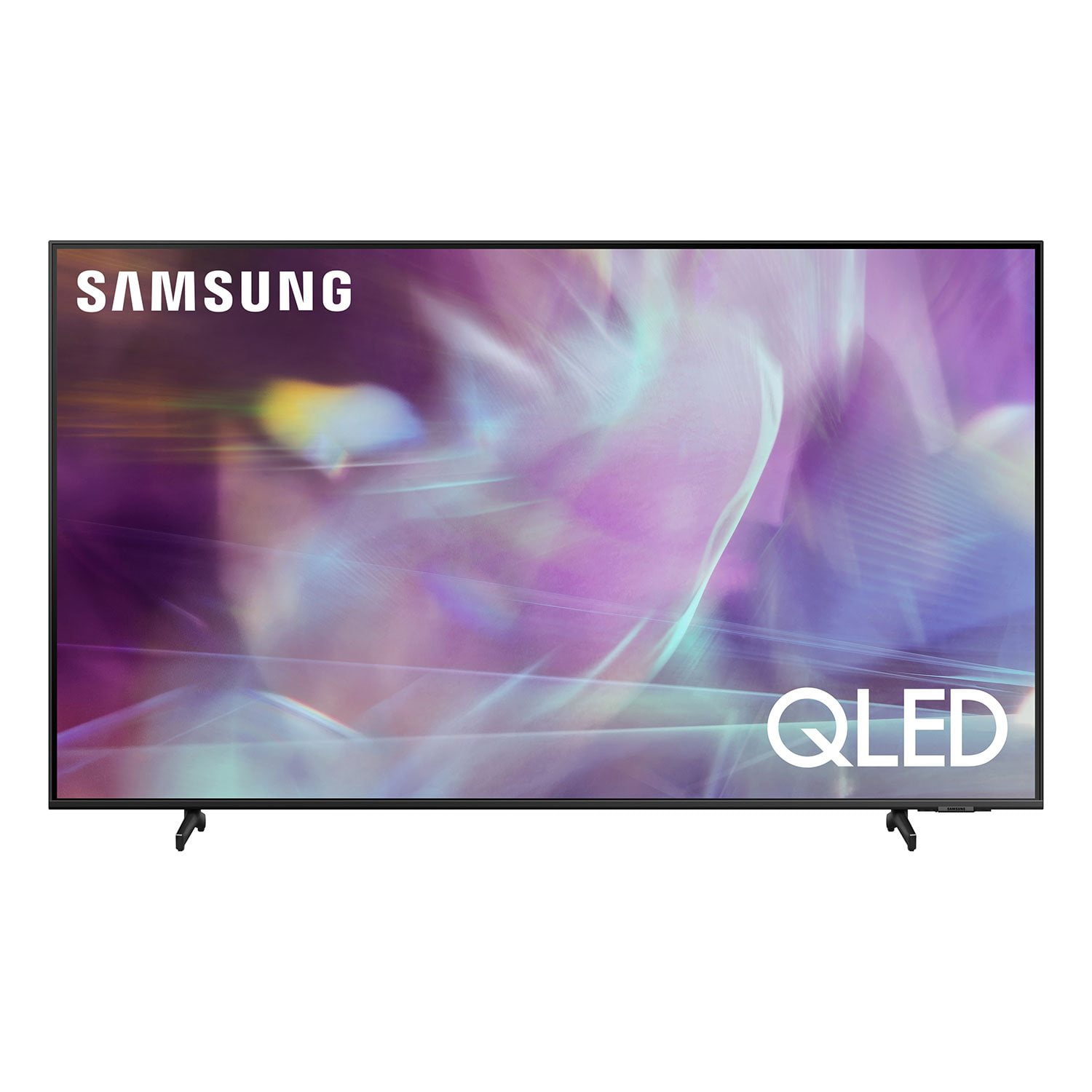
SAMSUNG 55" Class Q6-Series 4K Ultra HD Smart QLED TV QN55Q6DAAFXZA
4.6 out of 5 stars
stars
1,350 ratings1,286 reviews
  1. 5 stars74% (998)
  2. 4 stars18% (248)
  3. 3 stars4% (51)
  4. 2 stars1% (19)
  5. 1 star3% (34)

Member photos

  • +20 images
Sort by |
Showing 881-890 of 1,286 reviews
Apr 8, 2021
Reviewer name: Scottrax
4 out of 5 stars
4 out of 5 stars review

Very good tv for the money

[This review was collected as part of a promotion.] Great clear picture with lots of cool features like the ability to turn the TV off with google assistant.

Review from Samsung US
Helpful?6YW7ERS0HTVS13877667901
Apr 26, 2021
Reviewer name: samlove21
5 out of 5 stars
5 out of 5 stars review

this is an amazing tv. would recommend

[This review was collected as part of a promotion.] I use the tv for streaming, gaming, and media center. Everything looks beautiful and clear, literally eye candy.

Review from Samsung US
Helpful?6YW7ERS0HTVS13877667901
Sep 30, 2021
Reviewer name: Pavlikaz
5 out of 5 stars
5 out of 5 stars review

Best Android browser

[This review was collected as part of a promotion.] We use our TV for gaming and streaming mostly. I had different brand tv from similar range. Samsung did great job with this TV. Response time, colors and sound is astonishing.

Review from Samsung US
Helpful?6YW7ERS0HTVS13877667901
Jul 23, 2021
Reviewer name: Stormwolfe
5 out of 5 stars
5 out of 5 stars review

Awesome television, works perfect for our space.

[This review was collected as part of a promotion.] We use our TV right now for everything - gaming, tv watching, etc. We love it! Once we finish renovations, we'll be moving this TV to a bedroom so we can use our big 65" Samsung TV.

Review from Samsung US
Helpful?6YW7ERS0HTVS13877667901
Sep 23, 2023
Reviewer name: sonyisbetter
1 out of 5 stars
1 out of 5 stars review

bad product

i have 1 year and a half with my samsung tv and the screen is flashing and then goes dark that's ridiculous because i have a sony bravia since 2009 and never gives me problems i think i'll switch back to sony

Review from Samsung US
Helpful?6YW7ERS0HTVS13877667901
Apr 21, 2021
Reviewer name: Lobsterman
3 out of 5 stars
3 out of 5 stars review

Color

i just got the tv, the setup is easy the colors are superb still doing some tweaking; the remote is easily to navigate. i'm very disappointed with the sound; i guess they want you to buy the sound bar. i would recommend this product to a friend.

Review from Samsung US
Helpful?6YW7ERS0HTVS13877667901
reply from Samsung Brand Ambassador

Lobsterman: Thank you for purchasing the Q60A TV and for sharing your feedback regarding the sound quality. One of the features of your TV is OTS Lite (Object Tracking Sound Lite) which means that there are strategically placed dynamic speakers that tracks the action and moves the sound around you. Go to Home > Settings > General > Intelligent Mode Settings. Turn the options on or off to meet your needs: - Active Voice Amplifier is available only when the sound sensor of the TV is active and the sound output is set to TV Speaker, or a Samsung Soundbar interlinked with Adaptive Picture is connected. - Adaptive Sound+ provides optimized sound quality by analyzing the viewing space and the acoustic components of the content - Adaptive Volume Automatically adjusts to a specific volume level while you are watching TV. Several Sound Modes are likewise available to meet your personal preferences: Home > Settings > Sound > Sound Mode You can also customize sound with Expert Settings. Go to: Settings > Sound > Expert Settings Please reach out to Samsung TV Support directly for assistance with settings adjustments or with any other questions. You can reach us at 1-800-SAMSUNG (ask for TVs), available 8AM -12AM EST, 7 days a week. Or text HELP to 62913. For additional support resources, visit us on the Samsung website and click on the ‘Support’ link in the upper right corner of the homepage for: 1) More ‘Contact Us’ options – LiveChat, Facebook, Twitter, Samsung Community, Samsung Members app 2) Manuals & Software 3) Warranty Info 4) Product Registration: For access to easy warranty support, convenient opt-in to special promos and offers, faster troubleshooting and service, and quick notification of system updates. ~ Samsung Solutions

May 2, 2021
Reviewer name: Edwidg
5 out of 5 stars
5 out of 5 stars review

Best technology ever

[This review was collected as part of a promotion.] This product has great features. The image and sound quality are outstanding, no doubt Samsung is the leader of the market.

Review from Samsung US
Helpful?6YW7ERS0HTVS13877667901
Apr 23, 2021
Reviewer name: Chris
5 out of 5 stars
5 out of 5 stars review

Fantastic TV with all the necessary features!!

[This review was collected as part of a promotion.] The picture is crystal clear and the colors are vibrant. The apps and streaming are great. It is super thin and still has quality sound. It far exceeded my expectations and I highly recommend it.

Review from Samsung US
Helpful?6YW7ERS0HTVS13877667901
Jun 30, 2021
Reviewer name: JLee
5 out of 5 stars
5 out of 5 stars review

Great picture and easy set up

[This review was collected as part of a promotion.] Easy to set up and use. Picture and color is phenomenal! I ove that the remote is solar charged no batteries.

Review from Samsung US
Helpful?6YW7ERS0HTVS13877667901
Oct 11, 2021
Reviewer name: Billtheangrybeaver
4 out of 5 stars
4 out of 5 stars review

Great TV

[This review was collected as part of a promotion.] Great picture and fairly easy to navigate. Have issues with some streaming apps though, especially Hulu and can't truly reinstall it.

Review from Samsung US
Helpful?6YW7ERS0HTVS13877667901
reply from Samsung Brand Ambassador

Billtheangrybeaver, Thank you for choosing the Q60A QLED TV and taking the time to share your experience with the Hulu app. If your app is freezing, not loading, or crashing, you can try cold booting your TV by holding down the power button on your remote for 5+ sec until the TV turns off and on again, reinstalling the app again, and completing full reset of Smart Hub to correct the issue. Please also check that your TV is running the latest firmware version. Go to: Settings > Support > Software Update. Additionally, please know you can reinstall the Hulu app. Navigate to Apps, find the one you are looking for and long press the Select button on your remote. The pop up menu will allow you to reinstall any app of your choosing. I hope these tips help! Should you ever have questions or need help, please call us at 1-800-SAMSUNG (ask for TVs), available 8AM - 12AM EST, 7 days a week. For additional support resources, visit us on the Samsung website and click on the ‘Support’ link in the upper right corner of the homepage for: 1) Contact Us: For additional Chat & Text options, choose ‘TVs & Home Theater’ and select your model & topic. 2) Manuals & Software 3) Warranty Info 4) Register a Product: For access to easy warranty support, convenient opt-in to special promos and offers, faster troubleshooting and service, and quick notification of system updates. ~ Samsung Specialist