Skip to Main Content
Sam's Club
Sam's Club
All Departments
All Services
Customer reviews for SAMSUNG 85" Class - Q80 Series - QLED 4K Smart TV for
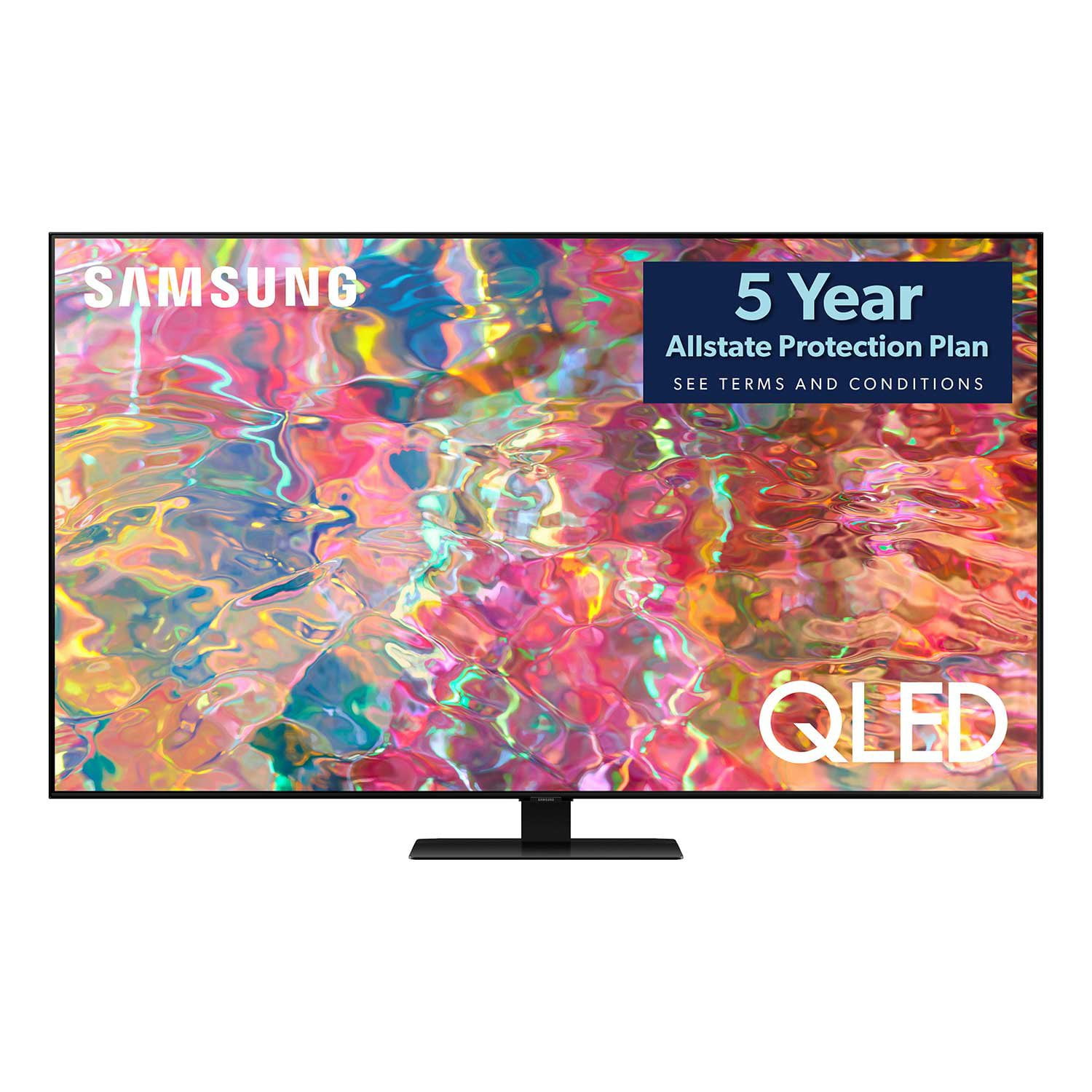
SAMSUNG 85" Class - Q80 Series - QLED 4K Smart TV
4.6 out of 5 stars
stars
795 ratings672 reviews
  1. 5 stars77% (614)
  2. 4 stars13% (107)
  3. 3 stars4% (28)
  4. 2 stars1% (9)
  5. 1 star5% (37)

Member photos

  • +181 images
Sort by |
Showing 391-400 of 672 reviews
Jun 13, 2022
Reviewer name: Painless39
5 out of 5 stars
5 out of 5 stars review

Beautiful picture and smart apps

[This review was collected as part of a promotion.] Beautiful picture and smart apps are plentiful. The quick buttons on the remote are exactly what most people would use. Great TV.

Review from Samsung US
Helpful?7925Z4IDQQZS13871700529
Oct 5, 2022
Reviewer name: sdrewb
5 out of 5 stars
5 out of 5 stars review

my QLed TV

[This review was collected as part of a promotion.] I use my QLED for 4k movies and live TV broadcast, the remote is easy to use the picture quality is outstanding

Review from Samsung US
Helpful?7925Z4IDQQZS13871700529
Aug 4, 2022
Reviewer name: CbtCork
4 out of 5 stars
4 out of 5 stars review

Amazing picture unless everything in frame is dark

[This review was collected as part of a promotion.] Love the color from Samsung. Menus are easy to navigate and the remote works great. My only complaint is the experience when everything in frame is dark. I can barely see anything in those moments.

Review from Samsung US
Helpful?7925Z4IDQQZS13871700529
reply from Samsung Brand Ambassador

CbtCork, Thank you for your review of the Q60B TV. If the image you're seeing is too dim, please try disabling some of the TV's energy efficiency functions, as these will automatically adjust your picture and may cause your screen to appear brighter or darker than preferred. Go to: Home > Menu > Settings > All Settings > General & Privacy > Power and Energy Saving > turn off Brightness Optimization, Brightness Reduction, and Motion Lighting You may also want to try adjusting image settings to improve your picture. Go to Home > Menu > Settings > All Settings > Picture > Picture Mode 1) Standard: Is the default mode suitable for general viewing environments. 2) Movie: Is suitable for watching TV or movies in a dark room. 3) Dynamic: Makes the picture brighter and clearer in bright viewing environments. 4) Filmmaker Mode: You can watch the source content (e.g., movie) as it is. If the image is defined as Filmmaker Mode, it will automatically switch to Filmmaker Mode while watching. You can also customize the brightness level of your screen between 0 – 50 to your preference. Go to: Home > Menu > Settings > All Settings > Picture > Expert Settings Please also be sure your firmware is up to date with version 1303.0 which includes various performance and picture quality updates. You can check this by going to: Home > Menu > Settings > Support > Software Update > Update Now I hope these tips help. Should you need further assistance, please call us at 1-800-SAMSUNG, 8AM - 12AM EST, 7 days a week. Our LiveChat agents are also available by clicking on the ‘Support’ link on our website. ~ Samsung Specialist

Oct 25, 2022
Reviewer name: Woodpecker
5 out of 5 stars
5 out of 5 stars review

Great Picture

[This review was collected as part of a promotion.] We did have an issue with audio delay. It was on every channel we tried. I deleted some apps that we aren't going to use and believe it or not that fixed the audio delay. Now we are in sync.

Review from Samsung US
Helpful?7925Z4IDQQZS13871700529
Oct 4, 2022
Reviewer name: SandyJK
5 out of 5 stars
5 out of 5 stars review

Picture and Sound is Intense

[This review was collected as part of a promotion.] I love the clear intense picture and the outstanding sound. Unfortunately the screen cracked and I had to get a new TV. I really loved this one!!

Review from Samsung US
Helpful?7925Z4IDQQZS13871700529
Jun 16, 2022
Reviewer name: freaky
5 out of 5 stars
5 out of 5 stars review

Great picture

[This review was collected as part of a promotion.] This tv is awesome. The remote is easy to use .MY wife likes the picture better than my tv in the living room.

Review from Samsung US
Helpful?7925Z4IDQQZS13871700529
Jun 16, 2022
Reviewer name: 1037StallionSprings
5 out of 5 stars
5 out of 5 stars review

Very easy set up- sets up itself

[This review was collected as part of a promotion.] I pretty much use it for movies and streaming services . very bright picture . Ideal for my well lit room. Remote is simple . Bixby could be a little better.

Review from Samsung US
Helpful?7925Z4IDQQZS13871700529
May 23, 2022
Reviewer name: Pazzazz
5 out of 5 stars
5 out of 5 stars review

Fantastic TV

[This review was collected as part of a promotion.] Use daily and so easy to go from cable to streaming and dvd! Great product. Great choice and would recommend.

Review from Samsung US
Helpful?7925Z4IDQQZS13871700529
Jun 16, 2022
Reviewer name: Monser
5 out of 5 stars
5 out of 5 stars review

Best tv I've owened

[This review was collected as part of a promotion.] I've never had any problem with this tv. Doesn't lag or freeze it's the best I've had. I would recommend

Review from Samsung US
Helpful?7925Z4IDQQZS13871700529
Jul 28, 2022
Reviewer name: mashmchan
5 out of 5 stars
5 out of 5 stars review

This product has great features.

[This review was collected as part of a promotion.] We really, really love just absolutely everything about our sweet, sweet beautiful new Samsung TV! Really!

Review from Samsung US
Helpful?7925Z4IDQQZS13871700529