Skip to Main Content
Sam's Club
Sam's Club
All Departments
All Services
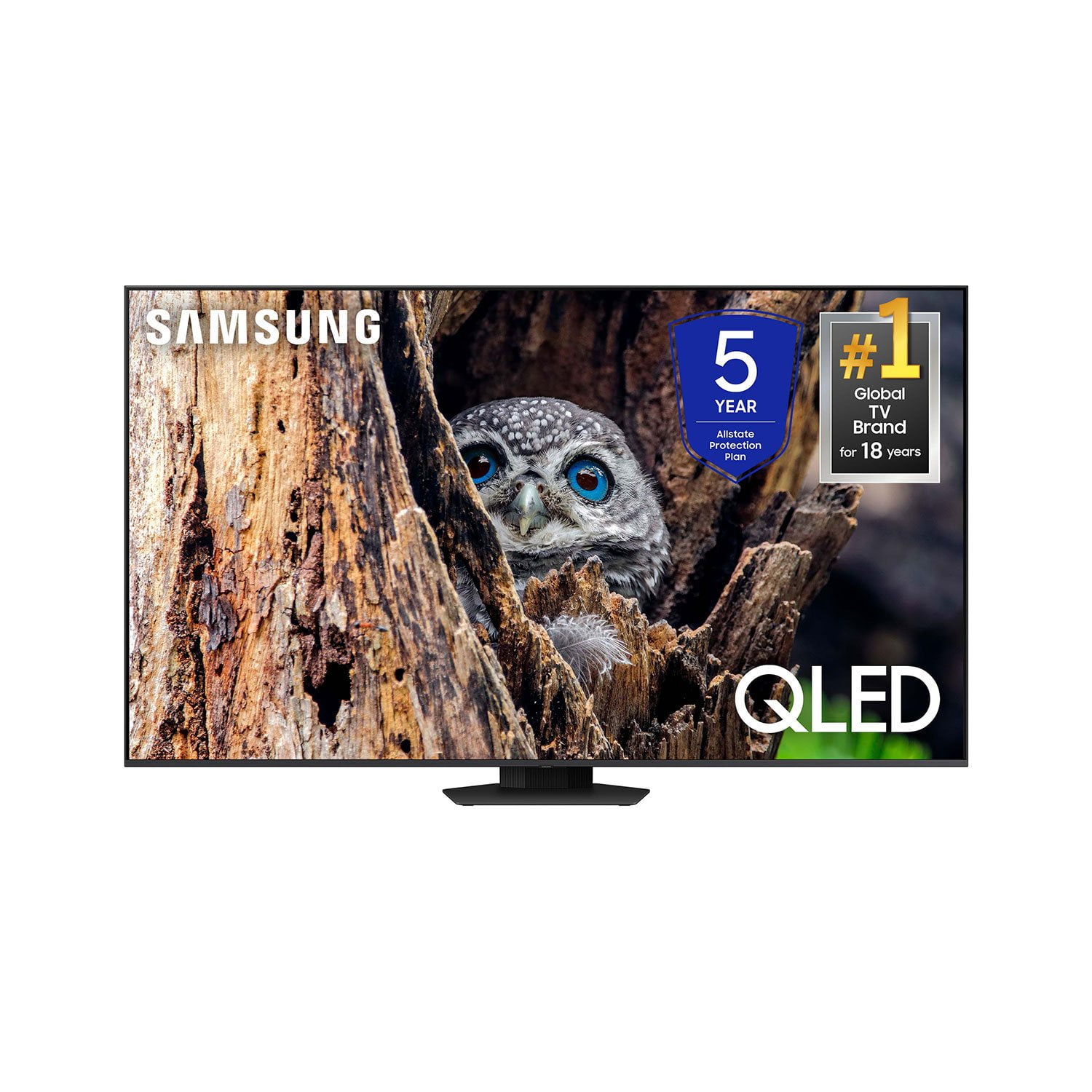
Customer reviews for SAMSUNG 65” Class Q80D Series QLED Smart TV for
SAMSUNG 65” Class Q80D Series QLED Smart TV
4.6 out of 5 stars
stars
481 ratings430 reviews
  1. 5 stars75% (361)
  2. 4 stars14% (68)
  3. 3 stars5% (24)
  4. 2 stars3% (13)
  5. 1 star3% (15)

Member photos

  • +106 images
Sort by |
Showing 231-240 of 430 reviews
Jul 21, 2024
Michael
3 out of 5 stars review

Great tv with brightness issues.

[This review was collected as part of a promotion.] My tv with stay dim for weeks at a time with no setting fixing it. Eventually it will get brighter on it's on.

Review from Samsung US
Helpful?1ZLF1H7ZTY7Y13870609163
reply from Samsung Specialist

Michael, I’m sorry to hear you’re not fully satisfied with the Q80D TV’s picture quality. If the image is too dim, please try disabling some of the TV's energy efficiency functions, as these will automatically adjust your picture and may cause your screen to appear brighter or darker than preferred. Go to: Home > Menu > Settings > All Settings > General & Privacy > Power and Energy Saving > turn off Brightness Optimization, Brightness Reduction, and Motion Lighting You may also want to try adjusting image settings to improve your picture. Go to Home > Menu > Settings > All Settings > Picture > Picture Mode 1. Standard: Is the default mode suitable for general viewing environments 2. Dynamic: Makes the picture brighter and clearer in bright viewing environments 3. Eco: Provided to save energy 4. Movie: Suitable for watching TV or movies in a dark room 5. Filmmaker Mode: Provides source content just as the creators intended. If the image is defined as Filmmaker Mode, it’ll automatically switch to Filmmaker Mode while watching. You can also customize the brightness level of your screen between 0 – 50 to your preference. Go to: Home > Menu > Settings > All Settings > Picture > Expert Settings Please also make sure you’ve got the latest firmware version installed on your TV. You can check this by going to: Home > Menu > Settings > Support > Software Update > Update Now I hope these tips help. Should you need further assistance, please call us at 1-800-SAMSUNG, 8AM - 12AM EST, 7 days a week. Or visit us on the Samsung website and click on the ‘Support’ link for: • LiveChat • Manuals, Software, & Warranty Info ~ Samsung Specialist

Mar 20, 2025
Chalemm
5 out of 5 stars review

Samsung tv

[This review was collected as part of a promotion.] We love this tv one of the best decision myself and mu husband made with purchasing this tv. The clarity of the tv is amazing

Review from Samsung US
Helpful?1ZLF1H7ZTY7Y13870609163
Feb 5, 2025
Charmergirl
5 out of 5 stars review

Best Tv is Samsung

Love Love Love my Samsung Tv Didn’t know it had lots of movies and category shows that I can watch for free. Haven’t watched my Netflix since I had it in December 10th 2024

Review from Samsung US
Helpful?1ZLF1H7ZTY7Y13870609163
Feb 5, 2025
Dave
1 out of 5 stars review

Not happy

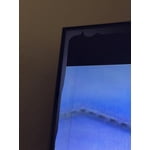
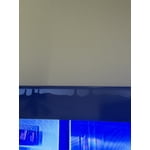
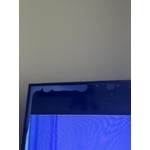
I have noticed that there are white blotches forming along the top of the screen. They appear to be getting worse. It is less than 1 year old. I think it is still under warranty, but can not get ahold of anyone for help.

  • +1 image
Review from Samsung US
Helpful?1ZLF1H7ZTY7Y13870609163
reply from Samsung Advisor

Hi Dave, I’m sorry to hear that you’re experiencing screen abnormalities on your new Q80D TV. Please run a Picture Test to determine if the problem is caused by the TV. Picture Test displays a high-definition picture you can examine for flaws or faults. Go to Settings > Support > Device Care > Self Diagnosis > Picture Test. If this occurs on all sources and the picture test, this may require service. For help with setting up a service appointment, please contact Samsung Support at 1-800-SAMSUNG, 8AM - 12AM EST, 7 days a week. Our LiveChat agents are also available by clicking on the ‘Support’ link on our website. ~Samsung Advisor

Mar 5, 2025
BIGMAC1000
5 out of 5 stars review

65" QLED Samsung TV

My 65" QLED Samsung TV is awesome, except I can't get my soundbar to stay just for the sound bar. I have tired many times to do different things and nothing seems to work. Other thatn that I Love the TV.

Review from Samsung US
Helpful?1ZLF1H7ZTY7Y13870609163
Jun 3, 2024
Cabooose
5 out of 5 stars review

Top panel as per standard.

[This review was collected as part of a promotion.] Samsung is showing up and batting a million. As per usual. This TV is no exception to the samsung standard.

Review from Samsung US
Helpful?1ZLF1H7ZTY7Y13870609163
Dec 30, 2024
Lilowe55
5 out of 5 stars review

This product is a great buy!
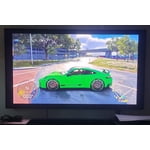
[This review was collected as part of a promotion.] I bought this TV for it gaming capabilities! VRR, gaming mode for low latency, HDR, and 120hz refresh rate! It does all of those things with ease and well!

Review from Samsung US
Helpful?1ZLF1H7ZTY7Y13870609163
Apr 22, 2024
TomIrvinSc2022
5 out of 5 stars review

The Best tv I have ever owned

[This review was collected as part of a promotion.] This tv has features and a picture that doesn’t stop. We love this tv for movies, shows or sports.

Review from Samsung US
Helpful?1ZLF1H7ZTY7Y13870609163
May 5, 2025
Snitty
5 out of 5 stars review

Great Television!
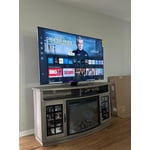
Great television! My only issue is with the remote design. The included remote, while sleek and beautiful, is too small and difficult to use. Opted for a Samsung-compatible universal remote which offers more girth and precision.

Review from Samsung US
Helpful?1ZLF1H7ZTY7Y13870609163
Apr 2, 2025
WILLY
1 out of 5 stars review

SAMSUNG DOES NOT COVER THIER REMOTE CONTROL!!!!

BEWARE!! DO NOT PURCHASE A SAMSUNG TV! I PURCHASED MINE 9 MONTHS AGO AND ALREADY THE REMOTE CONTROL IS ALREADY INOPPERABLE AND SAMSUNG SAYS THEY DO NOT COVER THEIR REMOTE! SO MUCH FOR ME EVER BUYING ANOTHER SAMSUNG PRODUCT

Review from Samsung US
Helpful?1ZLF1H7ZTY7Y13870609163
reply from Samsung Specialist

Hi WILLY, I’m sorry to hear your SolarCell Remote is not working as expected. Please try these steps which may help resolve this: 1. Press and hold Return and Microphone buttons (diagonally up and to the right of Return). This will reset the remote. 2. Stand within 1 foot of the TV and press and hold Return and Play/Pause simultaneously for at least 5 seconds or until a message appears on your TV indicating that the remote is now connected If you’re still experiencing issues with the remote, please also try the following: - Unplug the TV for 30 seconds, and plug it back in. - Try moving closer to the TV and re-pairing. - Check to see if your remote is charged: Settings > All Settings > General & Privacy > Power and Energy Saving > Available Remote Battery - Check for available firmware updates on your TV: Settings > Support > Software Update > Update Now I hope the above helps. Should the issue persist, please contact Samsung Support at 1-800-SAMSUNG, 8AM - 12AM EST, 7 days a week. Our LiveChat agents are also available by clicking on the ‘Support’ link on our website. ~ Samsung Specialist