Skip to Main Content
Sam's Club
Sam's Club
All Departments
All Services
Customer reviews for SAMSUNG 85" Class AU800D-Series Crystal Ultra HD 4K Smart TV - UN85AU800DFXZA for
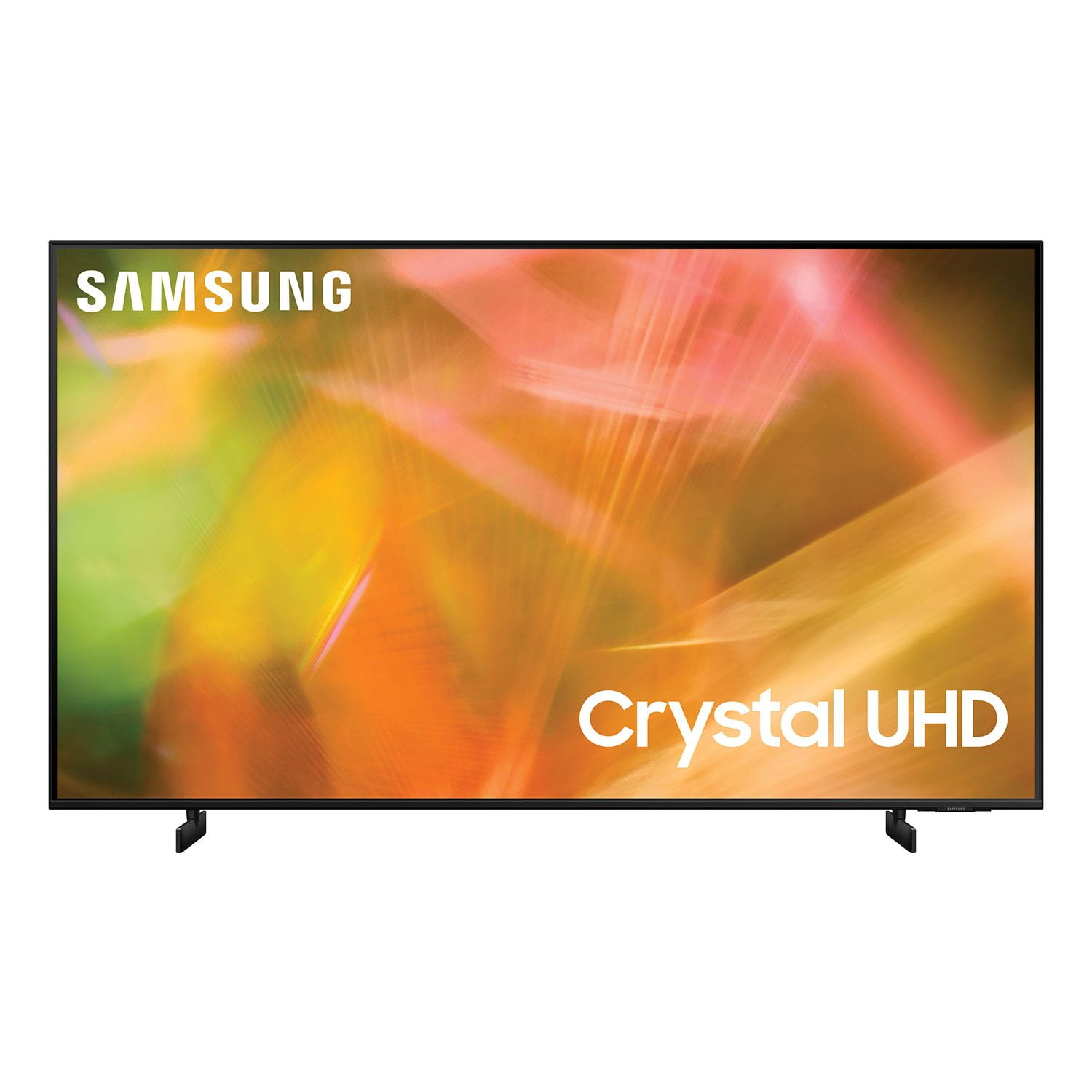
SAMSUNG 85" Class AU800D-Series Crystal Ultra HD 4K Smart TV - UN85AU800DFXZA
4.5 out of 5 stars
stars
3,839 ratings3,753 reviews
  1. 5 stars73% (2,818)
  2. 4 stars17% (650)
  3. 3 stars4% (162)
  4. 2 stars2% (71)
  5. 1 star4% (138)
Sort by |
Showing 3,551-3,560 of 3,753 reviews
May 2, 2021
Reviewer name: bosslady
5 out of 5 stars
5 out of 5 stars review

This product has great features

[This review was collected as part of a promotion.] I use it for streaming the videos that I like to watch

Review from Samsung US
Helpful?603WXSAQV1T013869809408
Dec 15, 2021
Reviewer name: Brii
5 out of 5 stars
5 out of 5 stars review

Great

(This review was collected as part of a promotion.) Love it so far I've had for over a month and no problems great picture

Review from Samsung Canada
Helpful?603WXSAQV1T013869809408
reply from Operations

Thank you, Bril! We love to hear positive feedback and we’re delighted you’re enjoying your new Samsung Smart 4K TV. 

Apr 22, 2021
Reviewer name: Pawilson
5 out of 5 stars
5 out of 5 stars review

Greatest

[This review was collected as part of a promotion.] Best TV I ever watched. Makes you feel like you're in the shows

Review from Samsung US
Helpful?603WXSAQV1T013869809408
reply from Samsung Brand Ambassador

Hi Pawilson, Thank you for purchasing the Samsung AU8000 and for your review. I am glad to hear you are enjoying the image quality of your new TV. Should you ever have any questions or need help with settings or features, please call us at 1-800-SAMSUNG (ask for TVs), available 8AM -12AM EST, 7 days a week. Or text HELP to 62913. For additional support resources, visit us on the Samsung website and click on the ‘Support’ link in the upper right corner of the homepage for: 1) More ‘Contact Us’ options – LiveChat, Facebook, Twitter, Samsung Community, Samsung Members app 2) Manuals & Software 3) Warranty Info 4) Product Registration: For access to easy warranty support, convenient opt-in to special promos and offers, faster troubleshooting and service, and quick notification of system updates. ~ Samsung Specialist

Sep 24, 2021
Reviewer name: Jeno
5 out of 5 stars
5 out of 5 stars review

Great TV

[This review was collected as part of a promotion.] Easy to figure out, nice picture and easy set up! Like Samsung

Review from Samsung US
Helpful?603WXSAQV1T013869809408
Oct 11, 2021
Reviewer name: Ameer2018
5 out of 5 stars
5 out of 5 stars review

This product thas great and quality very well

[This review was collected as part of a promotion.] I love this TV because it's very good quality and great resolution love wach movies

Review from Samsung US
Helpful?603WXSAQV1T013869809408
Jan 3, 2023
Reviewer name: Disappointed
3 out of 5 stars
3 out of 5 stars review

Sound issues.

Beautiful picture quality but the sound is awful. I don't feel I should have to purchase a sound bar for better sound.

Review from Samsung US
Helpful?603WXSAQV1T013869809408
reply from Samsung Brand Ambassador

Hi Disappointed, Thank you for sharing your thoughts regarding the AU8000 TV’s sound quality. Please know we are here to help you and have a few suggestions to improve your audio experience. We recommend adjusting the Sound Settings to improve your experience. You can change the Sound Mode by going to Settings > Sound > Sound Mode. You can also customize the sound with Expert Settings by going to Settings > Sound > Expert Settings. To assist you with possible sound settings adjustments for a better audio experience, please call us at 1-800-SAMSUNG, 8 AM - 12 AM EST, seven days a week. Our LiveChat agents are also available by clicking on the ‘Support’ link on our website. ~ Samsung Advisor

Jun 30, 2021
Reviewer name: dawg
5 out of 5 stars
5 out of 5 stars review

good picture

[This review was collected as part of a promotion.] only con is that you don't get a service manual with it

Review from Samsung US
Helpful?603WXSAQV1T013869809408
reply from Samsung Brand Ambassador

Hi dawg! Thank you for purchasing the 2021 AU8000 Crystal UHD TV and for sharing your review. I am glad to hear you are enjoying the picture quality provided by the Crystal Processor 4K and Dynamic Crystal Color. Please know that the e-Manual is available directly on your TV at: Settings > Support > Open e-Manual It is also available online on the Samsung website in the Download Center. If you need assistance with setup or have any questions regarding functions, operation, or settings please contact Samsung Customer Support at: 1-800-SAMSUNG (ask for TVs), available 8AM -12AM EST, 7 days a week. Or text HELP to 62913. For additional support resources, visit us on the Samsung website and click on the ‘Support’ link in the upper right corner of the homepage for: 1) More ‘Contact Us’ options – LiveChat, Facebook, Twitter, Samsung Community, Samsung Members app 2) Manuals & Software 3) Warranty Info 4) Product Registration: For access to easy warranty support, convenient opt-in to special promos and offers, faster troubleshooting and service, and quick notification of system updates. ~ Samsung Solutions

Mar 19, 2023
Reviewer name: Apage
2 out of 5 stars
2 out of 5 stars review

It's ok

I bought this tv 2 weeks ago and it lags like crazy! It will go to live tv by itself also. The picture is nice but the lagging is very annoying

Review from Samsung US
Helpful?603WXSAQV1T013869809408
Oct 30, 2022
Reviewer name: EduardoR
3 out of 5 stars
3 out of 5 stars review

I don't exceed my expectations

after a year, there are apps that I can't install and the system is slow and the warranty only lasts one year with no option to extend it

Review from Samsung US
Helpful?603WXSAQV1T013869809408
reply from Samsung Brand Ambassador

Hi EduardoR, We appreciate your feedback on the AU8000 TV's User Interface and apps. Please know we are here to help you. First, let's ensure you are running the latest Firmware. Go to Settings> Support> Software Update. Next, you may also want to further optimize performance with the self-diagnostic tool, which checks memory, frees up unused cached memory, and closes background apps. Go to: Settings > Support > Device Care > Start Device Care. If you need more help, Samsung is here for you. Please call us at 1-800-SAMSUNG, 8 AM - 12 AM EST, seven days a week. Our LiveChat agents are also available by clicking on the ‘Support’ link on our website. ~ Samsung Advisor

Oct 14, 2021
Reviewer name: Laly98
5 out of 5 stars
5 out of 5 stars review

Tv Gift card

[This review was collected as part of a promotion.] Movie Netflix and other Apps..Great. Thank you.. Good luck Gift catd .....

Review from Samsung US
Helpful?603WXSAQV1T013869809408