Skip to Main Content
Sam's Club
Sam's Club
All Departments
All Services
Customer reviews for SAMSUNG 85" Class AU800D-Series Crystal Ultra HD 4K Smart TV - UN85AU800DFXZA for
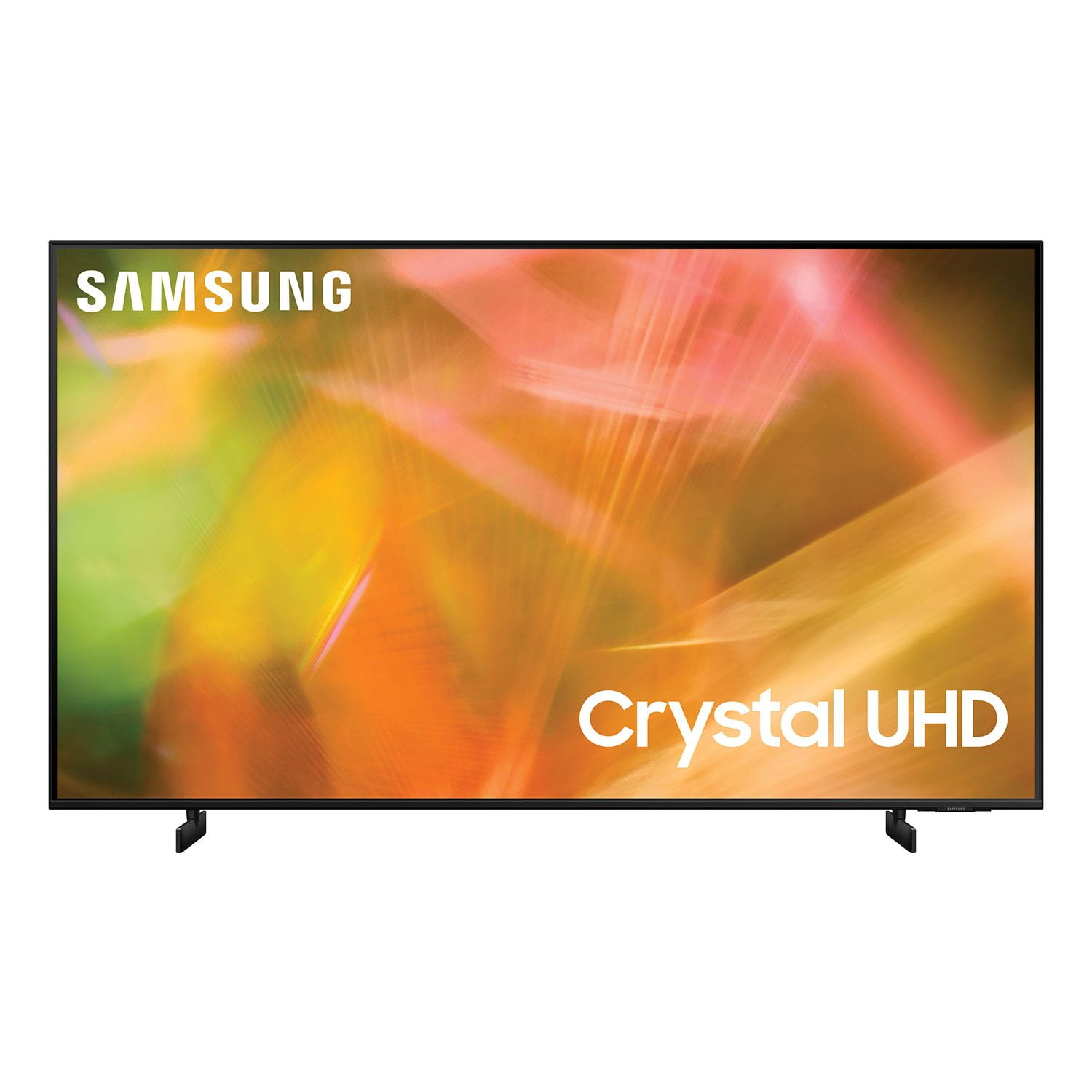
SAMSUNG 85" Class AU800D-Series Crystal Ultra HD 4K Smart TV - UN85AU800DFXZA
4.5 out of 5 stars
stars
3,839 ratings3,753 reviews
  1. 5 stars73% (2,818)
  2. 4 stars17% (650)
  3. 3 stars4% (162)
  4. 2 stars2% (71)
  5. 1 star4% (138)
Sort by |
Showing 3,011-3,020 of 3,753 reviews
Jun 16, 2022
Reviewer name: vic0806
5 out of 5 stars
5 out of 5 stars review

Amazing tv!

[This review was collected as part of a promotion.] I have had no issues in the month that i have had it. The picture is so clear, the speakers are loud!

Review from Samsung US
Helpful?603WXSAQV1T013869809408
Dec 12, 2022
Reviewer name: Jason
2 out of 5 stars
2 out of 5 stars review

Xbox

Not that great in a well lit room. I connect an Xbox and run all of my media through it. The TV doesn't make it a simple one step process. I have to select the covid or if the menu every time forcing two remotes

Review from Samsung US
Helpful?603WXSAQV1T013869809408
reply from Samsung Brand Ambassador

Hi Jason, Thank you for your feedback on the AU8000 TV. It’s unfortunate to hear you’re not fully satisfied with the brightness of your TV’s picture. Please know that we are here to help you. First, let’s ensure you are running the latest Firmware Update. Go to Settings> Support> Software Update. Next, If the colors on your TV are correct but just a little too dark or bright, you can try adjusting Picture Modes, Contrast, Brightness, or Sharpness settings. For darker scenes, I recommend Dynamic Picture Mode, which makes pictures brighter and clearer in bright viewing environments. Go to Settings > Picture > Picture Mode > Dynamic. Or you can manually adjust the Brightness by pressing the HOME button on your remote, then navigating to Settings > Picture > Expert Settings. You may also want to disable Power Saving Mode, which automatically adjusts the brightness to reduce the TV’s power consumption. Go to: Settings > General > Eco Solution> Power Saving Mode. Ambient Light Detection will also automatically adjust the brightness level of the TV according to the ambient light level to reduce power consumption. If Ambient Light Detection has adjusted the screen brightness to a too-bright or dark level, you can select Minimum Brightness to manually adjust the minimum screen brightness. Go to: Settings > General > Eco Solution > Ambient Light Detection. I hope this helps to improve your picture. Should you need further assistance, please contact us at 1-800-SAMSUNG, 8 AM - 12 AM EST, seven days a week. Our LiveChat agents are also available by clicking on the ‘Support’ link on our website. ~ Samsung Advisor

Aug 23, 2022
Reviewer name: OfficegamingTV
5 out of 5 stars
5 out of 5 stars review

Great TV

[This review was collected as part of a promotion.] Great TV for gaming, also PV monitor Have my gaming PC and PS5 connected and get great picture quality

Review from Samsung US
Helpful?603WXSAQV1T013869809408
Jul 27, 2022
Reviewer name: Anonymous
5 out of 5 stars
5 out of 5 stars review

Samung TV

[This review was collected as part of a promotion.] I'll use the samung TV for movies. I'll be excited to win for my little family to watch movie night with them.

Review from Samsung US
Helpful?603WXSAQV1T013869809408
Aug 23, 2022
Reviewer name: pancal
5 out of 5 stars
5 out of 5 stars review

Excellent picture clarity

[This review was collected as part of a promotion.] We use our tv to watch all of the local free TV channels and stream movies from different providers.

Review from Samsung US
Helpful?603WXSAQV1T013869809408
Sep 28, 2022
Reviewer name: GAKTK1
5 out of 5 stars
5 out of 5 stars review

The picture quality is great.

[This review was collected as part of a promotion.] We stream on our device and there are no concerns. The TV works great. We are very satisfied. Great product

Review from Samsung US
Helpful?603WXSAQV1T013869809408
Jul 27, 2022
Reviewer name: Ilovesamsung
5 out of 5 stars
5 out of 5 stars review

Great product

[This review was collected as part of a promotion.] This tv works perfectly and shows one of the clearest pictures that I've ever seen. The sound clarity is amazing!

Review from Samsung US
Helpful?603WXSAQV1T013869809408
Jan 4, 2023
Reviewer name: HotTea
4 out of 5 stars
4 out of 5 stars review

I bought this TV about a month ago, great color great picture. It takes a long time for the channel to go to full screen. I have to wait for full screen to appear.

Review from Samsung US
Helpful?603WXSAQV1T013869809408
Jun 16, 2022
Reviewer name: ejfriedly
5 out of 5 stars
5 out of 5 stars review

Great TV! The Best!

[This review was collected as part of a promotion.] This TV has the picture sound and looks that makes it a great value. I love it!!!!!!!!!!!!!!!!!!!!!!!!!!!!!!!!!!!!!!!!!!!!

Review from Samsung US
Helpful?603WXSAQV1T013869809408
Oct 25, 2022
Reviewer name: Butcher
5 out of 5 stars
5 out of 5 stars review

great picture

[This review was collected as part of a promotion.] Movies AND Blue Ray DVD. Great Picture and and easy set up and operation. Voice commands is so easy to use to find programs and Movies.

Review from Samsung US
Helpful?603WXSAQV1T013869809408