Skip to Main Content
Sam's Club
Sam's Club
All Departments
All Services
Customer reviews for SAMSUNG 85" Class AU800D-Series Crystal Ultra HD 4K Smart TV - UN85AU800DFXZA for
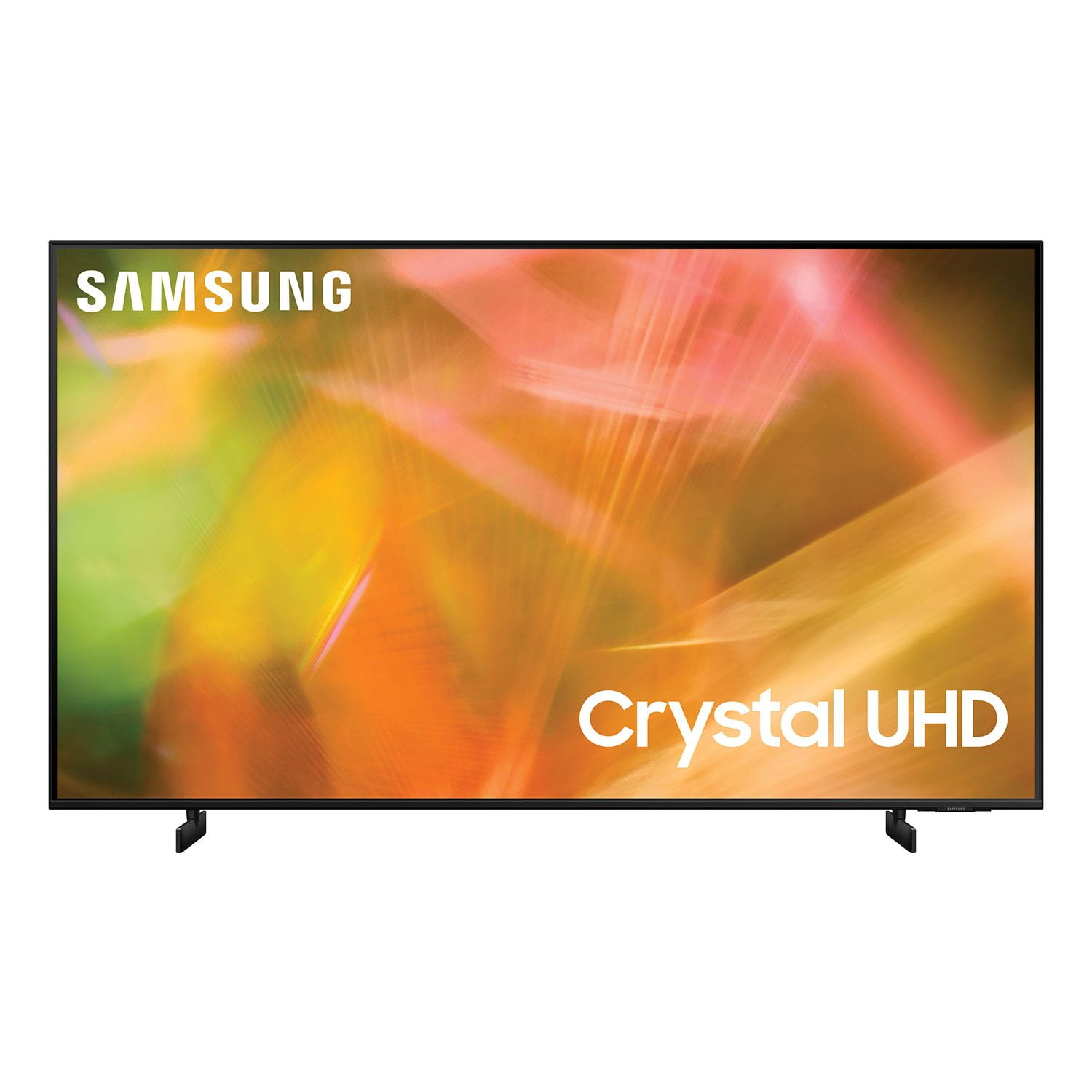
SAMSUNG 85" Class AU800D-Series Crystal Ultra HD 4K Smart TV - UN85AU800DFXZA
4.5 out of 5 stars
stars
3,839 ratings3,753 reviews
  1. 5 stars73% (2,818)
  2. 4 stars17% (650)
  3. 3 stars4% (162)
  4. 2 stars2% (71)
  5. 1 star4% (138)
Sort by |
Showing 2,921-2,930 of 3,753 reviews
Dec 13, 2023
Reviewer name: cristina 61050
5 out of 5 stars
5 out of 5 stars review

Such a great TV

(This review was collected as part of a promotion.) I recently purchased this TV and its amazing. The picture and the sound are great. Would definitely buy another tv from. This company

Review from Caddle
Helpful?603WXSAQV1T013869809408
Jul 24, 2021
Reviewer name: Pop75
5 out of 5 stars
5 out of 5 stars review

Love. the vibrant colors

[This review was collected as part of a promotion.] We.use the tv to stream movies and series. We love the simplicity of the remote control. It is very easy to switch between satellite tv and all the streaming services.

Review from Samsung US
Helpful?603WXSAQV1T013869809408
Oct 25, 2022
Reviewer name: GoodTV
4 out of 5 stars
4 out of 5 stars review

Great TV for the price

[This review was collected as part of a promotion.] I have had no issues with this TV. It has great picture, a snappy smart-tv interface that loads quickly, and has easily synced up with other products such as a sound bar and gaming system.

Review from Samsung US
Helpful?603WXSAQV1T013869809408
Jan 21, 2023
Reviewer name: Orca
4 out of 5 stars
4 out of 5 stars review

Like TV For the Most Part

I love the picture and the color. However, this tv turns off by itself occasionally. What is that all about? Also, the volume measure really doesn't match the numeric level. A 55 sounds like a 40.

Review from Samsung US
Helpful?603WXSAQV1T013869809408
reply from Samsung Brand Ambassador

Hi Orca, I'm happy that you are enjoying your Samsung AU8000 TV. Thank you for reaching out and letting us know about the things you are having difficulty with, such as the TV turning itself off and low volume. I have a few troubleshooting steps for you to try, which may resolve these issues. If your TV appears to turn off by itself, try disabling some of its energy efficiency functions. First, see if the Sleep Timer has been enabled. The Sleep Timer automatically turns the TV off after a specific period of time. Go to Settings > General > System Manager > Time > Sleep Timer. If the Sleep Timer has not been enabled, see if Auto Power Off or Off Timer has been enabled and disable it. Regarding low volume, there are several volume features you can adjust, which may improve your audio experience. 1) Auto Volume automatically adjusts the sound to a certain level when changing channels or switching to another external input. Go to Settings > Sound > Expert Settings > Auto Volume. 2) Adaptive Sound automatically adjusts to a specific volume level while watching TV. The TV analyzes your volume usage history by time period to automatically adjust the volume when you use an app or switch to an external input source. Go to Settings> Sound> Sound Mode> Adaptive Sound. 3) Several Sound Modes are likewise available to meet your personal preferences: Home > Settings > Sound > Sound Mode Also, some sources have their own volume control, which might need to be set higher. Please check the volume control of the external device (cable box or satellite box, DVD, Blu-ray, etc.) connected to your TV. Also, check the cable connection between an external device and the TV and then try the cable connection again. If you need more help, Samsung is here for you. Please call us at 1-800-SAMSUNG, 8 AM - 12 AM EST, seven days a week. Our LiveChat agents are also available by clicking on the ‘Support’ link on our website. ~ Samsung Advisor

Sep 24, 2021
Reviewer name: Boozebuster
5 out of 5 stars
5 out of 5 stars review

Great Upgrade

[This review was collected as part of a promotion.] Our new tv works really well for us. Easy to set up and use right away. We watch quite a bit of tv and were wanting to get a smart tv, went the right direction with this one.

Review from Samsung US
Helpful?603WXSAQV1T013869809408
Oct 1, 2021
Reviewer name: Esined1218
5 out of 5 stars
5 out of 5 stars review

Love this TV

[This review was collected as part of a promotion.] I am completely satisfied with this TV. At first the remote was hard to get use to, but after I figured it out I love it. Couldn't ask for a better tv.

Review from Samsung US
Helpful?603WXSAQV1T013869809408
Dec 20, 2021
Reviewer name: MikeyG64
4 out of 5 stars
4 out of 5 stars review

Missing some apps

(This review was collected as part of a promotion.) Great tv but soldiery lacking in apps, missing most Canadian news channels apps and a little difficult to navigate. Rocky does a far better. Job on apps

Review from Samsung Canada
Helpful?603WXSAQV1T013869809408
reply from Operations

Hi MikeyG64, thanks so much for your kind words! We sincerely appreciate your feedback and will share this with our team. We hope you enjoy many years of great entertainment with your Samsung TV! 

Aug 23, 2022
Reviewer name: NewFinish
5 out of 5 stars
5 out of 5 stars review

Great TV at a GREAT cost...

[This review was collected as part of a promotion.] We purchased this tv for our boys gaming room and they love it. Thank you Samsung for a great product.

Review from Samsung US
Helpful?603WXSAQV1T013869809408
Jul 19, 2021
Reviewer name: Sari
4 out of 5 stars
4 out of 5 stars review

Clear picture.

great picture. somewhat complicated to navigate. the remote is way too small, making to hard to handle. if i had a large hand, i wouldn't be able to use it and i would send it back.

Review from Samsung US
Helpful?603WXSAQV1T013869809408
reply from Samsung Brand Ambassador

Hi Sari! Thank you for choosing Samsung’s AU8000 Crystal UHD TV and for your review. We appreciate your feedback regarding the remote included with your TV and the overall user experience. You can download the AU8000 TV's User Manual, e-Manual, and Quick Setup Guide on Samsung's website by clicking "Support" > "Manuals & Software" > "TVs & Home Theater" > "TVs". From there, you can select the AU8000 TV under "Crystal UHD TVs” > “A Model Lineup" and download the guides you would like. The e-Manual is also embedded into the TV itself under Settings > Support > Open e-Manual. Should you ever have questions or need help, please call us at 1-800-SAMSUNG (ask for TVs), available 8AM -12AM EST M-F (9AM – 6PM EST Sat). Or text HELP to 62913. For additional support resources, visit us on the Samsung website and click on the ‘Support’ link in the upper right corner of the homepage for: 1) More ‘Contact Us’ options – LiveChat, Facebook, Twitter, Samsung Community, Samsung Members app 2) Manuals & Software 3) Warranty Info 4) Product Registration: For access to easy warranty support, convenient opt-in to special promos and offers, faster troubleshooting and service, and quick notification of system updates. ~ Samsung Solutions

Sep 27, 2022
Reviewer name: MikaTV
5 out of 5 stars
5 out of 5 stars review

Great product

[This review was collected as part of a promotion.] This TV has all the entertainment that we need, great image and excellent sound too. My family love it.

Review from Samsung US
Helpful?603WXSAQV1T013869809408