Skip to Main Content
Sam's Club
Sam's Club
All Departments
All Services
Customer reviews for SAMSUNG 85" Class AU800D-Series Crystal Ultra HD 4K Smart TV - UN85AU800DFXZA for
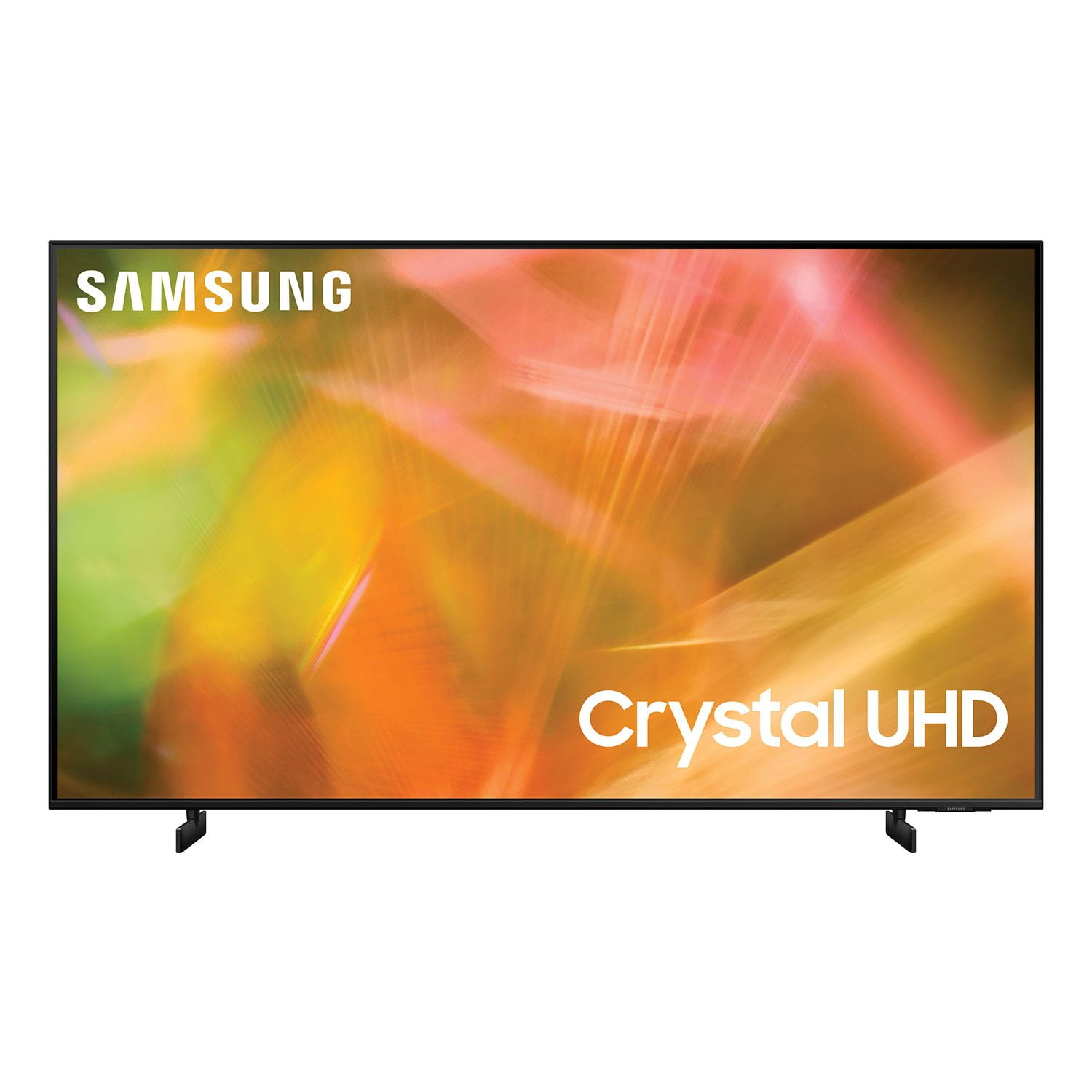
SAMSUNG 85" Class AU800D-Series Crystal Ultra HD 4K Smart TV - UN85AU800DFXZA
4.5 out of 5 stars
stars
3,839 ratings3,753 reviews
  1. 5 stars73% (2,818)
  2. 4 stars17% (650)
  3. 3 stars4% (162)
  4. 2 stars2% (71)
  5. 1 star4% (138)
Sort by |
Showing 1,481-1,490 of 3,753 reviews
Oct 11, 2021
Reviewer name: Cassandra02
4 out of 5 stars
4 out of 5 stars review

Crystal UHD AU8000 65 INCH TV

[This review was collected as part of a promotion.] We love our TV and it has most features we were looking for and entertain the family so well. The video quality is great The audio quality needs a lot of improvement I do which that the music criteria to connect music with the TV when using the ambiant setting shouldn't only be apple music bound it should be open to most type of phones especially Android. Also I wish it get lot and lots of updates because my TV never gets update and that's not great . The like how the remote features made it easy to get to most of subscription like Netflix and the rest. We love the TV and it awesome and it's also affordable I will recommend it . Thanks

Review from Samsung US
Helpful?603WXSAQV1T013869809408
Jul 25, 2022
Reviewer name: CalebLamb43VA
5 out of 5 stars
5 out of 5 stars review

BEST SAMSUNG TV I'VE OWNED THIS FAR!!!!

[This review was collected as part of a promotion.] (75 inch AU8000) - I will not let my initial experience with shipping take away from this product. THIS IS THE BEST TV OUT BEHIND SAMSUNGS QLED SERIES …... The displays pigmentation is UNMATCHED....!!!!

Review from Samsung US
Helpful?603WXSAQV1T013869809408
Oct 31, 2022
Reviewer name: DavidGr
2 out of 5 stars
2 out of 5 stars review

Okay TV for the price

[This review was collected as part of a promotion.] I am not happy about this TV at all, I have some apps that for the life of me I cannot get added to the main page and have to do a search for every time I want to watch. The sound isn't great and I have purchased a sound bar to fix that. I also don't care for the fact that it will just start playing random stuff. Maybe if someone reached out to me and provide some sort of tutorship on how to navigate and fix the issues, I'd be okay but I am not having much luck.

Review from Samsung US
Helpful?603WXSAQV1T013869809408
reply from Samsung Brand Ambassador

Hi DavidGr, Thank you for your feedback and for letting us know about the issues you are experiencing with the AU8000 TV. Please know we are here to help you and have some troubleshooting steps that may help! First, let's ensure you are running the latest Firmware. Go to Settings> Support> Software Update. To add apps to the Home Menu: Go to Home> Apps> Select App of choice> Long hold return key> Add to Home Menu. To move the app to a different position on your Home Screen Menu> Go to App of choice> Long hold return key> Move> Use left or right arrows to move. When your television first turns on, it may play Samsung TV Plus. Instead, you can have it run the App you last used. To do so, utilize the Autorun Last App feature to automatically start the last app you used once the TV is turned on. To enable this feature, follow the steps below: 1) Navigate to Settings > General > Smart Features > Autorun Smart Hub 2) Enable the Autorun Smart Hub feature 3) Navigate to Settings > General > Smart Features > Autorun Last App 4) Enable the Autorun Last App feature Finally, regarding sound quality, please know there are several settings that you can adjust that can improve your experience. You can change the Sound Mode by going to Settings > Sound > Sound Mode. You can also customize the sound with Expert Settings by going to Settings > Sound > Expert Settings. I hope this tip helps improve your enjoyment. For more help, please call us at 1-800-SAMSUNG, 8 AM - 12 AM EST, seven days a week. LiveChat with an agent, as well as manuals, software, and warranty info, can be found at the ‘Support’ link on our Samsung website. ~ Samsung Advisor

Dec 1, 2022
Reviewer name: MMMMidwest
4 out of 5 stars
4 out of 5 stars review

Slow, but seamless interface, great picture

great: easy, guided setup; streaming services well integrated and easy to use, low-profile bezel and flat power cord are simple, considered design; picture is very nice. grumpy: the home screen is slow and laggy. way too often i'll push the remote a few times trying to get it to move, only to have it 'catch up' and select the wrong thing, which then loads, which then asks me if i 'really want to leave,' which then..... i know it's a problem, so i go slaw, and it's still a problem. power cord should be a little longer--it is strained even in my small format installation.

Review from Samsung US
Helpful?603WXSAQV1T013869809408
Oct 13, 2021
Reviewer name: KVan
5 out of 5 stars
5 out of 5 stars review

Love this TV it does everything!

[This review was collected as part of a promotion.] I mainly use the TV for streaming YouTube, Netflix, HBOmax, prime, hulu with an ethernet connection. My favorite thing is the steam link app to mirror my computer and using the smart view app on my s21 ultra to connect and mirror my phone to play videos or view pictures with family. This is my third samsung TV and won't be my last!

Review from Samsung US
Helpful?603WXSAQV1T013869809408
Jun 17, 2022
Reviewer name: soldmom
5 out of 5 stars
5 out of 5 stars review

Best TV ever

[This review was collected as part of a promotion.] I love all of the options for this TV, from streaming to just watching the local channels. I especially like the Samsung Plus channels! My daughter has one of these and I really liked it so that is why I bought this one. The picture is amazing!

Review from Samsung US
Helpful?603WXSAQV1T013869809408
Sep 25, 2021
Reviewer name: Samsungfan1
5 out of 5 stars
5 out of 5 stars review

This product has great features

[This review was collected as part of a promotion.] Although I haven't used all it's features I am ABSOLUTELY satisfied with this TV the price was Great too. Mostly stream programs and watch regular programming the picture is so vivid it almost appears 3 dimensional

Review from Samsung US
Helpful?603WXSAQV1T013869809408
Oct 5, 2022
Reviewer name: Love4K
5 out of 5 stars
5 out of 5 stars review

Unbelievable Picture Quality

[This review was collected as part of a promotion.] I use my Samsung for: streaming, blu-ray, and gaming. As an entry level 4K television, this exceeds expectations, and stands far and above other products in the market, even products advertised as higher tier products. I consistently recommend Samsung television as well as Samsung products in general because of quality, technical features, and cost to experience ratio. Single handedly the best television, period.

Review from Samsung US
Helpful?603WXSAQV1T013869809408
May 23, 2022
Reviewer name: EJBB04
5 out of 5 stars
5 out of 5 stars review

I Love This TV!

[This review was collected as part of a promotion.] I stream just about every streaming service on this TV! I love the picture on it especially at night when the lights are off. I also screen share with my laptop to have a giant second monitor when I'm working from home. My only complaint is no Crunchyroll app directly on the TV, but again I can just screen share from my laptop.

Review from Samsung US
Helpful?603WXSAQV1T013869809408
Jan 10, 2023
Reviewer name: Pfibilly
1 out of 5 stars
1 out of 5 stars review

Should have bought the TCL with Roku built in

I bought this Samsung because it was the only brand available to me, other than TCL, that would allow me to download the Spectrum TV app. What a mistake. What is with the annoying voice assistant? Why is there no option to turn it off? Remote is very user unfriendly. Using streaming only and it takes forever to load my Spectrum TV app. Also unable to load Paramount+.

Review from Samsung US
Helpful?603WXSAQV1T013869809408
reply from Samsung Brand Ambassador

Hi Pfibilly, Thank you for reaching out and providing us feedback about your experience with the AU8000 TV. Please know we are here to help and have a few suggestions to improve your experience. First, to disable the Voice Guide function, follow the steps below. ・Navigate to Home > Menu > Settings > All Settings. ・Go to General & Privacy > Accessibility. ・Select Voice Guide Settings and disable Voice Guide. Regarding the Spectrum and Paramount+ apps, please follow these steps to resolve any issues you are experiencing. ・If your app is freezing, not loading, or crashing, you can try cold booting your TV by holding down the power button on your remote for 5+ sec until the TV turns off and on again, deleting and downloading the apps again, and completing full reset of Smart Hub to correct the issue. ・Check the network connection. When the network speed is slow, the app may not work, or its image quality may be poor. ・Uninstall and reinstall the app. ・If the same problem continues, please check that your TV is running the latest firmware version. Go to: Settings > Support > Software Update I hope these tips help you enjoy your new product. You can contact us for further help at 1-800-SAMSUNG, 8 AM - 12 AM EST, seven days a week. Our LiveChat agents are also available by clicking on the ‘Support’ link on our website. ~ Samsung Advisor