
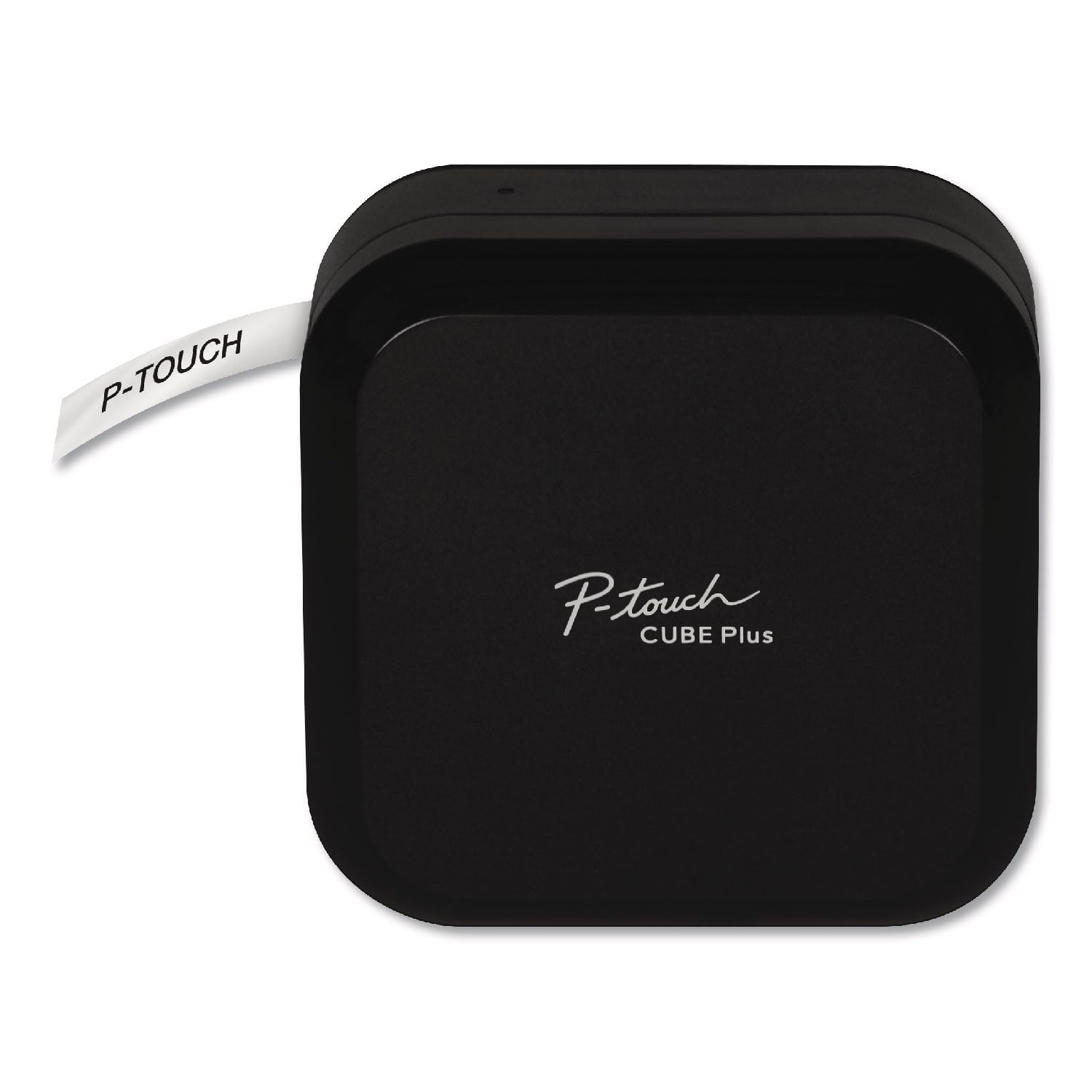
 Customer reviews for Brother P-Touch PT-P710BT CUBE Wireless Label Maker, 20 mm/s Print Speed for
Another great device from Brother.
I like the idea that this label printer is wireless and you basically can use any device like your phone, a tablet or laptop to connect - or even Desktop - just make sure it has a Bluetooth connectivity. This unit has an internal battery, which is also convenient. Highly recommend, if you need to print a lot of labels.
Not as easy to use as it should be, but fixable
So just like the product pitch, I wanted to use this in the kitchen for labelling pantry items. Plugged in, with a dedicated iPad nearby, I should be able to step up, open the app, type the text, and hit print. But some really poor design choices keep that from working out-of-the-box. First off the power. It shuts off automatically when idle, even if plugged in, fine. But the power button is a flush-mounted dot the size of a lentil *on the back* of the unit where you would think only a never-press-me-reset button would be. Why not a big button on the top next to the light that shows it's on? Next the bluetooth pairing. As other reviewers have noted, it doesn't maintain the pairing so you have to go to your device's settings and reconnect *every time*. But it turns out that you can work around both of these issues by changing the setting that powers off automatically and make it stay on. Astoundingly you cannot do this through the app (either one, more on that later). Instead you have to plug the printer into a computer, download *another* dedicated app for changing settings, and fiddle it there. Then there's the app. The promoted one you end up at if you scan the QR code on the device is "iPrint&Label", and it's a toy. Only sized for a phone, not a tablet, and doesn't even rotate to landscape mode. Fortunately there's *another* app, "Design&Print", which works much better, and is frankly just as easy to use. Have to hunt for it, though. Hope this helps before you get frustrated.
Hello, We are sorry that you are experiencing issues with your Brother machine and we understand your frustration. We'd like to help. Please contact our Customer Support team via Email or Live Chat for further assistance: https://help.brother-usa.com/app/ask/p/9351
Great idea, poor execution
[This review was collected as part of a promotion.] I received this product for free from Brother in exchange for my honest opinion/review of the product. I consider myself to be a moderately tech savvy person. I can figure out most new technology with no help, or am able to find the resources when I do need help. My first impression of this label maker is that it is large; I couldn`t see myself taking this with me to work or a friends house. The other impression I had was, why is the tape so big? After setting it up, and connecting it to the Bluetooth on my phone, which was simple but would be difficult for someone tech-challenged, I was required to download two apps in order to print a label. Again, this limits its mobility, and I often found myself frustrated that I needed to get my phone and the "cube" together in order to print. The app. The app was confusing, I printed several labels that were way too large or way too small. I also couldn`t figure out why it kept cutting a tiny strip off before every print. I felt as if I was wasting tons of tape every time I printed a single label. Once I finally figured out how to turn this feature off, I discovered it prints each label with a large gap at the front but not at the back, meaning I had to hand cut each tape to make it look uniform. There were so many features to the app, but I barely used them because I got confused and frustrated with the lack of intuitiveness. I was able to print several labels for the closet I was reorganizing, however I found the size of the tape to be too large and I had a hard time keeping each label uniform if I stepped away from the app and it reset the defaults. All in all, yes it prints labels, it`s basic function, but I would rather just have the label maker have a keyboard and simplified settings so that I can make sure my labels are thin, uniform, and I`m not wasting tape.
Add features back
I have an older Brother handheld and it had morfe features like repeating text to wrap around a cable and see from mutiiple angles.. I actulally bought a newe handheld and it also lacks that fedature. So I'm forced to use my old one, though it is showing age and I had to do tricks to print in general as he older one has a cutter problem with the initial cut.
Designer Label-maker!!!
[This review was collected as part of a promotion.] I received this product for free from Brother in exchange for my honest opinion/review of the product. This label maker is MORE than a label maker. When I think of a label maker I think of hard tape and imprinted letters. This label maker is a printer, and makes all kinds of designs, borders, fonts, different tape colors (like gold!) and you can even print pictures or use little images. There are pre made designs you can customize(great for essential oil roller labels, or food containers in pantry), and it`s so fun and intuitive to use.My kids and I have been labeling EVERYTHING! I am excited to keep playing with it!
It works BUT Terrible Bluetooth & Wastes Tape
It works with just a iPhone to run it, which is good. The Bluetooth interface is the worst I have ever used. Every time you turn on the P-touch Cube Plus you have to go to settings >Bluetooth and select the PT-P710BT to connect. If that isn't enough of a pain then you have to select the printer in the App! When the printer times out (10 minutes) you have to go through the process all over again. Every time you print one label at a time the printer wastes about an inch of tape.
We understand you're experiencing Bluetooth connectivity and label issues with your Brother PT-P710BT machine. We'd like to help. Below are FAQ links that may help you with this issue: https://support.brother.com/g/b/faqend.aspx?c=us&lang=en&prod=p710bteus&faqid=faqp00100378_001 https://support.brother.com/g/b/faqend.aspx?c=us&lang=en&prod=p710bteus&faqid=faqp00010221_011 If you continue to have issues, our Brother Customer Support Team is available to assist you direct: www.brother-usa.com/brother-support
Excellent Product
Over the years I have had several label makers, this one, the P-Touch Cube Plus (PT-P710BT), is by far the best label maker that I have ever used. It’s simple, fast and accurate. It doesn’t take up a lot of space on my desktop. Easy to install, easy to use software that downloads easily. This label maker prints clearly and the backing on the labels is easily removable. All in all, my impressions of this label maker is Excellent. I have gladly recommended this label maker to my friends and family. I wholeheartedly recommend it to you.
Great for Simple Use
[This review was collected as part of a promotion.] I received this product for free from Brother in exchange for my honest opinion/review of the product. The Brother Cube is a great mobile printer since there is no computer required. However, you do need enough space on your smartphone to add the Design and Print app. Luckily, I just bought a new phone so I had ample space.TheCube is pretty light and easy to hold. It stands up on its own vertically and is space-friendly for storage purposes.I love the fact that I can print right from my phone through the app. You do have to charge the Cube initially, but you may disconnect after fully charged. The labels do not stick very well to fabric. I tried to label my son`s backpack and it fell right off. There should be different types of label materials that can stick to all types of material. But the labels stick to paper, folders and hard materials like lunchboxes just fine.Overall, this is a great buy!
Awesome tool to stay organized
[This review was collected as part of a promotion.] I received this product for free from Brother in exchange for my honest opinion/review of the product. I received this product in exchange for my unbiased opinion. I was able to set the Brother P-touch CUBE Plus on my desk right next to my computer. It is very compact and does not take up much room on my desk. When I was not using the CUBE I was able to store it easily in the desk drawer. Setup instructions were easy, my 10 year old nephew followed along (instructions also had pictures to make setup quick and easy) and setup the CUBE including inserting the tape! Charging was quick and the app was easy to find in the app store on my Samsung android phone. There were two different tapes that came with the CUBE to make labeling things either fun and sparkly or standard and clean looking. We spent lots of time labeling and organizing the pantry and the boys playroom... the CUBE made it fun! From the ease of setup to the ease of use, I absolutely recommend this product. Suggestion: pay close attention to settings so not to waste tape printing labels that are too large for items you intend to label.
No bluetooth capabilities makes it a 4 star rating
It's great but I thought it had bluetooth capacity. It is important for me to share this with my colleagues and having to stop what I'm doing so they can print is time consuming and inefficient, don't get me wrong I love it, but, it should make our lives easier.