Skip to Main Content
Sam's Club
Sam's Club
Customer reviews for Brother P-Touch PT-P710BT CUBE Wireless Label Maker, 20 mm/s Print Speed for
Brother P-Touch PT-P710BT CUBE Wireless Label Maker, 20 mm/s Print Speed
4.2 out of 5 stars
stars125 ratings125 reviews
  1. 5 stars54% (68)
  2. 4 stars26% (33)
  3. 3 stars10% (13)
  4. 2 stars2% (2)
  5. 1 star7% (9)
Sort by |
Showing 1-10 of 125 reviews
Feb 21, 2023
JEFF
5 out of 5 stars review

Verified Purchase

Best Label maker

I had been using a battery label maker from the same manufacturer but the batteries would always die and could only use 1/2 inch tape. I took the plunge and although it cost three times more I will probably save that on batteries alone. I have this one set so I can print from my phone when I’m in the workshop or from my laptop. The computer software has a ton of options like adding pictures and I can print with different size tapes, fonts and directions. Hopefully the last label maker I will ever purchase, I definitely recommend it if you want to do more than simple one size labels.

Review from walmart.com
Helpful?6D1T039X5H0T13850822360
May 29, 2022
Michael
5 out of 5 stars review

Verified Purchase

Full Featured, Great Print Quality, Good Value!

I've had several P-Touch printers over a period of years. In fact I still have my PT-P700 connected to my PC. The print quality of the P700 and PT-710BT both excellent. But nice things about the 710BT are 1) The built-in Li-ION rechargeable battery. You can connect the printer by USB and it's always charged and ready to use without need of an AC power adapter. 2) Instant bluetooth connectivity when you need to carry it around without USB. For example, designing and printing labels through the app rather than the P-Touch Editor software (PC/Mac) even though I do prefer the P-Touch editor which is full-featured and easy to learn. Not sure about Mac, but for windows 10/11 I do recommend downloading and installing the driver and printer settings tool from Brother's site. Yes, windows does recognize the printer regardless, but more features and setting preferences are available when you manually install the drivers. And of course, get the P-Touch editor as well (currently V 5.4 at the time of this review). I also recommend using generic TZe compatible labels which are widely available in every size and color on that "A" website that we all know... haha! They are equal in quality to the OEM but MUCH cheaper.

Review from walmart.com
Helpful?6D1T039X5H0T13850822360
Aug 14, 2024
Gay
5 out of 5 stars review

Verified Purchase

My granddaughter picked this up and started using it. She loves it and has made all kinds of labor for her school items. I finally got to use it. So far I I’ve made only one label.

Review from walmart.com
Helpful?6D1T039X5H0T13850822360
Jul 28, 2022
PHD
5 out of 5 stars review

Verified Purchase

Easy to use.

Great improvement over my old keyboard style label maker. Only drawback is the Bluetooth does nor reconnect automatically; keep having to reconnect in settings.

Review from walmart.com
Helpful?6D1T039X5H0T13850822360
Mar 10, 2026
Tom4278
5 out of 5 stars review

A 1.5 inch WIDE LABEL-MAKER‼️👍👍

I BADLY needed a 1.5 inch label maker. I DIDN’T need one with a keyboard since I much prefer using a PC to print labels. This unit is QUICK, QUIET, and produces perfect label’s every time👍👍

Review from brother-usa.com
Helpful?6D1T039X5H0T13850822360
Aug 26, 2023
WalmartCustomer
5 out of 5 stars review

Verified Purchase

[This review was collected as part of a promotion.] Good product. As described

Review from walmart.com
Helpful?6D1T039X5H0T13850822360
Mar 4, 2025
Anonymous
5 out of 5 stars review

Verified Purchase

Easy Peasy Labels

Very reliable label maker that was easy to setup. I am extremely happy with this purchase.

Review from walmart.com
Helpful?6D1T039X5H0T13850822360
Nov 5, 2018
MissyM775997
5 out of 5 stars review

I want to label everything now

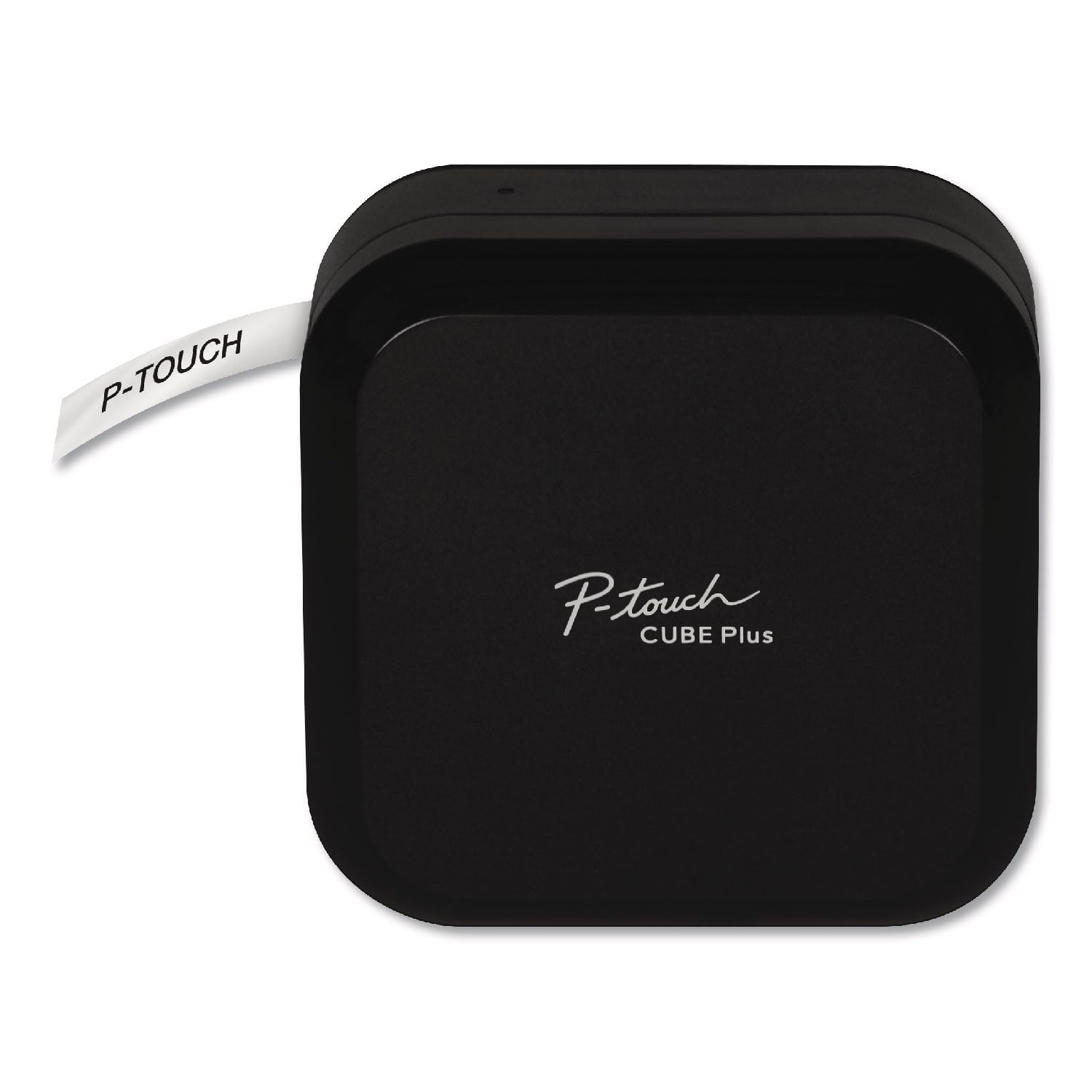
[This review was collected as part of a promotion.] I received this product for free from Brother in exchange for my honest opinion/review of the product. The Brother P-Touch Cube Plus is now a staple on my desk, along with all my other important tools needed to run my home office. I`ve always wanted a label maker but never wanted to spend the money on one, because frankly, I wasn`t sure if I would use it enough. When I first got the label maker I immediately loved the look and feel of it. It felt sturdy and has a clean, tech look to it, that fits nicely with my others desk items. The tape cartridge is "old school" like the answering machine tapes, you would use years ago. I wonder if the cartridge itself will break easier because of the style. I haven`t had any issues with it yet, though. Loading the label maker with the different types of tape is easy. You open the maker, and just simply push the cartridge in, and then close the maker. I did have to charge my label maker before I could use it. I tried charging it through my computer, but since I had a screen saver on, it wouldn`t charge unless I was on my computer or at least had my computer on. I ended up charging through an electrical outlet on my wall. One full charge seems to be enough to get me through at least a few weeks. I haven`t lost any power to it yet. It does turn off on it`s on, once you stop using it, so that is a big help. It`s wireless so I download the Brother label maker app, (there are two of them) and was able to connect my maker to my smart phone. It`s as simple as adding a printer, or any other device. I did find that once I stopped using my label maker and I went back a day later to use it, I had to "find" it again on the app, not a big deal really, but it would be nice if my phone/app/maker would have it stored or at least automatically find it when I turn on my maker. Who knows, maybe I can, but I just don`t know how to do it. The app itself, has pre-made labels for you to choose from. It`s as simple as double clicking the label you want to edit. You can even save your labels, but I didn`t find a need for this myself. I had so much fun using my label maker. I`m not creative in any way, so I really liked that there were labels I could pick from. The label maker is so easy to use, that I started to organize and label my important files. I made name tags and made labels for my storage bins for the holidays. I started off with two different types of label tape. I have a clear and black label and a gold label with black lettering. You can choose the length of the label so it will fit properly. The only thing I didn`t like was before a label would print, a tiny square label would print and I felt like that was a waste. I couldn`t figure out how to get that to stop. The label itself is easy to peel and stick to your object. The sticky part of the label is split in the middle, so you bend the label a bit, and pull off the adhesive, and place your label where you want. I did notice that if I had a label that was longer, the label would curl at the ends and would stick together. But I was able to unstick it without ruining the label. These labels stick really well. I`m not worried that they will fall off later or be too sticky that it will leave a residue. I`m so happy with this label maker. It allows me to label things, have my items look clean and organized, and I can make a label in an instant.

Review from brother-usa.com
Helpful?6D1T039X5H0T13850822360
Aug 19, 2023
Miranda
4 out of 5 stars review

Verified Purchase

99.5% happy. Will buy again

Obsessed. I love the different color tape options and being able to use any size in it. I’ve been using it at work and it’s been so helpful to my crew to have clear and durable signage. You can put any image or emoji that you can type on your keyboard. Or any from the preloaded options. And if you download alternative keyboards you can also use different fonts other than the preloaded options. I only wish it would auto connect like other Bluetooth devices do. I have an iPhone 14 Pro Max if that makes a difference. Each time you turn on the printer and open the app, you have to find your device within the app. And a lot of the times, if you’ve already connected, but didn’t print anything after awhile, it disconnects itself from the app and you have find your printer and reconnect again.

Review from walmart.com
Helpful?6D1T039X5H0T13850822360
May 1, 2026
Greg Marsh
4 out of 5 stars review

I like it very much, but it is not perfect.

I like the label maker very much, but the labels are expensive and hard to find, and the auto-wake does not work so I have to remember to turn it on each time I use it if it has sat a short time.

Review from brother-usa.com
Helpful?6D1T039X5H0T13850822360