Skip to Main Content
Sams Club
Sams Club
Customer reviews for SAMSUNG 65” Class DU8000 Series UHD 4K Smart TV for
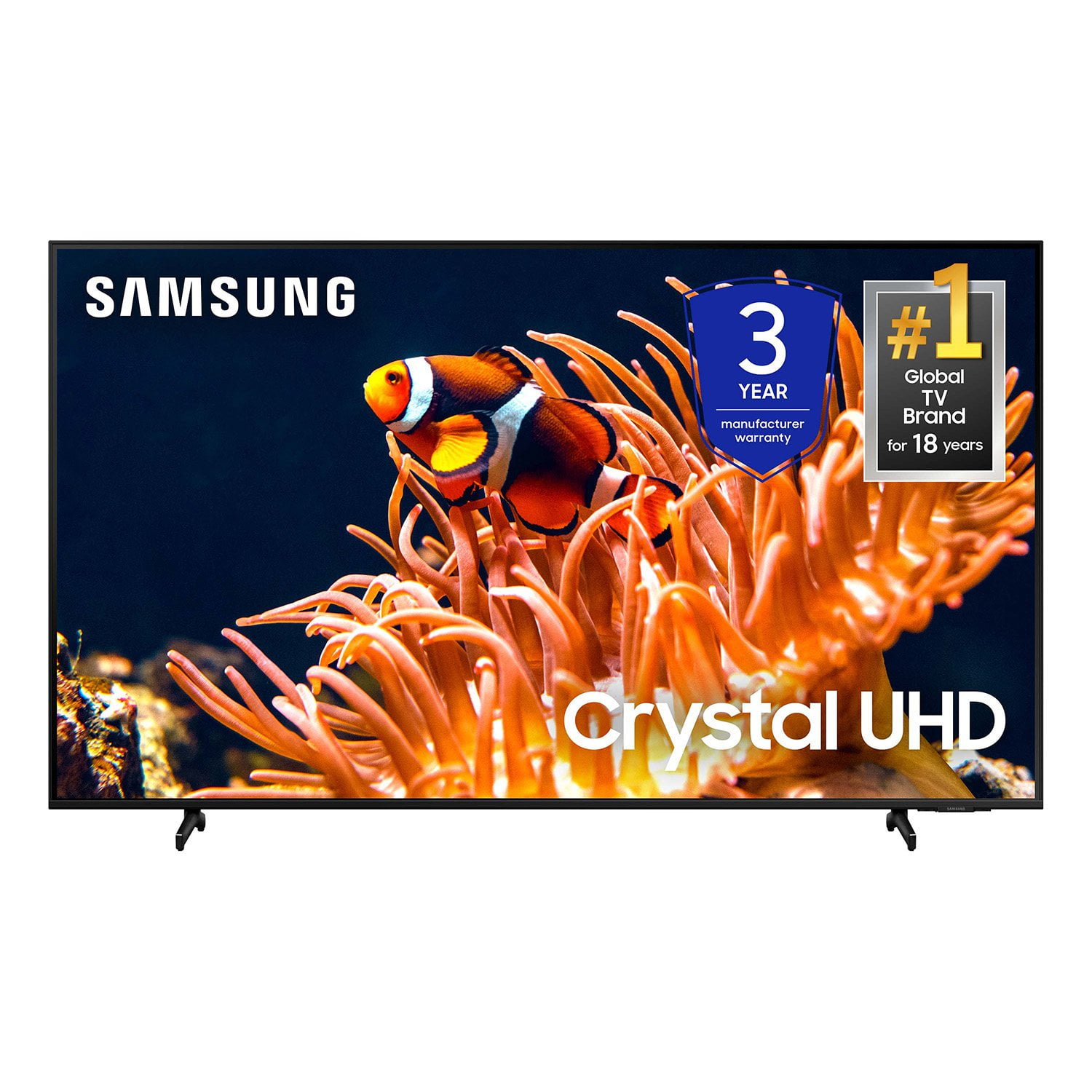
SAMSUNG 65” Class DU8000 Series UHD 4K Smart TV
4.5 out of 5 stars
stars787 ratings783 reviews
  1. 5 stars74% (583)
  2. 4 stars13% (101)
  3. 3 stars5% (42)
  4. 2 stars3% (22)
  5. 1 star5% (39)

Member photos

  • +189 images
Sort by |
Showing 711-720 of 783 reviews
Mar 31, 2025
Linda
5 out of 5 stars review

I stand by Samsung

I have absolutely no complaints. Great picture and clarity.

Review from Samsung US
Helpful?28HO1S43D6Y413848822577
Mar 5, 2025
Discoduck
4 out of 5 stars review

No Youtubetv

It’s got a very good picture quality. I wish Youtubetv would be a built in app.

Review from Samsung US
Helpful?28HO1S43D6Y413848822577
May 5, 2025
Jonesy
4 out of 5 stars review

Trouble with remote

I love my TV, but I am having trouble with my remote

Review from Samsung US
Helpful?28HO1S43D6Y413848822577
Feb 20, 2025
Low Rider
5 out of 5 stars review

Family Gatherer

A most needed TV for your family room these days that many families are separated by cellphones.

Review from Samsung US
Helpful?28HO1S43D6Y413848822577
Mar 5, 2025
Rick
3 out of 5 stars review

Not happy

Slow to power up and poor picture quality Would not recommend

Review from Samsung US
Helpful?28HO1S43D6Y413848822577
reply from Samsung Advisor

Hi Rick, We appreciate your feedback on the response time, and for optimal performance, we ask that you please ensure you've got the latest firmware version installed on your DU8000 TV. You can check this by going to Home > Menu > Settings > Support > Software Update. You may also want to further optimize performance with the self-diagnostic tool, which checks memory, frees up unused cached memory, and closes background apps. Go to: Home > Menu > Settings > Support > Device Care > Start Device Care. Below are some tips to help improve picture clarity: 1) HDMI cables are recommended for optimal HD viewing. 2) If you have an analog cable box or satellite box, upgrade to a digital cable box or satellite box. 3) Change the output resolution of your devices, such as digital broadcast receivers, IPTV, and set-top boxes, to UHD or HD. 4) You can further adjust your sharpness, brightness, contrast, color, and more by going to Settings > All Settings> Picture > Expert Settings 5) Choose a Picture Mode by going to Settings > All Settings> Picture > Picture Mode and choose from Dynamic, Standard, Natural, Movie, or Filmmaker Mode. 6) For optimal motion image performance, you may want to adjust the picture clarity setting by going to Settings > All Settings> Picture > Expert Settings > Picture Clarity Settings. Should you ever have questions or need help with TV features, specs, or operations, we are here to help. You can call us at 1-800-SAMSUNG, 8 AM - 12 AM EST, seven days a week. Our LiveChat agents are also available by clicking on the ‘Support’ link on our website. ~ Samsung Advisor

Jun 30, 2024
Samsun
4 out of 5 stars review

Decent enough but not great

Decent product. Little disappointed with the picture quality & system processing speed

Review from Samsung US
Helpful?28HO1S43D6Y413848822577
Mar 5, 2025
Donald
5 out of 5 stars review

75" TV Review

We love this Samsung 75" TV - it's great for watching everything - Movies, Sports, TV Shows, etc.

Review from Samsung US
Helpful?28HO1S43D6Y413848822577
May 5, 2025
Joan
5 out of 5 stars review

Good picture.

Nice tv Good clear colorful picture Would purchase again. Pleased with tv

Review from Samsung US
Helpful?28HO1S43D6Y413848822577
Feb 20, 2025
BIG MIKE
4 out of 5 stars review

Great features

Love it! I wish the refresh rate was higher but it works great otherwise!

Review from Samsung US
Helpful?28HO1S43D6Y413848822577
Apr 19, 2025
GPS CHAWLA
4 out of 5 stars review

GREAT Features

So far it’s going good and it’s giving us good vibes

Review from Samsung US
Helpful?28HO1S43D6Y413848822577