Skip to Main Content
Sams Club
Sams Club
Customer reviews for SAMSUNG 65” Class DU8000 Series UHD 4K Smart TV for
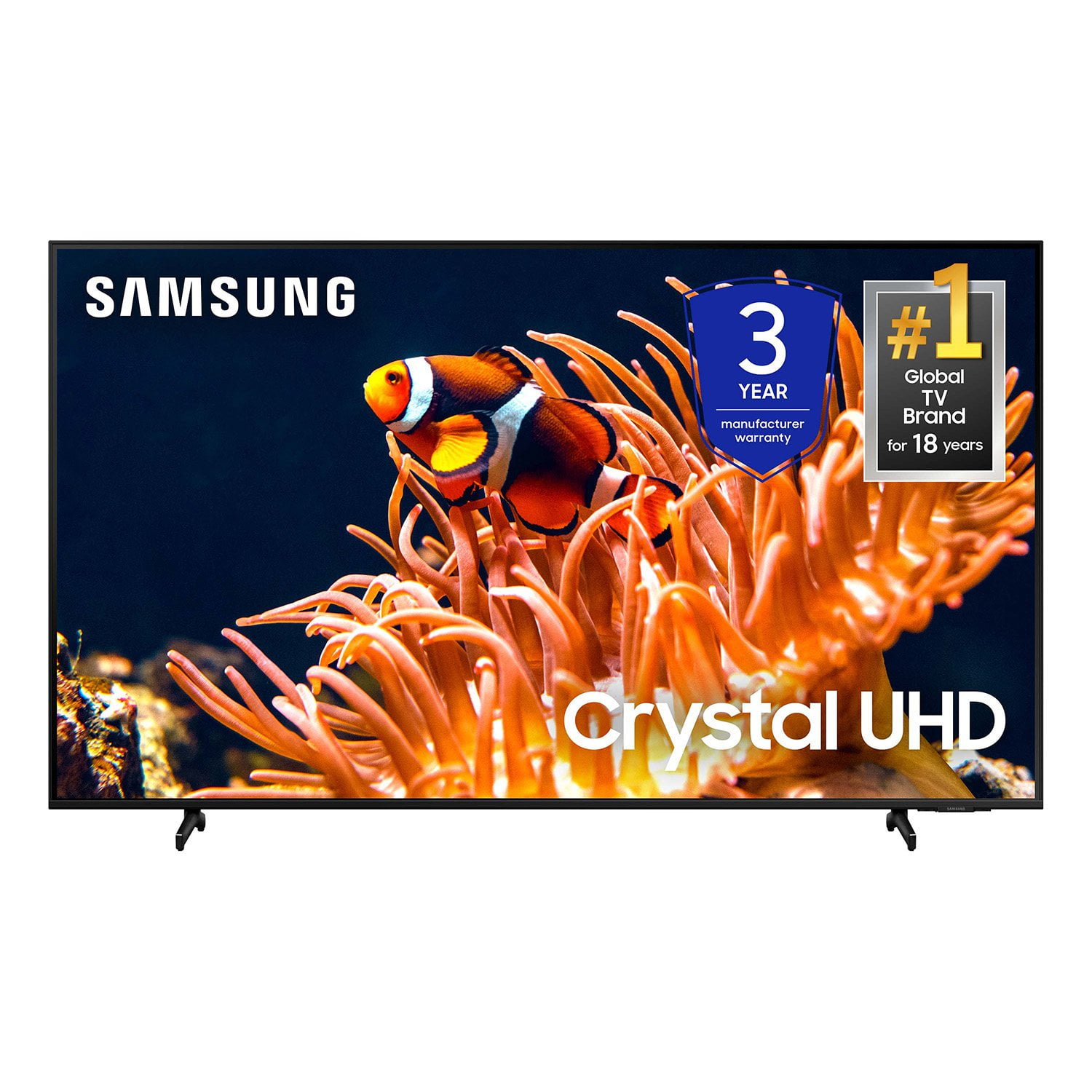
SAMSUNG 65” Class DU8000 Series UHD 4K Smart TV
4.5 out of 5 stars
stars787 ratings783 reviews
  1. 5 stars74% (583)
  2. 4 stars13% (101)
  3. 3 stars5% (42)
  4. 2 stars3% (22)
  5. 1 star5% (39)

Member photos

  • +189 images
Sort by |
Showing 701-710 of 783 reviews
Mar 6, 2025
Anonymous
5 out of 5 stars review

Overall Excellance

Of the purchase great color n down to clear even the facial lines, makes you feel you are in the movie. Great quality.

Review from Samsung US
Helpful?28HO1S43D6Y413848822577
Sep 15, 2024
TheTVlover24
5 out of 5 stars review

My Samsung TV

I love it. Clarity on the tv is superb and the remote control really controls the TV without aiming at the TV.

Review from Samsung US
Helpful?28HO1S43D6Y413848822577
Apr 30, 2025
Lovelytv2024
5 out of 5 stars review

Best tv ever clear picture and clear sound keep it

[This review was collected as part of a promotion.] Great tv best out there and price friendly great picture

Review from Samsung US
Helpful?28HO1S43D6Y413848822577
Sep 7, 2024
Sp97review
5 out of 5 stars review

Good quality

[This review was collected as part of a promotion.] It runs well and has a fantastic picture quality. Great for movies, TV, and gaming.

Review from Samsung US
Helpful?28HO1S43D6Y413848822577
Apr 29, 2025
SSTVCrystal
5 out of 5 stars review

Awesome resolution

[This review was collected as part of a promotion.] Awesome resolution. A must have if you are in the market to buy one.

Review from Samsung US
Helpful?28HO1S43D6Y413848822577
Jun 20, 2024
Marynogo
3 out of 5 stars review

The product works as intended. In opion..

[This review was collected as part of a promotion.] It is as expected over all. Nothing too special....... .......... ........... ......

Review from Samsung US
Helpful?28HO1S43D6Y413848822577
reply from Samsung Advisor

Hi Marynogotvsweeps, We appreciate you choosing Samsung. With the DU8000 TV, you get a clearer picture of your favorite shows and videos. The 4K Upscaling transforms each pixel for improved content. If you should have any questions or concerns about usage, features, or how to optimize your settings best, Samsung Customer Support is here to help. You can call us at 1-800-SAMSUNG, 8 AM - 12 AM EST, seven days a week. Our LiveChat agents are also available by clicking on the ‘Support’ link on our website. ~ Samsung Advisor

Feb 5, 2025
andygump11
5 out of 5 stars review

Other than that, it is fine

Disappointed with the remote control. My TV is fine

Review from Samsung US
Helpful?28HO1S43D6Y413848822577
Apr 21, 2025
TVLADY
2 out of 5 stars review

Disappointed

There is a large black cloudy stripe from top to bottom

Review from Samsung US
Helpful?28HO1S43D6Y413848822577
reply from Samsung Advisor

Hi TVLADY, We appreciate your feedback regarding the screen abnormalities you’re seeing on your DU7200 TV. Please run a Picture Test to determine if the problem is caused by the TV. Picture Test displays a high-definition picture you can examine for flaws or faults. Go to Settings > Support > Device Care > Self Diagnosis > Picture Test. If this occurs on all sources and the picture test, this may require service. For help with setting up a service appointment, please contact Samsung Support at 1-800-SAMSUNG, 8 AM - 12 AM EST, seven days a week. Our LiveChat agents are also available by clicking on the ‘Support’ link on our website. ~ Samsung Advisor

Feb 5, 2025
Loud
5 out of 5 stars review

Great pictures and sound

I have 8 Samsung tvs from 85” down to 43” and love them all.

Review from Samsung US
Helpful?28HO1S43D6Y413848822577
May 5, 2025
Wishmyremoteworked
3 out of 5 stars review

Remote stopped working

After 3 months,the remote control stopped working. I have to use my old Samsung remote now.

Review from Samsung US
Helpful?28HO1S43D6Y413848822577
reply from Samsung Advisor

Hi Wishmyremoteworked, Thank you for your feedback on the SolarCell Remote. If you’re having trouble with responsiveness, here are a few quick ways to check if it’s functioning correctly: 1. Test for infrared signal: Use your smartphone camera to look at the front of the remote. (If you're using an iPhone, the front-facing camera works best.) While pressing a button, you should see a flashing light through the camera. This confirms the remote is sending a signal. 2. Pairing: If the infrared is working, but the TV isn’t responding, make sure your remote is properly paired with your TV. 3. Charging: If no light appears, the remote may need to be charged. Plug a USB-C cable into the port at the bottom, or place the remote solar-side up in a well-lit area to recharge. If these steps don’t help, please contact Samsung Support so we can assist further. Call 1-800-SAMSUNG, 8AM – 12AM EST, 7 days a week, or connect via LiveChat by visiting the ‘Support’ section on our website. ~ Samsung Advisor