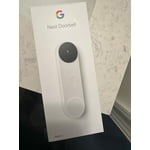
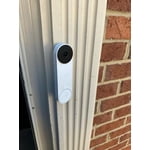
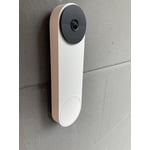
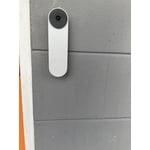
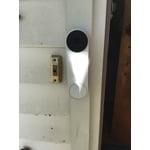
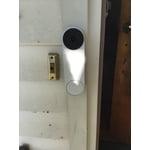
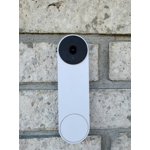
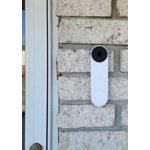
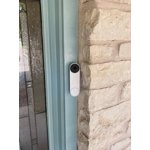
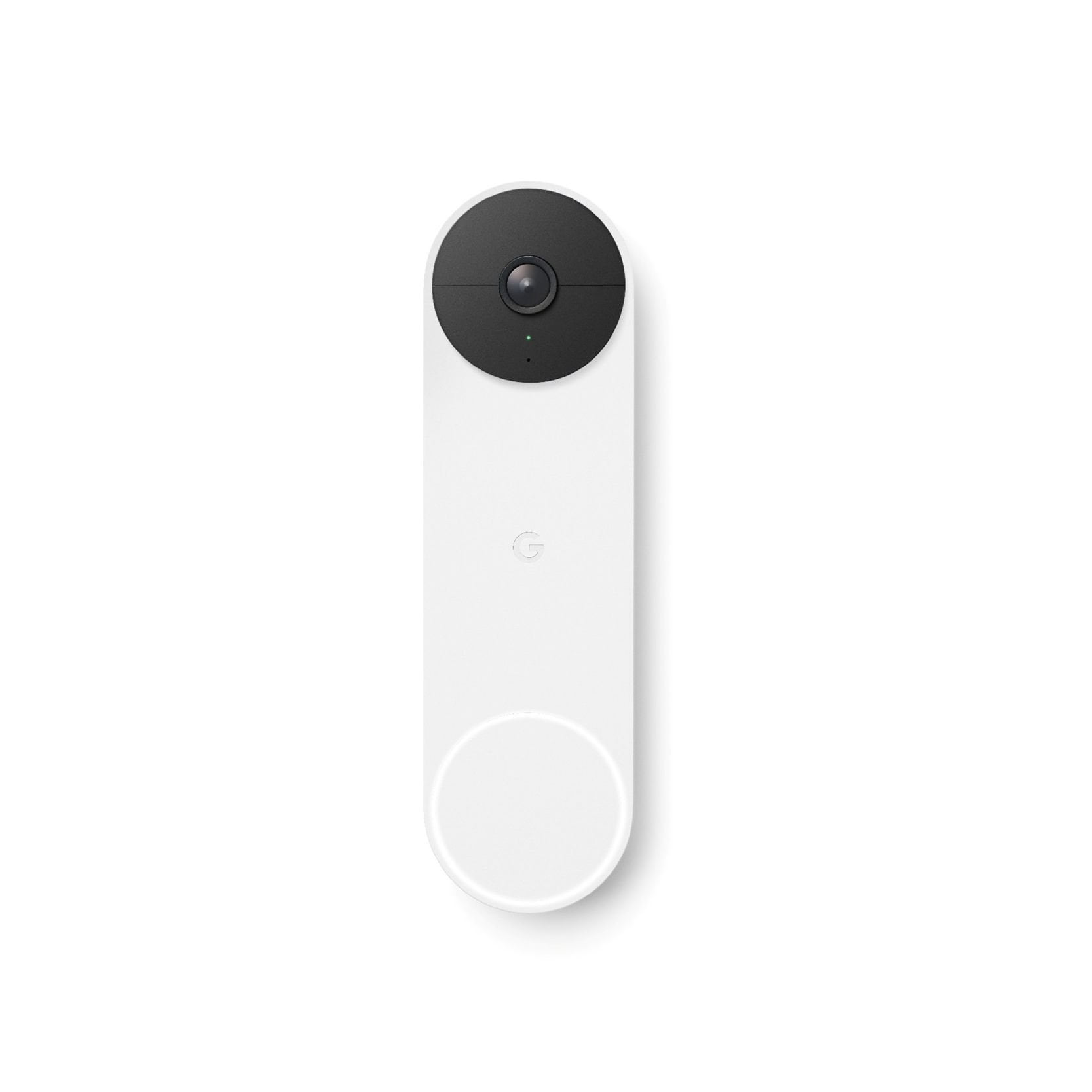
[This review was collected as part of a promotion.] The Nest Doorbell Battery does the job with little fuss. I got the matte white model and the style can be best described as minimalist. A round black camera at the top and a white round button at the bottom of a slab that is about half the width of 6.6" smart phone and just about as tall as the smart phone.
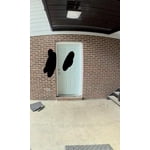
Installation is straight forward and quite simple, at least the way I had it installed. I have an existing wired doorbell with a transformer already in place. Given this setup, my PHYSICAL install process was as simple as disconnecting the existing door bell button at the front door and connecting the the two wires to the Nest Doorbell. Ofcourse, you need to screw the doorbell to the door frame or wall or whereever you want to physically set the door bell. Given its size, it would be smart to check out first where you are comfortable installing it and how you will place it. Google provides everything you need to install including needed screws, a base plate and a wedge to help angle the camera if needed.
Before any of the physical installation is performed, you will need to download the Google Home app onto your phone and scan the QR code that comes with the doorbell to set it up with your existing wifi connection and your smartphone. It is a good idea to physically place the Nest Doorbell in the location you will install it and confirm that you have a good wifi signal and that video quality is good.
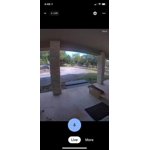
The benefit of the wired connection is that the app can directly display live video without needing to perform an extra click to get the video started. There are some questions that I could not figure out such as how do I change the doorbell to a non-wired connection. To do this, do I need delete the door bell from my app and redo the setup or is there an option to modify? I could not find anything in the app that would let me do this but may be I just need to dig into the details more.
For my setup, the Nest doorbell works as before i.e. someone presses the doorbell button and my existing door bell chime goes off. The additions now are a camera to view who is at the door without needing to get to the door, an audio channel to speak with the person without having to go to the door and other smarts that come with the phone app integration.
I am not sure how it works with an app only option i.e. if there is a lag from when the button is pressed to when the phone alert showsup. In my simulated trials, the alerts appeared immedately with little to no lag.
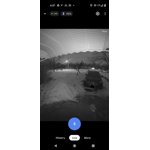
Note that night view is black and white and gets to about 6 feet for decent views. Beyond that, you only get darkness. I would love for it to integrate to my Alexa Echo Show but that is not possible today. I understand that smoething is in the works for interoperability amongst smart devices - fingers crossed and hoping the future gets here fast!
I have yet to explore the rich set of features and options such as alert zones, etc. Overall, an excellent doorbell that is easy to install and get going.
The one concern I have is how the doorbell wll handle the Texas summer heat. the specs call for operating at less than 104 degrees or less and I know that there will be days when the temperatures will be higher. Plus my front door faces west which means direct sunlight. For now, the winter sun is not a problem as the weather is cool and no direct sunlight is on the door bell.

 Customer reviews for Google Nest Doorbell Battery White for