Skip to Main Content
Sam's Club
Sam's Club
Customer reviews for Samsung Galaxy Buds2 Earbuds w/Active Noise Cancellation for
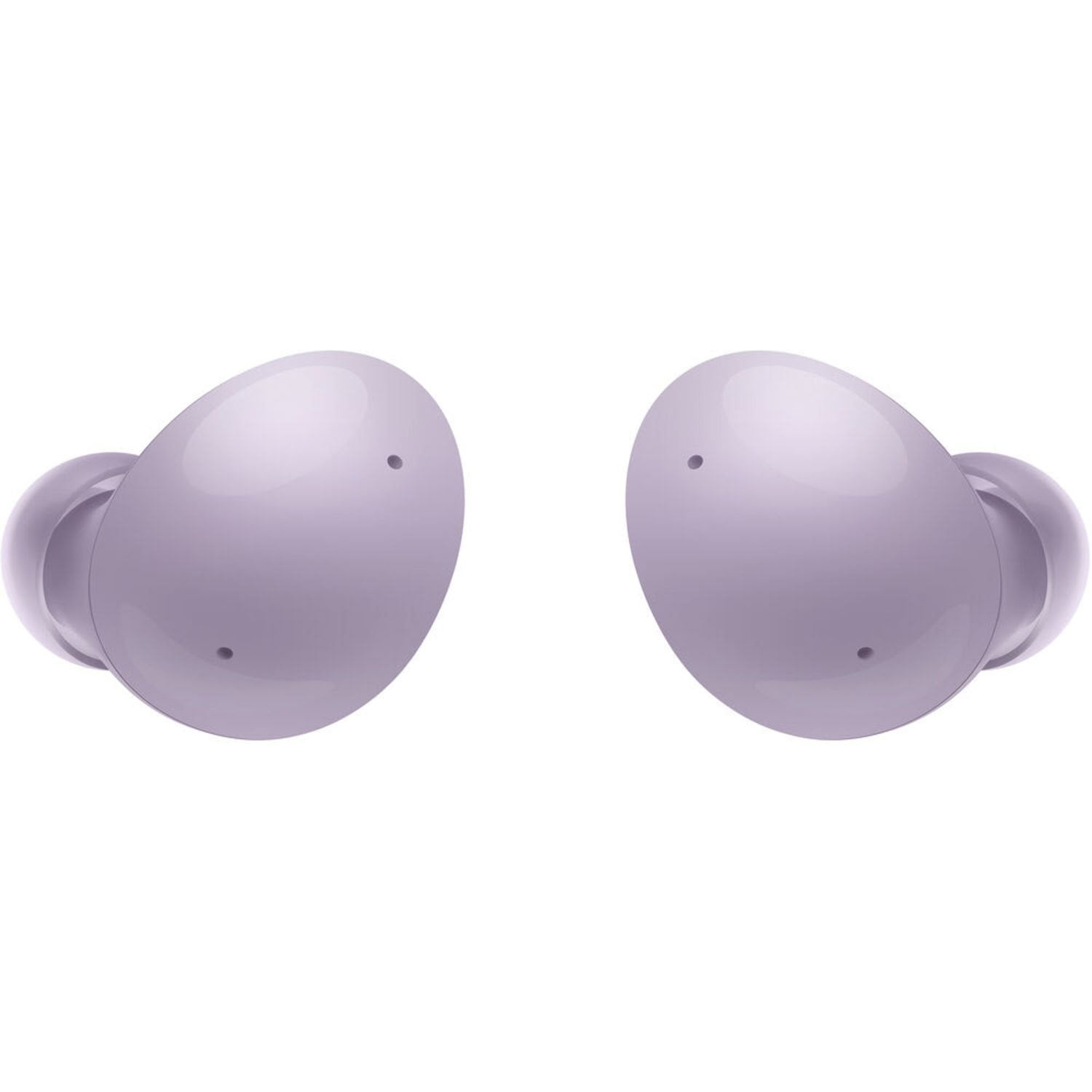
Samsung Galaxy Buds2 Earbuds w/Active Noise Cancellation
4.1 out of 5 stars
stars44 ratings16 reviews
  1. 5 stars66% (29)
  2. 4 stars9% (4)
  3. 3 stars5% (2)
  4. 2 stars11% (5)
  5. 1 star9% (4)
Sort by |
Showing 1-10 of 16 reviews
Aug 27, 2023
Katrina
5 out of 5 stars review

Verified Purchase

Upgrade from wrap around headset

Happy with my purchase true an upgrade from the LG wrap around headset with the wires that will short out over time no worries and no complaints with these included different sizes for your ear in case the originals plastic covers do not fit exactly for what your ear needs to stay comfortable. Definitely a good buy.

Review from walmart.com
Helpful?6EOZAIMJ3KRW13777255458
Jun 24, 2024
Karen
5 out of 5 stars review

Verified Purchase

Work well

These earbuds work well. I really like the noise canceling feature.

Helpful?6EOZAIMJ3KRW13777255458
Oct 12, 2023
Maria
5 out of 5 stars review

Verified Purchase

Ear buds

I like the color they sometimes fall out my ears but I have small ears.sound is great as well as noise cancelled in background

Review from walmart.com
Helpful?6EOZAIMJ3KRW13777255458
Aug 9, 2023
ECampbell
5 out of 5 stars review

Verified Purchase

super sound

I love them. They work perfect. I wosh I would've have waited so long to purchase

Review from walmart.com
Helpful?6EOZAIMJ3KRW13777255458
Jul 28, 2023
Terecita
5 out of 5 stars review

Verified Purchase

Great sounding earbuds!!

Love the color, sound great.

Review from walmart.com
Helpful?6EOZAIMJ3KRW13777255458
Dec 12, 2023
Ron F
5 out of 5 stars review

Verified Purchase

Great earbuds

Earbuds work great. Easy to control with my Samsung phone and Wear app.

Helpful?6EOZAIMJ3KRW13777255458
Sep 4, 2023
None
5 out of 5 stars review

Verified Purchase

Great sound

These buds work great with Samsung devices.

Helpful?6EOZAIMJ3KRW13777255458
Jan 10, 2024
Beth
4 out of 5 stars review

Verified Purchase

Dont stay in your ears great

I had hoped to get a pair of wireless earbuds to use for listening to music when walking and for handsfree talking on the phone while I did household chores like unloading the dishwasher. These just dont stay in my ears, as I talk they slowly work their way out of my ears. They do the same when I walk. They are very user friendly and paired really easily with my phone, but they just dont stay in my ears.

Helpful?6EOZAIMJ3KRW13777255458
Aug 4, 2023
Andrea
2 out of 5 stars review

Verified Purchase

Product not working well

My right ear piece is barely working

Review from walmart.com
Helpful?6EOZAIMJ3KRW13777255458
Dec 21, 2023
Steve B
1 out of 5 stars review

Verified Purchase

Little disappointment

This is my 3rd set of Samsung buds. Least favorite. Case and buds very slick. Left bud slipped out of my hand and lost before even being used. Keep dropping case and other bud pops out so matter of time before that is lost.

Helpful?6EOZAIMJ3KRW13777255458
reply from Samsung

Good day Steve, thank you for finding the free time out of your busy day to share your thoughts with us about your Samsung Galaxy Buds2. You won’t need to buy new Galaxy Buds if you've misplaced them because the Galaxy Wearable app makes finding them super easy. Your earbuds must be charged and connected to the app on your phone or tablet in order to locate them. On your phone or tablet, navigate to the Galaxy Wearable app. Tap Find My Earbuds; the SmartThings Find feature will open. The most recently recorded location of the earbuds will appear. Tap Ring, and then tap Start to make the earbuds play a beeping sound so they're easier to find. You can also tap More, and then tap Navigate to open up Google Maps and see directions to your earbuds using GPS. Or, use the SmartThings Find website. If the buds are out of Bluetooth range (32 feet), or if their battery is dead, the app will show the earbud(s) as disconnected and will not be able to locate the earbud(s). Additionally, the earbuds may not beep if there are foreign substances or debris blocking the IR sensor. This function cannot be used to locate a missing charging case. Take a look at, "How to wear your Samsung earbuds" to achieve the perfect fit for your Buds2 in the future. Please do not hesitate to contact Samsung Support if you would like any further assistance. Thank you for being an unwavering Samsung customer. - Debra