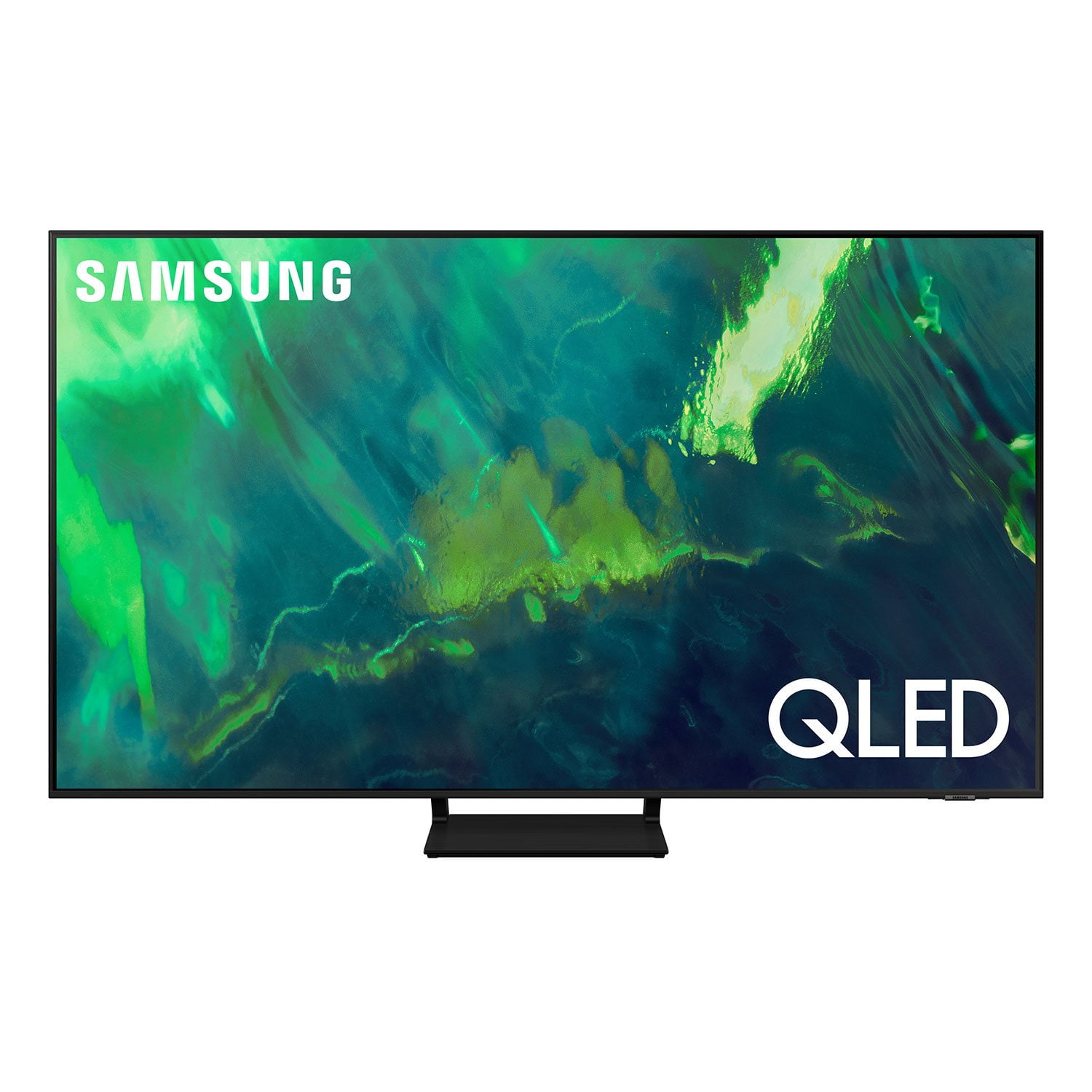
Customer reviews for SAMSUNG 65" Class Q7-Series 4K Ultra HD Smart QLED TV QN65Q7DAAFXZA forbetter than expected
[This review was collected as part of a promotion.] i love the tv look in to the room, large screen perfect image quality, what we like most are all the apps available especially Samsung app where we can watch tv as well stream many movies for free. this is a clear differentiator comparing with other TVs in the market
Great TV. I love it. Q70 85in
[This review was collected as part of a promotion.] I love that is a 85in TV, has apple play built in, 4 hdmi, I like the options to connect to my note20, Mac, pc. And options to how display them. The image quality is great. I don't like the options to do a voice search. I don't like the storage size for a very price tv. Only 8G. And you can not delete some apps that you may never use. I wish that interfaces were close to sides or an option to have a one cable to another box for all connections. Once tv is on the all access connections is very hard, risk for this heavy TV. The ambient mode doesn't have an option to download an image. You have to take a photo and can't edit it. In my case tv is between 2 doors...so the ambient component doesn't fit the wall that is behind tv and shows the doors. I use to watch open channels from my cable provider, gaming, streaming and work from my laptops and note20, using dex feature. Wifi and cabled connections are good options. Bluetooth works fine...better if could connect two headphones at same time. Anyway I am very happy with it. My main concern is amount of memory for apps that continue getting bigger and more apps.
Awesome picture
[This review was collected as part of a promotion.] This television was a spontaneous purchase but after taking it home and hanging it up on the wall it's perfect. The quality is amazing seemed like I'm sitting front row at all my favorite sporting events or television shows. Thanks samsung you guys rock!!
great tv that looks amazing
[This review was collected as part of a promotion.] Big fan of this TV. It has everything I am looking for. The picture quality is great and looks better than the AU8000 model and seems like the perfect mid market TV for someone who does not want to spend $3k on a TV. A big part of my decision to purchase this TV was that it has multi view which allows me to be able to split my screen between Samsung OS (Tizen I think it's called) and also another HDMI port (in my case I use Apple TV). I launch the YouTube TV app in both Samsung OS and Apple TV so I can watch 2 sports games at once. Super cool! The QLED looks solid too. Best picture quality I have had in a TV. Stand is cool too
This TV is beautiful and clear
[This review was collected as part of a promotion.] I definitely love my Samsung television. I stream on most of the apps on the television and they look beautiful on my screen. It's crisp and clear. I also play video games on it as well and my games look beautiful as well. It has so many features that I explore on it. My favorite is the easy to use remote and the voice command. It is a all around good TV.
This product has a beautiful display
[This review was collected as part of a promotion.] This TV was easy to set up, and was pre-loaded with all of the apps I had planned to use. I use this TV for both streaming and video game usage, and it works brilliantly for both purposes. Before purchasing, I was expecting to purchase a soundbar to pair with the TV, but I've been pleasantly surprised by the built-in speaker's audio quality!
Likes to stay on
[This review was collected as part of a promotion.] My 75 inch has a great picture and when combined with my Bose system is a great tv….. but it won't stay turned off! I turn it off , walk away and hear it come back on. None of the technicians know what's going on. So if you don't mind your tv coming on when your not around buy it, but I'm sure there are as good or better TVs available.
Mytroubles, It’s unfortunate to hear your Q70A TV is turning on by itself. If you’ve connected your soundbar via HDMI, this could cause the auto-on, as Anynet+ is enabled. Occasionally, connected devices such as soundbars can send a turn on signal, for example, if they have software updates. We recommend you try turning Anynet+ off, as it may be causing an auto power on. Go to Settings > General > External Device Manager > Anynet+, then disable. If you're still experiencing issues, please also try a few troubleshooting steps that may help solve the issue: 1. Unplug the TV from the wall outlet or surge protector and leave it unplugged for 30 seconds. 2. Check the power cord to see if there is any visible damage. 3. Plug the TV power cord back into the wall outlet. If you were using a surge protector, bypass it for now and use a wall outlet. 4. Try to update the software. In some cases, a software update can correct the problem. There is a risk, however. If the TV turns off during the software update, it could damage the TV. Updates can take up to 30 minutes depending on network speed, so if the TV is not turning off too frequently, try updating the software. 5. Disable the Power On with Mobile option. TVs that can connect to SmartThings can be turned on using compatible devices, sometimes automatically. However, if abnormal "power on" signals are sent through the wireless network, they will trigger this function and make the TV turn on. If you do not want this function, navigate to Settings > General > Network > Expert Settings > Power On with Mobile, and turn the setting off. If the TV continues to turn on by itself, please call us at 1-800-SAMSUNG, 8AM - 12AM EST, 7 days a week. Our LiveChat agents are also available by clicking on the ‘Support’ link on our website. ~ Samsung Specialist
What a difference a Samsung makes!
[This review was collected as part of a promotion.] I'm in love with this TV! I have an older first generation Samsung LCD flatscreen tv. (Still works) So I decided to upgrade. Wow! I see what I've been missing! The color clarity and sound is mesmerizing! I'm 46 years old and still an online gamer, in my spare time. The way this tv shows EVERY detail. Especially when watching live events or nature shows! The Wi-Fi/digital antennas are so strong, I ended my cable subscription. It streams so smoothly. I just watch Samsung Tv. Who needs cable with this tv? Even old westerns that my 70 yr old mother loves, plays clearly. The setup was as simple as turning on a pc. I haven't found a flaw yet. I'm just a guy from the Bronx, who loves his tv. It makes my living room look so alive and inviting. Great job Samsung!!!
Great Picture
[This review was collected as part of a promotion.] Great for almost all TV watching. Does not plat well with UTube tv and I had to get the another firestick in order for it to run well on the Samsung product. Other than that and that fact that when you are streaming with anything less than 1080dpi it is a little choppy. it is a great TV and worth the money.
Burninbob, Thank you for choosing the Q70A QLED TV and taking the time to share your experience with the YouTube TV app. If your app is freezing, not loading, or crashing, you can try cold booting your TV by holding down the power button on your remote for 5+ sec until the TV turns off and on again, deleting and downloading the apps again, and completing full reset of Smart Hub to correct the issue. Please make sure that Auto Update is turned on so that your apps can stay current with the latest updates and patches. Navigate to the Settings within the App Store and set Auto Update to: On. Please also check that your TV is running the latest firmware version. Go to: Settings > Support > Software Update. When watching non-4K content, please keep in mind your new TV will upscale as best as possible any content sent to it. The closer your content is to 4K, the better the image will look on the screen. Here are some tips to help improve the sharpness: 1. HDMI cables are recommended for optimal HD viewing. 2. If you have an analog cable box or satellite box, upgrade to a digital cable box or satellite box. 3. Adjust the cable box or satellite box's video output resolution to 1080i. 4. Look for a channel that is broadcasting native HD content. For over the air/cable antenna connection, try these steps to find HD channels: Go to Menu>Settings> Broadcasting> Auto Program I hope these tips help. Should you ever have questions or need help, please call us at 1-800-SAMSUNG (ask for TVs), available 8AM - 12AM EST, 7 days a week. For additional support resources, visit us on the Samsung website and click on the ‘Support’ link in the upper right corner of the homepage for: 1) Contact Us: For additional Chat & Text options, choose ‘TVs & Home Theater’ and select your model & topic. 2) Manuals & Software 3) Warranty Info 4) Register a Product: For access to easy warranty support, convenient opt-in to special promos and offers, faster troubleshooting and service, and quick notification of system updates. ~ Samsung Specialist
Love it
[This review was collected as part of a promotion.] Finding the best TV for your needs depending on how you're going to use it and where you're going to place it as well. There are two different types of panels in the TV market, OLED and LED, and they each have their strengths and weaknesses. There's no perfect TV, and choosing the right option for you also comes down to personal preference.