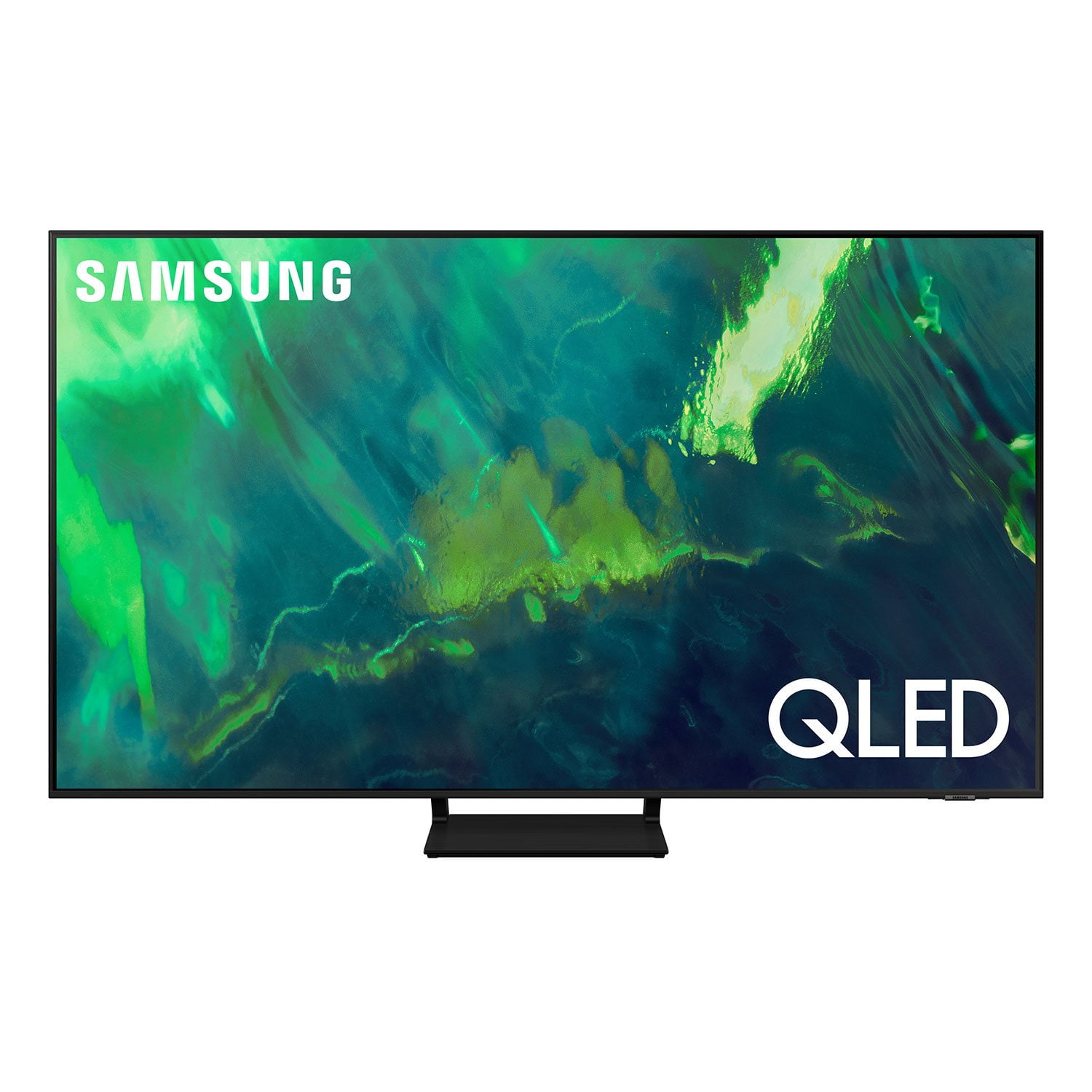
Customer reviews for SAMSUNG 65" Class Q7-Series 4K Ultra HD Smart QLED TV QN65Q7DAAFXZA forLove the OS and ease of use
[This review was collected as part of a promotion.] Great TV for a good price. Clear picture and plenty of HDMI inputs for all of your devices. We connected a Samsung HW-B63C recently and the TV with sound bar are a perfect experience for movies, gaming and streaming music. We have received compliments from guests while entertaining about the picture and sound of the combination.
My 65 inch Samsung TV
[This review was collected as part of a promotion.] I have have had a lot TVs in my 74 years of life, but this is the best one I have ever had. I have found nothing that equals the picture and the clarity that I get out of this so . I have a little bit of trouble seeing and this helps me immensely I no longer have trouble seeing my television. That's a great TV I would recommend it to anybody of any age . Thank you, Barry Roland
Great for playing games on the Xbox X series
[This review was collected as part of a promotion.] The main reason I bought this tv was to play Xbox X series games, and I was not disappointed. The resolution, frame rate and overall picture quality are spectacular. I highly recommend this tv to any serious game player.
Broken product.
i was excited to get this tv, when i got it and open the box their was a line on the screen, i plugged on the tv and it was broken in the top. i was furious, called customer they told was very nice sent the return label and told me when they get the tv back they will refund my original paymeny method...nope... when samsung received the product i got an email saying i will get my refund in 10 business days after they complete their investigation...10 days i have to wait before i can reorder a tv that i got broken.
Reee: Thank you for your review of the Samsung Q70A TV and for sharing the issues that you experienced with the delivery of your unit. We appreciate your patience in having to deal with this inconvenience. You can track your request status, see your order history, and contact Samsung Order Support at 1-855-726-8721 Should you need assistance with your new unit, please contact Samsung Customer Support. You can reach us at 1-800-SAMSUNG (ask for TVs), available 8AM -12AM EST, 7 days a week. Or text HELP to 62913. For additional support resources, visit us on the Samsung website and click on the ‘Support’ link in the upper right corner of the homepage for: 1) More ‘Contact Us’ options – LiveChat, Facebook, Twitter, Samsung Community, Samsung Members app 2) Manuals & Software 3) Warranty Info 4) Product Registration: For access to easy warranty support, convenient opt-in to special promos and offers, faster troubleshooting and service, and quick notification of system updates. ~ Samsung Solutions
Fits the new condo to perfection
We downsized our living style and the 75 " LG had been a good performer for 5 years +but it was not the fit....The new 55 is awesome in picture sharpness ,color and viewing ratio....bigger is not always better!!..Working with the menu was a challenge but now mastered!
Thank you, Ajus! We love to hear positive feedback and we’re delighted you’re enjoying your new Samsung TV.
Great Picture AMAZING Soung
[This review was collected as part of a promotion.] This Samsung TV is 5 years old technology or more and it still performs like it is brand new. The picture is just as crisp as it was the first day I turned it on with absolutely no degradation. It's thin, was easily mounted using a generic wall mount, but best of all has to be the speakers. After my last thin TV I was expecting to have to buy an additional sound bar, but no. With my previous TV I was regularly turning the volume up to 75+ out of 100 just to get normal sound. This QLED 4K, despite being shockingly thin, has amazing speakers. I regularly play movies and music at 15 out of 100. On a rare occasion I might turn it up to 30 but at that point it's almost too noisy. Never have I listened to this TV with the sound above 60 out of 100. The remote is intuitive to work one-handed and has great battery life. This is an absolute must buy.
Smartest Purchase I have ever made
[This review was collected as part of a promotion.] This is my 2nd purchase of a Samsung T.V my first purchase Samsung 55 inch Curve, I purchased a Sony Bravia which gave me nothing but problems it had a poor picture horrible tuning, poor quality pictures and sound ,their customer service was terrible, the Samsung quality is far superior, absolutely, superior pictures as if you are really there, fabulous sound, turning is Great no Hassles and the additional Samsung TV feature is a dream come true. Keep the good work up Thank You Samsung
I love my Samsung qled Smart TV.
[This review was collected as part of a promotion.] My Samsung QLED TV has all the features I could ever want all in one place I can stream 4K movies and shows straight from the dashboard or I can cast from my mobile device seamlessly and effortlessly and the picture quality of this thing is simply perfect. I will be a Samsung customer for life.
Very good quality picture!
[This review was collected as part of a promotion.] I find the quality of the clarity of the picture very good, but there is some serious need for major improvements in both the audio and the remote control!! Audio is very uneven in the levels of volume during a movie, fluctuating far outside of the spectrum of the video feed. Often having to move the volume control to 100, just to hear a program when the tv is 5 feet away from my head! Then, when a commercial comes on it practically blows the speakers and I must quickly 'mute' the volume until returning to the program!! Additionally, your computer only recognizes a select group of optical audio external compatibility. I personally use audio headsets for part of my evenings programming, but your computer chip doesn't recognize intentionally acclaimed external equipment like "Sennheiser" headphones!! As far as the remote control, it is poorly designed from what I have experienced so far in usage! How poorly alone is the fact that ALL volume functions are controlled with one very small lever device, that will likely be junk within a year!!!!! Additionally, your remote design reduced buttons by placing multiple functions within select buttons. This creates multiple misapplications of functions while attempting to watch programming. I will admit that I am still a beginner at mastering this units capabilities and functions, but I'm not exactly pleased with instructional documentation, 'without' using a voice command computer to dictate my usage or programming.
PlutoZass: Thank you for choosing the 2021 Q70A QLED 4K TV and taking the time to share your experience. I’m glad to hear that you are happy with the picture brought to you by our Direct Full Array designed to bring scenes to life with more precise contrast controlled by in-screen lighting that delivers deep blacks and pure whites with minimal halo or blooming. Adaptive Volume+ is a feature that automatically adjusts to a specific volume level while you are watching TV. The TV analyzes your volume usage history by time period to automatically adjust the volume when you use an app or switch to an external input source. You can turn this option on/off by going to Settings > General > Intelligent Mode Settings Your wireless headphones can be connected via Bluetooth by going to: Settings > Sound> Sound Output > Bluetooth Speaker List Your thoughts regarding the remote control design are appreciated and will be shared with our product team. Should you ever have questions or need help, you can reach us at 1-800-SAMSUNG (ask for TVs), available 8AM -12AM EST, 7 days a week. Or text HELP to 62913. For additional support resources, visit us on the Samsung website and click on the ‘Support’ link in the upper right corner of the homepage for: 1) More ‘Contact Us’ options – LiveChat, Facebook, Twitter, Samsung Community, Samsung Members app 2) Manuals & Software 3) Warranty Info 4) Product Registration: For access to easy warranty support, convenient opt-in to special promos and offers, faster troubleshooting and service, and quick notification of system updates. ~ Samsung Solutions
Very Pleased
[This review was collected as part of a promotion.] This TV replaced an 11 year old DLP TV which we really enjoyed. The DLP had a very crisp picture but we noticed a very sharp picture difference with the new Samsung model. We occasional see a slight bit of ghosting during a fast movement on screen but overall, the colors are vibrant. I'm still learning the system bud did notice a couple things I'd like to see improved. I'd like to have the ability to move the icons for apps like Netflix to different parts of the tray and would like to hide those apps that are not being used. Even those we have the Dish Network Hopper and Joey system, it was tricky setting up the remote to take advantaged the Dish Network features. I finally figured a work around that satisfies our needs. We had the previous QLED 60 model. The TV stand for that model is different t than this unit. Personally I felt that the previous stand system worked better for my needs.
BobOB, Thank you for purchasing the Samsung Q70A TV and for sharing details of your image quality. To optimize your picture quality, please be sure your firmware is up to date with version 1805.4 which includes picture quality updates. You can check this by going to: Settings > Support > Software Update. Please know that you can customize the Smart Hub by removing apps from or adding apps to the home screen. You can also rearrange apps to your liking. From your Smart Hub: Simply select an app and press and hold the ‘Enter’ button in the middle your remote’s directional button pad. You will see a popup menu with options to move or remove it. From Apps: Home > Apps > Select the desired app. From there, you can add to home, lock, move, reinstall or delete. If there is anything we can do to further assist and improve your user experience, please contact Samsung Customer Support at 1-800-SAMSUNG (ask for TVs), available 8AM - 12AM EST, 7 days a week. For additional support resources, visit us on the Samsung website and click on the ‘Support’ link in the upper right corner of the homepage for: 1) Contact Us: For additional Chat & Text options, choose ‘TVs & Home Theater’ and select your model & topic. 2) Manuals & Software 3) Warranty Info 4) Register a Product: For access to easy warranty support, convenient opt-in to special promos and offers, faster troubleshooting and service, and quick notification of system updates. ~ Samsung Specialist