Skip to Main Content
Sams Club
Sams Club
Customer reviews for SAMSUNG 65" Class Q7-Series 4K Ultra HD Smart QLED TV QN65Q7DAAFXZA for
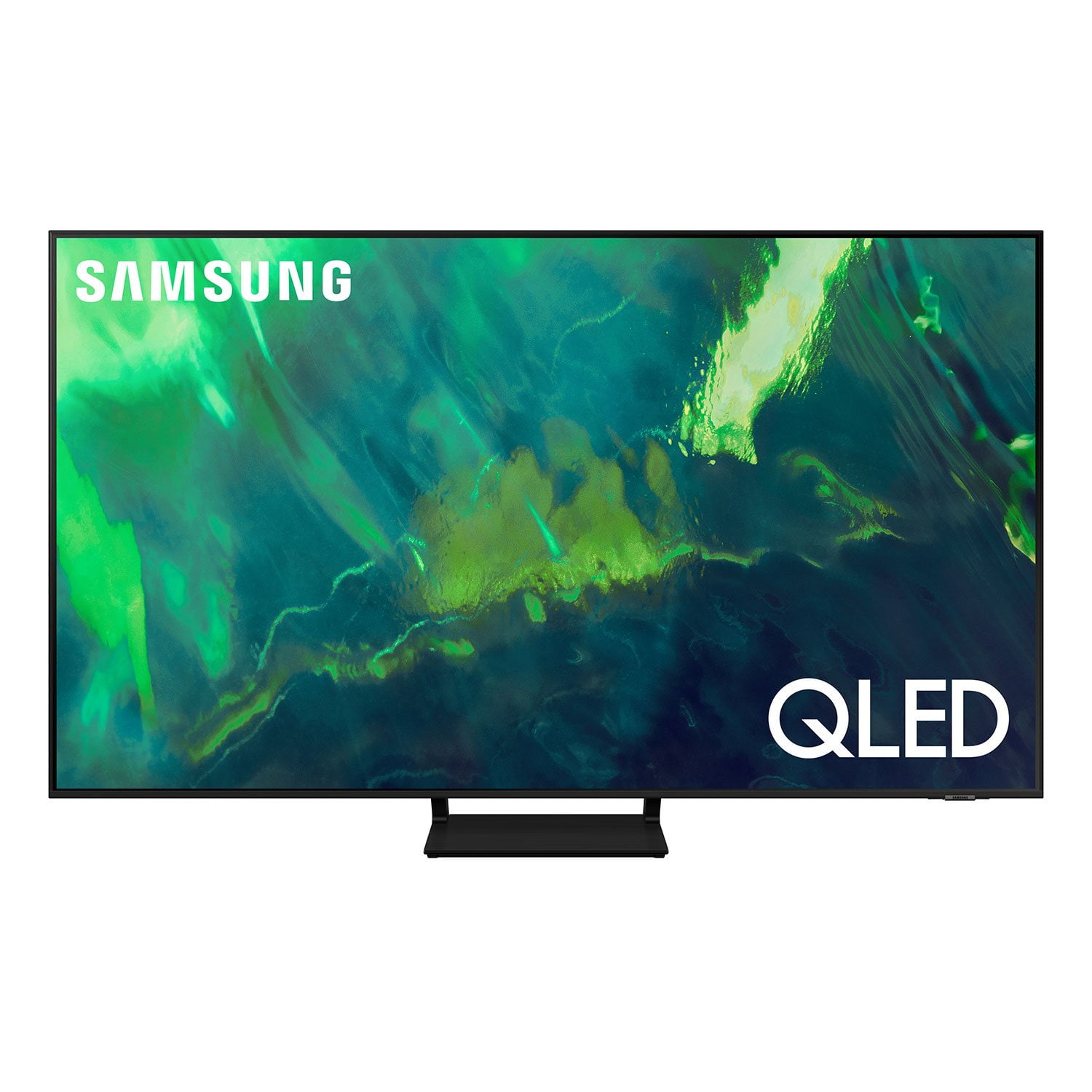
SAMSUNG 65" Class Q7-Series 4K Ultra HD Smart QLED TV QN65Q7DAAFXZA
4.7 out of 5 stars
stars2,039 ratings1,959 reviews
  1. 5 stars80% (1,630)
  2. 4 stars15% (303)
  3. 3 stars3% (52)
  4. 2 stars1% (30)
  5. 1 star1% (24)
Write a review
Sort by |
Showing 41-50 of 1,959 reviews
Jan 8, 2023
Kahousto
3 out of 5 stars review

Great features but lots of white clouding...

Significant white clouding in dark scenes. Don't get me wrong it is a great TV and the image quality is great; however, compared to my 7 year old Samsung the blacks aren't as black. I have attempted all of the picture settings to remedy fix it but nothing gets rid of the white showing through. The rechargeable remote is a great feature and it is nice to be able to use the Samsung apps again to stream! For reference I have had this TV for about a week. I needed a television for my bedroom so I purchased this to replace my living room 7 year old Samsung so I could move it into my bedroom. The blacks are so black on the old model that I have high expectations in that area. Overall I would recommend it but if the white clouding will get to you.... move one.

Review from Samsung US
Helpful?7ENH4H8TEGBK13740406124
reply from Samsung Brand Ambassador

Kahousto, Thank you for sharing your thoughts on the picture quality of your Q70A TV. To ensure you’ve got the latest image quality updates, please confirm that your TV is up to date with the latest firmware version. You can check by going to: Home > Menu > Settings > Support > Software Update. I see that you have already tried adjusting your image, but I did want to share the following adjustments with you, just in case: Go to Home > Menu > Settings > All Settings > Picture > Picture Mode ...and select the mode that best fits your usage: 1) Standard: Is the default mode suitable for general viewing environments. 2) Movie: Is suitable for watching TV or movies in a dark room. 3) Dynamic: Makes the picture brighter and clearer in bright viewing environments. 4) Filmmaker Mode: You can watch the source content (e.g., movie) as it is. If the image is defined as Filmmaker Mode, it will automatically switch to Filmmaker Mode while watching. You can also go to: Home > Menu > Settings > All Settings > Picture > Expert Settings to manually fine tune your image. For further assistance with settings adjustments, please contact Samsung Customer Support at 1-800-SAMSUNG, 8AM - 12AM EST, 7 days a week. Or visit us on the Samsung website and click on the ‘Support’ link for: • LiveChat • Manuals, Software, & Warranty Info ~ Samsung Specialist

Sep 7, 2021
Paul
5 out of 5 stars review

Truly amazing picture and a seamless setup

[This review was collected as part of a promotion.] I've been buying Samsung phones and TVs for some time now and this TV confirms why I do that. I knew the picture was amazing before I took the Q70A home but what I did t know was how easy the setup would be and how awesome it would integrate with my home theater/smart home system. The entire experience has been seamless and intuitive inparticularly when I brought Smart things into the mix. I have two Samsung TVs in the same room with the Q800 Soundbar (I won't even get into how amazing the theater quality sound of that is) and I can operate each device effortlessly from my phone quickly and efficiently. I normally have buyers remorse after spending money on something but I can honestly say I have none here.

Review from Samsung US
Helpful?7ENH4H8TEGBK13740406124
Nov 24, 2021
atony3
5 out of 5 stars review

Verified Purchase

65 inch QLED Samsung TV

Very Good Picture, Quality Brand, Good Sound.

Helpful?7ENH4H8TEGBK13740406124
Dec 30, 2022
DW Winnie
5 out of 5 stars review

Verified Purchase

Great TV

TV works great picture is exceptional!

Helpful?7ENH4H8TEGBK13740406124
Feb 8, 2023
Judy L
5 out of 5 stars review

Verified Purchase

SAMSUNG 65" Class Q7-Series 4K Ultra HD Smart QLED

I am very delighted with this Samsung TV and the ease of using the remote.

Helpful?7ENH4H8TEGBK13740406124
Aug 1, 2022
Rose
5 out of 5 stars review

Verified Purchase

Samsung QLED 65” TV

TV is amazing! Shipped direct to my house, installation was easy, TV color and image is amazing! Very happy with our purchase!

Helpful?7ENH4H8TEGBK13740406124
Dec 21, 2022
Anonymous
1 out of 5 stars review

Verified Purchase

Tv 📺

My tv came broken in the box and when I went back to Sam club to exchange the tv I end up getting different tv that I don't want to buy because my technician was waiting for me at home

Helpful?7ENH4H8TEGBK13740406124
reply from Supplier Response

Osama Ibrahim,<br /><br />We appreciate you sharing your delivery experience and that your TV exhibited damage upon opening and setup. Unfortunately, even if a TV is double-boxed and the packaging shows no evidence of harm, a TV can still be damaged during transit if proper care is not taken. For example, if the TV were sitting in an incorrect orientation – laid on its side or tilted – during transit, damage could have been done.<br /><br />We recommend you contact Sam&#39;s Club directly for assistance in correcting this situation. We hope your issue is resolved in a timely manner.<br /><br />Should you have questions or concerns regarding the usage or setup of your TV once your issue has been resolved, please contact Samsung Customer Support at 1-800-SAMSUNG, 8AM - 12AM EST, 7 days a week. Our LiveChat agents are also available by clicking on the ‘Support’ link on our website.<br /><br />~ Samsung Specialist

May 10, 2021
SamsungFans
5 out of 5 stars review

Very good TV

[This review was collected as part of a promotion.] Very good TV, I should've bought the Neo 4K may be I would be happier. I wish that Samsung put some kind of light on the remote ( illuminate when touched or moved ) will be help full at night.

Review from Samsung US
Helpful?7ENH4H8TEGBK13740406124
reply from Samsung Brand Ambassador

Motionsensorless: Thank you for purchasing the Samsung Q70A QLED TV and for your review. Your thoughts regarding the remote design are important to us and will be shared with our internal product teams. Should you ever have questions or need help with TV features, specs, or operation, please contact Samsung Customer Support for help. You can reach us at 1-800-SAMSUNG (ask for TVs), available 8AM -12AM EST, 7 days a week. Or text HELP to 62913. For additional support resources, visit us on the Samsung website and click on the ‘Support’ link in the upper right corner of the homepage for: 1) More ‘Contact Us’ options – LiveChat, Facebook, Twitter, Samsung Community, Samsung Members app 2) Manuals & Software 3) Warranty Info 4) Product Registration: For access to easy warranty support, convenient opt-in to special promos and offers, faster troubleshooting and service, and quick notification of system updates. ~ Samsung Solutions

Jun 30, 2021
Ethan
4 out of 5 stars review

Panel issues

[This review was collected as part of a promotion.] Backlight bleed associated with splotchy parts on the left of the panel. Additionally can't seem to get HDR working with my Xbox.

Review from Samsung US
Helpful?7ENH4H8TEGBK13740406124
reply from Samsung Brand Ambassador

Hi Ethan, Thank you for purchasing the Samsung Q70A TV and for sharing details of your image quality. Quantum Matrix Technology is powered by exclusive Mini LED designed technology engineered to give you hyper-focused brightness and dimming in all the right areas. To optimize your picture quality, please be sure your firmware is up to date with version 1560.5 which includes picture quality updates. You can check this by going to: Settings > Support > Software Update. After updating your TV, please try optimizing Game HDR settings by going to: Home > Settings > General > External Device Manager > Game Mode Settings Please reach out to Samsung Customer Support so we can gather further information on your panel issue and provide you with assistance. You can call us at 1-800-SAMSUNG (ask for TVs), available 8AM -12AM EST, 7 days a week. Or text HELP to 62913. For additional support resources, visit us on the Samsung website and click on the ‘Support’ link in the upper right corner of the homepage for: 1) More ‘Contact Us’ options – LiveChat, Facebook, Twitter, Samsung Community, Samsung Members app 2) Manuals & Software 3) Warranty Info 4) Product Registration: For access to easy warranty support, convenient opt-in to special promos and offers, faster troubleshooting and service, and quick notification of system updates. We hope to hear from you. ~ Samsung Specialist

Jul 23, 2021
HoHurnhum
3 out of 5 stars review

6 different bright backlight bleed spots

[This review was collected as part of a promotion.] Picture is decent enough, but in darker scenes I'm severely distracted by multiple backlight bleed spots. Tv isn't even a month old. :(

Review from Samsung US
Helpful?7ENH4H8TEGBK13740406124
reply from Samsung Brand Ambassador

Hi HoHurnhum, Thank you for purchasing the Samsung Q70A TV and for sharing details of your image quality. To optimize your picture quality, please be sure your firmware is up to date with version 1560.5 which includes picture quality updates. You can check this by going to: Settings > Support > Software Update. You may want to enable Auto Update for convenience. Should you need further assistance with image quality adjustments, please give us the opportunity to assist you. You can reach us at 1-800-SAMSUNG (ask for TVs), available 8AM -12AM EST M-F (9AM – 6PM EST Sat). Or text HELP to 62913. For additional support resources, visit us on the Samsung website and click on the ‘Support’ link in the upper right corner of the homepage for: 1) More ‘Contact Us’ options – LiveChat, Facebook, Twitter, Samsung Community, Samsung Members app 2) Manuals & Software 3) Warranty Info 4) Product Registration: For access to easy warranty support, convenient opt-in to special promos and offers, faster troubleshooting and service, and quick notification of system updates. We hope to hear from you. ~ Samsung Specialist