Join Now
Skip to Main Content
Sam's Club
Sam's Club
All Departments
All Services
Customer reviews for SAMSUNG 65" Class Q7-Series 4K Ultra HD Smart QLED TV QN65Q7DAAFXZA for
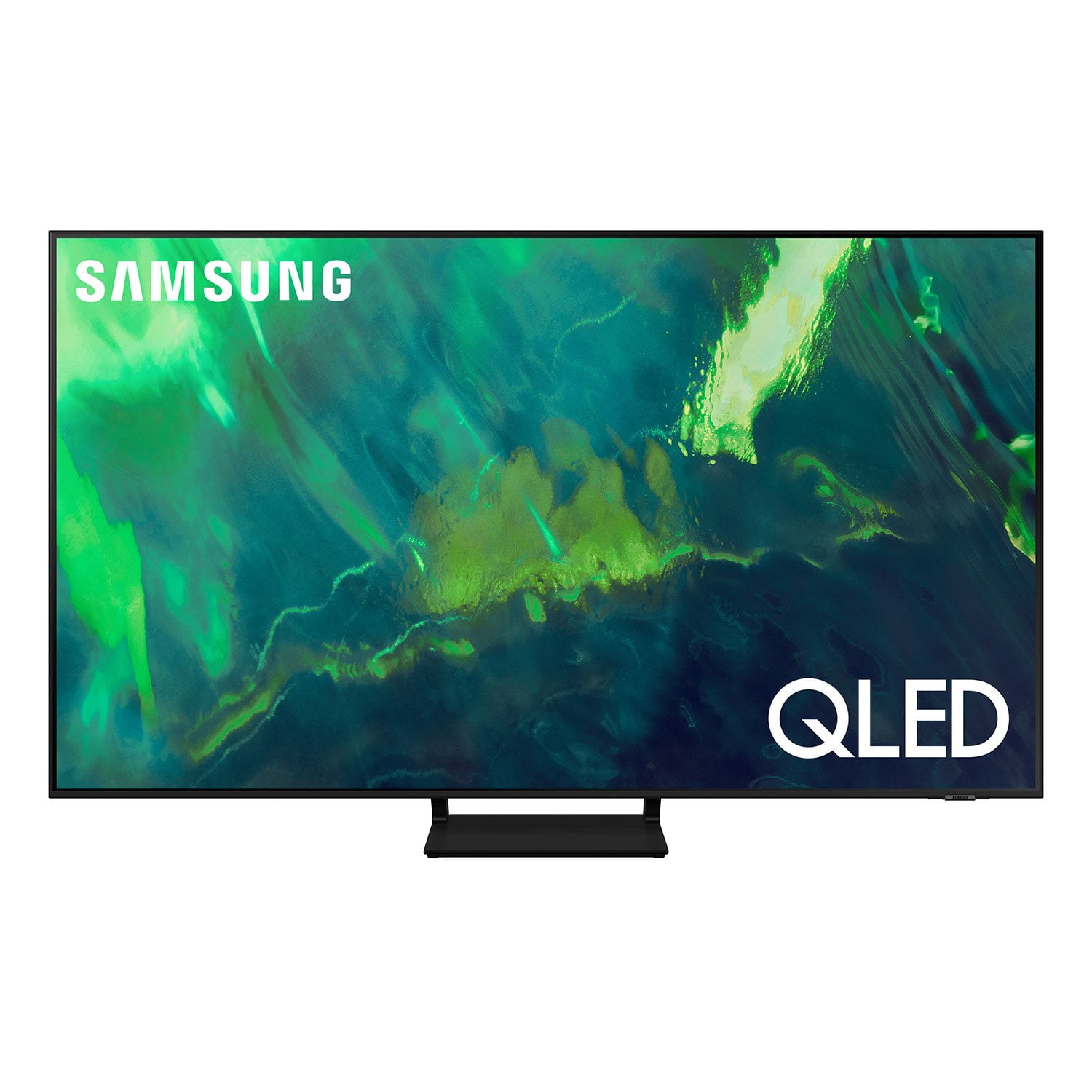
SAMSUNG 65" Class Q7-Series 4K Ultra HD Smart QLED TV QN65Q7DAAFXZA
4.7 out of 5 stars
stars
2,039 ratings1,959 reviews
  1. 5 stars80% (1,630)
  2. 4 stars15% (303)
  3. 3 stars3% (52)
  4. 2 stars1% (30)
  5. 1 star1% (24)
Sort by |
Showing 161-170 of 1,959 reviews
Sep 25, 2021
Reviewer name: De123
5 out of 5 stars
5 out of 5 stars review

Love this thing !

[This review was collected as part of a promotion.] I didn't think I needed a TV upgrade since my previous one (different brand )wasn't that old , but someone gifted this to me , and I could not be happier !! The picture quality is significantly noticeable, and the live Samsung Plus TV feature makes it worth any price . I also love the ambient mode feature ! You won't regret the purchase !

Review from Samsung US
Helpful?7ENH4H8TEGBK13740406124
Jun 8, 2022
Reviewer name: Mytroubles
3 out of 5 stars
3 out of 5 stars review

Likes to stay on

[This review was collected as part of a promotion.] My 75 inch has a great picture and when combined with my Bose system is a great tv….. but it won't stay turned off! I turn it off , walk away and hear it come back on. None of the technicians know what's going on. So if you don't mind your tv coming on when your not around buy it, but I'm sure there are as good or better TVs available.

Review from Samsung US
Helpful?7ENH4H8TEGBK13740406124
reply from Samsung Brand Ambassador

Mytroubles, It’s unfortunate to hear your Q70A TV is turning on by itself. If you’ve connected your soundbar via HDMI, this could cause the auto-on, as Anynet+ is enabled. Occasionally, connected devices such as soundbars can send a turn on signal, for example, if they have software updates. We recommend you try turning Anynet+ off, as it may be causing an auto power on. Go to Settings > General > External Device Manager > Anynet+, then disable. If you're still experiencing issues, please also try a few troubleshooting steps that may help solve the issue: 1. Unplug the TV from the wall outlet or surge protector and leave it unplugged for 30 seconds. 2. Check the power cord to see if there is any visible damage. 3. Plug the TV power cord back into the wall outlet. If you were using a surge protector, bypass it for now and use a wall outlet. 4. Try to update the software. In some cases, a software update can correct the problem. There is a risk, however. If the TV turns off during the software update, it could damage the TV. Updates can take up to 30 minutes depending on network speed, so if the TV is not turning off too frequently, try updating the software. 5. Disable the Power On with Mobile option. TVs that can connect to SmartThings can be turned on using compatible devices, sometimes automatically. However, if abnormal "power on" signals are sent through the wireless network, they will trigger this function and make the TV turn on. If you do not want this function, navigate to Settings > General > Network > Expert Settings > Power On with Mobile, and turn the setting off. If the TV continues to turn on by itself, please call us at 1-800-SAMSUNG, 8AM - 12AM EST, 7 days a week. Our LiveChat agents are also available by clicking on the ‘Support’ link on our website. ~ Samsung Specialist

Jun 16, 2022
Reviewer name: ChrisC
5 out of 5 stars
5 out of 5 stars review

Very Nice TV

[This review was collected as part of a promotion.] I purchased this TV because I got my Playstation 5 and needed an upgraded TV to take advantage of what my Playstation would give me. 4K is really nice, screen is bright and clear. TV design is nice and thin. TV isn't too heavy so I was able to mount it on my own

Review from Samsung US
Helpful?7ENH4H8TEGBK13740406124
Jul 10, 2021
Reviewer name: RAYMATIC
5 out of 5 stars
5 out of 5 stars review

QLED was way better than I thought!

[This review was collected as part of a promotion.] I was in the market for a new TV and wanted to upgrade to either a OLED or QLED. So glad that I went with Samsung as the performance was the same and u have no worries with burn-in! I usually use it for streaming and gaming and what vivid colors it has. I do see some bleeds during near black scenes, but its pretty unnoticeable if you don't pay attention to it. The anti-glare layer also helps out a lot with sunlight and lights! What a great purchase and glad I went with Samsung.

Review from Samsung US
Helpful?7ENH4H8TEGBK13740406124
reply from Samsung Brand Ambassador

Hi RAYMATIC, I’m glad to hear that you are happy with the picture quality of your new 2021 Samsung Q70A TV. Motion Xcelerator Turbo+ enhances motion clarity for the fast-moving action of live sports or Next-Gen gaming. Quantum HDR brings you dynamic tone mapping that draws from a wider range of color and brightness than standard HD. Deep blacks, vibrant imagery and detail always shine through. To ensure that your TV’s picture is optimized, be sure that you are always running the latest firmware update. You can check this by going to Settings > Support > Software Update or you can enable Auto Update for convenience. Should you ever have questions or need help, please call us at 1-800-SAMSUNG (ask for TVs), available 8AM -12AM EST M-F (9AM – 6PM EST Sat). Or text HELP to 62913. For additional support resources, visit us on the Samsung website and click on the ‘Support’ link in the upper right corner of the homepage for: 1) More ‘Contact Us’ options – LiveChat, Facebook, Twitter, Samsung Community, Samsung Members app 2) Manuals & Software 3) Warranty Info 4) Product Registration: For access to easy warranty support, convenient opt-in to special promos and offers, faster troubleshooting and service, and quick notification of system updates. Thank you for choosing Samsung TVs! ~ Samsung Specialist

Jul 2, 2021
Reviewer name: Qball28760
4 out of 5 stars
4 out of 5 stars review

This tv is awesome!

[This review was collected as part of a promotion.] The television is spectacular. The video quality is amazing. It has awesome looks even when used with video games like playstation and Xbox. The sound is pretty good. The menus are nice and easy to understand, as well as being able to download personal favorites as far as streaming apps. even I can't say that there is much to desire except a nicer remote control. The remote control just feels a little weird at times.

Review from Samsung US
Helpful?7ENH4H8TEGBK13740406124
Jul 21, 2022
Reviewer name: SPcor3
5 out of 5 stars
5 out of 5 stars review

Perfect for any time, simply fantastic

[This review was collected as part of a promotion.] I am a design student and every day I have to prepare projects and slides and thanks to Samsung DeX I can simply project my Samsung Galaxy screen to help me in my work and also to train me to present my ideas, but even when I don't have to study the QLED 4K screen it always gives me great experiences while gaming, always giving me vivid colors and always sharp images. At the end of the day, I can relax with my partner and watch lots of movies and TV series in amazing quality without ever disappointing.

Review from Samsung US
Helpful?7ENH4H8TEGBK13740406124
Sep 16, 2021
Reviewer name: dreadnought
5 out of 5 stars
5 out of 5 stars review

All around best TV for all your 4K needs

[This review was collected as part of a promotion.] This TV has so many amazing seamless features that make it a no-brainer when if comes to getting a 4k TV. The fact that it has a mode designed just for gaming is what made me say I'm definitely getting this! It supports my new console and makes my games run as smooth as possible! Another cool feature is how easy it is to cast something I'm watching on my phone onto the TV. In a few seconds I can go from watching my favorite YouTube video on my phone to the big screen with beautiful quality. This is definitely the best smart 4k TV I've had the pleasure of owning and do recommend you check it out!

Review from Samsung US
Helpful?7ENH4H8TEGBK13740406124
Oct 11, 2021
Reviewer name: Lupe1390
5 out of 5 stars
5 out of 5 stars review

Multi Window

[This review was collected as part of a promotion.] I purchased this tv for movie night and my gaming system and my game days. So far this tv has blow away my expectations. I was able to play and watch my sport game all at the same time. The multi window feature i had on my phone is now on my tv!! Pictures is great so far this this the best tv i have purchased and inwould do it all over again

Review from Samsung US
Helpful?7ENH4H8TEGBK13740406124
May 31, 2022
Reviewer name: LitterSisters
5 out of 5 stars
5 out of 5 stars review

A Solid TV with Slim and Sleek Design

[This review was collected as part of a promotion.] The Samsung Q70A has terrific contrast, rich color, and a dependable toolbox of extra features, particularly for gamer. it has Slim and Sleek Design .Its picture quality is strong, its ultra-slim design is Plus.

Review from Samsung US
Helpful?7ENH4H8TEGBK13740406124
Apr 11, 2021
Reviewer name: Geeber
5 out of 5 stars
5 out of 5 stars review

Great TV and more!

[This review was collected as part of a promotion.] love my new entertainment system. It is so much more than a TV. We use an antenna for local channels and the qualty is amazing. We also watch a lot of Samsung channels, great variety of content and its free. So many choices gaming quality is awsesome and movie rentals, app choices, internet, linking with my Samsung phone we got rid of our over priced TV service. Thank you Samsung.

Review from Samsung US
Helpful?7ENH4H8TEGBK13740406124