Skip to Main Content
Sam's Club
Sam's Club
All Departments
All Services
Customer reviews for SAMSUNG 65" Class Q7-Series 4K Ultra HD Smart QLED TV QN65Q7DAAFXZA for
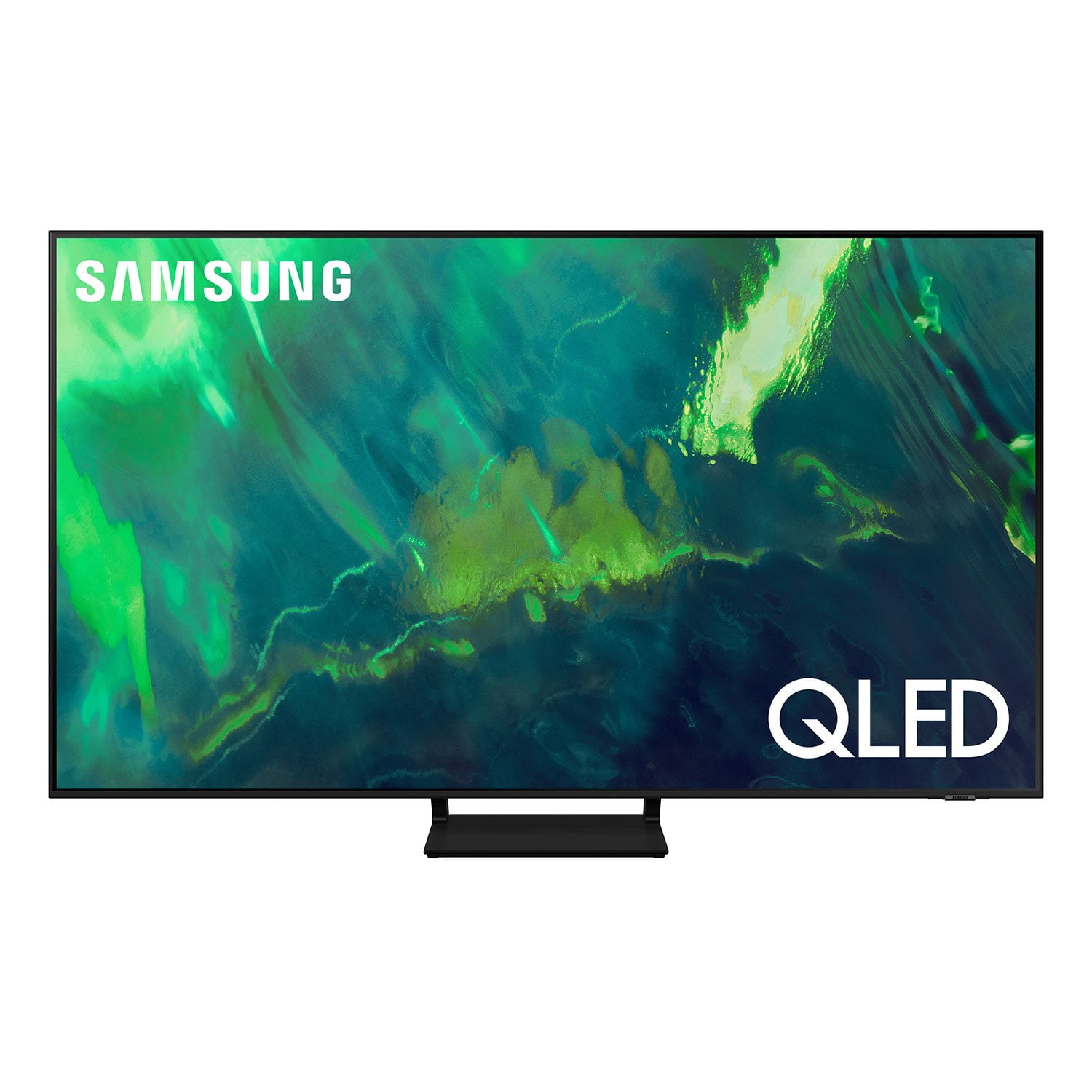
SAMSUNG 65" Class Q7-Series 4K Ultra HD Smart QLED TV QN65Q7DAAFXZA
4.7 out of 5 stars
stars
2,039 ratings1,959 reviews
  1. 5 stars80% (1,630)
  2. 4 stars15% (303)
  3. 3 stars3% (52)
  4. 2 stars1% (30)
  5. 1 star1% (24)
Sort by |
Showing 1,521-1,530 of 1,959 reviews
Sep 23, 2021
Reviewer name: Cmills7
5 out of 5 stars
5 out of 5 stars review

This television is amazing

[This review was collected as part of a promotion.] I love this TV. The picture is great and super clear, great picture from all angles Highly recommend!

Review from Samsung US
Helpful?7ENH4H8TEGBK13740406124
Oct 5, 2022
Reviewer name: Arian1000
5 out of 5 stars
5 out of 5 stars review

Perfect for gaming.

[This review was collected as part of a promotion.] Screen refresh rate is perfect for games like COD. I really like it. It's also perfect for bright environments.

Review from Samsung US
Helpful?7ENH4H8TEGBK13740406124
Jul 26, 2022
Reviewer name: Chpsamsung
4 out of 5 stars
4 out of 5 stars review

Great features but no bobly vision

[This review was collected as part of a promotion.] Good for gameing movies and over all entertainment love mine had samsung tvs for over 25 years good overall product

Review from Samsung US
Helpful?7ENH4H8TEGBK13740406124
Jul 27, 2022
Reviewer name: Juju9706
5 out of 5 stars
5 out of 5 stars review

Awesome TV Features

[This review was collected as part of a promotion.] My husband loves his tv if we had a bigger wall he would have a 90 inch there the bigger the better he says

Review from Samsung US
Helpful?7ENH4H8TEGBK13740406124
Jun 17, 2022
Reviewer name: Dwelyn
4 out of 5 stars
4 out of 5 stars review

Great but has backlight bleeding

[This review was collected as part of a promotion.] Work amazingly but in dark scene almost 70% of the screen has backlight bleeding. When the screen is bright you can't notice.

Review from Samsung US
Helpful?7ENH4H8TEGBK13740406124
reply from Samsung Brand Ambassador

Dwelyn, We appreciate you sharing your review of Samsung's Q70A TV. To optimize your picture quality, please be sure your firmware is up to date with version 2001.3 which includes picture quality updates. You can check this by going to: Settings > Support > Software Update. You may also want to try adjusting image settings to improve your picture. Go to Home > Settings > Picture > Picture Mode ...and select the mode that best fits your usage: 1) Standard: Is the default mode suitable for general viewing environments. 2) Natural: Reduces eye strain for a comfortable viewing experience. 3) Movie: Is suitable for watching TV or movies in a dark room. 4) Dynamic: Makes the picture brighter and clearer in bright viewing environments. 5) Filmmaker Mode: You can watch the source content (e.g., movie) as it is. If the image is defined as Filmmaker Mode, it will automatically switch to Filmmaker Mode while watching. Intelligent Mode enables the TV to recognize and analyze the surroundings, noise, content, and your usage patterns to provide the best viewing experience. You can enable Intelligent Mode by going to Home > Settings > General > Intelligent Mode Settings. Adaptive Picture, which is among the options, optimizes brightness and provides the best picture quality in real time, based on the lighting condition and your content. If you need more help, Samsung is here for you. Please call us at 1-800-SAMSUNG, 8AM - 12AM EST, 7 days a week. Our LiveChat agents are also available by clicking on the ‘Support’ link on our website. ~ Samsung Specialist

Jun 17, 2022
Reviewer name: 111115
5 out of 5 stars
5 out of 5 stars review

Awesome TV

[This review was collected as part of a promotion.] The one that really worth your price. Also really worth the display and the settings. Easy set up with Alexa

Review from Samsung US
Helpful?7ENH4H8TEGBK13740406124
Oct 2, 2021
Reviewer name: Mag32
5 out of 5 stars
5 out of 5 stars review

Great picture

[This review was collected as part of a promotion.] Both streaming and gaming it is a great product .it's the best so far in its class hopefully buying a new one soon.

Review from Samsung US
Helpful?7ENH4H8TEGBK13740406124
Aug 23, 2022
Reviewer name: Eric830
5 out of 5 stars
5 out of 5 stars review

Tv flatscreen

[This review was collected as part of a promotion.] Has good quality good sound good tv to purchase. Can see real clear and here every sound recommended to purchase for everyone

Review from Samsung US
Helpful?7ENH4H8TEGBK13740406124
Aug 23, 2022
Reviewer name: Luiscast
5 out of 5 stars
5 out of 5 stars review

This product is wonderfull it's amazing

[This review was collected as part of a promotion.] I have everyting on my house with samsung phones tv sond bar tablets smarth watchs i'm very happy with muy stufs

Review from Samsung US
Helpful?7ENH4H8TEGBK13740406124
Apr 3, 2021
Reviewer name: Kenm
3 out of 5 stars
3 out of 5 stars review

Great features and great image

[This review was collected as part of a promotion.] The picture quality is top notch. Great response time. I have recommend this to family and friends. I ended purchasing another one for my mother.

Review from Samsung US
Helpful?7ENH4H8TEGBK13740406124
reply from Samsung Brand Ambassador

Kenm: I’m glad to hear that you are happy with the picture quality and response time of your new 2021 Samsung Q70A TV. Quantum HDR brings you dynamic tone mapping that draws from a wider range of color and brightness than standard HD. Deep blacks, vibrant imagery and detail always shine through. I hope your mother thoroughly enjoys her new TV. If you have any questions about features, settings, etc., Samsung Customer Support is here to help. You can reach us at 1-800-SAMSUNG (ask for TVs), available 8AM -12AM EST, 7 days a week. Or text HELP to 62913. For additional support resources, visit us on the Samsung website and click on the ‘Support’ link in the upper right corner of the homepage for: 1) More ‘Contact Us’ options – LiveChat, Facebook, Twitter, Samsung Community, Samsung Members app 2) Manuals & Software 3) Warranty Info 4) Product Registration: For access to easy warranty support, convenient opt-in to special promos and offers, faster troubleshooting and service, and quick notification of system updates. ~ Samsung Solutions