Skip to Main Content
Sam's Club
Sam's Club
All Departments
All Services
Customer reviews for SAMSUNG 65" Class Q7-Series 4K Ultra HD Smart QLED TV QN65Q7DAAFXZA for
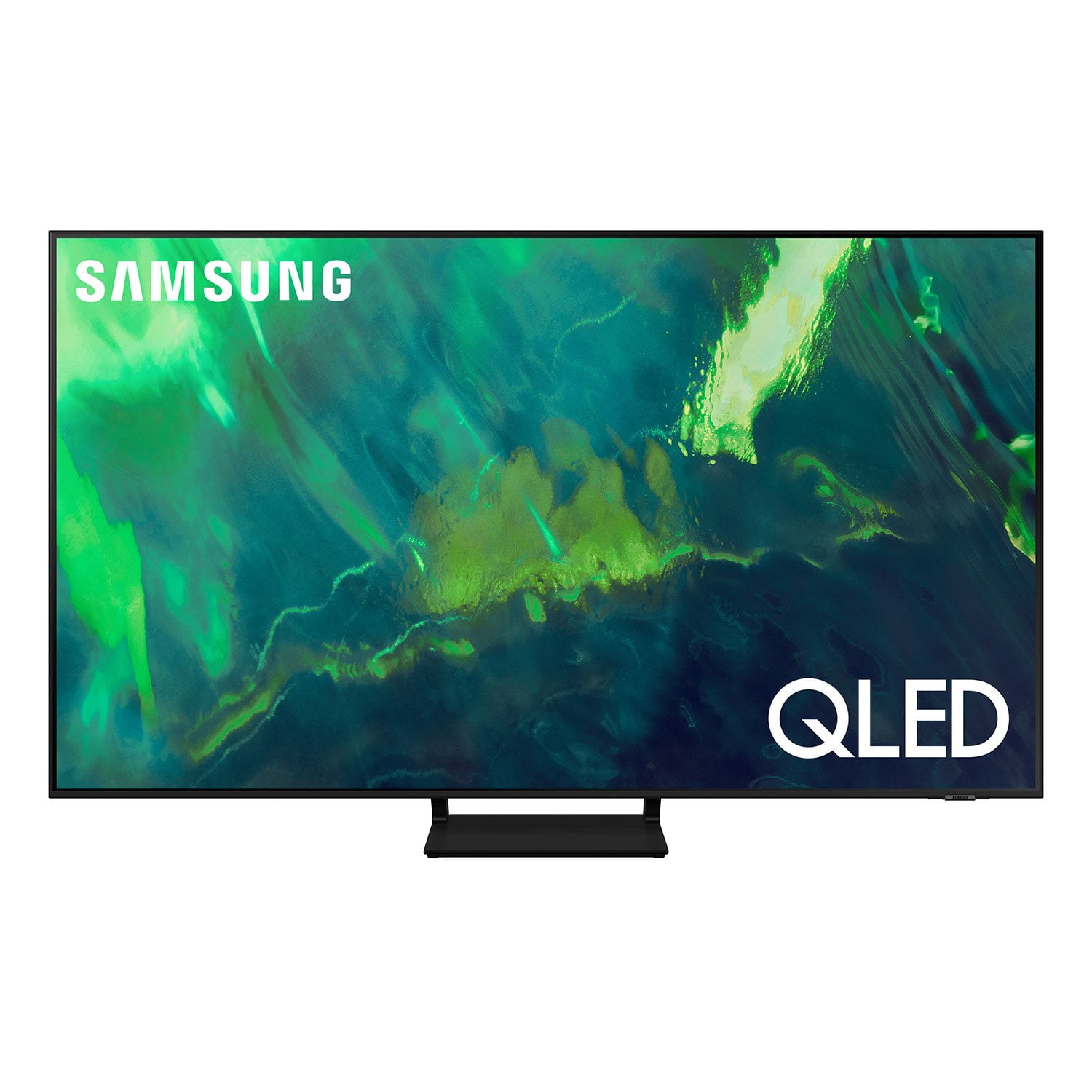
SAMSUNG 65" Class Q7-Series 4K Ultra HD Smart QLED TV QN65Q7DAAFXZA
4.7 out of 5 stars
stars
2,039 ratings1,959 reviews
  1. 5 stars80% (1,630)
  2. 4 stars15% (303)
  3. 3 stars3% (52)
  4. 2 stars1% (30)
  5. 1 star1% (24)
Sort by |
Showing 1,441-1,450 of 1,959 reviews
Jul 13, 2021
Reviewer name: TC1963
4 out of 5 stars
4 out of 5 stars review

Great product, but with a caveat

[This review was collected as part of a promotion.] Fantastic picture. Very responsive remote. However, the dirty screen effect is clearly visible in certain circumstances when the TV is on.

Review from Samsung US
Helpful?7ENH4H8TEGBK13740406124
reply from Samsung Brand Ambassador

Hi TC1963, Thank you for purchasing the Samsung Q70A TV and for sharing details of your image quality. Powered by machine learning technology, our Quantum Processor 4K enhances picture from any source into crisp 4K action in each and every scene. To optimize your picture quality, please be sure your firmware is up to date with version 1560.5 which includes picture quality updates. You can check this by going to: Settings > Support > Software Update. You may want to enable Auto Update for convenience. If your TV's firmware is up to date and the picture you are seeing out-of-the-box is not to your liking, there are several picture settings you may want to try adjusting. You can select the Picture Mode that provides the best viewing experience. 1) Standard: Is the default mode suitable for general viewing environments. 2) Natural: Reduces eye strain for a comfortable viewing experience. 3) Movie: Is suitable for watching TV or movies in a dark room. 4) Dynamic: Makes the picture brighter and clearer in bright viewing environments. 5) Filmmaker Mode: You can watch the source content (e.g., movie) as it is. If the image is defined as Filmmaker Mode, it will automatically switch to Filmmaker Mode while watching. You can also go to: Settings > Picture > Expert Settings > to manually fine tune your image. Intelligent Mode also enables the TV to recognize and analyze the surroundings, noise, content, and your usage patterns to provide the best viewing experience. You can enable Intelligent Mode by going to Home > Settings > General > Intelligent Mode Settings. Adaptive Picture, which is among the options, optimizes brightness and provides the best picture quality in real time, based on the lighting condition and the content you're viewing. I hope you can use these adjustment recommendations to set the image to your liking. If you would like further assistance with settings, features, or functions, please reach out to Samsung Customer Support at 1-800-SAMSUNG (ask for TVs), available 8AM -12AM EST M-F (9AM – 6PM EST Sat). Or text HELP to 62913. For additional support resources, visit us on the Samsung website and click on the ‘Support’ link in the upper right corner of the homepage for: 1) More ‘Contact Us’ options – LiveChat, Facebook, Twitter, Samsung Community, Samsung Members app 2) Manuals & Software 3) Warranty Info 4) Product Registration: For access to easy warranty support, convenient opt-in to special promos and offers, faster troubleshooting and service, and quick notification of system updates. ~ Samsung Specialist

Oct 5, 2021
Reviewer name: Gio32333
5 out of 5 stars
5 out of 5 stars review

Amazing tv

[This review was collected as part of a promotion.] Easy to control and connect devices. Amazing gameplay for the xbox series s. It did have a 3 second lag but it got resolved with the update!! It only happened when you were gaming

Review from Samsung US
Helpful?7ENH4H8TEGBK13740406124
Jul 24, 2021
Reviewer name: Bishopc13
5 out of 5 stars
5 out of 5 stars review

Great picture

[This review was collected as part of a promotion.] Bought the tv to our with my Xbox series x. Love the picture quality and the customization that comes with the game mode! easy to switch between watching cable and apps. Best tv I've had in years

Review from Samsung US
Helpful?7ENH4H8TEGBK13740406124
Sep 9, 2021
Reviewer name: mattis3131
5 out of 5 stars
5 out of 5 stars review

Amazing TV!

[This review was collected as part of a promotion.] What more could you want all my devices link so easily. Great picture and sound. Will never buy another brand.

Review from Samsung US
Helpful?7ENH4H8TEGBK13740406124
Jul 27, 2022
Reviewer name: 4kobsessed
5 out of 5 stars
5 out of 5 stars review

Incredible all the time

[This review was collected as part of a promotion.] Genuinely admire this picture quality with the new high quality films. Every time we play a movie of high quality, it really brings out the ability this television holds inside.

Review from Samsung US
Helpful?7ENH4H8TEGBK13740406124
Oct 9, 2022
Reviewer name: CarryonmyMaria
5 out of 5 stars
5 out of 5 stars review

Great Features great Product

[This review was collected as part of a promotion.] We absolutely love the crystal clear view for streaming our favorite movies and sports. We could not be happier with our Samsung television.

Review from Samsung US
Helpful?7ENH4H8TEGBK13740406124
Jun 16, 2022
Reviewer name: Love2fish
5 out of 5 stars
5 out of 5 stars review

Overall picture great colors really pop

[This review was collected as part of a promotion.] Internet streaming hulu utube and Disney. Great picture and sound . The screen is so big I could sit on the patio and watch it outside. It's great

Review from Samsung US
Helpful?7ENH4H8TEGBK13740406124
Jul 31, 2022
Reviewer name: Jordan
5 out of 5 stars
5 out of 5 stars review

Great for next gen console gaming

[This review was collected as part of a promotion.] I've had this tv almost 4 months now and absolutely give it a solid 9/10 for gaming with Xbox series x

Review from Samsung US
Helpful?7ENH4H8TEGBK13740406124
Oct 7, 2022
Reviewer name: lui2284
5 out of 5 stars
5 out of 5 stars review

great quality picture, excellent game mode.

[This review was collected as part of a promotion.] I mostly use my samsung tv for gaming cant complain great picture quality with excellent refresh rate. movies look awesome to. responsive os and very easy to use.

Review from Samsung US
Helpful?7ENH4H8TEGBK13740406124
Sep 15, 2021
Reviewer name: jsaf
4 out of 5 stars
4 out of 5 stars review

not good remote

[This review was collected as part of a promotion.] Needs menu button.great clear bright picture. needs better remote. confusing tabs.can not download pdf apps from google.

Review from Samsung US
Helpful?7ENH4H8TEGBK13740406124
reply from Samsung Brand Ambassador

jsaf, Thank you for choosing Samsung’s Q70A TV and for your review. We appreciate your feedback regarding the remote included with your TV. To assist you in the functions and settings of the remote, please know you can download the Solar Cell Remote Guide directly from Samsung’s website by clicking “Support” in the top right corner. Then go to “Manuals & Software” > “TVs & Home Theater” > “TVs”. From there, you can select the Q70A under "QLED 4K TVs” > "A Model Lineup". Additionally, you can find other guides and manuals to further assist you with your TV’s features. I hope this tip helps! Should you ever have questions or need help, please call us at 1-800-SAMSUNG (ask for TVs), available 8AM - 12AM EST, 7 days a week. For additional support resources, visit us on the Samsung website and click on the ‘Support’ link in the upper right corner of the homepage for: 1) Contact Us: For additional Chat & Text options, choose ‘TVs & Home Theater’ and select your model & topic. 2) Manuals, Software, & Warranty Info ~ Samsung Specialist