Join Now
Skip to Main Content
Sam's Club
Sam's Club
All Departments
All Services
Customer reviews for SAMSUNG 65" Class Q7-Series 4K Ultra HD Smart QLED TV QN65Q7DAAFXZA for
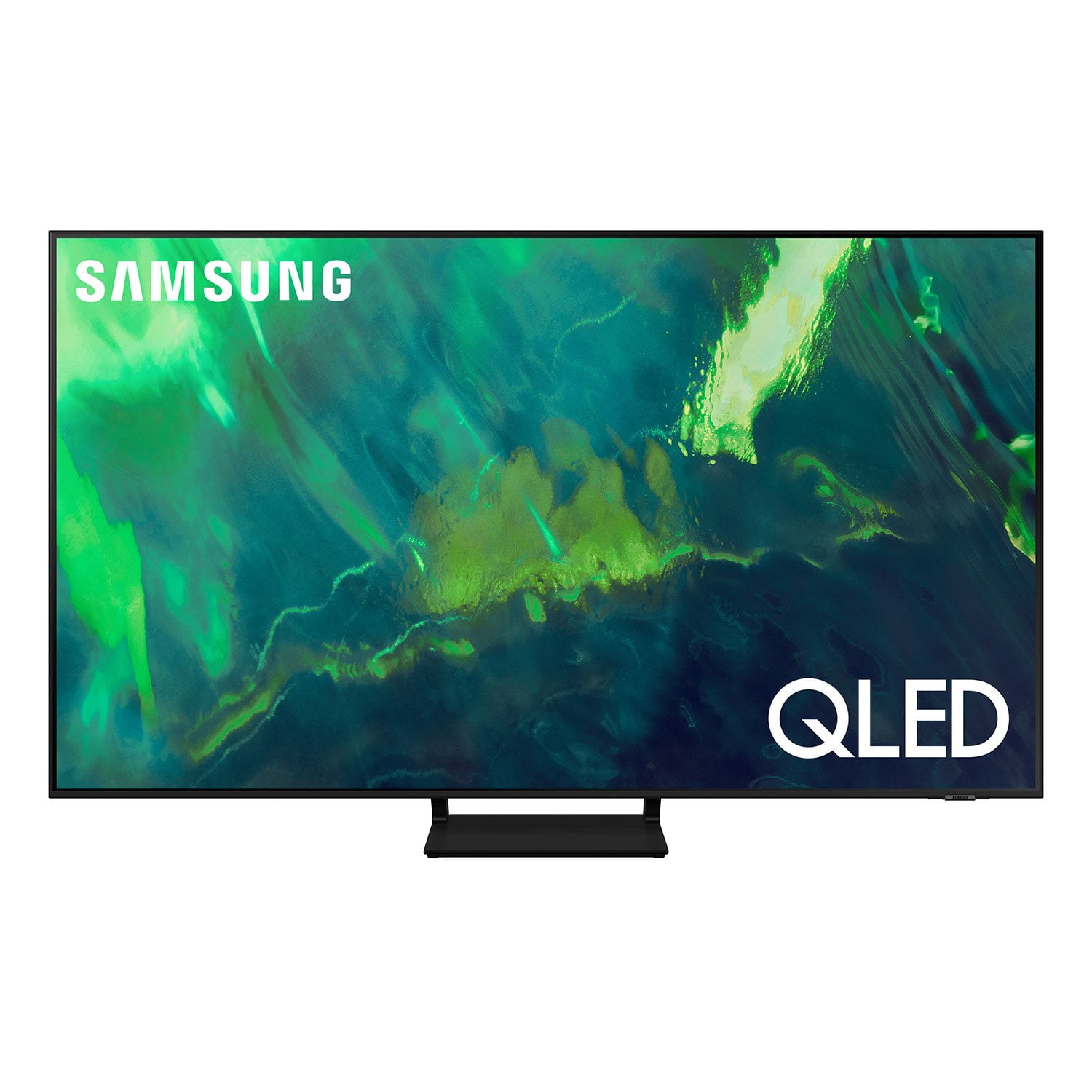
SAMSUNG 65" Class Q7-Series 4K Ultra HD Smart QLED TV QN65Q7DAAFXZA
4.7 out of 5 stars
stars
2,039 ratings1,959 reviews
  1. 5 stars80% (1,630)
  2. 4 stars15% (303)
  3. 3 stars3% (52)
  4. 2 stars1% (30)
  5. 1 star1% (24)
Sort by |
Showing 1,361-1,370 of 1,959 reviews
Jul 27, 2022
Reviewer name: Jeff69
5 out of 5 stars
5 out of 5 stars review

Great TV for the money

[This review was collected as part of a promotion.] I watch it in our swimspa room can watch exercise videos or YouTube or anything else. Very easy to use and connect to whatever you need to.

Review from Samsung US
Helpful?7ENH4H8TEGBK13740406124
Jul 27, 2022
Reviewer name: 4kobsessed
5 out of 5 stars
5 out of 5 stars review

Incredible all the time

[This review was collected as part of a promotion.] Genuinely admire this picture quality with the new high quality films. Every time we play a movie of high quality, it really brings out the ability this television holds inside.

Review from Samsung US
Helpful?7ENH4H8TEGBK13740406124
Jul 31, 2022
Reviewer name: Jordan
5 out of 5 stars
5 out of 5 stars review

Great for next gen console gaming

[This review was collected as part of a promotion.] I've had this tv almost 4 months now and absolutely give it a solid 9/10 for gaming with Xbox series x

Review from Samsung US
Helpful?7ENH4H8TEGBK13740406124
Sep 20, 2021
Reviewer name: Chillnflix
5 out of 5 stars
5 out of 5 stars review

Crystal clear amazing picture and sound quality.

[This review was collected as part of a promotion.] I usually do my Netflix and chill on my Samsung TV. Family movie nights are more than just a movie with my Samsung TV.

Review from Samsung US
Helpful?7ENH4H8TEGBK13740406124
Apr 16, 2021
Reviewer name: Andy
5 out of 5 stars
5 out of 5 stars review

It's amazing big upgrade from my q60R 55"

[This review was collected as part of a promotion.] I use ambient mode to view special moments from my gallery or use voice assistance Alexa to talk too when I can't figure something out on the tv

Review from Samsung US
Helpful?7ENH4H8TEGBK13740406124
May 30, 2022
Reviewer name: oktoday
5 out of 5 stars
5 out of 5 stars review

Perfect tv for the right price

[This review was collected as part of a promotion.] This tv was exactly what I was looking for. It didn't break the bank and it looks great. I bundled it with a q60 sound bar and couldn't be happier.

Review from Samsung US
Helpful?7ENH4H8TEGBK13740406124
Oct 12, 2021
Reviewer name: Ca873
5 out of 5 stars
5 out of 5 stars review

Great tv

[This review was collected as part of a promotion.] Great picture, easy to connect devices, apps work. The speakers sound good for TV speakers. Easy remote to use.

Review from Samsung US
Helpful?7ENH4H8TEGBK13740406124
Apr 10, 2021
Reviewer name: Jmissey
5 out of 5 stars
5 out of 5 stars review

Clear picture

[This review was collected as part of a promotion.] The refresh rate is very noticeable. As I have an older model and notice the picture break when watching sports but it is not nearly as noticeable on this tv.

Review from Samsung US
Helpful?7ENH4H8TEGBK13740406124
Apr 18, 2021
Reviewer name: Docv1947
5 out of 5 stars
5 out of 5 stars review

Great value as expected !

[This review was collected as part of a promotion.] We bought this tv during the covid lockdown so it made this time easier to cope with. The variety of picture color definition makes it very customizable. We love it. !

Review from Samsung US
Helpful?7ENH4H8TEGBK13740406124
Jun 16, 2022
Reviewer name: Javeria
3 out of 5 stars
3 out of 5 stars review

Feedback from Purchase

[This review was collected as part of a promotion.] Having issue several time with the volume and the remote always needs connected. Volume seems not much high that expecting Also I have not receive my purchasing points yet.

Review from Samsung US
Helpful?7ENH4H8TEGBK13740406124
reply from Samsung Brand Ambassador

Javeria, The Q70A features SpaceFit Sound to optimize sound tailored to your environment and Active Voice Amplifier (AVA) which further detects disturbances and enhances the on-screen voices for clear dialogue. Go to Home > Settings > General > Intelligent Mode Settings. Turn the options on or off to meet your needs: - Active Voice Amplifier is available only when the sound sensor of the TV is active and the sound output is set to TV Speaker, or a Samsung Soundbar interlinked with Adaptive Picture is connected. - Adaptive Sound+ provides optimized sound quality by analyzing the viewing space and the acoustic components of the content - Adaptive Volume Automatically adjusts to a specific volume level while you are watching TV. Several Sound Modes are likewise available to meet your personal preferences: Home > Settings > Sound > Sound Mode You can also customize sound with Expert Settings. Go to: Settings > Sound > Expert Settings If you press any key on the remote and the LED indicator at the top of your remote stays on for about 3 seconds rather than blinking, please try the following steps to reset your remote: 1) Long press the RETURN key and ENTER key together for about 10 seconds if your remote was once paired already with the TV, you do not need to re-pair it again. However, if it was not paired with the TV, pairing must be done after the reset. 2) The RETURN key is on the left side of your remote and looks like a curved, backwards pointing arrow. 3) The ENTER key is the button in the center of your directional ring. I hope these tips improve your enjoyment. If you need further help, please call Samsung Support at 1-800-SAMSUNG, 8AM - 12AM EST, 7 days a week. Our LiveChat agents are also available by clicking on the ‘Support’ link on our website. ~ Samsung Specialist