Skip to Main Content
Sam's Club
Sam's Club
All Departments
All Services
Customer reviews for SAMSUNG 65" Class Q7-Series 4K Ultra HD Smart QLED TV QN65Q7DAAFXZA for
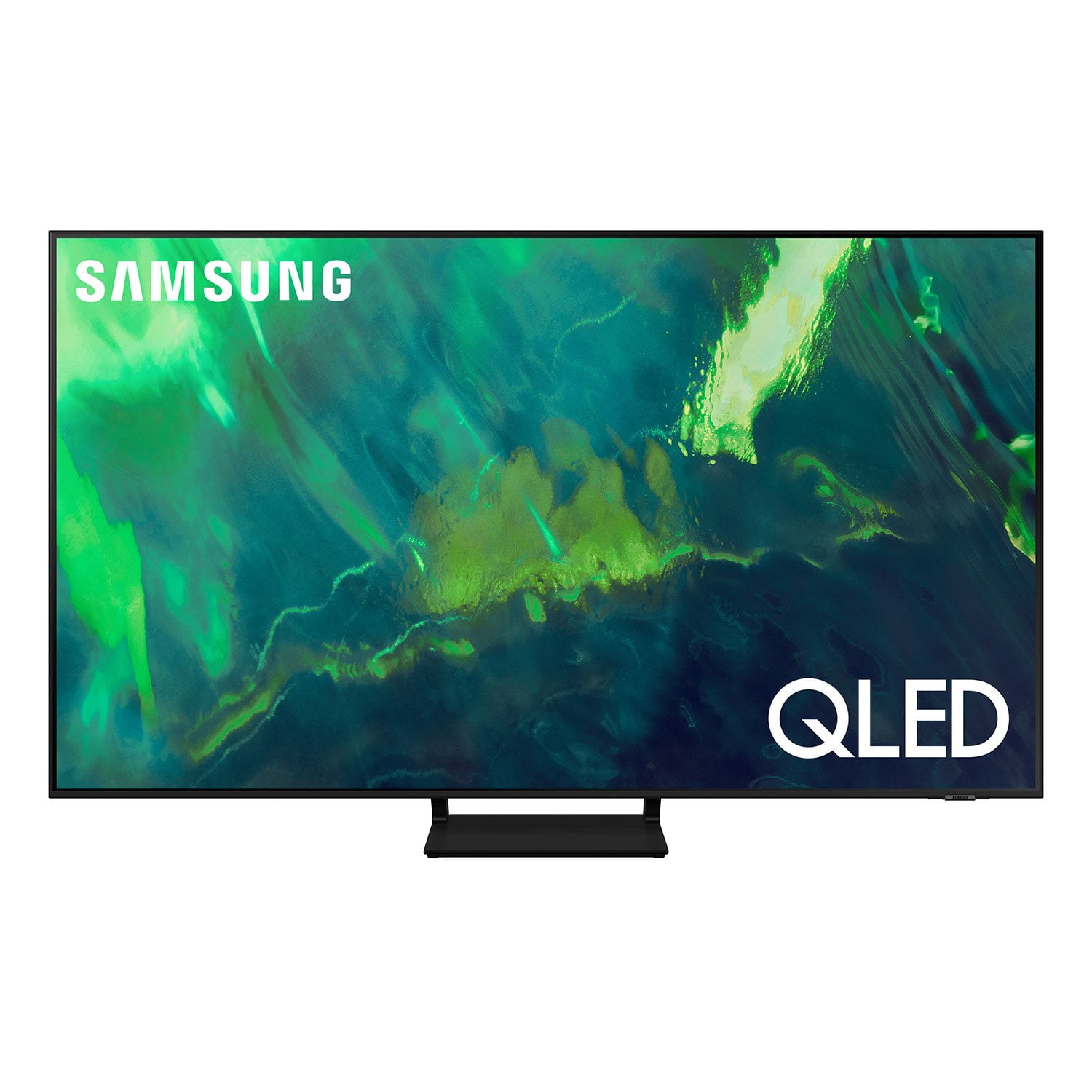
SAMSUNG 65" Class Q7-Series 4K Ultra HD Smart QLED TV QN65Q7DAAFXZA
4.7 out of 5 stars
stars
2,039 ratings1,959 reviews
  1. 5 stars80% (1,630)
  2. 4 stars15% (303)
  3. 3 stars3% (52)
  4. 2 stars1% (30)
  5. 1 star1% (24)
Sort by |
Showing 1,091-1,100 of 1,959 reviews
Sep 30, 2021
Reviewer name: FloridaSamsungGuy
3 out of 5 stars
3 out of 5 stars review

Good color, but...

[This review was collected as part of a promotion.] The blacks aren't as good as some others, and the refresh is disappointing in movies and gaming. Great brightness though.

Review from Samsung US
Helpful?7ENH4H8TEGBK13740406124
reply from Samsung Brand Ambassador

FloridaSamsungGuy, Thank you for purchasing the Samsung Q70A TV and for sharing details of your image quality. To optimize your picture quality, please be sure your firmware is up to date with version 1805.4 which includes picture quality updates. You can check this by going to: Settings > Support > Software Update. If this firmware version is not yet available on your TV, you can download the update on a USB drive and manually update your TV: 1. On Samsung's website (upper right corner), go to: Support > Manuals & Software > Find your TV model. 2. Download the update and extract it to the root of a USB thumb drive. (Do not put it in any folders on the thumb drive.) 3. Connect the USB thumb drive to a USB port on your TV. 4. Navigate to Settings > Support > Software Update, select Update Now, and then select Yes. 5. Follow the on-screen instructions to install the updated software. For optimal motion image performance, you may want to adjust the picture clarity setting by going to: Settings > Picture > Expert Settings > Picture Clarity Settings - Off: Picture Clarity Settings will always be off - Auto: Picture Clarity Settings will automatically activate and deactivate based on the type of program being watched - Custom: Allows custom adjustments and settings to be used. By selecting the Custom option, you can access these advanced settings for Judder Reduction, LED Clear Motion, and Noise Reduction. Should you need further assistance with features or other product usage, please reach out to Samsung Support at 1-800-SAMSUNG (ask for TVs), available 8AM - 12AM EST, 7 days a week. For additional support resources, visit us on the Samsung website and click on the ‘Support’ link in the upper right corner of the homepage for: 1) Contact Us: For additional Chat & Text options, choose ‘TVs & Home Theater’ and select your model & topic. 2) Manuals & Software 3) Warranty Info 4) Register a Product: For access to easy warranty support, convenient opt-in to special promos and offers, faster troubleshooting and service, and quick notification of system updates. ~ Samsung Specialist

Jun 16, 2022
Reviewer name: Cupcake81
5 out of 5 stars
5 out of 5 stars review

Great texter

[This review was collected as part of a promotion.] Games Netflix and series Videos watch all types of shows Cartoons iheart radio and so forth look at what the color is and all types of things and also watch basket balls games

Review from Samsung US
Helpful?7ENH4H8TEGBK13740406124
Sep 15, 2021
Reviewer name: Nana1
5 out of 5 stars
5 out of 5 stars review

This TV

[This review was collected as part of a promotion.] I love the options that you have that are already installed on the TV. The clarity and color of the picture is phenomenal. It's so clear it's like looking out of a window. I love this TV so much

Review from Samsung US
Helpful?7ENH4H8TEGBK13740406124
Sep 29, 2021
Reviewer name: Jimbo
4 out of 5 stars
4 out of 5 stars review

The picture is very clear

[This review was collected as part of a promotion.] I use my smart TV for watching sports, nature, and for going online to get an excellent clear screen when I'm surfing the web.

Review from Samsung US
Helpful?7ENH4H8TEGBK13740406124
May 23, 2022
Reviewer name: krishna
4 out of 5 stars
4 out of 5 stars review

Good Product

[This review was collected as part of a promotion.] I wanted a larger tv for our living room and I decided to buy the samsung QLED TV. and it's a great pick and the quality is Good .

Review from Samsung US
Helpful?7ENH4H8TEGBK13740406124
May 25, 2022
Reviewer name: DamarisS
5 out of 5 stars
5 out of 5 stars review

Love my Samsung TV

[This review was collected as part of a promotion.] Great image and resolution. The solar control remote is a nice innovation. Really Happy with this purchase!

Review from Samsung US
Helpful?7ENH4H8TEGBK13740406124
Jul 19, 2022
Reviewer name: Rainus
4 out of 5 stars
4 out of 5 stars review

Blown away with the picture quality

[This review was collected as part of a promotion.] Fantastic for movies and TV shows! The quality is mesmerizing and I am stunned with how great this model is.

Review from Samsung US
Helpful?7ENH4H8TEGBK13740406124
Jun 30, 2021
Reviewer name: Lovesportin
5 out of 5 stars
5 out of 5 stars review

This tv has a surreal imaging.

[This review was collected as part of a promotion.] I use my tv daily mostly to watch sports which amazes me how it feels like you are on the arena, as well as for gaming in many types of games which offers a unique gaming experience.

Review from Samsung US
Helpful?7ENH4H8TEGBK13740406124
Jun 16, 2022
Reviewer name: Zinger44
4 out of 5 stars
4 out of 5 stars review

A good bargain

[This review was collected as part of a promotion.] It worked fine out of the box with a simple setup procedure. We were very pleased with the quality for the price we pain.

Review from Samsung US
Helpful?7ENH4H8TEGBK13740406124
Sep 13, 2021
Reviewer name: REE1
5 out of 5 stars
5 out of 5 stars review

The best TV there ia

[This review was collected as part of a promotion.] I love being able to use Samsung dex. Dex makes it easy to cast from any of my Samsung devices. This includes games and TV.

Review from Samsung US
Helpful?7ENH4H8TEGBK13740406124