
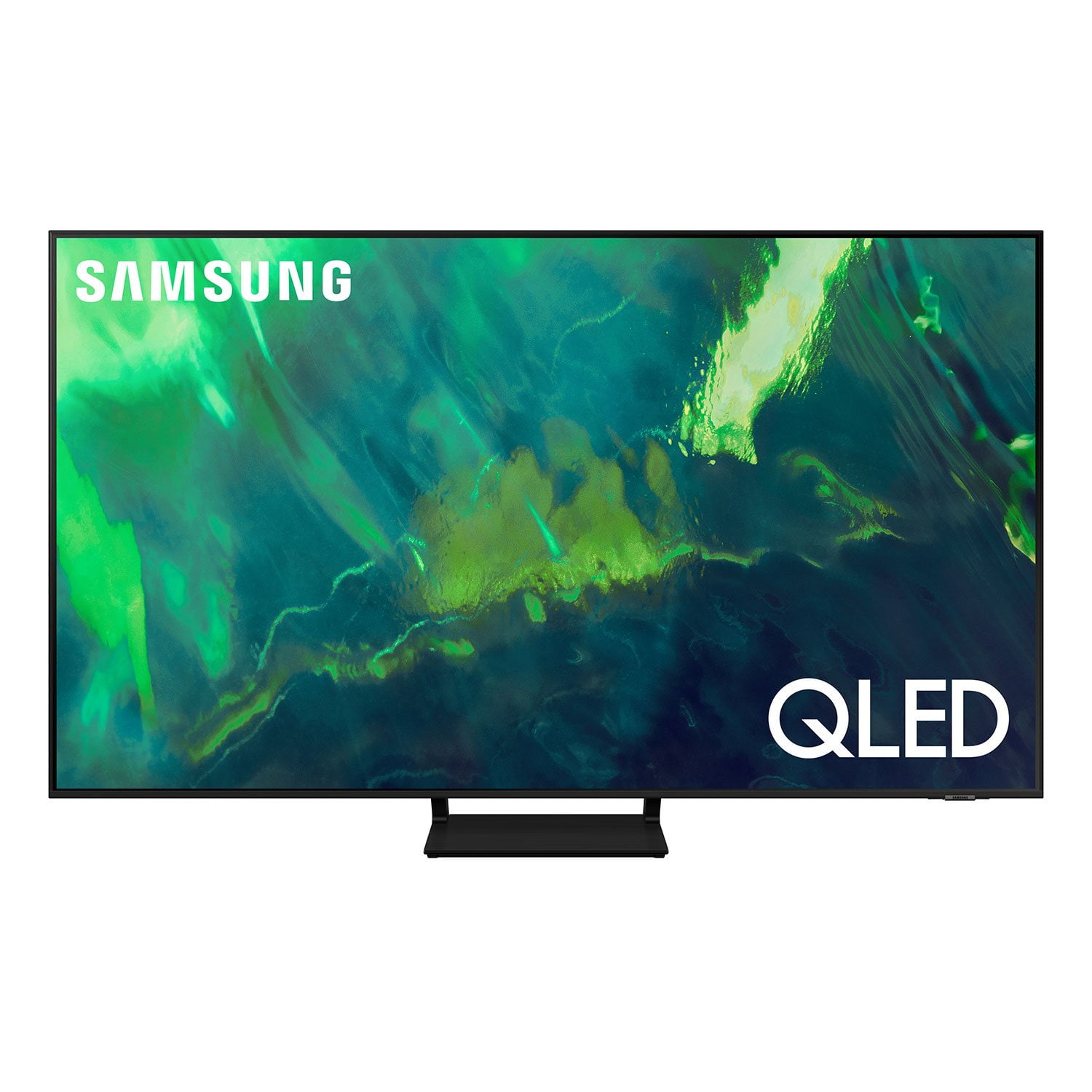
 Customer reviews for SAMSUNG 85" Class Q7-Series 4K Ultra HD Smart QLED TV - QN85Q7DAAFXZA for
Member photos




 +297 images
This product is phenomenal
[This review was collected as part of a promotion.] This product is phenomenal. The crispness of the picture gives you the feeling like you are right there next to the action. The features on the remote make it extremely easy to navigate. Invite your friends and neighbors over, sit back and enjoy the entertainment. I highly recommend this product.
Clear Picture and Great Features
[This review was collected as part of a promotion.] This TV is mainly used for streaming. We watch lots of movies, tv shows, and sports and it has phenomenal picture quality! It was suggested to us based on it's performance in bright rooms with lots of natural light and it shows when viewing. Even during the day with tons of sunlight shining in the living room, the picture still looks sharp and is so much better that any other TV we have had! The features of all the countless numbers of apps, the Samsung TV channels, the ease of screen mirroring, etc. It is full of everything and is so nice to be able to have everything in one place, on one device and not needing any cables or cords to hook up to anything for all of your viewing, streaming, mirroring, or listening needs! Would definitely recommend!
Exactly What I was Looking For!
[This review was collected as part of a promotion.] First off our TV in the family room is probably the most important product/object/device. Now I know it may sound silly to put so much emphasis on an inanimate device but our QLED 70A has been the best purchase I've done this year and the best TV I have purchased ever. Before I I get into what I enjoy about TV. We use our TV for a number of things. Streaming (Every possible app) Family Video Games - Switch (Something about throwing shells at my son on this TV just makes me warm inside :) lol) Living out my Jedi fantasies on my PS5 YouTube music videos on full blast to make cooking easier Our QLED is in use everyday almost all day. For the budget, features and reliability the QLED 70A fit all the criteria. Every pixel is vibrant and beautifully displayed. From the colors of the lightsabers to the amazing visuals from the movies we are playing everything looks amazing. The two app feature has been very useful in times of terrible weather as we still use apps to entertain our boys but keep an eye out on the weather lol The battery life on the remote is incredible, I honestly didn't even know it had to be charged until last month and we've had it for several months. One thing that is not talked about a lot with products is just how fast and responsive a TV should be. And this one no lag whatsoever. Being able to directly present from my phone is probably my favorite feature! As I like to call on a lot of family meetings and use PowerPoint lol This TV is amazing!
Picture quality is remarkable
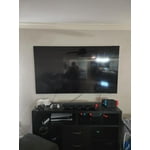
[This review was collected as part of a promotion.] This replaced a previous TV, that was a bit smaller. It is used as the main TV in my house. The picture quality is far superior, and it fit perfectly into the cubby hole area. I have a sound bar and subwoofer hooked to it, for a perfect sound for all forms of entertainment, movies, streaming, and DVD's.

Satisfying Entertainment Experience
[This review was collected as part of a promotion.] Ordering the Samsung Q70A, was the best decision I have made in 2021, this wonderful Samsung TV has great benefits of Wide Range of Quality and Colorful picture images that are crystal clear to the eye. The Samsung Q70A brings elements of your entertainment to another level with Crisp 4k Quality and 120hz refresh rate, great for gaming on the newer consoles with a Incredible option for Game Mode for improved latency. The Speakers built in the TV bring a wide sound stage that offers such great sound. The Samsung Q70A is great during sunny days where the image is still bright and colorful. Having owned the Samsung Q70A for two months, this product is great for anyone who is looking for a great quality 4k TV. Great Built in App support with Voice search while using streaming services like Alexa, Google Home and Samsung Bixby to support your home ecosystem. Also supporting apps like Netflix,Hulu, and Apple TV, etc. This TV supports hdmi 2.1 and also can support Dolby Atmos pass-through eArc and hdmi 2.1. TV includes a innovative remote which supports USB-C and has built-in solar charging. Greatly paired with the TV for hands free, Voice Activated searching. The Samsung Q70A is a great purchase to have in 2021 with all its great eatures. Pros: Incredible 4k picture 120Hz display ( Amazing for Gaming) Color Accurate and Deep Blacks No smearing during 120hz gaming HDR 10+ has great deeper blacks and contrast Cons: No support for Dolby Atmos or Dolby Vision
Technically works well , start up NOT intuitive
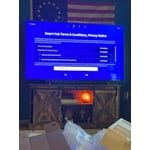
Start up on this unit frustrating, TV remote is also tricky takes a while to sort out how it works + it is all black with no backlifghts so you cant see what your doing in the dark while watching .. please ! Buttons have Dual functions So have to figure out how to toggle channels or increase sound .. very small , good feature it is solar charged .. almost took this TV back - works well technically nice picture but … would think the MFG could rethink some basics .. My LG 55 is older but worked right out of the box great start and experience.. com-on Samsung .. you can do much better with the remote and start up ..
Hi Mdll, thank you for sharing your thoughts with us. We’re sorry to hear that you’re disappointed, and we will be sure to share your feedback with our teams so we can continually improve our products, services, and processes. Thanks again.
Great picture
[This review was collected as part of a promotion.] I waited until this year to buy myself a flat-screen TV for my living room. I've had a 73" projector for years and it was a good TV unless you count replacing the bulb every year. A friend recommended Samsung TVs he's had one for a couple of years, and he loves it. So I broke down an bought me one for my birthday. The picture is so clear, sound is exceptional. I do miss the 73" but in reality the 55" is more than suitable for the size of the room. And to be blunt, I should have bought a Samsung FLatscreen a long time ago.
Very Nice TV
[This review was collected as part of a promotion.] I purchased this TV because I got my Playstation 5 and needed an upgraded TV to take advantage of what my Playstation would give me. 4K is really nice, screen is bright and clear. TV design is nice and thin. TV isn't too heavy so I was able to mount it on my own
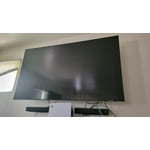
Q70 Series TV
[This review was collected as part of a promotion.] I bought this TV about a year ago. I am very please with the quality and performance of it. I am a gamer, and love the game mode customization/functionality. The picture is very clear and of good quality. I really don't have any complaints about it as it's one of the best TV's that I have ever purchased. It is a good value for the money. Definitely would recommend this product and I would buy another. and just might :)
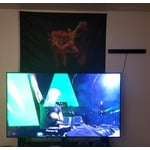
65" Q70AA QLED 4K UHD TV
[This review was collected as part of a promotion.] I doubt the delivery driver was back in his truck before this thing came out of the box. The physical setup was quick and easy. I was able to get the TV mounted to the legs in place without a second person. The software setup was simple, quick and easy using the Smart Things app. Because this was not my first Samsung product, I already had the app installed and configured. Having services like Spotify already connected to my Samsung account brought everything over to the new TV with having to sign in again. The newer home screen is much cleaner than the old setup. Software wise, the only thing extra I could ask for is some sort of screen time limit and a way to disable TV plus or at least prevent it from starting when I turn on the TV. The first things I watched were a few 4k were a handful of Marvel movies. The picture quality is amazing, much clearer than my older 4k UHD TV. All of the sound is going through a sound bar, so I don't have much to comment about there.
rws2285: I’m happy to hear that setting up your new 2021 Q70A was a quick and easy, and you are enjoying the picture brought to you by our Quantum Processor 4K. Powered by machine learning, our most powerful 4K processor enhances picture from any source into crisp 4K action in each and every scene. Please know that you can choose what your TV does when you turn it on by going to Settings > General > Smart Features 1) When you set Autorun Smart Hub to on, the TV displays the Home Screen automatically when you turn the TV on. 2) If Autorun Last App is set to on, the last used app is automatically run when you turn on the TV. You can turn this function on or off. I hope this tip is useful. If there is anything we can do to further assist and improve your user experience, please do let us know by contacting Samsung Customer Support. You can reach us at 1-800-SAMSUNG (ask for TVs), available 8AM -12AM EST, 7 days a week. Or text HELP to 62913. For additional support resources, visit us on the Samsung website and click on the ‘Support’ link in the upper right corner of the homepage for: 1) More ‘Contact Us’ options – LiveChat, Facebook, Twitter, Samsung Community, Samsung Members app 2) Manuals & Software 3) Warranty Info 4) Product Registration: For access to easy warranty support, convenient opt-in to special promos and offers, faster troubleshooting and service, and quick notification of system updates. ~ Samsung Solutions