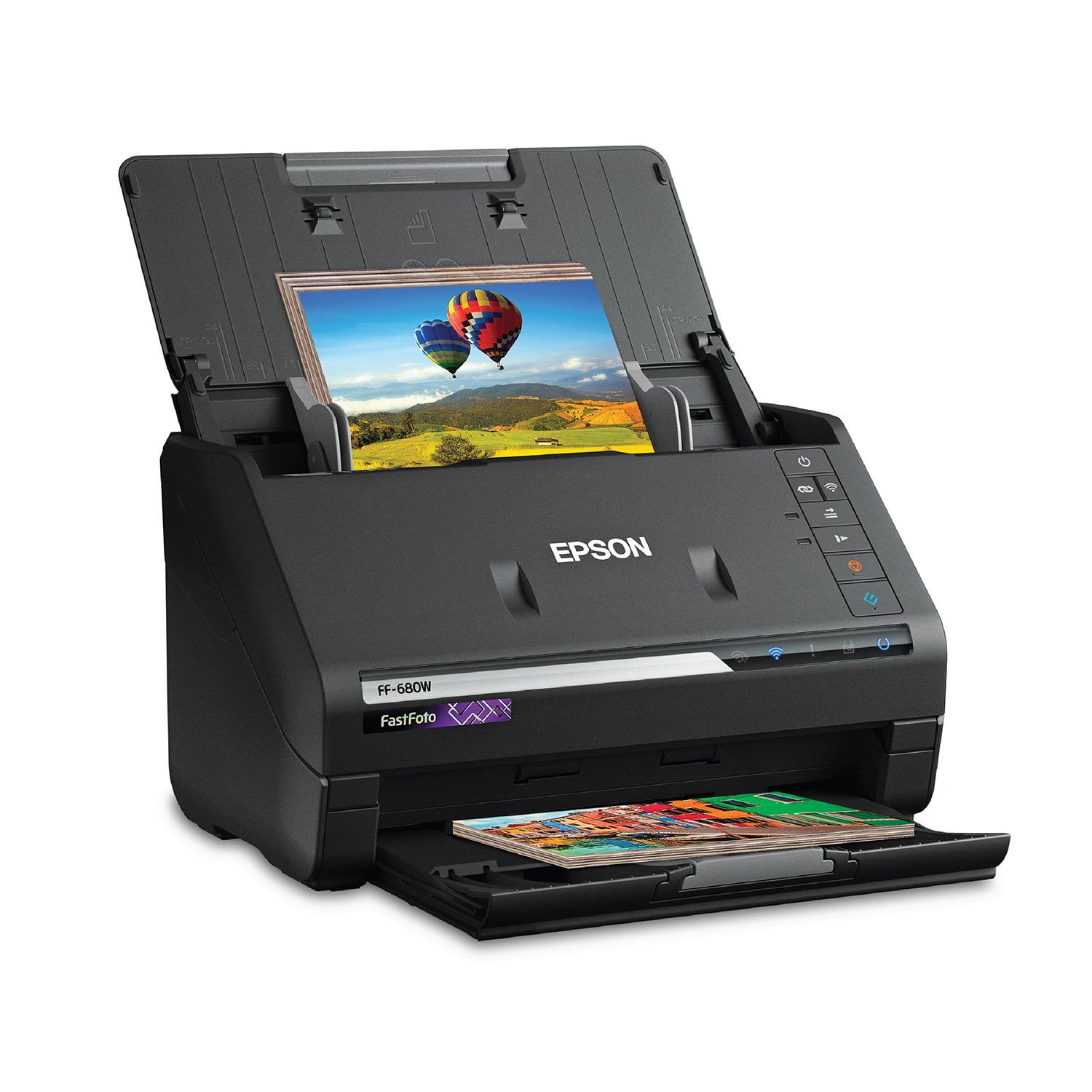
Customer reviews for Epson FastFoto FF-680W Wireless High-Speed Photo & Document Scanning System, EPSB11B237201 forAwesome!!!
Epson - FastFoto FF-680W Wireless Photo and Document Duplex Scanner is AWESOME!! The quality and ease of use is fantastic. I would recommend it. We all have those boxes of photos and documents from our children that we never quite got in that scrap book. This scanner lets that . An incredibly designed and well-functioning device. I feel very safe with putting my photos through it. The speed is remarkable. There are many excellent features that make organizing the photos easy. Photo retouch options is also very helpful. The Epson will make a second copy with improved color and contrast. Amazing results. It also has a function that will copy notes that are on the back of the photo. I feel very safe with putting my photos through it. Its speed is remarkable. There are many excellent features that make organizing the photos easy. Also helpful is the photo retouch options. The Epson will make a second copy with improved color and contrast. It also has a function that will copy notes that are on the back of the photo. “This is a review for the Epson FastFoto FF-680W Wireless High-speed Photo and Document Scanner System that I received free of charge to do a beta test and review.”
A astonishing experience
I found this product in the closet at home which was bought by Otto and found this product help settle to save and organize most of my photos and documents. It is really save my time to find & review all concerned historical records. It is great to have it ! !
Setup Challenges
1. To register the product it is required to enter the unit's serial number. However, nothing shows where to find the serial number. So, one has to guess which of the numbers on the label to use. 2. Much more importantly, after going through the entire software setup, wifi enabling and registration process, there was no way to get started scanning. Reloaded the software. Still didn't work, and no error message. Only worked once I decided to plug the cable into the computer. 3. Once I got it working, it scanned pictures exceptionally well. The current problem is to figure out where the pictures are once they are scanned and how to share them. Again, hard to find the answer on the help website. 4. Someone more computer-savvy probably wouldn't have these problems ...
Fast and Easy
I've been slowly converting old printed photos to digital copies using flatbed scanners on multifunction printers and even though this works just fine, it is very time consuming. When I heard a radio ad for the FastFoto FF-680W, I thought it might be worth a look to speed up the process. It was everything they said it was, fast, easy to use and I was able to scan 20 years of photos in about 8 hours. If you are looking for a fast-easy way to convert your print photos to digital copies, I would highly recommend this product!
Finally - A Fast Photo Scanner That Makes Scanning Fun!
My family is large - seven children and thirteen grandchildren. Family moments and the thousands of photos that were born from those family moments are very precious. We’ve had several wildfire near misses, as our home is right up against a hillside. So, I have wanted to scan the 10,000 or so photos we’ve collected over the years to prevent loss from a disaster, like a fire or flood, and also to save these wonderful memories before the fading photo paper and color degradation (due to the use of inferior quality processing materials) threaten to destroy them forever. Several years ago, I bought an all-in-one printer and decided to make use of the flatbed scanner to start on my ambitious photo preservation plan. I was able to get up to four, sometimes five photos on the scanner bed at a time, but the repetitive, time-consuming, and laborious process of arranging the photos on the scanner, waiting for the scanner to do its very slow pass, and then use the software that came with the printer ‘ scanner to separate the 4-5 photos scanned and straighten and orient them properly wore down my resolve, and after a few months of on-again off-again enthusiasm, I gave up. Now, about ten years later, I finally found the Epson FF-680W photo scanner with an auto-feeder. The FF-680W saved my photo archiving dreams and turned them into a reality. Right out of the box, I could tell it was a quality piece of scanning equipment. It feels solid, but it has a small form factor, which is a welcomed feature, as it takes up very little space on my already crowded work surface, but it’s productivity footprint is huge. My wife went to work, organizing all the photos by year to the best of her ability, as I followed behind, scanning each year’s photos as quickly as she finished each stack. The FF-680W greedily accepted each stack I fed it, scanning each photo with the quality I hoped for, but so much faster than I thought could realistically be achieved. In two weeks’ time, devoting between 3 and 5 hours each day, I scanned almost 10,000 photos, completely a years-long goal (finally), and it was not only painless - it was actually fun! The FF-680W is again both fun and easy to use. And, it comes with a simple to use but very powerful software application to help manage the process with very little effort. The software is smart enough that, if you finish scanning a large stack of photos from a particular year and move on to another year’s photos, but later find more prints from a year you already scanned, there’s no need to worry. Just feed the straggler prints into the feeder, push the scan button and select the year of the photos. The software then looks at the contents of the directory for the year you selected, recognizes that there are already other photos that you’ve previously scanned to that directory and continues numbering sequentially, adding them to the group previously scanned, so you won’t end up with confusing scan numbering or multiple folders for scanned photos from 1978, for example. Given the fact that photo prints often curl or crease, before I began using the FF-680W I thought there was little chance that the feeder would perform well, but out of the thousands of photos that I scanned, many old and not in great auto-feed form, I only had a few misdeeds, and in not one of those misdeeds was it the printer’s fault. The photos that jammed were clearly in no shape to feed through, but because the scanner had fed so many poor condition prints previously, I guess I felt emboldened to push the feeder beyond a reasonable expectation. But, even then, the scanner caused no damage you the misfed photos. I can’t say enough great things about this fantastic photo scanner. The only thing that kept me from buying it sooner was the price. Let’s face it, this is not an inexpensive piece of equipment. But. After staring at the tall pile of boxes of photos for so many years, I finally took the plunge and bought it. Man, what the heck was I waiting for? I strongly recommend this scanner to anyone in a similar situation. Buy this life-saver, you will not regret it.
Amazing Quality of Work
This product comes neatly packaged. I was surprised at how light it was for such a powerful machine. Instructions on removal of the product was found on the inside flaps. It comes with all of the necessary cords, power source, and hardware, so no need to look for extra components. The stylish black finish is very modern and sleek. There are tape binding spots to keep the product from being damaged in shipping and styrofoam holding it in place. As far as setup goes, I had no issues with following the instructions. The fact that this product works wirelessly is definitely a plus. I had no problem synchronizing it. I tested the photo restore feature with some old album photos my mother had and I was amazed at the difference. My mother now wants all of her photos restored. The time it took for just one photo , took little to no time at all. I have to save documents as well for small business work so I found that rather easy as well to upload and scan to my computer once I had all of the scan smart software installed. It comes with it so no worries. After giving this item some trial and error, I would give it a 9/10 rating so far on quality of work. It's good enough for professional use. This is a review for the Epson FastFoto FF-680W Wireless High-speed Photo and Document Scanner System that I received free of charge to do a beta test and review.
Pretty much what I had read...
Before I bought it, I read a few reviews online. You might have seen them - very high price, good value, very fast, high resolution. Yep, that's what I got. No complaints thus far. Every 500 scans or so, I get a message reminding me to clean the scanner bars, so I do. But I have never found any dirt on them, so I guess my family kept their photos real clean. :)
Great and fast scanner
I recieved this scanner about 3 days ago. Immediately took it out of the box and set it up. The set up was very simple and quick. The included guide walked me step by step on set up and operation. I have scanned approx. 50 pictures through it so far with no problems. The scanner is quick and the pics come out perfect! The ducouments that I have scanned have went through the scanner easily with no problems with feeding. My wife is a teacher on break for the summer. She is beginning to collect things for her classroom. She has scanned several documents on the scanner with no problems. The documents come out clear with no smudges or distortations. She has made the statement that this scanner is much better than the one she was using at a copy place. "This is a review for the Epson FastFoto FF-680W Wireless High-speed Photo and Document Scanner System that I recieved free of charge to do a beta test and review."
the software is complete junk
thousands of pics to scan and the software is junk. I had scanned several hundred before I realized it wasn't saving them. I've uninstalled re installed so many times! Been of the phone with tech support with no help. this great piece of equipment and you couldn't find some genius kid to write your software?? I will be returning. SMH
speed
this machine is very interesting and works well. it can give you exclamation mark for no good reason. It could do with a better explanation of how to us and the various buttons. You really should get lay people to check out the product and have their feed back ,not just what it seems engineers(with all due respect) I think you should make it possible to send the scanned photos to a storage device,cutting the steps of downloading to google drive.Many people do not know what google drive is? I certainly do not want to upload my photos to facebook ??