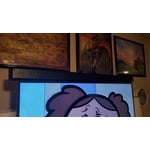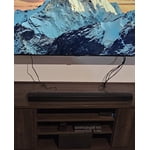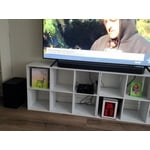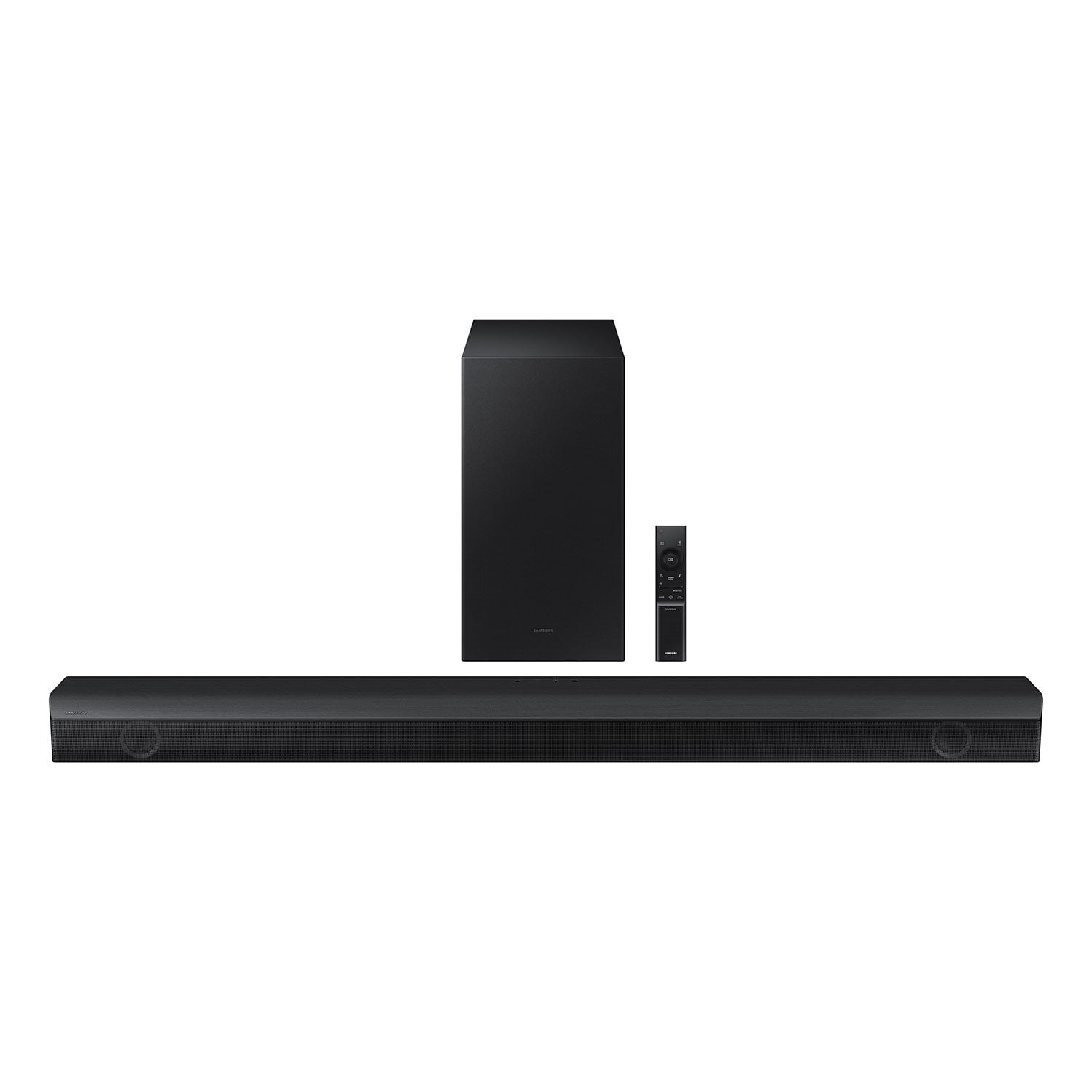
Customer reviews for SAMSUNG 3.1 Channel Sound Bar w/ Wireless Subwoofer & Dolby Audio - HW-B63C forMember photos


+6 images
Only for the budget minded
Bought this just over a month ago to connect to my Samsung TV and considering returning it. Everything connected up easily enough and yes, it does sound better than the TV speakers, but the subwoofer is just too weak. I have a cheaper Vizio soundbar on another tv and that really throws the bass for a nice immersive movie experience and was hoping for the same or better from this. No matter what I do settings-wise this subwoofer just seems underpowered. Thought spending a little more $$ for this over another cheap Vizio would've been worth it but I'm left disappointed. At least I'll get to test out Sam's return policy on this.
Phiori,Thank you for taking a moment to review the HW-B63C Soundbar.Here are a few tips to help optimize your soundbar audio performance.By pressing the TONE CONTROL button, you can adjust the volume of the treble or bass sound. Press the button to select TREBLE or BASS and then adjust the volume between -6~+6 by using the Up/Down buttons.Press and hold the SOUND CONTROL button for about 5 seconds to adjust the sound for each frequency band. 150Hz, 300Hz, 600Hz, 1.2kHz, 2.5kHz, 5kHz, and 10kHz are selectable using the Left/Right buttons and each can be adjusted to a setting between -6 to +6 using the Up/Down buttons. (Make sure the Sound mode is set to “STANDARD”.Additionally, using the WOOFER button on the remote, you can adjust the subwoofer’s volume between -6 to +6 by toggling the button up or down. To set the subwoofer volume level to 0, press the button down.If you need more help, Samsung is here for you. Please call us at 1-800-SAMSUNG, 8AM - 12AM EST (Ask for Soundbars), 7 days a week. Our Live Chat agents are also available by clicking on the ‘Support’ link on our website.~ Samsung Solutions
Soundbar that sets the bar high
[This review was collected as part of a promotion.] The samsung B Series 5.1ch Soundbar is the sound bar that is more than enough for your standard Living Room. Equipped with w/ Dolby 5.1 / DTS and Virtual:X (2022), it gives an unreal experience. Crisp enough to catch the sound of a pin dropping, to the right amount of bass that gives you feel and thrill of each clip and songs. It also does a wonderful job on the lows and mods, creating a perfect balance for an audiophile like me. Will recommend 10/10.
Superb Sound bar
[This review was collected as part of a promotion.] This sound bar is better than my full 7.1 system is a great product and I'm a tech junkie. Pretty much all the Samsung purchases are money well spent. I'm not unhappy with any Samsung purchases I've made in the last 10 yrs. Keep up the good work Samsung!!!
Read this first, before purchasing it.
I purchased this aover a year ago, easy to set up, sounds great however, to get it to communicate to my Apple-TV unit is difficult and over the past year it stopped connecting for several reasons, to accomplish the setup repeatedly will take 20 minutes or more everytime the connection is interrupted, that's why I provided a only a three star rating
Hello Peter G,Thank you for sharing your experiences with the HW-B63C Soundbar. I am sorry to see that you have had this issue with your Soundbar. There are a few steps you can take to troubleshoot your Soundbar. You can download the firmware directly from Samsung’s website by clicking “Support” in the top right corner. Then go to “Manuals & Software” > “TVs & Home Theater” > “Home Theater” > “Sound Bars”. From there, you can select the HW-B63C under Standard. Download the update and install it via USB thumb stick to your soundbar. If you need additional help, there are how-to instructions on this page. Please know that Samsung Customer Service is here to assist as well.Please verify that you are running the latest firmware on your TV. You can check to see what software version your TV is using and if there is an available update through the settings on your TV. Go to: Menu > Settings > Support > Software Update. Also check the firmware of your Apple TV.If this still does not correct your issue, then do a hard reset. With the Soundbar on, press the + & - Volume buttons on the body of the soundbar at the same time for at least 5 seconds. INIT OK” appears on the display and then the Soundbar is reset.Should you ever have questions or need help, please call us at 1-800-SAMSUNG (ask for Soundbars), available 8 AM – 12 AM EST, 7 days a week.For additional support resources such as downloading a full manual, visit us on the Samsung website and click on the ‘Support’ link in the upper right corner of the homepage.~Samsung Solutions
Easiest sound bar to set up and sounds amazing
[This review was collected as part of a promotion.] Recently purchased a new TV to replace a plasma that was dated and had no sound. So picked up this amazing soundbar to go with the new TV. This was by far the easiest to set up. Literally 15 minutes to start hearing the deep bass and clear highs that the sound bar produces.
HW B63C Samsung Sound Bar
[This review was collected as part of a promotion.] Using with new Samsung 65" Q70 TV. Set up was very easy. Moved the woofer around to different places to hear where it sounds most natural, was a little too boomy in corner. Got the SWA-9100S rear surround to go with it. All works together well. Have had only for a month and do like it.
Thank you for purchasing the Samsung HW-B63C and for your review. I am glad to hear that you are happy with the performance of your new soundbar. Here are some tips to help adjust your subwoofer and bass level. There are three adjustments that can be made for bass and subwoofer: 1) Using the WOOFER button on the remote, you can adjust the volume of the subwoofer between -6 to +6 by toggling the button up or down. To set the subwoofer volume level to 0, press the button down 2) Adjust the bass control by pressing the SOUND CONTROL button (gear icon) on the remote control, then select BASS to increase the level. You can adjust the volume between -6 to +6 by using the Up/Down buttons. 3) Press the SOUND MODE button on your remote, and then select BASS BOOST mode. This will provide you with a larger emphasis on bass sound. For precise audio adjustments, you can use the 7-band frequency equalizer to optimize the sound for your room acoustics. I hope this helps. For further assistance with features, settings, adjustments, or functions please contact Samsung Customer Support. Call us at 1-800-SAMSUNG (ask for Soundbars), available 8 AM – 12 AM EST, 7 days a week. LiveChat with an agent by clicking the ‘Support’ link on the Samsung website. ~Samsung Solutions
Flawless transitions
[This review was collected as part of a promotion.] I'm kinda new to the soundbar game and since I bought a new Samsung TV, I figured might as well get a Samsung soundbar to go with it. So real quick. Let me tell you about my last soundbar. In order to do anything, you had to switch to each mode. If you were watching tv, you had switch modes, If you're playing on a console it had to be in another mode, and if you wanted to play music yet another mode. So annoying. When I bought this soundbar that all changed it instantly connected to my tv and pretty much no manual mode stitching unless I want to. The flawless transition it switches off when the TV isn't on but when on it's the correct mode, when I turn on my console it switches to game mode automatically and when I'm done back to the previous mode. And to listen to music all I have to do is connect to the soundbar in my Bluetooth menu and boom ready to go. I am very happy with this purchase.
This product is awesome the sound is so clean.
[This review was collected as part of a promotion.] The B Series 5.1ch Soundbar with Dolby 5.1 / DTS Virtual:X (2022) offers an immersive audio experience. Its Dolby 5.1 and DTS Virtual:X technologies create surround sound, enhancing movie nights. The sleek design complements modern setups. Wireless connectivity and multiple audio modes provide versatility. However, bass performance could be stronger. Overall, a solid choice for home entertainment.
Samsung All The Way!
[This review was collected as part of a promotion.] I love the enhanced sound and being able to select music, voice, movies, sports, etc. Also being able to set treble and base levels is terrific. Each member of our family like different effects and it is great that it is so flexible to change the settings to please the whole family and makes our entertainment a rewarding and pleasureable experience. Easy to set up to Samsung TV, DVD, Roku Streaming, etc. Woofer adds added intensity to sound and music. I like the handheld remote to turn it off and on, volume control, mute, sound effects, Bluetooth power, Woofer control, etc. Our family LOVES when we can really make each of our movies, music, DVDs, games, etc. go to a level that give us all have a unique experience. It really sounds like we are in a movie theater, live concert, etc. And it is like we are actually THERE and in the moment! We all LOVE, LOVE, LOVE ALL our Samsung products and wouldn't buy any other product in the future. Being that I am on disability income, I hope someday we can afford to get a larger TV. Winning this Keep up the great quality and ability to get more information of your products and services! KH
Samsung is boss now.
[This review was collected as part of a promotion.] I am truly happy with the B Series 5.1ch Soundbar w/ Dolby 5.1 / DTS Virtual:X (2022).My family when we have movie night in joy the clarity of sound & bass that comes out of this lovely soundbar. When gaming on my consoles I no longer wear headphones after purchasing this soundbar for my Neo QLED 4K Television.