Skip to Main Content
Sams Club
Sams Club
Customer reviews for SAMSUNG C-Series 2.1 Channel Soundbar with Wireless Subwoofer for
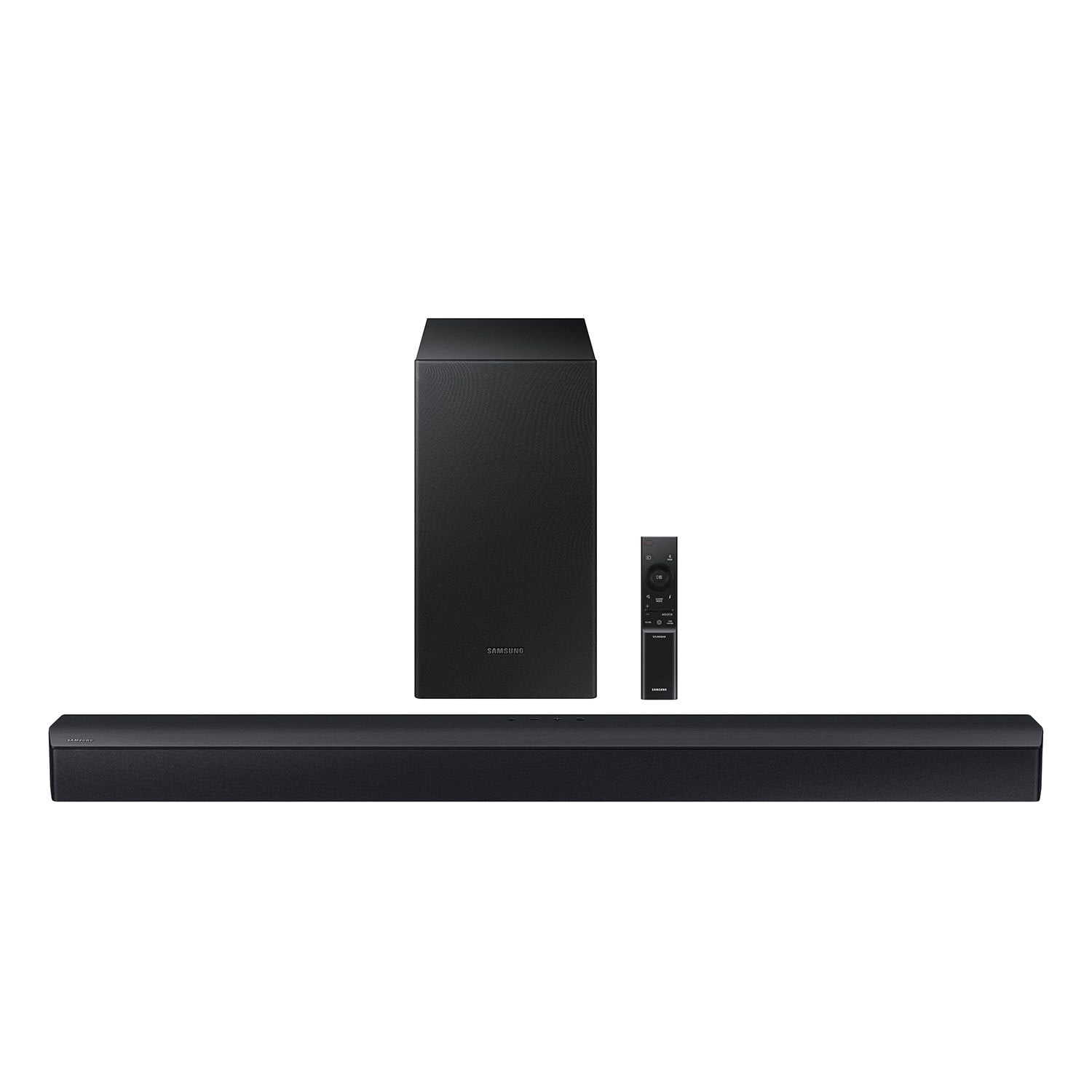
SAMSUNG C-Series 2.1 Channel Soundbar with Wireless Subwoofer
4.5 out of 5 stars
stars338 ratings161 reviews
  1. 5 stars73% (248)
  2. 4 stars13% (45)
  3. 3 stars7% (23)
  4. 2 stars2% (8)
  5. 1 star4% (14)

Member photos

Sort by |
Showing 91-100 of 161 reviews
Mar 18, 2024
rozeefuzz
5 out of 5 stars review

Verified Purchase

So far, so Good!

Easy installation and mounting (mounting screws not included) but sound quality is great and easy connect to all my other Samsung products!

Helpful?0YMSK3FOJH4D13623460493
Dec 29, 2023
John C
5 out of 5 stars review

Verified Purchase

Great Buy & Great Price

I got this for my daughter and she loves it. She won't leave her room but for necessities. It's like a homemade movie theatre in her room.

Helpful?0YMSK3FOJH4D13623460493
Dec 18, 2024
FEASHY
5 out of 5 stars review

Amazing surround sound, almost invisible.

[This review was collected as part of a promotion.] Used for music while i clean and cook, annoying my neighbors with animal sounds, and calling in birds in the morning!

Review from Samsung US
Helpful?0YMSK3FOJH4D13623460493
Sep 20, 2024
Nrjengineer
5 out of 5 stars review

Happy, so far so good

[This review was collected as part of a promotion.] I recently got the Samsung 2.1 sound bar, and it's been a fantastic addition to my home audio setup. Setting it up was easy, and it fits perfectly in my living room. What I Loved: Sound Quality: The sound is phenomenal. The bass is deep and rich, thanks to the wireless subwoofer, and the overall audio is crisp and clear. Whether I'm watching movies, playing games, or listening to music, it delivers an immersive experience. Bluetooth Connectivity: The Bluetooth feature is great. I can easily connect my phone and stream music without any hassle. The connection is stable, and the range is impressive. Design: The sleek, modern design looks great under my TV and doesn't take up much space. It blends seamlessly with my other devices. What Could Be Better: Remote Control: The remote could be better. It's small and not very intuitive, making it tricky to adjust settings. A more user-friendly remote would be nice. Limited HDMI Ports: It would be great to have an extra HDMI port or two for connecting additional devices. It's not a deal-breaker, but something to consider if you have multiple devices. Overall, I'm really happy with the Samsung 2.1 sound bar. It offers excellent sound quality, easy connectivity, and a sleek design. Despite a couple of minor drawbacks, it's a solid addition to my home entertainment system.

Review from Samsung US
Helpful?0YMSK3FOJH4D13623460493
Aug 14, 2024
Ed
3 out of 5 stars review

Samsung makes life harder than it has to be

I don't know why Samsung has to make things harder than it has to be the TV was a big pain in the tushy to set up. this sound bar has two ways of setting it up a normal USB to USB or an optical. my Samsung 4K TV does not have an optical out but does have the USB they do not supply the USB but they do however Supply the optical cord which I can't use and who uses normal USB to USB anymore I don't even have one of those. so now I have to go back to the store to buy a USB to USB that's ridiculous it should be in the package also I couldn't set up my new Samsung television without putting their app on my phone which I did not want on my phone. I swear big Tech is a bigger pain in our ???than the government

Helpful?0YMSK3FOJH4D13623460493
reply from Samsung

Hello Ed,Thank you for taking a moment to review the HW-C43C Soundbar.The HW-C43C can connect to your TV via Bluetooth and Optical cable. To connect your Soundbar to your TV with Bluetooth please follow these steps.1) Press the PAIR button on the remote to enter BT PAIRING mode a. or press the SOURCE button on the top panel and then select BT. “BT” changes to “BT PAIRING” in a few seconds automatically or changes to “BT READY” if there is a connect record. b. When BT READY appears, press and hold the SOURCE button on the top panel of the Soundbar for more than 5 seconds to display BT PAIRING.2) Select Bluetooth mode on the TV3) Select “[AV] Samsung Soundbar xxx” from the list on the TV’s screen. An available Soundbar is indicated with “Need Pairing” or “Paired” on the TV’s Bluetooth device list. To connect the TV to the Soundbar, select the message, and then establish a connection. - When the TV is connected, [TV Name] → “BT” appears on the Soundbar’s front display. 4) You can now hear TV sound from the Soundbar. If the device fails to connect - If a previously connected Soundbar listing (e.g. “[AV] Samsung Soundbar xxx”) appears in the list, delete it. - Then repeat steps 1 through 3Once you have connected your soundbar for the first time, use the “BT READY” mode to reconnect.If you need more help, Samsung is here for you. Please call us at 1-800-SAMSUNG, 8AM - 12AM EST (Ask for Soundbars), 7 days a week. Our Live Chat agents are also available by clicking on the ‘Support’ link on our website.~ Samsung Solutions

Apr 27, 2024
Shar
5 out of 5 stars review

Verified Purchase

Kingpin

Easy to use and it sounds good

Helpful?0YMSK3FOJH4D13623460493
Oct 15, 2023
Raul Torres
5 out of 5 stars review

Verified Purchase

Great sound at a great price

Awesome sound, no distortion and big boom on the subwoofer

Helpful?0YMSK3FOJH4D13623460493
Apr 6, 2024
Kali
5 out of 5 stars review

Verified Purchase

Great!

Easy to use sound is great

Helpful?0YMSK3FOJH4D13623460493
Apr 24, 2024
Alley
5 out of 5 stars review

Verified Purchase

Buy it

Great quality sound great glad I purchased

Helpful?0YMSK3FOJH4D13623460493
May 1, 2024
Paula
2 out of 5 stars review

Verified Purchase

Need to return

Volume doesnt work right. Either too low or to loud. No medium

Helpful?0YMSK3FOJH4D13623460493
reply from Samsung

Hello Paula,I am sorry to hear that you are not completely satisfied with the overall volume of the HW-C43C Soundbar. You'll probably want to select PCM audio on your TV. You will get much louder volume that way, and potentially better sound quality. If your Digital Output Audio Format isn't set to PCM, for instance if you have a Dolby option selected, then you will likely notice decreased maximum volume. Dolby options are designed for surround systems (like 3.1.2 or 7.1), whereas PCM provides great sound quality for stereo speakers.On a Samsung TV this can be found at Home > Settings > Sound > Expert Settings. (It can also be found in the Quick Settings.)I hope this helps. For further assistance with settings, features, or functions, please contact Samsung Customer Support. Just give us a call at 1-800-SAMSUNG (Ask for Soundbars), 8AM - 12AM EST, 7 days a week. Our Live Chat agents are also available by clicking on the ‘Support’ link on our website.~ Samsung Solutions