Skip to Main Content
Sams Club
Sams Club
Customer reviews for HP ENVY 6458e Wireless Color All-in-One Inkjet Printer, 223R3A#1H3 for
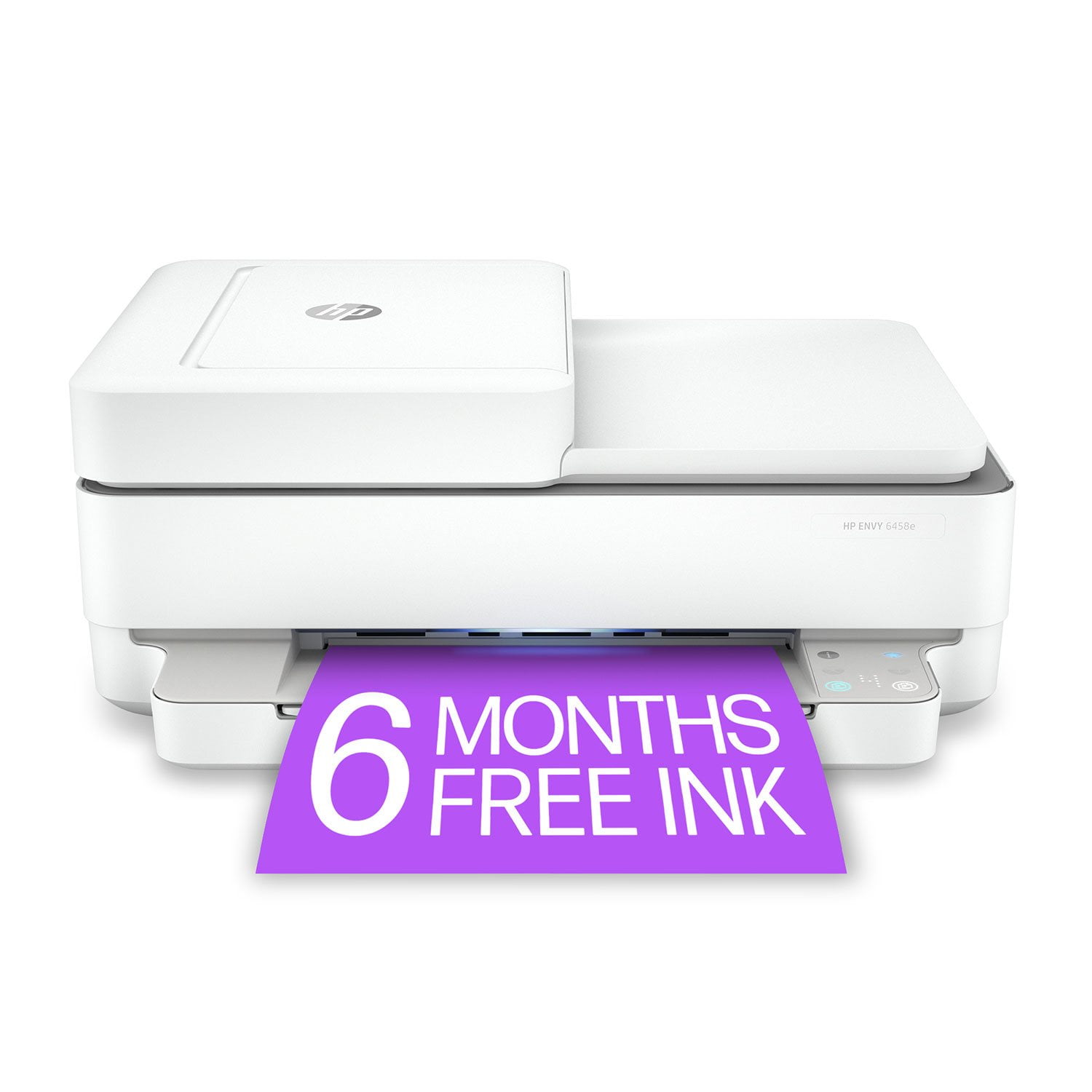
HP ENVY 6458e Wireless Color All-in-One Inkjet Printer, 223R3A#1H3

Member photos

Sort by |
Showing 11-20 of 191 reviews
Oct 1, 2021
Clay
5 out of 5 stars review

Verified Purchase

Good basic printer and scanner.

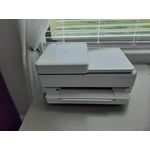
This printer works well and we use it as part of the HP Instant Ink program. Setup on MacBook required a USB cable that I happened to have, not the wireless setup, but it did connect. Printing, scanning, etc relies heavily on HP Smart app (mobile or laptop). I still have no idea what the buttons do, a touch screen would be much easier. Also, the light never turns off, it can only dim (so we turn it off at night). The top feeder for multi scanning is nice. I don't think it can use Legal size paper, if that is interest to you. The controls and light are biggest annoyances, but so far so good this first month.

Helpful?210FRF77KBZQ13620210544
Sep 21, 2021
Emily
4 out of 5 stars review

Verified Purchase

Great affordable printer!

Easy setup and use. I really like how the printer uses wifi to print, as many affordable family printers do not use wifi and you have to buy the specific cord. The scanner does a great job and printing quality is great. The 6 months free of HP Instant ink is also a plus. Only downside is that it always stays lit up which I wish it didn't since I have the printer in a bedroom.

Helpful?210FRF77KBZQ13620210544
Aug 22, 2021
rexr
5 out of 5 stars review

Verified Purchase

Printer

So far it is working well and easy to use. I did not get the H+ printer ink because of a previous bad experience.

Helpful?210FRF77KBZQ13620210544
May 20, 2023
Stumbleout
1 out of 5 stars review

Verified Purchase

Not All-in-one

This claims to be all in one. To me all-in-one means copier/printer/fax. Fax in not an option on this printer.

Helpful?210FRF77KBZQ13620210544
Aug 9, 2022
Judy
5 out of 5 stars review

Verified Purchase

Great printer!

I am very pleased with this printer and would recommend it to anyone. The price is very reasonable for the options this printer provides, and it was easy to set up.

Helpful?210FRF77KBZQ13620210544
Nov 18, 2021
Al
1 out of 5 stars review

Verified Purchase

Constantly having trouble connecting to printer

Constantly having trouble connecting to printer and have to manually reboot the printer to reestablish the connection. Worst printer ever. More pain than I have ever had with a printer. Totally frustrating

Helpful?210FRF77KBZQ13620210544
Apr 14, 2024
Nanny
4 out of 5 stars review

Verified Purchase

New printer

Working well. Still learning about various features. 1 question..... supposed to be 6 months free ink.... but instant ink says 2 months free refills. ?

Helpful?210FRF77KBZQ13620210544
Jan 24, 2022
Diana
5 out of 5 stars review

Verified Purchase

Performs as Advertised

The printer performs as advertised, with good print quality. Two features I did not have in my 17-year-old HP Photosmart 2710 that I find convenient: a separate photo tray and the ability to print documents and borderless photos from my smart phone (although I would like the choice to print with borders). So far, the photos printed from my computer and phone are excellent.

Helpful?210FRF77KBZQ13620210544
Apr 29, 2024
Main male mail elf
4 out of 5 stars review

Verified Purchase

Great for the price.

For the price it is a very good printer. Print speed is slower than my previous HP, but it was a higher quality printer. Printer is compact, has a tray for copy items which means you don't have to lift the front of the computer to place the item you want to copy. It prints it as it is being scanned and the original document comes out on top of the printer. It is also bluetooth available so Wi-Fi and other devises can be used to print from mobile phone.

Helpful?210FRF77KBZQ13620210544
Jun 23, 2024
ann
3 out of 5 stars review

Verified Purchase

HP printer

Printer requires you to purchase original HP ink only and the "free" ink plans comes with a cost. You have to download a printer app to set up the printer that doesn't tell you that you are required to use the ink that came with the printer or the printer won't print.

Helpful?210FRF77KBZQ13620210544