Skip to Main Content
Sam's Club
Sam's Club
All Departments
All Services
Customer reviews for Brother LC2013PKS Innobella Ink, Cyan/Magenta/Yellow (3 pk.) for
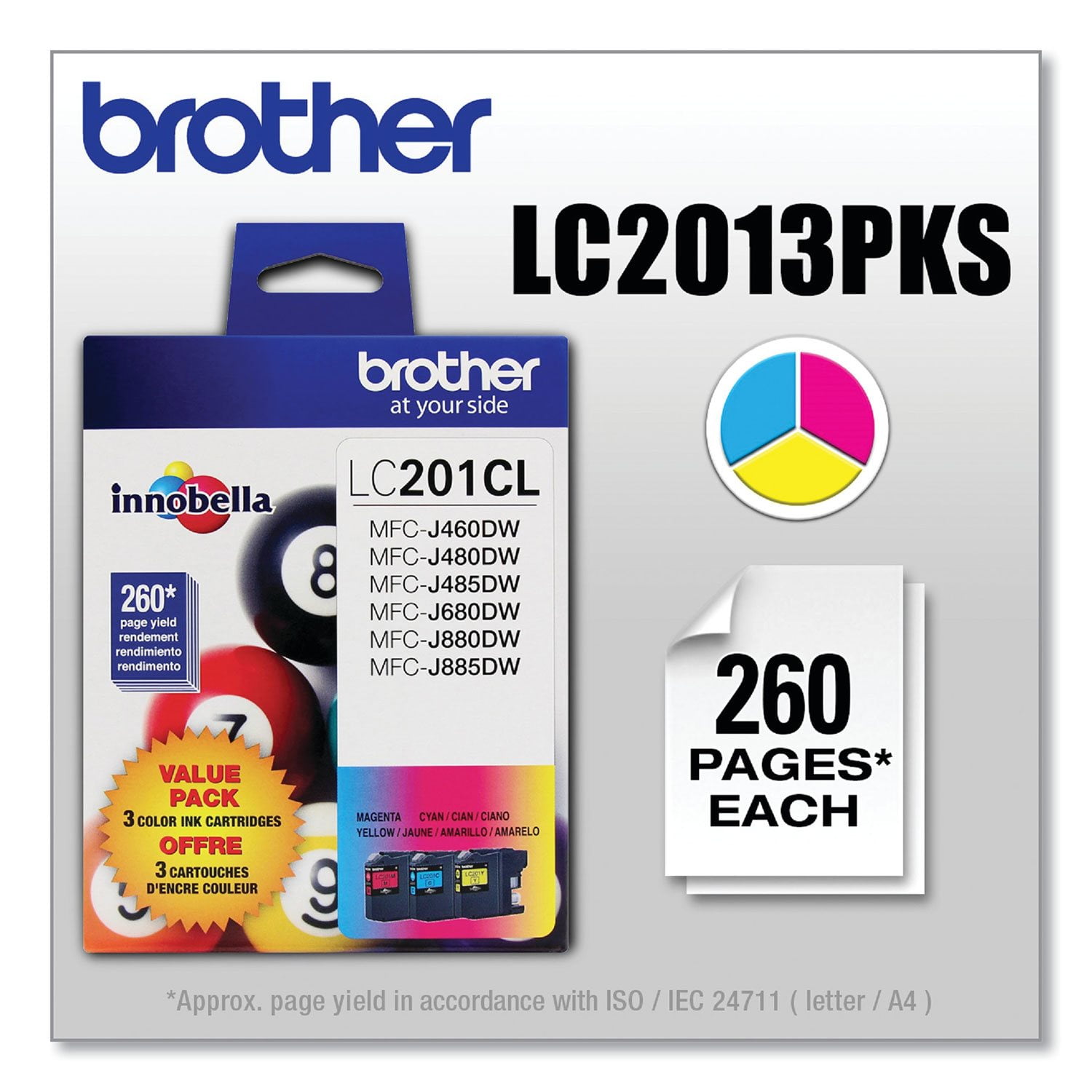
Brother LC2013PKS Innobella Ink, Cyan/Magenta/Yellow (3 pk.)
3.6 out of 5 stars
stars
37 ratings32 reviews
  1. 5 stars57% (21)
  2. 4 stars8% (3)
  3. 3 stars5% (2)
  4. 2 stars3% (1)
  5. 1 star27% (10)
Sort by |
Showing 1-10 of 32 reviews
Feb 24, 2026
Reviewer name: Danny
5 out of 5 stars
5 out of 5 stars review

Verified Purchase

Easy to order

Review from walmart.com
Helpful?6Q8E4EP1Z0W313618810619
Feb 9, 2023
Reviewer name: Sheila
5 out of 5 stars
5 out of 5 stars review

Verified Purchase

Good price and availability.

This item was available for purchase when needed and the delivery option was great. The price also was very good from the seller and the product was received when promised.

Review from walmart.com
Helpful?6Q8E4EP1Z0W313618810619
May 26, 2023
Reviewer name: Anth
5 out of 5 stars
5 out of 5 stars review

Verified Purchase

It's Ink

I's the best matched ink for the Brother Unit. I'll never use the off-brand compatable Ink sets again.

Review from walmart.com
Helpful?6Q8E4EP1Z0W313618810619
Sep 14, 2022
Reviewer name: Anita
3 out of 5 stars
3 out of 5 stars review

agree with 1 star reviews

Many times machine says empty, I keep printing until is refuses to print. Then I remove cartridge and shake it. (Also make sure printer is level) Sometimes I get a few more prints out of it. Whenever possible I print black and white only. Remove unnecessary graphics from printing.

Review from brother-usa.com
Helpful?6Q8E4EP1Z0W313618810619
May 13, 2022
Reviewer name: Sunnydios
2 out of 5 stars
2 out of 5 stars review

Never fails hehe

Brother can you do better, these cartridges are always empty! You should pay your customers to buy them, it’s no wonder you always see Brother printers at the thrift store , it’s better to buy another brand, the ink (colored )will break the bank. Smh

Review from brother-usa.com
Helpful?6Q8E4EP1Z0W313618810619
reply from Brother Customer Service

We understand you're experiencing issues with your Brother LC2013PK ink cartridges. We'd like to help. Please contact our Customer Service department and we will work with you to resolve this issue. Brother Customer Support Team is available to assist you direct: www.brother-usa.com/brother-support

Aug 2, 2026
Reviewer name: anonymous
1 out of 5 stars
1 out of 5 stars review

Verified Purchase

I am very disappointed, this ink did not have the tabs to pull before replacing in my printer and I wonder if it was compromised? The ink quality is terrible. I would like a refund. It's already saying it's empty and I just put it in

Review from walmart.com
Helpful?6Q8E4EP1Z0W313618810619
reply from Brother

We’re sorry to hear about the issue you experienced with the ink cartridge. Brother Genuine ink cartridges are designed to provide reliable performance, and we would like to help determine what may have occurred. Please contact Brother Customer Support here: https://www.brother-usa.com/support

Dec 6, 2022
Reviewer name: Noddagenius
1 out of 5 stars
1 out of 5 stars review

Expiration

I don’t print at home very often but with grandchildren I am starting to do more. I had purchased some new ink cartridges, but never installed. I recently tried to print out some color and replaced with new cartridges. Unfortunately, they had expired and the machine will not acknowledge that there are brand new ink cartridges installed, so it won’t print anything. I continually have my ink cartridges expire before I’ve used even a quarter of them.

Review from brother-usa.com
Helpful?6Q8E4EP1Z0W313618810619
reply from Brother Customer Service

We would like to take this opportunity to thank you for your feedback. At Brother, customer satisfaction is something we take seriously. The Innobella LC201 ink cartridges have a shelf life of two-years from the date of production. Ink cartridges that are opened on, or just before, the use before date should be used and replaced within six months after they are installed. If you have any questions about your Brother Genuine cartridge, please contact Brother customer service: https://www.brother-usa.com/brother-support

Jan 15, 2021
Reviewer name: RICH
1 out of 5 stars
1 out of 5 stars review

WORST CARTRIDGES EVER

LC201 & LC203 COLOR OR BLACK. ORIGINAL INNOBELLA. I NEVER PRINT IN COLOR, HOWEVER WHEN THEN MACHINE DECIDES TO GET FINICKY, IT WILL TELL ME "CANNOT PRINT" OR "CANNOT IDENTIFY CARTRIDGE" OR "OUT OF INK" . IT;S DIFFICULT FOR THE MACHINE TO IDENTIFY BRAND NEW CARTRIDGES RIGHT OUT OF THE WRAPPER.

Review from brother-usa.com
Helpful?6Q8E4EP1Z0W313618810619
reply from Brother Customer Service

We are sorry to hear that you are experiencing issues with the Brother LC2013PKS cartridges. We have many helpful resources on our support website which may help. If the issue persists, please contact Brother Customer Service directly at https://www.brother-usa.com/brother-support

Jun 23, 2022
Reviewer name: Duped and embarrassed
1 out of 5 stars
1 out of 5 stars review

A sick example of corp Brother Brand greed.

Totally obscene how a company demand that you use their product. Grandiose claims, Up to 550 pages per xl cartridge. Wow! I was duped.4 separate ink tanks. I thought'' Incredible. A reputable company finally a product that will suit their customers needs'. I, top end, maybe got 100 pages. Then the nightmare. Replacing individual cartridges. MCF-J680DW. It was a birthday present. I think my friend was more embarrassed than hurt. Now I feel obligated to keep this. Shame on you Brother.

Review from brother-usa.com
Helpful?6Q8E4EP1Z0W313618810619
Aug 20, 2020
Reviewer name: Patrick SF
1 out of 5 stars
1 out of 5 stars review

ink cartridges empty out quickly or malfunction

A few months ago, I bought this 3-color set and a black cartridge. All 4 cartridges emptied out after just I printed out about 10 pages (black and white, with no color) because I print infrequently, and apparently the cartridges all dried out. A month ago, I bought another 3-color set and another black cartridge. This time the printer would not recognize the yellow cartridge, with error message that it is empty even though it is not. (I had not printed any color pages, and there is plenty of yellow ink in the clear square window.) Also, I can't print out any black pages (grayscale printing setting) because the one yellow cartridge is erroneously recognized as empty.

Review from brother-usa.com
Helpful?6Q8E4EP1Z0W313618810619
reply from Customer Service

Hello Patrick, We understand you are frustrated with the ink yield. We have many helpful resources on our support website which may help. If you continue to have an issue, please reach out to us directly.