Skip to Main Content
Sam's Club
Sam's Club
Customer reviews for SAMSUNG C-Series 2.0 Soundbar with Built-in Subwoofer for
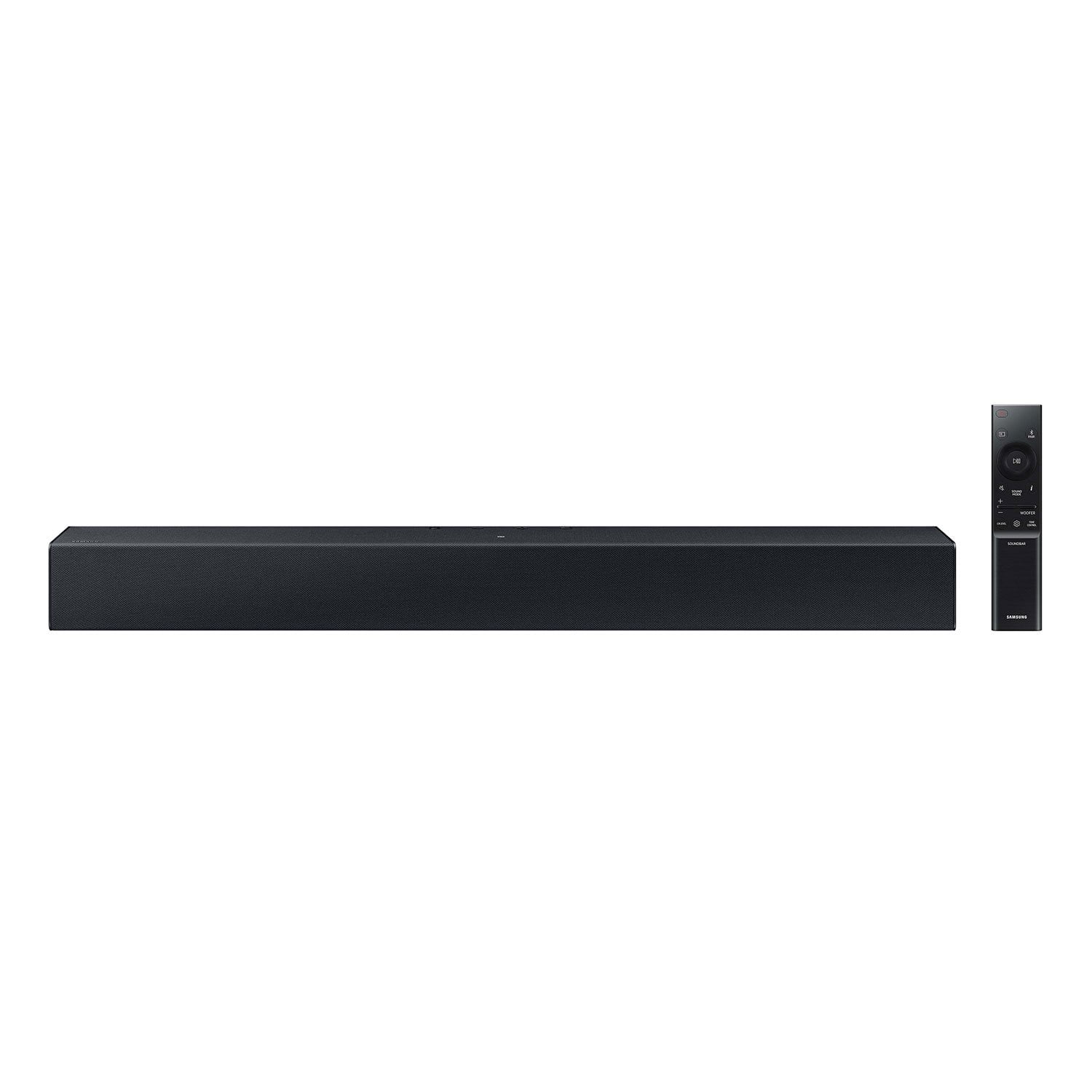
SAMSUNG C-Series 2.0 Soundbar with Built-in Subwoofer

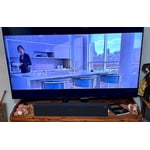
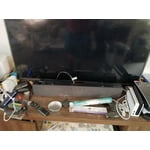
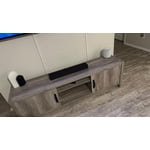
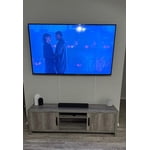
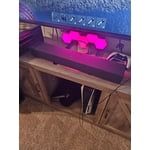
Member photos

  • +29 images
Sort by |
Showing 111-120 of 430 reviews
Feb 23, 2024
Debra
1 out of 5 stars review

Verified Purchase

Speaker

I don’t like it at all. It’s not loud

Review from walmart.com
Helpful?1RFO10C7CO4E13617356790
reply from Samsung

Debra,<br /><br />I am sorry to hear that you are not completely satisfied with the overall volume of the HW-C400 soundbar. You can try to select PCM audio on your TV. You&#39;ll get much louder volume that way, and potentially better sound quality. <br /><br />If your Digital Output Audio Format isn&#39;t set to PCM, for instance if you have a Dolby option selected, then you will likely notice decreased maximum volume. Dolby options are designed for surround systems (like 3.1.2 or 7.1), whereas PCM provides great sound quality for stereo speakers.<br /><br />On a Samsung TV this can be found at Home &gt; Settings &gt; Sound &gt; Expert Settings. (It can also be found in the Quick Settings.)<br /><br />I hope this helps. For further assistance with settings, features, or functions, please contact Samsung Customer Support at 1-800-SAMSUNG, 8AM - 12AM EST (Ask for Soundbars), 7 days a week. Our LiveChat agents are also available by clicking on the ‘Support’ link on our website.<br /><br />~ Samsung Solutions

Jan 14, 2024
Deborah
5 out of 5 stars review

Verified Purchase

Great soundbar!

Have really enjoyed having the soundbar. Didn’t realize what a difference it could make.

Review from walmart.com
Helpful?1RFO10C7CO4E13617356790
Feb 15, 2024
bill
5 out of 5 stars review

Verified Purchase

Sound bar

Works better than expected

Review from walmart.com
Helpful?1RFO10C7CO4E13617356790
Jul 13, 2024
WalmartCustomer
5 out of 5 stars review

Verified Purchase

[This review was collected as part of a promotion.] Have not hooked it upYet

Review from walmart.com
Helpful?1RFO10C7CO4E13617356790
Jun 14, 2024
Heavenly
2 out of 5 stars review

Verified Purchase

Was not what I thought it looked like and woofer broke early on

Review from walmart.com
Helpful?1RFO10C7CO4E13617356790
reply from Samsung

Heavenly,<br /><br />I’m sorry to hear that your Samsung HW-C400 Soundbar did not meet your expectations. <br /><br />Samsung is committed to providing the best possible product experience, quality, and value, and we back this soundbar with a 1-year limited manufacturer&#39;s warranty.<br /><br />So that we can better assist you, please reach out to Samsung Support at<br /><br />1) 1-800-SAMSUNG (ask for Soundbars), 8 AM - 12 AM EST, 7 days a week. <br />2) LiveChat with an agent by clicking the ‘Support’ link on the Samsung website homepage.<br /><br />We hope to hear from you so we can work together to find a solution.<br /><br />~Samsung Solutions

Dec 14, 2023
Lonnie
5 out of 5 stars review

Verified Purchase

Sound in seconds

Unpacked sound bar and plugged it in. A couple more moves and everything was working.

Review from walmart.com
Helpful?1RFO10C7CO4E13617356790
Sep 20, 2023
Billie
5 out of 5 stars review

Verified Purchase

Awesome!

Loved by the winners in the employee monthly drawings.

Review from walmart.com
Helpful?1RFO10C7CO4E13617356790
Dec 5, 2023
Debbie S
5 out of 5 stars review

Verified Purchase

Better listening

Sounds good easy to set up.

Helpful?1RFO10C7CO4E13617356790
Apr 17, 2024
Leonardo
1 out of 5 stars review

Verified Purchase

Deficient soundbar

The sound is really low, I don’t like it

Review from walmart.com
Helpful?1RFO10C7CO4E13617356790
reply from Samsung

Leonardo,<br /><br />Thank you for taking a moment to review the HW-C400 Soundbar.<br /><br />You can optimize your audio performance to your liking by pressing the SOUND MODE button on your soundbar remote and then selecting the desired sound effect by choosing SURROUND SOUND or STANDARD.<br /><br />By pressing the TONE CONTROL button, you can adjust the volume of the treble or bass sound. Press the button to select TREBLE or BASS and then adjust the volume between -6~&#43;6 by using the Up/Down buttons.<br /><br />Press and hold the SOUND CONTROL button for about 5 seconds to adjust the sound for each frequency band. 150Hz, 300Hz, 600Hz, 1.2kHz, 2.5kHz, 5kHz, and 10kHz are selectable using the Left/Right buttons and each can be adjusted to a setting between -6 to &#43;6 using the Up/Down buttons. (Make sure the Sound mode is set to “STANDARD”.<br /><br />Additionally, using the WOOFER button on the remote, you can adjust the subwoofer’s volume between -6 to &#43;6 by toggling the button up or down. To set the subwoofer volume level to 0, press the button down.<br /><br />If you need more help, Samsung is here for you. Please call us at 1-800-SAMSUNG, 8AM - 12AM EST (Ask for Soundbars), 7 days a week. Our Live Chat agents are also available by clicking on the ‘Support’ link on our website.<br /><br />~ Samsung Solutions

Feb 18, 2025
Daniel
3 out of 5 stars review

Verified Purchase

It’s a basic sound bar but I have to use captions. It’s hard to understand when people talk.

Review from walmart.com
Helpful?1RFO10C7CO4E13617356790
reply from Samsung

Hello Daniel,<br /><br />Thank you for taking a moment to provide feedback regarding the Samsung HW-C400 Soundbar.<br /><br />You can optimize your audio performance to your liking by pressing the SOUND MODE button on your soundbar remote and then selecting the desired sound effect by choosing SURROUND SOUND or STANDARD.<br /><br />By pressing the TONE CONTROL button, you can adjust the volume of the treble or bass sound. Press the button to select TREBLE or BASS and then adjust the volume between -6~&#43;6 by using the Up/Down buttons.<br /><br />Press and hold the SOUND CONTROL button for about 5 seconds to adjust the sound for each frequency band. 150Hz, 300Hz, 600Hz, 1.2kHz, 2.5kHz, 5kHz, and 10kHz are selectable using the Left/Right buttons and each can be adjusted to a setting between -6 to &#43;6 using the Up/Down buttons. (Make sure the Sound mode is set to “STANDARD”.<br /><br />Additionally, using the WOOFER button on the remote, you can adjust the subwoofer’s volume between -6 to &#43;6 by toggling the button up or down. To set the subwoofer volume level to 0, press the button down.<br /><br />If you need more help, Samsung is here for you. Please call us at 1-800-SAMSUNG, 8AM - 12AM EST (Ask for Soundbars), 7 days a week. Our Live Chat agents are also available by clicking on the ‘Support’ link on our website.<br /><br />~ Samsung Solutions