Skip to Main Content
Sam's Club
Sam's Club
All Departments
All Services
Customer reviews for HP Color LaserJet Pro 3301cdw Wireless All-in-One Laser Printer for
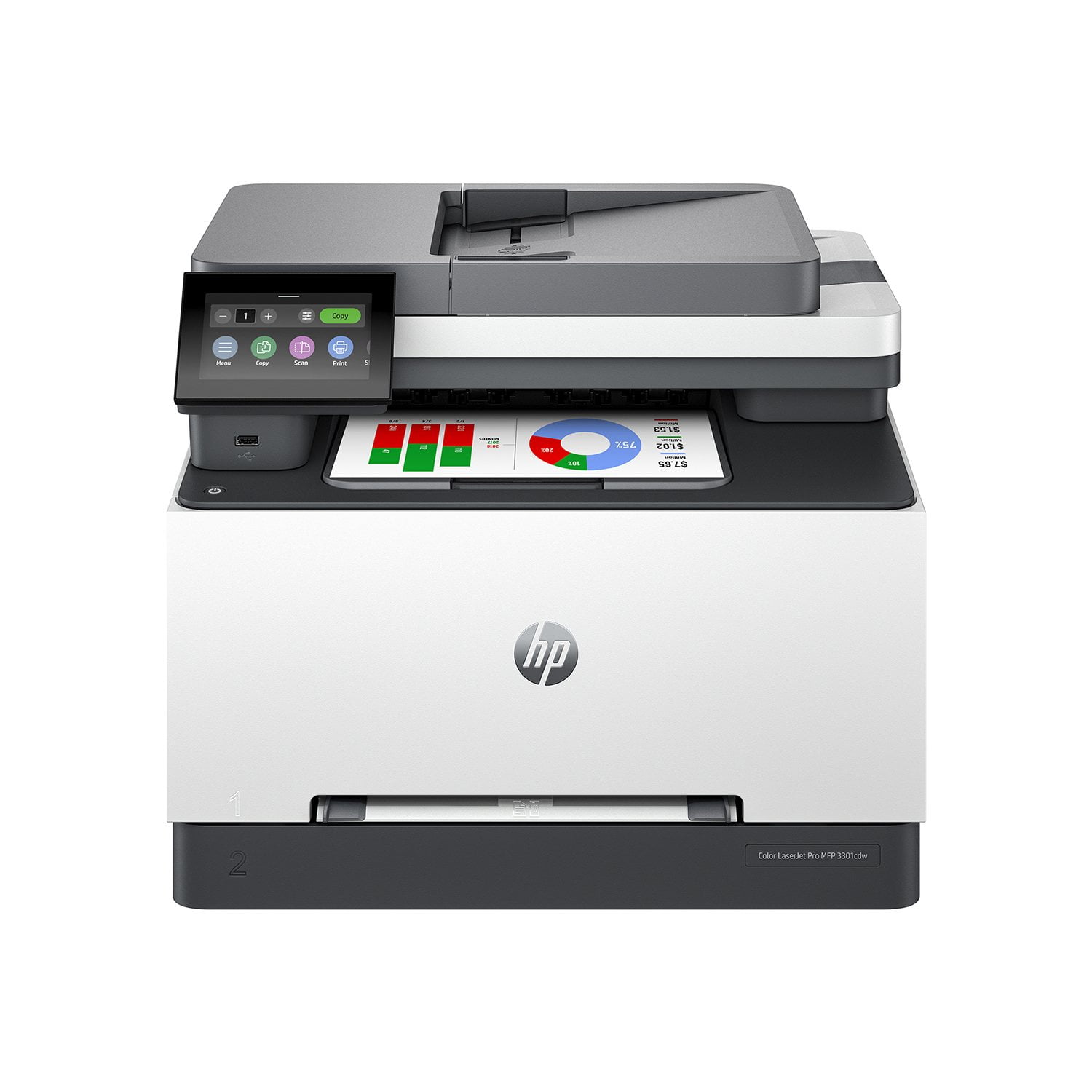
HP Color LaserJet Pro 3301cdw Wireless All-in-One Laser Printer
3.9 out of 5 stars
stars
178 ratings97 reviews
  1. 5 stars57% (101)
  2. 4 stars11% (20)
  3. 3 stars12% (21)
  4. 2 stars6% (11)
  5. 1 star14% (25)

Member photos

Sort by |
Showing 41-50 of 97 reviews
Jul 28, 2024
Reviewer name: Clemens1234
2 out of 5 stars
2 out of 5 stars review

Verified Purchase

Overly complicated setup process

Convoluted and cumbersome setup process plus way too many steps to do simple tasks. Every time I want to adjust print quality or other parameter, I need to remember a 6 digit PIN!

Review from hp.com
Helpful?0U53QTQE5OLI13610918155
Dec 24, 2024
Reviewer name: J Livermore
5 out of 5 stars
5 out of 5 stars review

Verified Purchase

Happy with my HP Color LJ Pro Printer

I recently purchased an HP Color LJ Pro MFP 3301sdw printer. I am happy with the printer. The set up was easy. The price was reasonable. I recommend this printer.

Review from hp.com
Helpful?0U53QTQE5OLI13610918155
Nov 29, 2024
Reviewer name: Ms. Martin
1 out of 5 stars
1 out of 5 stars review

Verified Purchase

Not up to par

I've had nothing but trouble with this printer. This is my third all-in-one and the only one that has been a problem connecting with my computer and performing all 3 functions.

Review from hp.com
Helpful?0U53QTQE5OLI13610918155
Feb 18, 2025
Reviewer name: DMLew
5 out of 5 stars
5 out of 5 stars review

Verified Purchase

Plug & GO

Amazingly fret-free setup. Accessing all the toner carts at once is a great improvement from our previous HP All-in-One, where the cartridges had to be rotated to top for access.

Review from hp.com
Helpful?0U53QTQE5OLI13610918155
Jul 22, 2026
Reviewer name: Anonymous
5 out of 5 stars
5 out of 5 stars review

Nice Upgrade

I purchased this printer to replace a 10 year old HP LaserJet printer that still continued to print and worked well, however, the control panel became unresponsive which necessitated that I pay to get it repaired or elect to replace the printer. The HP Color LaserJet Pro MFP 3301sdw is a nice upgrade. It does all the functions that my old printer did but is faster and quieter.

Review from hp.com
Helpful?0U53QTQE5OLI13610918155
Sep 20, 2025
Reviewer name: W.A. Conner
5 out of 5 stars
5 out of 5 stars review

Verified Purchase

Excellence

This is my second HP color laser Jet. My first one lasted ten years and was still working when it was replaced. The new HP printer I purchased was very easy to set up and no issues were identified. I use the printer daily while doing ancestry research, printing and scanning of photos and documents.

Review from hp.com
Helpful?0U53QTQE5OLI13610918155
Jun 19, 2024
Reviewer name: Real Estate in LOTO
5 out of 5 stars
5 out of 5 stars review

Verified Purchase

Workhorse!

We purchased the laser printer about two months ago and so far we are very happy with it in our busy real estate office. The scan feature is lightning fast and the print quality is very good. We haven't had it long enough to determine its toner cost effectiveness, but so far, so good!

Review from hp.com
Helpful?0U53QTQE5OLI13610918155
Jul 29, 2026
Reviewer name: Anonymous
3 out of 5 stars
3 out of 5 stars review

Verified Purchase

Connecting to computer

Took a long time to get 2016 HP desktop to coordinate and work with 2026 HP printer. Still haven't got printer to copy.

Review from hp.com
Helpful?0U53QTQE5OLI13610918155
Jun 10, 2025
Reviewer name: Anonymous
2 out of 5 stars
2 out of 5 stars review

Verified Purchase

ready or not

very complicated. never know when it will print and when it won't or if it will or won't from an iPad

Review from hp.com
Helpful?0U53QTQE5OLI13610918155
Dec 26, 2024
Reviewer name: Dora A
4 out of 5 stars
4 out of 5 stars review

Verified Purchase

Scanning too many documents takes all day to do because I have to turn it on and off constantly.

The only issue I have is I am constantly having to turn it off and on when I have to do lots of scanning.

Review from hp.com
Helpful?0U53QTQE5OLI13610918155