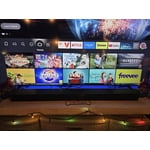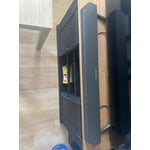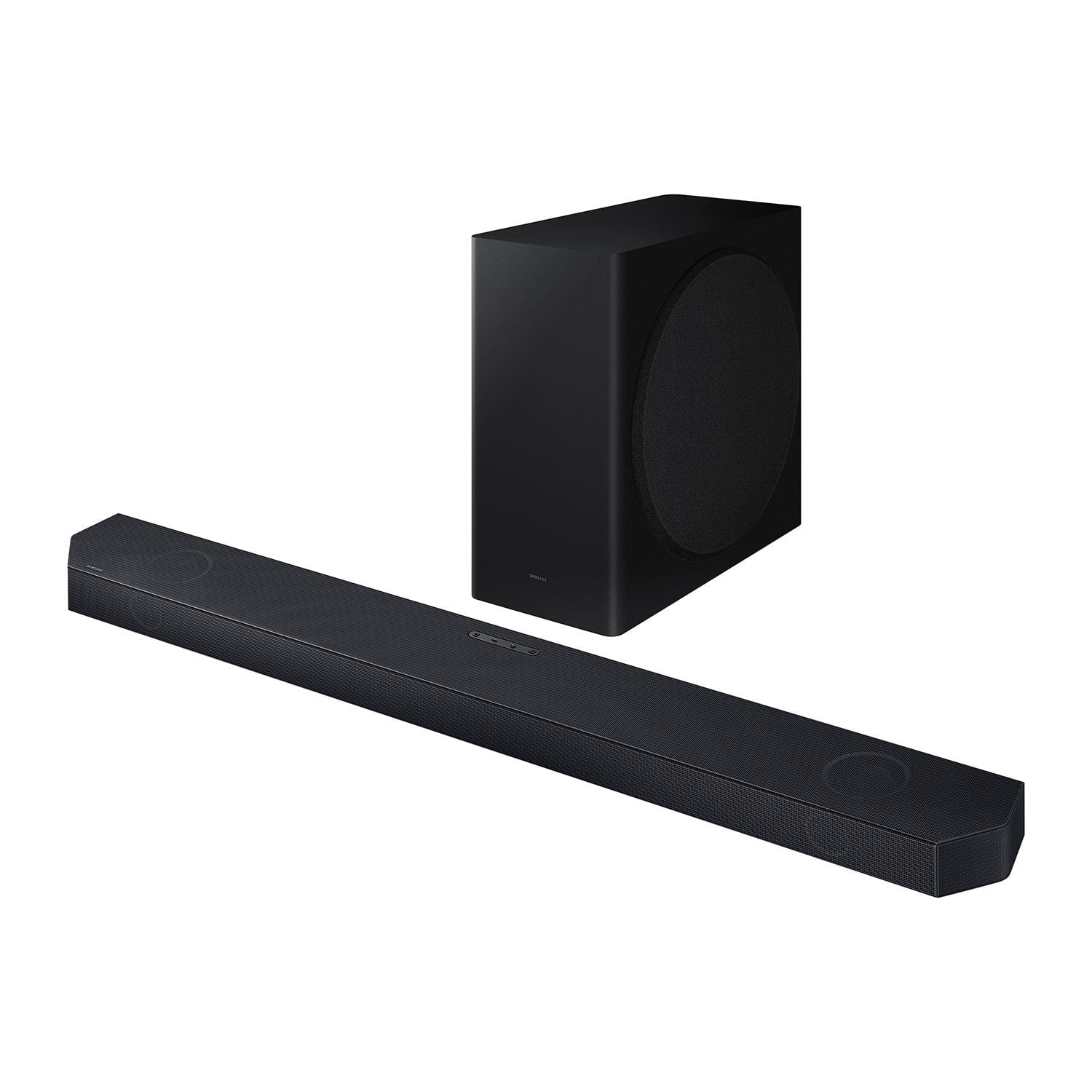
Customer reviews for SAMSUNG 3.1.2 Channel Sound Bar with Wireless Subwoofer, Q-Symphony & Dolby ATMOS Audio forMember photos


+45 images
Good conditions
[This review was collected as part of a promotion.] Audio and quality soo good, perfect for watch movies, listening music. Easy instalation
Wireless soundbar
[This review was collected as part of a promotion.] I Use my sound bar for streaming music it's great and I love it
Sounds great but Wi-Fi is inconsistent
Sounds great when connected by HDMI, but does not keep a consistent signal on Wi-Fi with a Samsung Frame TV. I upgraded the Wi-Fi and had the sound bar replaced after a Samsung tech appointment. Still unable to consistently keep a QSymphony connection without a HDMI cord.
Hello, Thank you for taking a moment to review Samsung's HW-QS730D Soundbar. I am sorry you are experiencing issues with the sound occasionally dropping from your soundbar when connected via Wi-Fi. Please make sure your soundbar is connected to the same wireless frequency as your TV and that you are using the latest firmware version. Updating the firmware on your soundbar gives you all the benefits of the latest improvements and may resolve connection or software issues. When the Soundbar is connected to the Internet, Auto Update allows software to update automatically even when the Soundbar is turned off. You can also update by using the SmartThings app or a USB device. You may also want to initialize your soundbar by pressing the - and + (volume) buttons on the side of the soundbar at the same time for at least 5 seconds. “INIT” appears on the display and the soundbar will be reset. Please know that this will reset all settings on the soundbar back to default; any sound adjustments will need to be performed again. If you need more help, Samsung is here for you. Please call us at 1-800-SAMSUNG, 8AM - 12AM EST (Ask for Soundbars), 7 days a week. Our Live Chat agents are also available by clicking on the ‘Support’ link on our website. ~ Samsung Solutions
Loving it
[This review was collected as part of a promotion.] The sound quality of the Samsung HW-QS730D is insane and the subwoofer (that by the way is wirelss and we love that) and its lows just makes everything better. This soundbar is making movie night a whole new experience. It comes with user friendly set up instructions that and a nice and easy to use remote control. If you want to upgrade your movie or game nights this soundbar is the perfect option. I highly recommend it!
Strong Contender for Immersive Audio
[This review was collected as part of a promotion.] Easy on the Ears, Easy on the Setup: The Samsung HW-QS730D soundbar lives up to its promise of easy setup. I had it unpacked, connected, and synced to my TV in under 10 minutes, which is great for anyone who isn't the most tech-savvy. The option to use either HDMI or Bluetooth for connection provides flexibility. Sound that Fills the Room: Right away, the sound quality impressed me. The dialogue is crisp and clear, even at lower volumes. The subwoofer delivers powerful bass without muddying the overall soundscape, and there's a good level of control to adjust it to your preference. No matter what you're watching or listening to, the soundbar delivers immersive audio that fills the room. Whether it's the roar of a movie explosion or the subtle details in a music track, the HW-QS730D does a great job of bringing your entertainment to life. Geared Up for Different Content: The inclusion of multiple sound modes is a nice touch. Having dedicated settings for movies, games, and music allows you to optimize the listening experience depending on what you're using the soundbar for. Additional Features: The remote control is user-friendly with easy access to volume, bass, and subwoofer level adjustments. The inclusion of batteries is a welcome convenience. The soundbar also comes with wall mount hardware, making it easy to integrate it into your home theater setup. Overall: The Samsung HW-QS730D soundbar is a strong contender for anyone looking to upgrade their home entertainment audio. It offers a combination of easy setup, clear sound quality, and immersive Dolby Atmos experience, making it a great value for the price. Caveats to Consider: While the reviewer in me loves this soundbar, it's important to consider a few things. Since it's a 3.1.2 channel system, it might not offer the absolute most expansive surround sound experience compared to high-end systems. Also, some users might find the controls on the soundbar itself a little limited, relying more on the remote. That being said, for the price and user-friendly features, the HW-QS730D stands out as a great option for anyone looking to significantly enhance their TV's audio.
This is a great speaker
[This review was collected as part of a promotion.] So, how close can a compact, lifestyle-oriented soundbar like the QS700F really get to matching the performance of a flagship model? Well, it turns out it’s close. You won’t get the full immersion or room-filling capabilities of something like Samsung's HW-Q990F—there’s just no getting around the lack of dedicated rear speakers and fewer drivers—but given its size and intended use, the QS700F still delivers an impressive performance
Great Features and amazing sound quality
[This review was collected as part of a promotion.] It's is an amazing sound quality it makes you feel like ur there part of the movie. U can just feel the sound waves through your whole body like it's persing ur skin feelings wver sound drop of water grain of sand hit the ground the people breathing it's embraces the movie into ur soul. I would buy it just to see the new features they come out ever year. Would 100000% recommend in fact I would buy everyone a set.
Good system for small space
[This review was collected as part of a promotion.] ⭐⭐⭐⭐ The Samsung Q-series soundbar has definitely elevated my home theater experience. Setup was surprisingly straightforward, and the wireless subwoofer paired seamlessly. The sound quality is rich and immersive, with clear dialogue and powerful bass that adds real depth to movies and music. I particularly appreciate the Adaptive Sound feature, which seems to intelligently adjust the audio based on the content. While it's not perfect (the surround sound effect, though decent, isn't quite as enveloping as a dedicated speaker system), it's a fantastic all-in-one solution that minimizes clutter. The design is sleek and modern, fitting well under my TV. For the price, it delivers a premium audio experience that I'm very happy with. One star off for not being a fully convincing surround system.
Great features and amazing sound?
[This review was collected as part of a promotion.] I absolutely love Samsung! But though I am loyal to there brand and maybe a little bias 🤣 I do have to say that I have actually hadn't a sound bar from two different brands other than Samsung and this is by far the best. Great quality sound and very sleek design.
Stay away from Samsung
Complete trash. The subwoofer won't connect. I contacted Samsung - went through all of the trouble shooting steps. They agreed it would not work - started the process to send me a new one. I followed up weekly to get an ETA. A month later - they told me they decided to cancel the ticket due to proper troubleshooting steps not taken. What? Of course they did not notify me. Furthermore, asked that I get a blank USB drive to download software etc. What? Haha. What a joke.
SD,Thank you for sharing your review of Samsung’s HW-QS730D Soundbar. We’re sorry your experience didn’t match your expectations. Your feedback is important to us as we continuously strive for best-in-class products and services.Updating the firmware on your soundbar gives you all the benefits of the latest improvements. When an update is available, you can update the Soundbar by connecting the USB drive that contains the updated firmware to the SERVICE port of the Soundbar.1.Go to the Samsung Electronics website (www.samsung.com) → click on the “Support” option in the upper right corner. 2.Click on “Manuals & Software” from the pop-up list > TVs & Home Theater > Home Theater > Select your model2. Download the firmware file (USB type). 3. Unzip the file to create a folder with the file name. 4. Store the created folder in a USB and then connect it to the Soundbar. 5. A sequence of “UPDATE” > “BYE” > “ON” will appear on the display 3 times. This will take around 6 minutes. - During update, do not turn it off or remove the USB. - If “UPDATE” does not appear on the display window, remove the power cord from the Soundbar and then reconnect it. - When the latest Version is installed, no update is performed. - Depending on the USB type, update may not be supported.6. After the 3 cycles are complete, the Soundbar will restart and last source used will appear on the display for about 20 seconds and then it will go off (“UPDATE” > “BYE” > “ON”) 3 times “D.IN” > offPlease reach out to Samsung Customer Support again so we can provide further troubleshooting assistance specific to your setup scenario. Please call us at 1-800-SAMSUNG, 8AM - 12AM EST (Ask for Soundbars), 7 days a week. Our Live Chat agents are also available by clicking on the ‘Support’ link on our website.~ Samsung Solutions