Skip to Main Content
Sam's Club
Sam's Club
All Departments
All Services
Customer reviews for SAMSUNG Q-series 5.1 Channel Sound Bar with Wireless Subwoofer, Q-Symphony & Dolby ATMOS Audio for
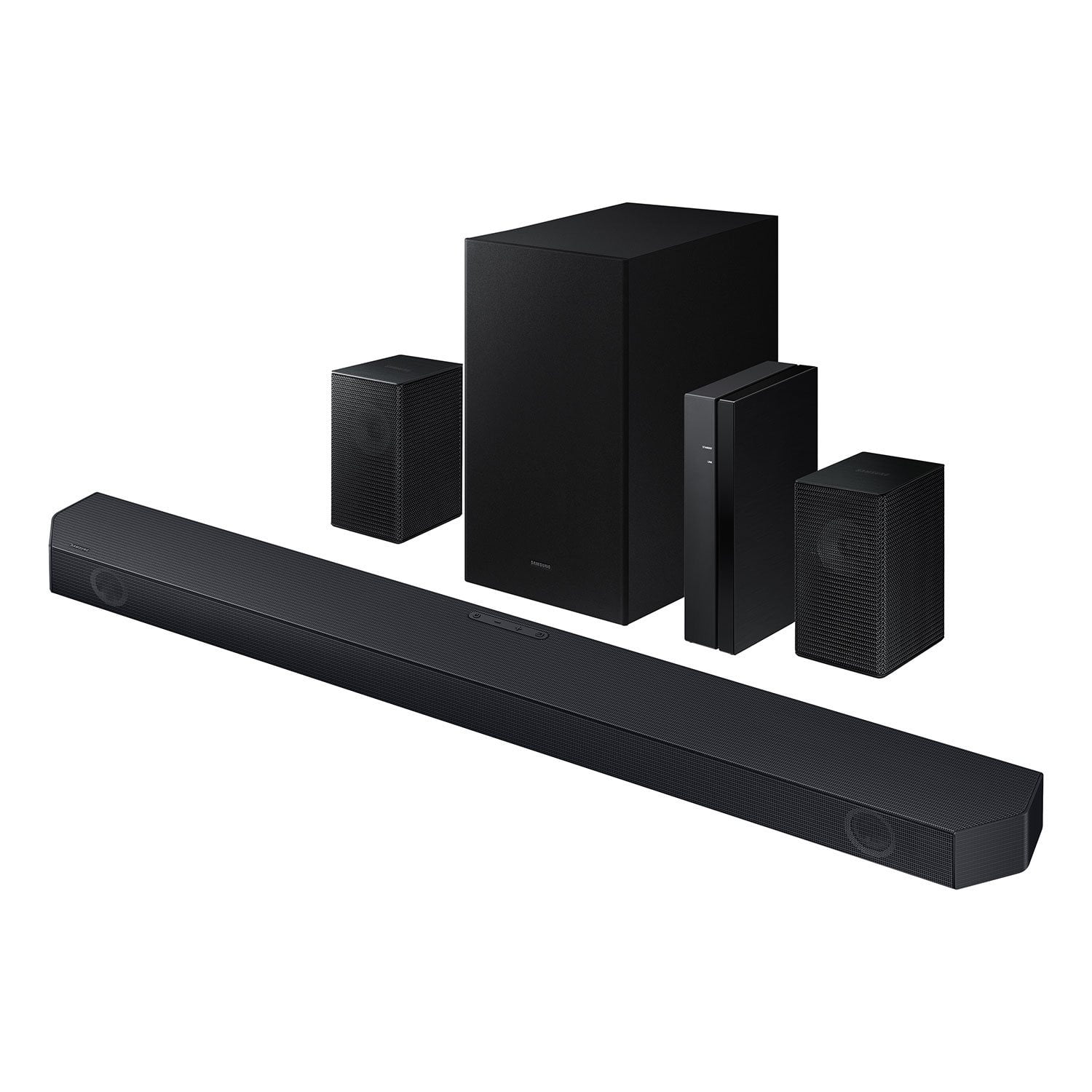
SAMSUNG Q-series 5.1 Channel Sound Bar with Wireless Subwoofer, Q-Symphony & Dolby ATMOS Audio
4.5 out of 5 stars
stars
525 ratings400 reviews
  1. 5 stars75% (394)
  2. 4 stars15% (77)
  3. 3 stars5% (24)
  4. 2 stars1% (6)
  5. 1 star5% (24)

Member photos

  • +59 images
Sort by |
Showing 61-70 of 400 reviews
May 18, 2026
Reviewer name: ErinBee
5 out of 5 stars
5 out of 5 stars review

Great sound!

[This review was collected as part of a promotion.] Sound is really good and clear, the immersion is great, especially when it's turned up, synchronization was easy, probably even moreso between all my Samsung products, seamless and so easy to install.

Review from Samsung US
Helpful?3195MT0SA8FL13599821582
Mar 4, 2026
Reviewer name: Anonymous
5 out of 5 stars
5 out of 5 stars review

Great sounding sound system

[This review was collected as part of a promotion.] I really like the high end surround sound especially when watching concerts on our TV. I used to install home theater systems for AVI in very expensive systems for wealthy clients. For the money this was a great choice.

Review from Samsung US
Helpful?3195MT0SA8FL13599821582
Mar 10, 2026
Reviewer name: SteveC
3 out of 5 stars
3 out of 5 stars review

Set up was easy, Sound stage is small

Pros: The sound bar setup and HDMI eARC works properly. Wireless rear speakers were easy to set up and connect. People are having issues due to the wire on the speaker can be pushed in too far, and the wire insulation is in the terminal. Volume capability is quite good, it will get loud, and the sub woofer is not bad. Wireless technology makes arranging the system easy. Cons: The sound quality is very disappointing. Sounds small and tinny on most programming, the original TV speakers are much more full sounding. There is little depth and no height. Dialog is very clear though. And yes I have tried to adjust modes and levels of the front and rear channels, and boosted the midrange with the equalizer. I am unable to get it to be detected by the smart things app as well. My 2019 Q90r 65 tv is not compatible with the Qsymphony as well, only TVs 2020 and up. As far as Dolby Atmos, I am unable to find programming that put the sound bar in that mode. BTW, there are no up firing drivers for true Atmos anyway.

Helpful?3195MT0SA8FL13599821582
reply from Samsung

Hi SteveC,<br /><br />We appreciate you taking a few moments to review the HW-Q65C Samsung Soundbar. We value your feedback and will share it with our teams. <br /><br />To control the volume of the treble or bass press the TONE CONTROL button, and then adjust the volume between -6 to &#43;6 by using the Up/Down buttons on your soundbar remote. <br /><br />Press and hold the SOUND CONTROL button for about 5 seconds to adjust the sound for each frequency band. 150Hz, 300Hz, 600Hz, 1.2kHz, 2.5kHz, 5kHz, and 10kHz are selectable using the Left/Right buttons and each can be adjusted to a setting between -6 to &#43;6 using the Up/Down buttons. (Make sure the Sound mode is set to “STANDARD”.) <br /><br />Press the CH LEVEL button so you can adjust the volume of each speaker. CENTER LEVEL can be adjusted using the UP/DOWN buttons from -6 to &#43;6.<br /><br />With the Wireless Rear Speaker Kit connected you can adjust the volume by using the provided Soundbar remote. Press CH LEVEL and select REAR LEVEL, then use the Up/Down buttons to adjust the volume within a -6 to &#43;6 range. <br /><br />If you would like louder (or softer) bass from your subwoofer, you can adjust the level by rocking the WOOFER button on the soundbar remote, and then adjusting the level from -6 to &#43;6. To set the subwoofer volume level to 0, press the button in.<br /><br />If you need more help, Samsung is here for you. Please call us at 1-800-SAMSUNG, 8AM - 12AM EST (Ask for Soundbars), 7 days a week. Live Chat with an agent as well as manuals, software, creating a service ticket, and warranty info can be found at the ‘Support’ link on our Samsung website.<br /><br />~ Samsung Solutions

Mar 21, 2026
Reviewer name: Sandy
5 out of 5 stars
5 out of 5 stars review

Verified Purchase

Great buy!

So happy we purchased this sound system. It's like being at the theatre.

Helpful?3195MT0SA8FL13599821582
Aug 13, 2026
Reviewer name: Baba
4 out of 5 stars
4 out of 5 stars review

Verified Purchase

Great sound

Great sound and price

Helpful?3195MT0SA8FL13599821582
Aug 29, 2026
Reviewer name: anonymous
5 out of 5 stars
5 out of 5 stars review

Amazing soundbar! Worth every cent!!
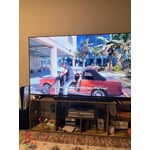
Worth every penny!! Sounds amazing ! Bass hits hard! Set up took 10 min ! The little speakers are a plus!

Helpful?3195MT0SA8FL13599821582
Aug 24, 2026
Reviewer name: Anonymous
5 out of 5 stars
5 out of 5 stars review

Great features
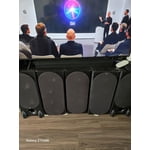
Immersing is excellent. Sound, base, calibration are excellent clarity and directivity of sound are pleasing. Sync is very good.

Review from Samsung US
Helpful?3195MT0SA8FL13599821582
Aug 24, 2026
Reviewer name: Dave
5 out of 5 stars
5 out of 5 stars review

Awesome sound bar

Great sound, many ways to set up to your liking . Easy to use, Pairs well with my samsung smart tv .

Review from Samsung US
Helpful?3195MT0SA8FL13599821582
Aug 24, 2026
Reviewer name: Isneldi
5 out of 5 stars
5 out of 5 stars review

Exelent

Great audio, clarity and good sound, I'm happy with this product, I recommend it for audio cinema in your Room

Review from Samsung US
Helpful?3195MT0SA8FL13599821582
Jun 15, 2026
Reviewer name: Scott
2 out of 5 stars
2 out of 5 stars review

Frustrating e-arc connection

[This review was collected as part of a promotion.] The sound bar sounds great but has trouble holding an e-arc connection. It's frustrating enough that I typically use the TV sound instead.

Review from Samsung US
Helpful?3195MT0SA8FL13599821582
reply from Samsung Solutions

Hi Scott, Thank you for taking a moment to review the Samsung HW-Q65C Soundbar. Updating the firmware on your soundbar gives you all the benefits of the latest improvements. When an update is available, you can update the Soundbar by connecting the USB drive that contains the update firmware to the SERVICE port of the Soundbar. 1.Go to the Samsung Electronics website (www.samsung.com) → click on the “Support” option in the upper right corner. 2.Click on “Manuals & Software” from the pop-up list > TVs & Home Theater > Home Theater > Select your model 2. Download the firmware file (USB type). 3. Unzip the file to create a folder with the file name. 4. Store the created folder in a USB and then connect it to the Soundbar. 5. A sequence of “UPDATE” > “BYE” > “ON” will appear on the display 3 times. This will take around 6 minutes. - During update, do not turn it off or remove the USB. - If “UPDATE” does not appear on the display window, remove the power cord from the Soundbar and then reconnect it. - When the latest Version is installed, no update is performed. - Depending on the USB type, update may not be supported. 6. After the 3 cycles are complete, the Soundbar will restart and last source used will appear on the display for about 20 seconds and then it will go off (“UPDATE” > “BYE” > “ON”) 3 times “D.IN” > off If you need more help, Samsung is here for you. Please call us at 1-800-SAMSUNG, Mon – Fri 8 AM – 9 PM EST, Sat & Sun 8 AM – 6 PM EST. Live Chat with an agent as well as manuals, software, creating a service ticket, and warranty info can be found at the ‘Support’ link on our Samsung website. ~ Samsung Solutions