
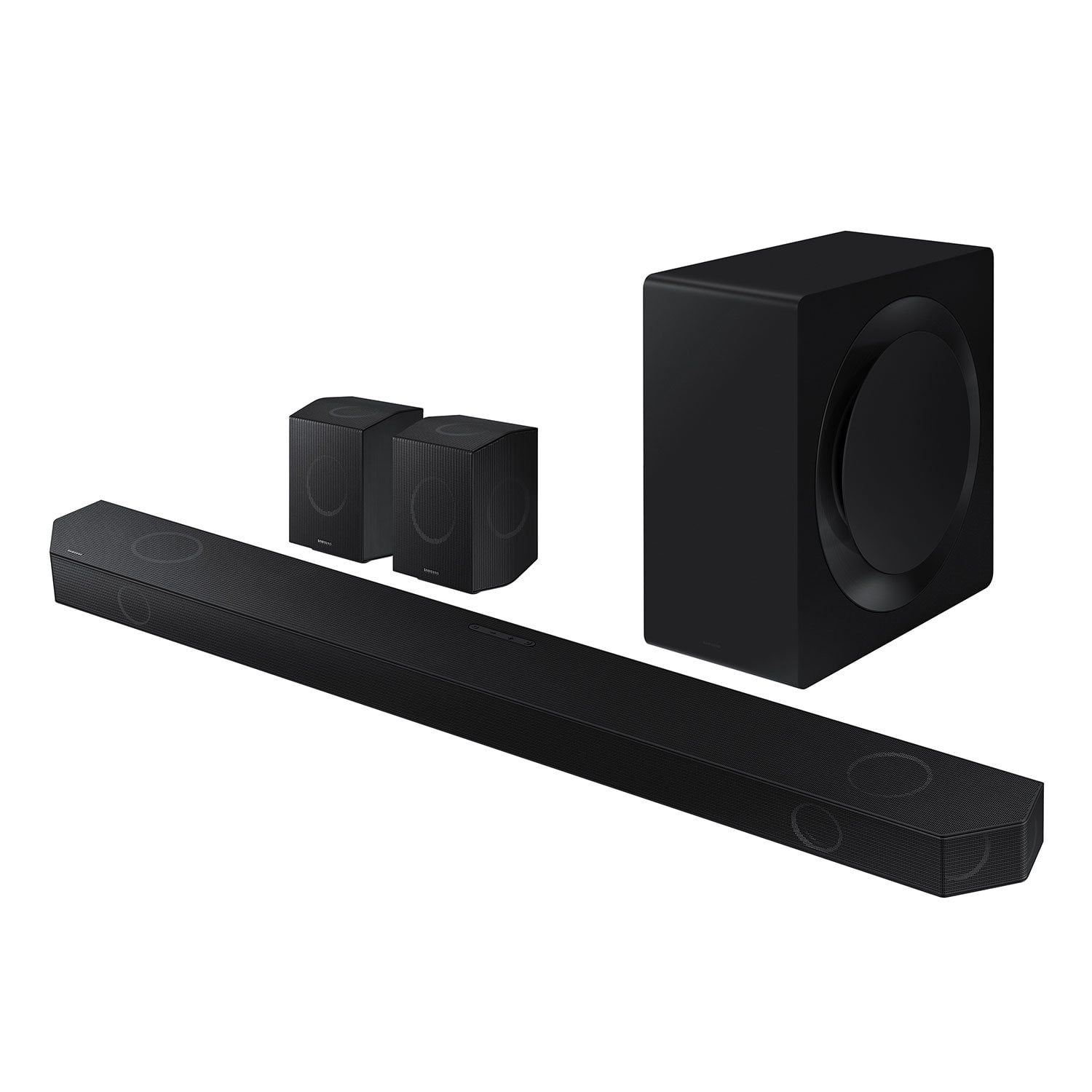
 Customer reviews for SAMSUNG 11.1.4 Channel Sound Bar with Wireless Subwoofer, Q-Symphony & Dolby ATMOS Audio for
Member photos
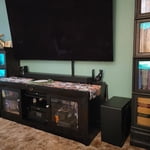

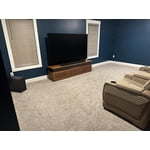


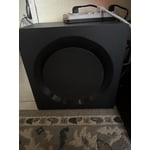


 +258 images
Home Theater Must
[This review was collected as part of a promotion.] I have this sound bar pared with QLED TV and the sound is amazing! I've got a 40'x20' open concept living/kitchen area. I was worried the adaptive sound wouldn't work well with so much space. It does just fine, more than fine. I would recommend putting this sound bar in a more enclosed area for much better performance. But it flat out thumps when playing music. The rear speakers do such a good job of filling the space behind when watching a movie. Even my wife approves of the purchase and she was worried it was too expensive. There have been 0 complaints after plugging it in. It's products like this that keep me coming back again and again to Samsung. I'm just as happy with this sound bar as I am with my 3rd TV from them!
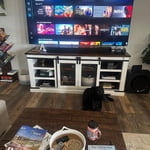
This is really great item
[This review was collected as part of a promotion.] Samsung Q-Series 990D Soundbar Review – A True Home Theater Experience The Samsung Q-Series 990D soundbar is an absolute powerhouse, delivering immersive, room-filling sound that rivals dedicated home theater setups. With its 11.1.4-channel Dolby Atmos and DTS:X support, this soundbar creates a truly cinematic experience without the need for extensive wiring or complicated installation. Unmatched Sound Quality Right out of the box, the clarity and depth of the sound are impressive. The up-firing, side-firing, and rear speakers create a 3D audio experience, making action scenes more thrilling and dialogue crystal clear. The subwoofer is deep and punchy, enhancing bass-heavy moments without overwhelming the mids and highs. Whether watching movies, gaming, or listening to music, the 990D delivers balanced and detailed audio across all frequencies. Seamless Integration with Samsung TVs If you own a Samsung TV, the Q-Symphony feature takes audio performance to another level. The soundbar and TV speakers work in perfect harmony, enhancing dialogue and spatial awareness while keeping sound distortion-free, even at high volumes. Smart Features & Connectivity The wireless Dolby Atmos support means you don’t need an HDMI cable to enjoy high-quality surround sound. It also has multiple connectivity options, including Wi-Fi, Bluetooth, HDMI eARC, and optical input, making it easy to integrate into any home entertainment setup. The built-in Alexa and Google Assistant add convenienc

Powerful and inmersive experience
[This review was collected as part of a promotion.] The Samsung Q-Series 11.1.4ch Wireless Dolby Atmos Soundbar (HW-Q990D) is nothing short of a game-changer for home entertainment. From its premium build quality to its immersive sound performance, this system delivers an incredible Dolby Atmos experience that transforms any living space into a high-end cinema. Build & Design – Premium Craftsmanship Right out of the box, it’s clear that Samsung has invested in top-tier materials. The soundbar itself is sleek and solid, with a modern design that blends seamlessly into any setup. The wireless subwoofer and rear speakers also feel sturdy and well-crafted, ensuring longevity and top-notch performance. Audio Performance – Truly Immersive Sound The 11.1.4-channel setup creates an incredibly immersive surround sound experience. With Dolby Atmos and DTS:X, audio moves all around you, making movies, music, and games come alive like never before. The dedicated up-firing and side-firing speakers add height and depth, ensuring crystal-clear dialogue, booming bass, and detailed sound effects that put you right in the mid
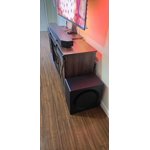
Samsung Q990D System Is Pure Delight
I’ve been astounded by this system’s incredible performance from the smallest speaker to the huge subwoofer. With the app, all the control for customization is in my hands. I actually replaced my basement media room ceiling tiles to prepare for this system. The two smaller rear multi-directional speakers are as essential as the 4-foot long soundbar. Without them, forget about multi-channel surround and spatial audio. The great thing is how no separate amplifier/receiver is needed to produce sparkling room filling sound design. I watched numerous YouTube videos and read countless reviews before ordering this system and dumping my Denon receiver and Klipsch 5.1 speakers. No regrets, just pure delight.
Sound system = Great addition to new TV
Overall, I am happy with my order. However, my only down point is that there should have been options provided by Samsung of qualitative good and well-fitting rear speaker floor stands since not everyone wants to mount it to their walls, and looking around for options ourselves. Also, the configuration over remote and one liner screen, not very user-friendly. Should be available through phone app or through Samsung TV api/app to manage and configure it.
Hi SamSungHigh, We appreciate you taking a few moments to provide feedback regarding the HW-Q990D Soundbar. You can adjust all of the settings and more within the SmartThings app. Download the app for your iOS or Android device and then connect your Soundbar to Wi-Fi. From here, you will be able to adjust all of the same settings as the provided remote, but with the added benefit of being able to see the changes on your smart device. I hope these tips help you enjoy your new product. You can always contact us for further help at 1-800-SAMSUNG (Ask for Soundbars), 8 AM – 12 AM EST, 7 days a week. Our Live Chat agents are also available by clicking on the ‘Support’ link on our website. ~ Samsung Solutions
Samsung Q990D: Next-Level Home Theater Sound
[This review was collected as part of a promotion.] I recently upgraded to the Samsung Q990D soundbar, and the difference it made to my home audio setup is incredible. With its 11.1.4 channel configuration, this system delivers truly cinematic surround sound. The dedicated rear speakers with upward-firing drivers, along with the powerful subwoofer, create a fully immersive Dolby Atmos and DTS:X experience. Whether I'm watching movies, gaming, or listening to music, the sound is crisp, spacious, and dynamic. The Q-Symphony feature, when paired with a compatible Samsung TV, takes the audio to the next level by syncing the TV’s speakers with the soundbar. Setup was quick and intuitive — everything connected wirelessly with no hassle. I also appreciate the HDMI 2.1 passthrough which supports 4K/120Hz and VRR, making it perfect for my gaming setup. This soundbar isn’t just loud — it’s detailed, refined, and smart. It’s a premium system with a premium price, but you definitely get what you pay for. Highly recommended for anyone serious about home entertainment.
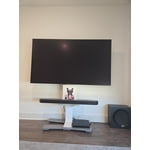
Great quality
[This review was collected as part of a promotion.] The "Q Series 11.1.4 ch Wireless Dolby ATMOS Soundbar" has the potential to be a top-tier audio solution for home theater enthusiasts seeking a truly immersive and high-fidelity experience without the complexities of a traditional multi-speaker setup. Its comprehensive channel configuration, wireless capabilities, and potential smart features position it as a strong contender in the premium soundbar market.
Great product w/issues
I love the system and how flexible it is. The biggest issue I have with it is that when using Arc/eArc sound will randomly drop out for a short time and then come back in. I have tried all the recommended solutions but it still continues to drop out. I am now using the Bluetooth connection to avoid the drop outs. Not the best audio solution unfortunately.
Hello BLeg, We appreciate you taking a few moments to review the Samsung HW-Q990D Soundbar. I am sorry to hear that you are experiencing issues with the sound occasionally dropping from your soundbar. You may first want to check the cable connection of the soundbar to the TV or external device to ensure it is secure, and properly connected to the correct port. In addition to checking the connections of the soundbar, please make sure your soundbar is using the latest firmware Version. Updating the firmware on your soundbar gives you all the benefits of the latest improvements. When the Soundbar is connected to the Internet, Auto Update allows software to update automatically even when the Soundbar is turned off. You can also update by using the SmartThings app. You may also want to initialize your soundbar by pressing the - and + (volume) buttons on the top of the soundbar at the same time for at least 5 seconds. The light indicator on the front of the soundbar will blink 4 times and the soundbar will be reset. Please know, this will reset all settings on the soundbar back to default; any sound adjustments will need to be performed again. Should you continue to experience audio dropouts, and are connected wirelessly, please use the included cable to connect the soundbar to the TV. Using a wired connection instead of wireless often eliminates the issue entirely and improves the user experience. I hope these tips help you enjoy your new product. You can always contact us for further help at 1-800-SAMSUNG (Ask for Soundbars), 8 AM – 12 AM EST, 7 days a week. Our Live Chat agents are also available by clicking on the ‘Support’ link on our website. ~ Samsung Solutions
Great...til it wasn't.
Great...til it wasn't. Disney+, Hulu, Paramount & Peacock all worked along with Prime, Amazon and all of my other subscriptions. In December the first 4 apps stopped streaming only on this TV. The menus work, the trailers and functions work, but nothing will actually play. The apps work fine on the other TVs, tablets and smartphones in the house

Decent hardware with disappointing implementation
After about a month of usage, I think I can comfortably say how middle of the road, mediocre, average this soundbar system is. I initially set this up with the surround speakers as fronts. At least that was my intention so I could create a set up better suited to playing music. According to the manual and the SmartThings app this should be possible. However, if you set the sound mode to standard and play a 2-channel source file, the repurposed surround speakers that are now fronts, are inactive. The manual states that the surround speakers will be inactive with a 2 channel input in standard mode but this should only be for the traditional setup with the surrounds set as rear surrounds. When they are used as front speakers the left and right channels should be duplicated with the left and right drivers in the soundbar. This defeats the whole purpose of positioning the surrounds as front speakers. Needless to say I ended up buying some speaker stands and re-positioning them as rear surrounds. This was an absolute headache and could have been avoided if Samsung was more honest with the feature set. Some other annoyances. Every time the soundbar is selected from the devices screen in the SmartThings app, it re downloads the entire interface, aka controller, which takes several seconds. Why is it not saved to the local device? The ability to adjust the channel levels kind of exists but unfortunately there is no left/right adjustment. The SmartThings app does not direct the user to swap the left and right speaker position as shown in the manual when setting them up as front speakers. This is a huge oversight within the app.
Hi SamsungBuyer01, Thank you for taking a few moments to review the Samsung HW-Q990D Soundbar. I’m sorry to hear that your experience did not match your expectations. First, make sure both the SmartThings app and the soundbar are running the latest firmware. This ensures everything works smoothly and has access to the latest features. Use the SmartThings App for Grouping: Open the SmartThings app and go to the Devices section. Select your Soundbar and choose Add to Group or Create Group. Pick the devices you want to include in the group and save the configuration. Once the group is created, all devices in the group will play audio at the same time, giving you that immersive surround sound effect. Activate Sound Grouping via Remote: Using the soundbar’s remote, press the Sound Control button (looks like a gear) located at the bottom of the remote. Keep pressing the button until you see Sound Grouping appear on the soundbar’s LED display. Once it’s displayed, use the directional pad in the center of the remote to: Press up to turn on Sound Grouping. Press down to turn it off. If you need more help, Samsung is here for you. Please call us at 1-800-SAMSUNG, 8AM - 12AM EST (Ask for Soundbars), 7 days a week. Our Live Chat agents are also available by clicking on the ‘Support’ link on our website. ~ Samsung Solutions