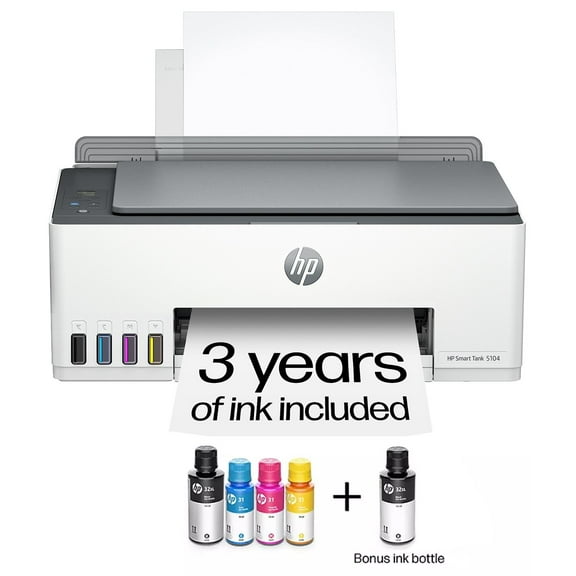
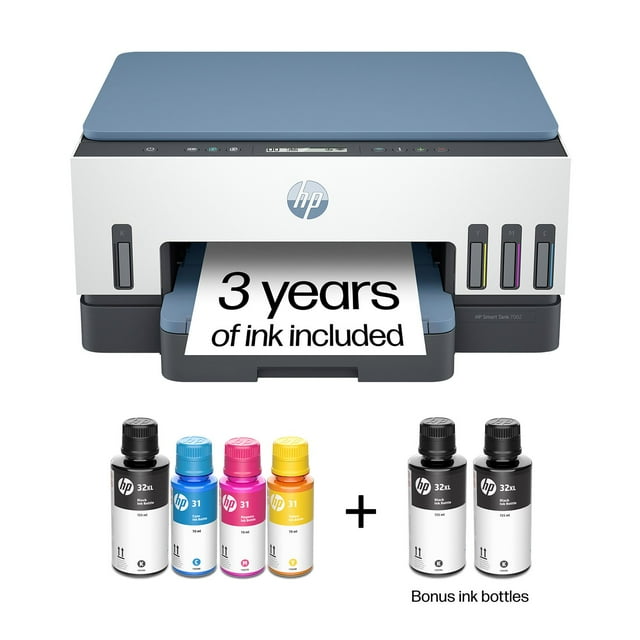
HP Smart Tank 7002 All-in-One Inkjet Printer, 2 Bonus Black Ink Bottles
Item # 990301166
Current price is USD$319.00
Max 5 per order.
Prices may vary in club and online
Shipping
Free for Plus on eligible orders over $50
Columbus, 43215
Return or replace within 90 days.
Get a $30 statement credit¹ when you open an account 9/1-9/30/26 + learn how to earn 10% back on fuel for a limited time‡ See details
Smart summary
Generated by AI
- Versatile All-in-One: This cartridge-free, refillable tank printer offers printing, copying, and scanning. It is ideal for home office and small business, supporting low-cost, high-volume output.
- Extended Ink Value: Includes 3 years of Original HP Ink, providing up to 8,000 color or 18,000 black pages for prolonged, high-volume printing.
- Seamless Wireless: Features self-healing dual-band Wi-Fi for reliable wireless and mobile printing. The HP app enables quick setup and smartphone control.
- Efficient Print Speeds: Delivers 15 PPM black and 9 PPM color print speeds, with automatic 2-sided and borderless printing capabilities.
- Secure Refill System: Equipped with HP Wolf Essential Security for data privacy and an easy-access, spill-free refill system for clean ink replenishment.
- Intelligent Web Printing: Utilizes HP AI to precisely print web pages by removing unwanted content, ensuring accurate layouts and minimizing waste.
We also recommend

current price Now $129.99, Was $199.99
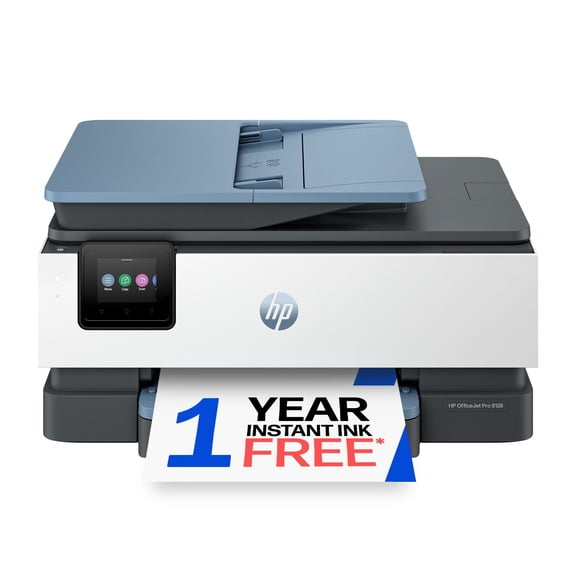
HP OfficeJet Pro 8128 Wireless All-in-One Inkjet Printer, 1 Year Instant Ink
4.1024 out of 5 Stars. 332 reviews
Sponsored

About this item
Member ratings & reviews
Most helpful positive review
7 customers found this helpful
5 out of 5 stars review
LOVE IT!
LESLIE
Most helpful negative review
1 out of 5 stars review
Verified Purchase
Too slow and not consistently working
Mike E
Originally posted on
hp.com
Most relevant
- 5 out of 5 stars review3/4/2026My epson home office printer constantly gave me nothing but trouble. Paper jams, ink issues, etc. Decided to make the switch to HP. So glad I did! Set up was quick %26 easy. It's been smooth sailing ever since. No paper jams, no ink quality issues...NO ISSUES. So pleased with this printer.
LOVE IT!
LESLIE - 5 out of 5 stars review3/23/2026Don't listen to anyone about connectivity of this printer. The setup was SUPER EASY! Downloaded the app. Connected it to my wifi and the printer was ready to use in minutes. Super simple instructions. Must buy! (and no: neither HP or Sam's club paid me for this review)
Absolutely amazing Printer. Superb print quality
SERGEY - 5 out of 5 stars reviewVerified Purchase9/8/2026I was a little nervous about dealing with the ink bottles, but setup was honestly so easy and not messy at all. I’ve been really happy with the printer so far. Everything was simple to get up and running, and I really like the HP app and how intuitive it is to use. I also print on a lot of smaller paper sizes, especially 4x6 and 5x7 cards, as well as 5x7 photo paper, and it’s all been really easy to figure out and switch between. Overall, it’s been super user-friendly and has handled everything I’ve wanted to print without any hassle.
Easy Setup, No Mess, Great for Different Paper Sizes
Jess S.Originally posted onhp.com - 5 out of 5 stars reviewVerified Purchase8/26/2026My old HP printer was giving me problems, likely due to system upgrades and the fact that it was getting old! I decided to try an ink tank printer and the HP Bot suggested this one. My husband and I set it up. It took very little time although we had to use the electrical cord from our old printer in order to plug it in. The new one wouldn't go into the port on the printer. After solving that dilemma, the rest was easy. I have had no trouble with it since. It does double sided printing beautifully and print quality is excellent.
Reliable Printer
Originally posted onhp.com - 4 out of 5 stars reviewVerified Purchase9/4/2026I love that the set up of my new Hp 7000 was fairly easy. I did stumble a bit as I went along, but I got it done. I love that it prints well and uses less ink that traditional cartridge printers. I am impatient, however, because it seems that I have to always go to Printers and Scanners in my computer, then to the printing preferences for this printer to check the settings, such as portrait or landscape, color, or size of paper, each time before I can print something. I am unable to do that from the print menu when I am trying to print something. This whole process takes extra time. Also, when I open a document on my computer, it seems to take extra time to connect with the printer before I can start creating my document. It's just e...
Great Printer!
RhondaOriginally posted onhp.com